



Turn Excel® into a project management tool.
Add structure to your spreadsheets with Lucen Plan. Build Gantt charts, schedule work, and track dependencies without leaving Excel.

Your project data is in Excel. Managing it is another layer.
Spreadsheets are great for organizing project data, but managing timelines, dependencies, and updates can quickly become complex. Lucen Plan adds the structure you need to plan, track, and manage work effectively, right inside Excel.

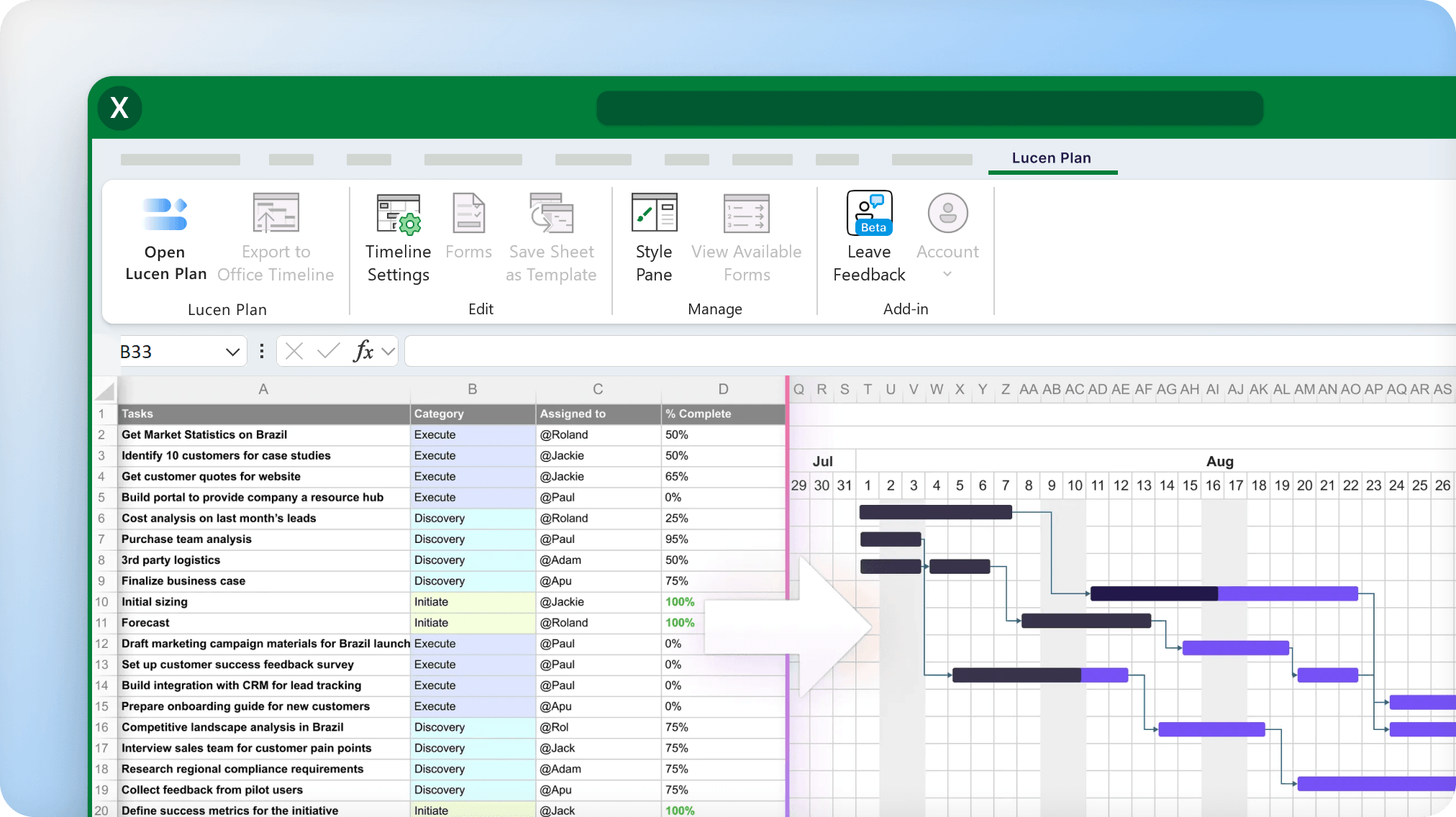
Build live Gantt charts that update as you edit.

Track dependencies and delays directly in Excel.
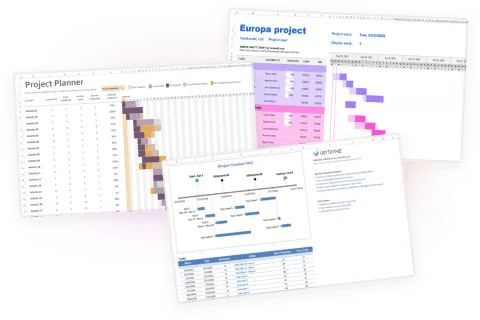
Keep one plan, no separate reporting version.
Built for day-to-day project and task management
Track progress, adjust timelines, and keep work aligned as projects evolve, all in the same place your data lives.
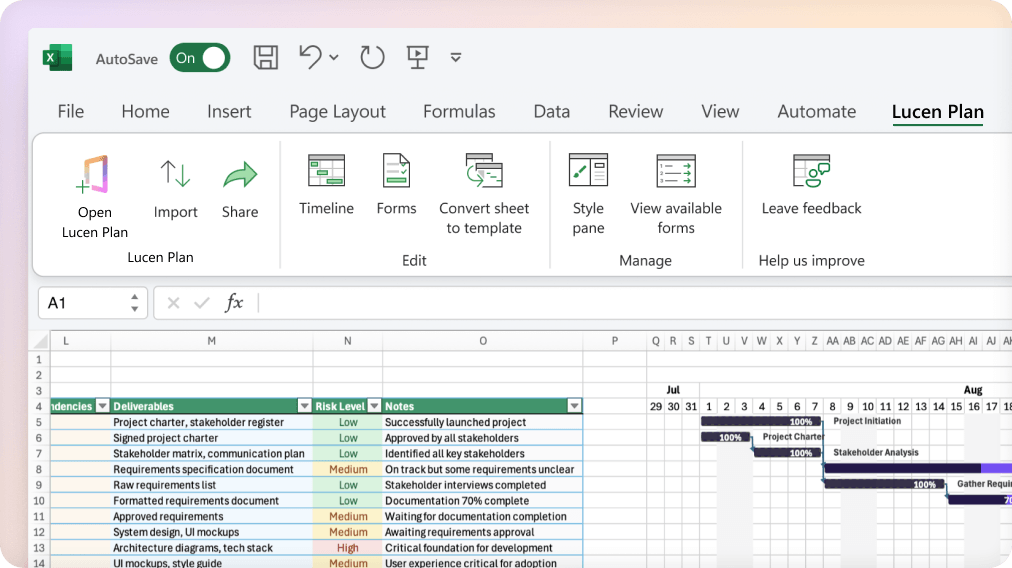
See your full project plan at a glance.
- Turn Excel data into a Gantt chart in seconds.
- View tasks, dependencies, and timelines in one place.
- Start from a template or use your existing structure.
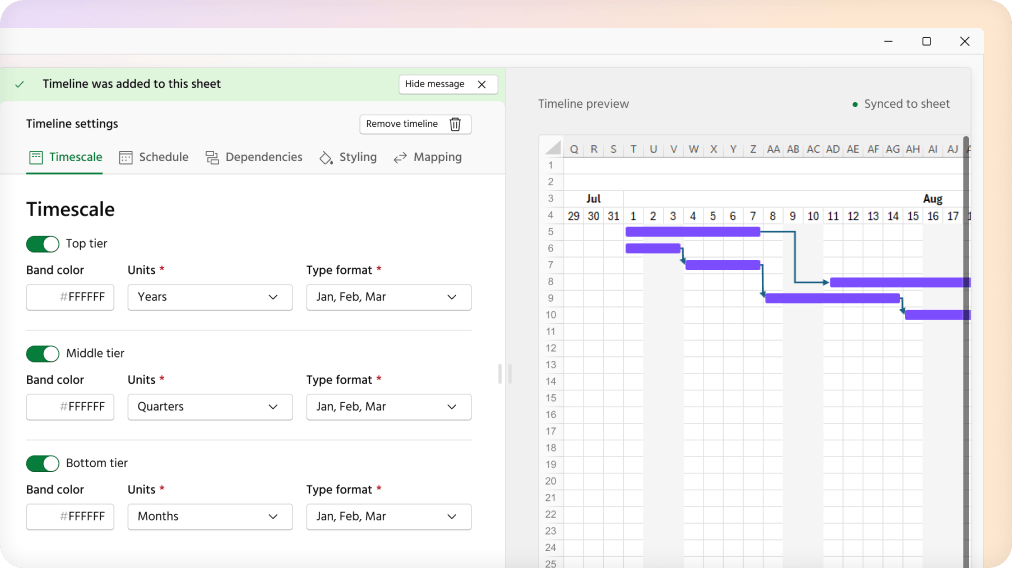
Update once. Everything stays in sync.
- Change a date and your Gantt updates instantly.
- Add, connect, and rearrange tasks in a few clicks.
- Keep timelines aligned as plans evolve.
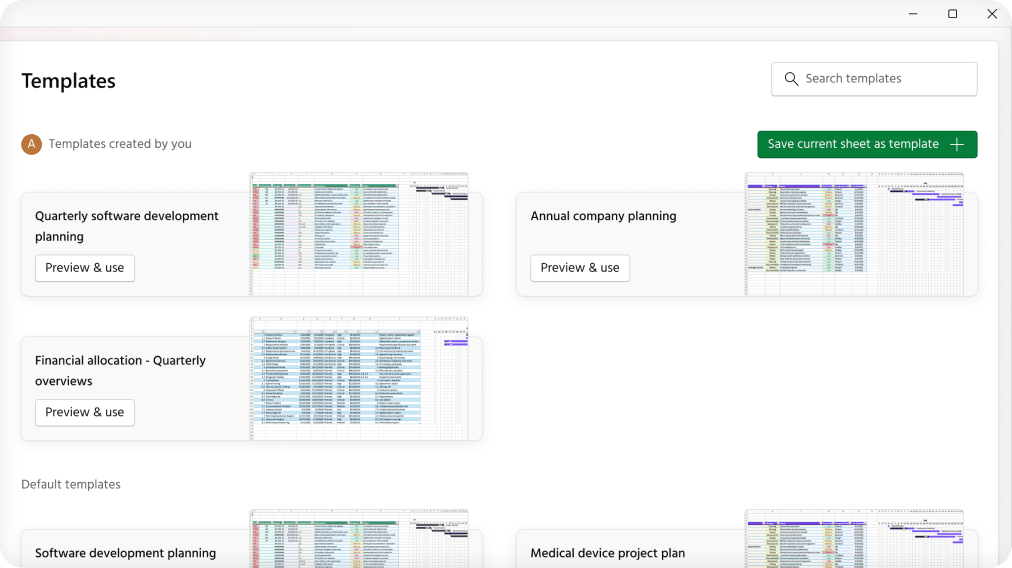
Share progress without extra work.
- Filter by owner, status, or date to see what matters.
- Use templates to keep every team member on the same format.
- Share plans directly from Excel, always up to date.
Everything you need to manage projects in Excel.
Stay in Excel. Manage everything.
Lucen Plan gives project managers the visibility and control they need to deliver on time, without leaving Excel. It works on Windows, macOS, and Office 365. No new tools to learn, no data to move, no separate reporting version to maintain.
Frequently asked questions.
Office Plan is now Lucen Plan. The product has not changed. Lucen Plan, formerly Office Plan, continues as a beta planning tool, now as part of the Lucen Software product suite.
Yes. Plan is now Lucen Plan. The name is new. Your access and experience remain the same.
Lucen Plan is a visual project management add-in for Excel currently available as a beta product. It is part of Lucen Software's integrated product suite, which helps teams bring planning, tracking and communication together to turn complex work into clear, presentation-ready communication inside Microsoft 365.
Lucen Plan is available as a direct download at lucensoftware.com/products/plan.
Yes. Lucen Plan is continuing as a beta product under Lucen Software. Your access and experience remain the same.
No. Your access and experience as a Lucen Plan beta user are not changing as part of the transition from Plan to Lucen Plan.

One plan. Fully managed in Excel. Always up to date.
You will be redirected shortly. If not, click here to continue.
