


Turn project complexity into clarity with purpose-built features
From Swimlanes and dependencies to multiple timescales and branded themes, Lucen Timeline gives you the features to transform even the most complex project data into clear visuals leadership can act on.
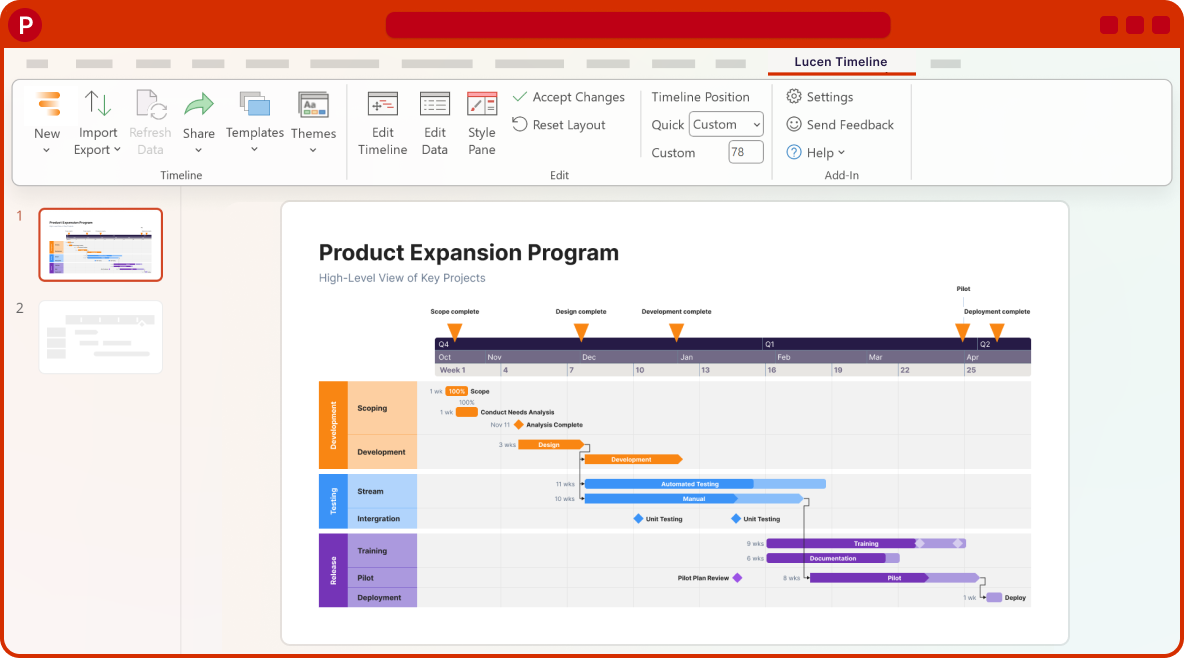
Plan, present, and update. Without rebuilding slides
Lucen Timeline's features work together to help you structure plans, sync data, and communicate progress with confidence, right inside PowerPoint.
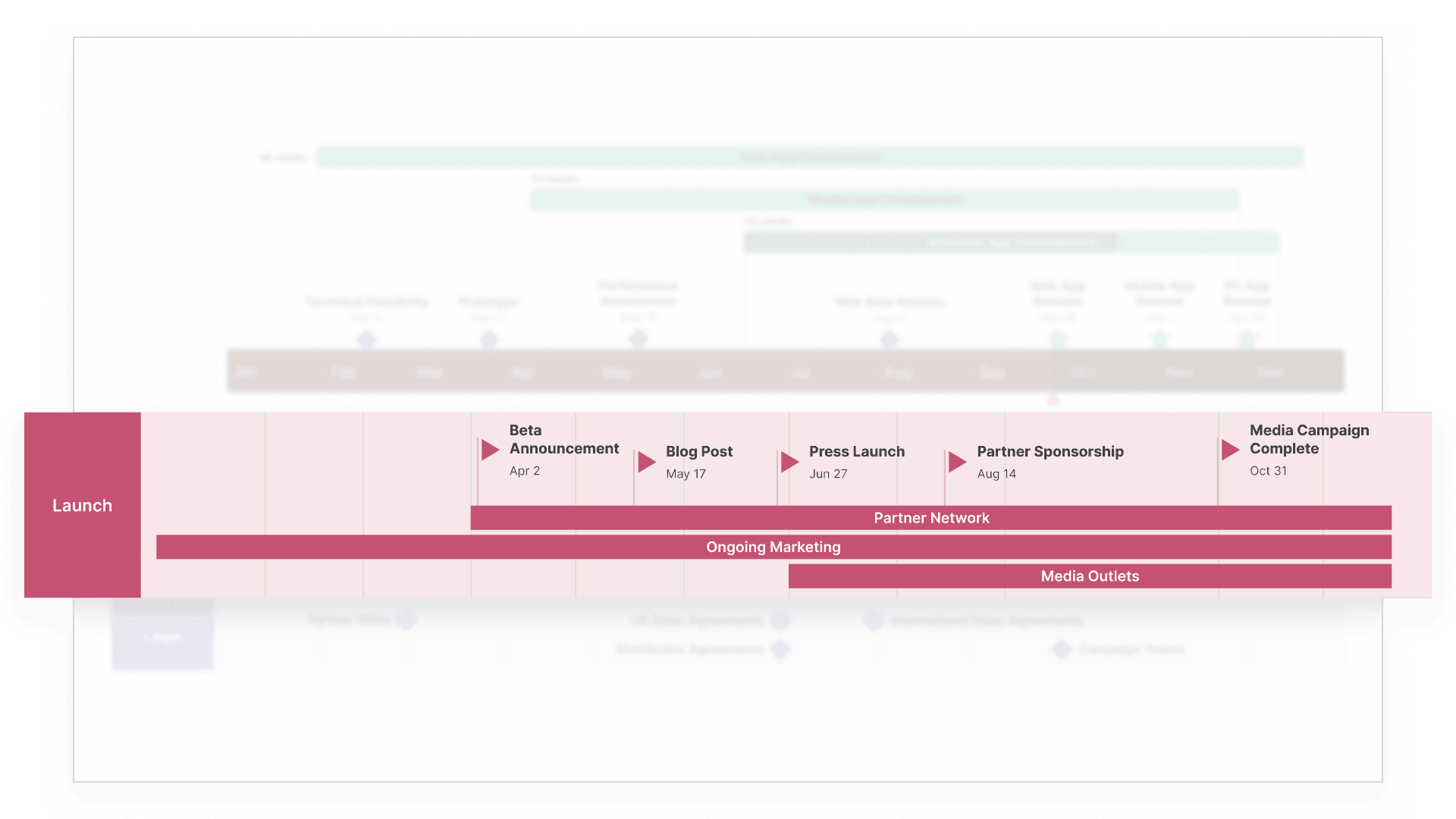
Structure even the most complex plans
Organize parallel workstreams, nested initiatives, and shifting timescales so every plan stays easy to follow, no matter how many moving parts it has.
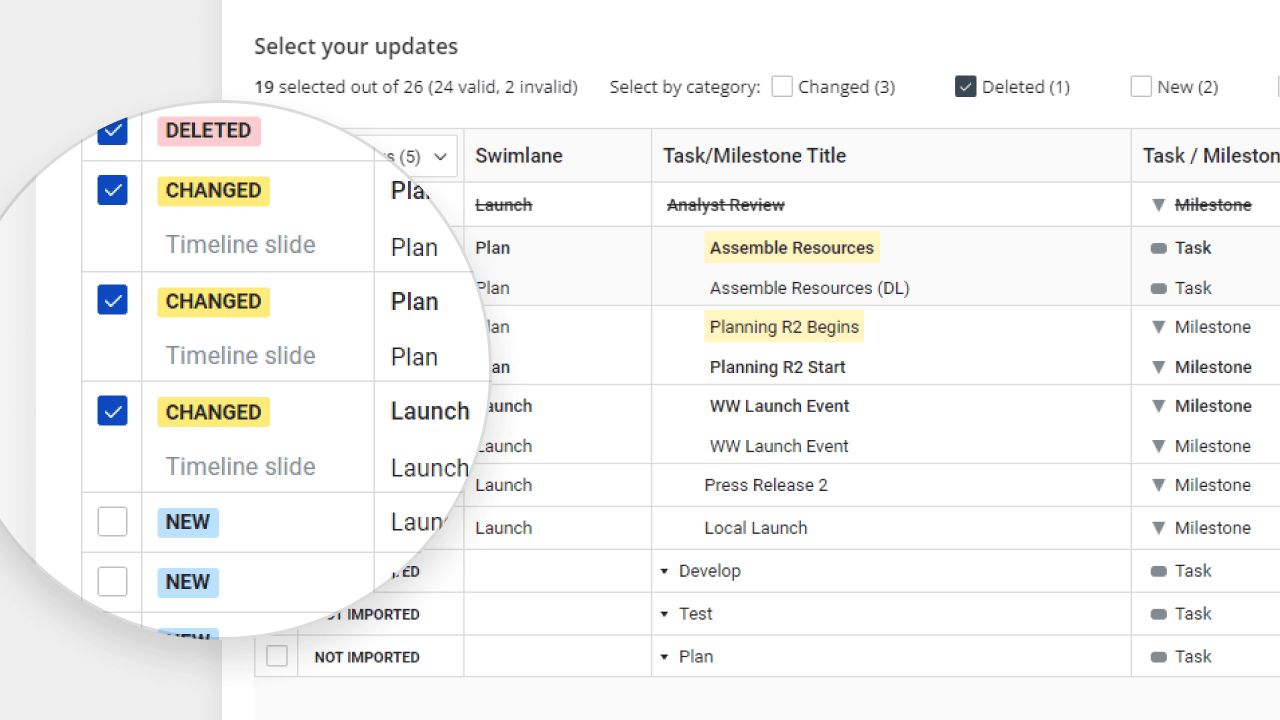
Keep visuals connected to live data
Import directly from the tools you already use, then refresh in a click as plans evolve. Your timelines stay accurate without manual rework.
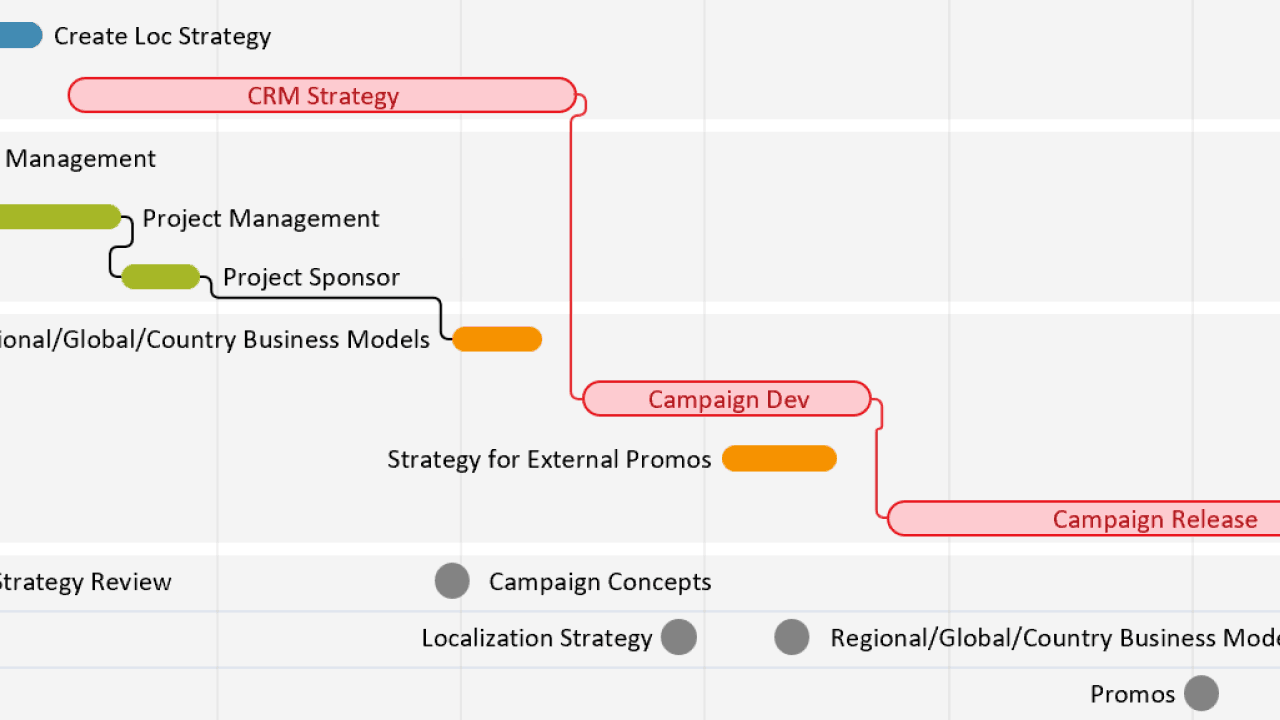
Communicate progress with confidence
Surface dependencies, the critical path, and planned vs. actual progress so leadership sees what matters and decides faster.
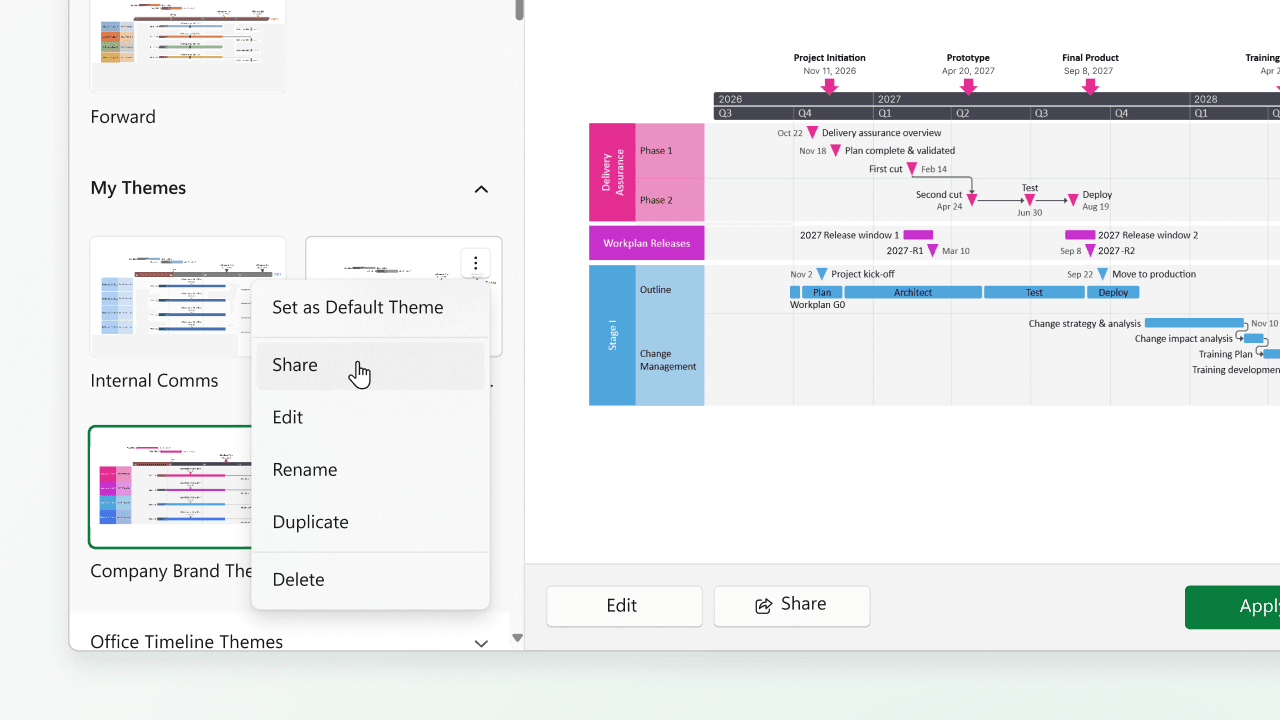
Maintain consistency across every team
Apply branded themes and ready-made templates to every plan so reporting stays consistent, professional, and on-brand from individual contributor to PMO.
Explore every Lucen Timeline feature
Each feature is designed to help you turn project data into clear, executive-ready visuals, inside PowerPoint or in your browser.

Tasks & Milestones
Define goals and track progress with ease. Map out tasks, set milestones, and keep your project moving forward with clear, structured timelines.

Swimlanes
Bring structure to complex workflows. Organize tasks, teams, and phases into clear visual sections that simplify collaboration and project tracking.

Sub-swimlanes
Break down complexity with layered clarity. Add depth to your timelines by structuring projects with nested lanes for a clear hierarchy of tasks and initiatives.

Multiple Timescales
View your project from every angle. Display different time perspectives on one timeline, from big-picture strategy to daily execution, for more flexible planning.

Dependencies & Critical Path
Visualize task relationships and optimize scheduling. Easily connect dependencies and identify the critical path to ensure on-time project delivery.

Planned vs. Actual
Bring clarity to shifting timelines. Instantly show how actual progress compares to your original plan with side-by-side visuals that help teams stay aligned and stakeholders approve changes faster.

Import Data
Easily integrate your project data from Excel, MS Project, and other tools to instantly generate polished, presentation-ready visuals.


Real teams, real results

Ready to build clearer, faster timelines?
Start using Lucen Timeline's full feature set to turn complex plans into executive-ready visuals.