


Make your timelines uniquely yours with Custom Themes
Transform your project visuals into branded masterpieces that capture attention and reflect your professional style.
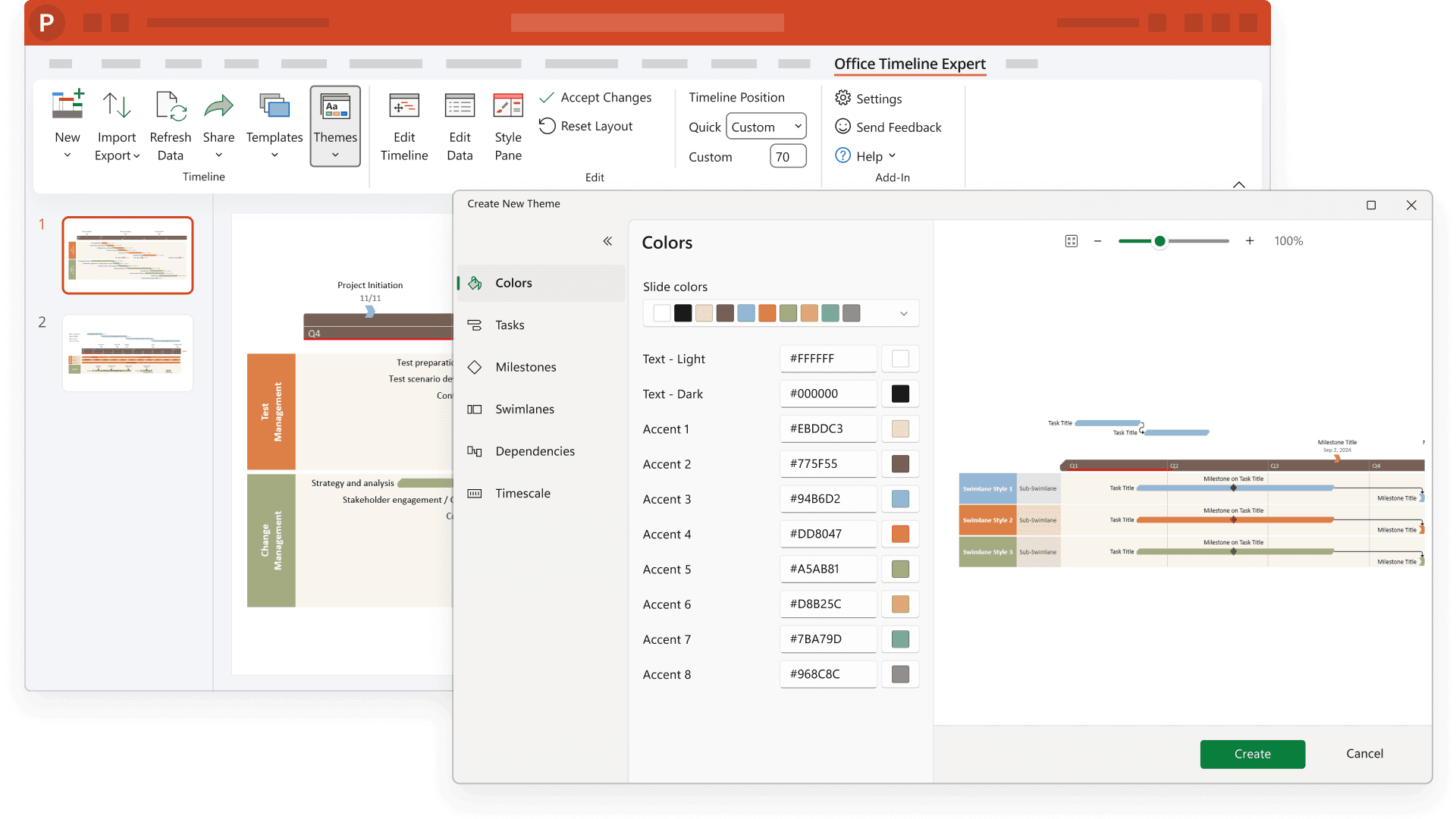
Instantly professional, effortlessly consistent
Custom Themes help you maintain branding, save formatting time, and ensure consistency across every project timeline.
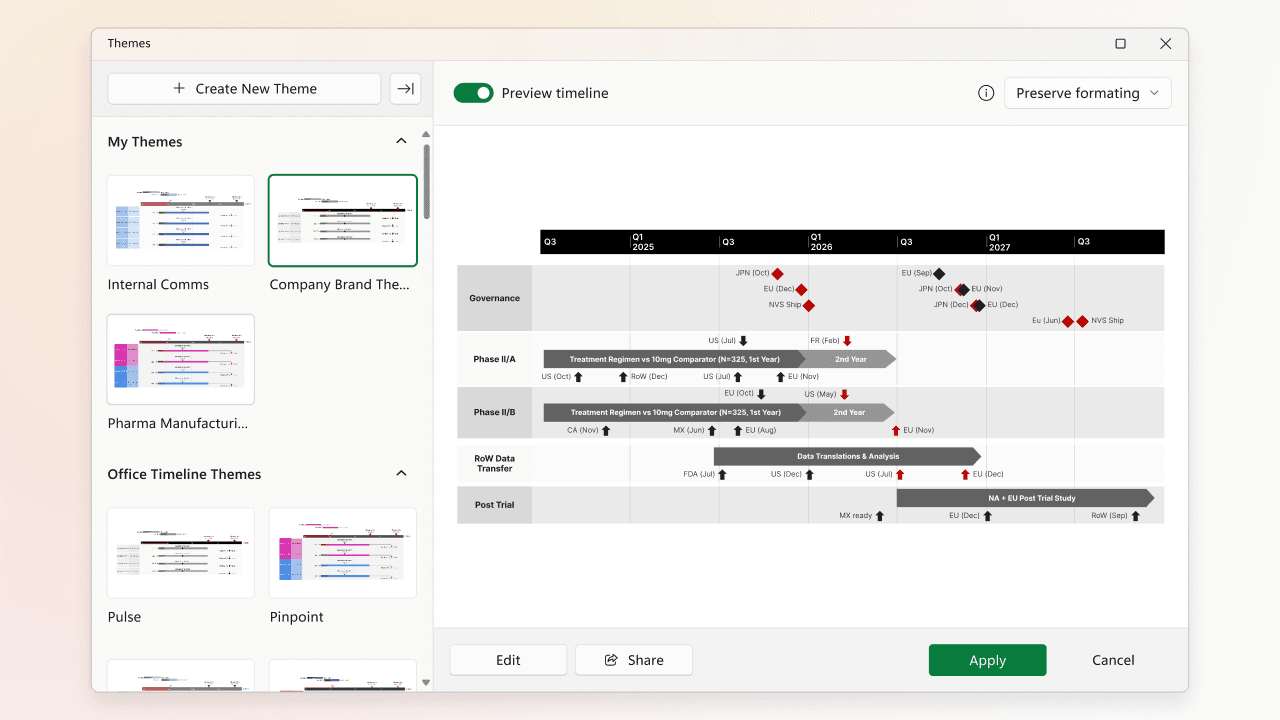
Brand your projects in seconds
Your timelines should speak your company's visual language. Custom themes let you capture your brand's unique style – from colors and fonts to shapes and spacing – and apply it consistently across all your project visuals with a single click.
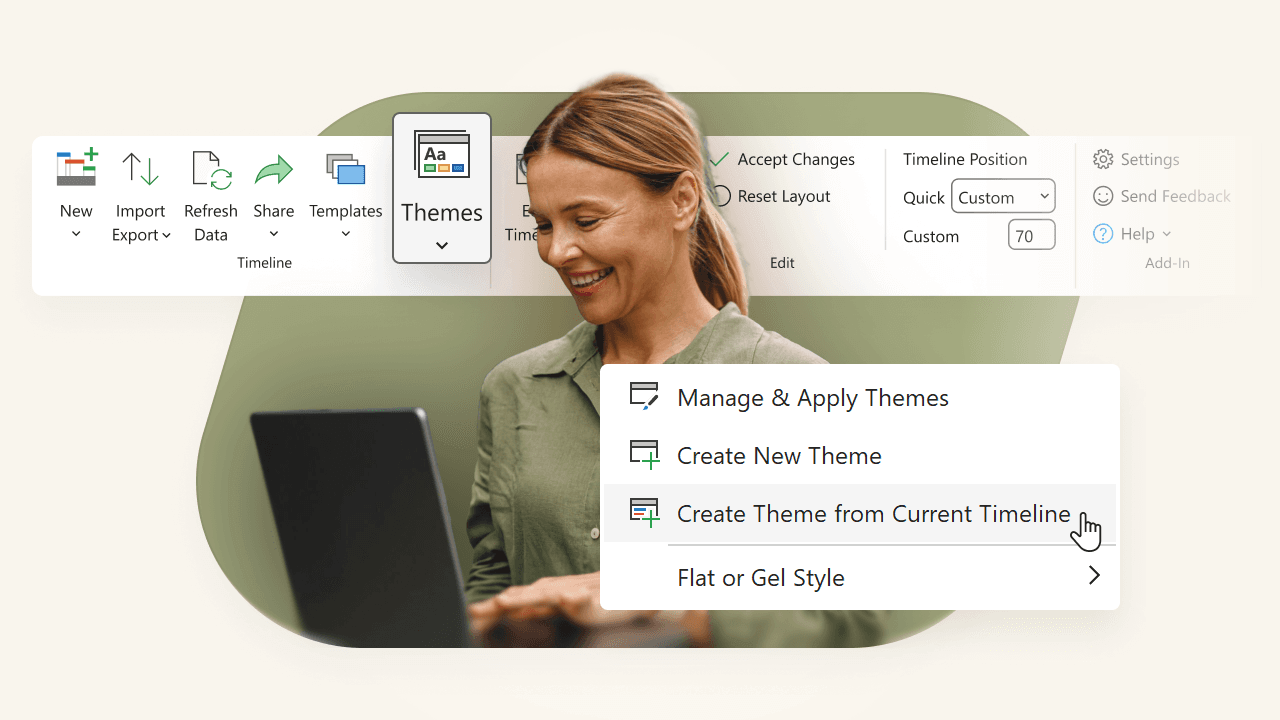
Save hours of manual formatting
Wave goodbye to tedious timeline formatting. Save your perfect look as a custom theme and apply it instantly to new projects. Your presentations will maintain their professional polish without the endless tweaking.
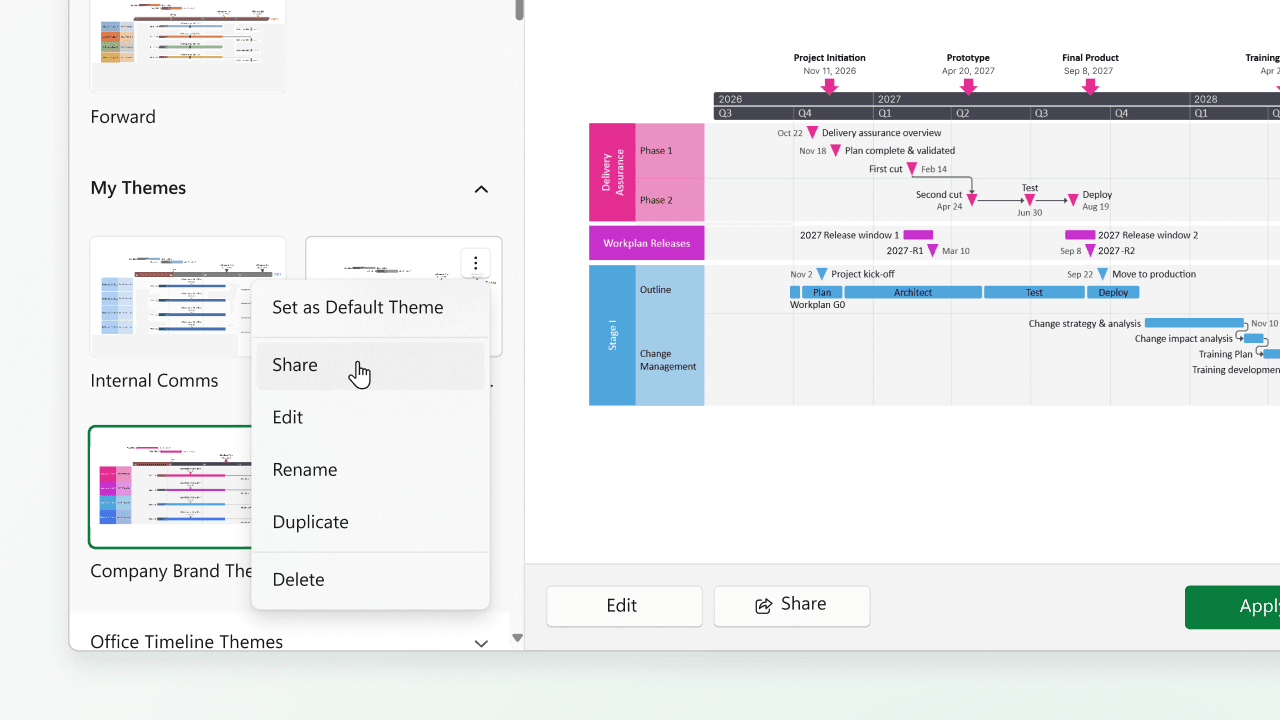
Share your vision consistently
Whether you're managing one project or twenty, custom themes ensure every timeline maintains your signature style. Help your team create cohesive, professional project visuals that impress at every level.
Design timelines that leave a lasting impression
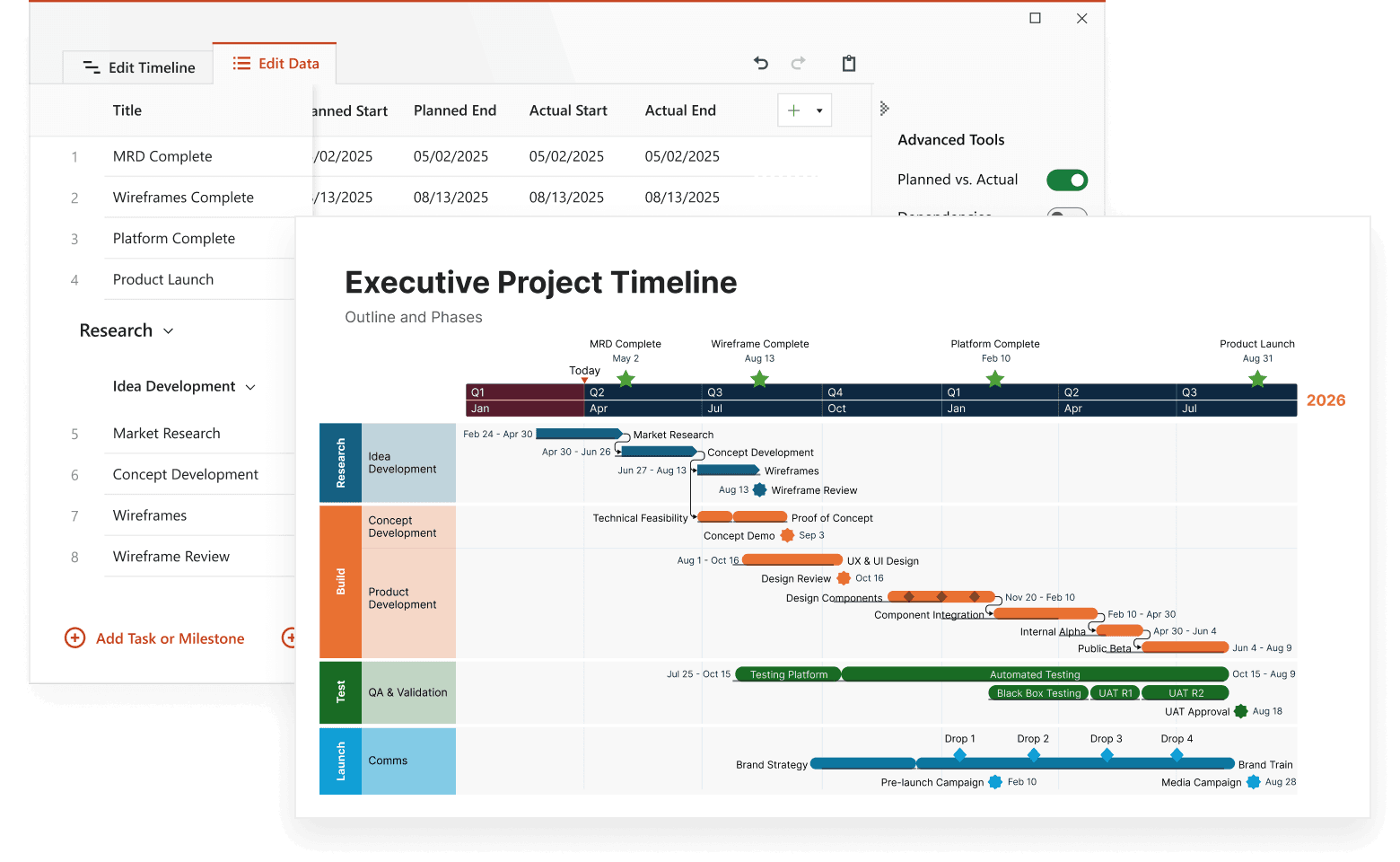
See how Custom Themes enhance clarity, branding, and adaptability across different project views.

Create your signature style
Craft themes that perfectly match your organization's visual identity. Customize every element – from milestone shapes to swimlane gradients – and save them as your personal collection of professional looks.

Build multiple theme libraries
Different audiences need different styles. Develop separate themes for executive presentations, team planning sessions, client meetings, and internal reviews. Switch between them effortlessly as you move from one context to another.

Ensure brand compliance
Share approved themes across your organization to maintain visual consistency. Help every team member create perfectly branded timelines that meet your company's standards, regardless of their design experience.

Adapt to any scenario effortlessly
Dark mode for virtual presentations? High-contrast for printouts? Building theme variants for different use cases ensures your timelines look stunning in any setting.
Ready to give your timelines a professional makeover?
Start using Custom Themes to create branded, polished project visuals effortlessly. Design your perfect theme with Lucen Timeline.
Common questions about Custom Themes
Every visual aspect is yours to perfect – colors, fonts, shapes, spacing, borders, backgrounds, and more. Your theme can be as simple or detailed as you need, ensuring every timeline element aligns with your vision.
Absolutely! Enter your exact color codes or choose from our professional palettes. Your brand colors will be right at your fingertips whenever you create a new timeline.
Whether you're creating Gantt charts, swimlane views, or milestone timelines, your custom themes adapt beautifully. Each theme understands how to apply your styling choices across different project visualization types.
Share your carefully crafted themes with colleagues to ensure everyone creates consistent, professional timelines. No more wondering if your team's presentations will match – custom themes handle the formatting automatically.
Refine your project visuals with these additional tools

Swimlanes
Bring structure to complex workflows. Organize tasks, teams, and phases into clear visual sections that simplify collaboration and project tracking.


Multiple Timescales
View your project from every angle. Display different time perspectives on one timeline, from big-picture strategy to daily execution, for more flexible planning.

Ready-made Templates
Start faster with proven structures. Use pre-built timeline templates designed for various industries and workflows to save time and standardize planning.

Dependencies & Critical Path
Visualize task relationships and optimize scheduling. Easily connect dependencies and identify the critical path to ensure on-time project delivery.

Planned vs. Actual
Bring clarity to shifting timelines. Instantly show how actual progress compares to your original plan with side-by-side visuals that help teams stay aligned and stakeholders approve changes faster.

Import Data
Easily integrate your project data from Excel, MS Project, and other tools to instantly generate polished, presentation-ready visuals.

Sub-swimlanes
Break down complexity with layered clarity. Add depth to your timelines by structuring projects with nested lanes for a clear hierarchy of tasks and initiatives.

Tasks & Milestones
Define goals and track progress with ease. Map out tasks, set milestones, and keep your project moving forward with clear, structured timelines.