

Map and manage your processes directly in PowerPoint®.
Build and update flowcharts right on the slide you present from, with no exporting or rebuilding.
Your workflow evolves. Your flowchart doesn't keep up.
Most teams build flowcharts outside PowerPoint, then bring them back in as a static image they can't update. Lucen Flowchart removes that step. Every shape stays native and editable, right on the slide, so your team gets a clear, consistent visual they can follow, update, and trust, without leaving their workflow.
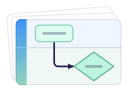
Build flowcharts in minutes — start from a ready-to-use template or a quick prompt to Lucen AI.
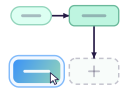
Update any step or decision instantly, right on the slide, as native, fully editable shapes.
.svg)
Keep formatting consistent, no matter how often things change.
Built for process mapping inside PowerPoint
Plan, refine, and share processes with precision. Adjust steps as work evolves, maintain structure as complexity grows, and keep every diagram accurate without rebuilding from scratch.
Map processes the way they actually work.
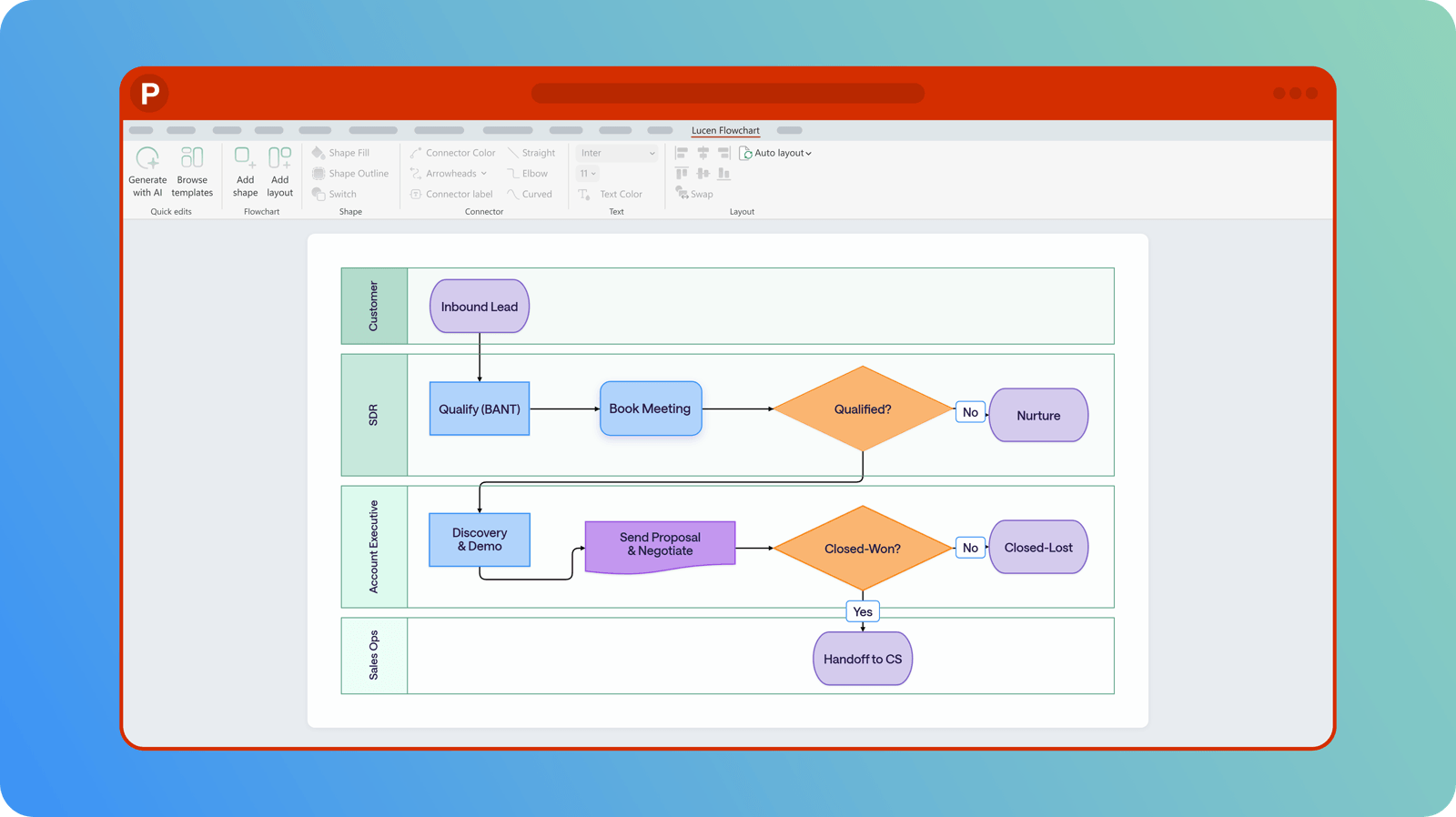
Visualize workflows, decision paths, and responsibilities in one place. Build process flows, decision trees, and swimlane diagrams as native, fully editable shapes you edit in place. Start from a template, prompt Lucen AI, or insert and connect your own shapes.
Refine processes without starting over.
Update any step, connector, or decision in seconds, right on the slide. Adjust flows as processes evolve without exporting, rebuilding, or switching tools. Keep documentation aligned with how work actually happens.
Standardize how teams document and share processes.
Apply consistent structure and formatting across all diagrams, since every shape stays fully editable and on-brand. Reuse templates to keep repeatable workflows on brand. Share process maps directly from the deck, no extra steps needed.
Every process you need, defined and easy to follow
Work where your processes already live.
Lucen Flowchart runs entirely inside PowerPoint. No extra apps, no account juggling, no exporting or rebuilding. It works on Windows with PowerPoint 2016 and newer, including Microsoft 365. Everything you build stays exactly where your team expects to find it.
Frequently asked questions.
Office Flowchart is now Lucen Flowchart. The product has not changed. Lucen Flowchart, formerly Office Flowchart, continues as a beta diagramming tool, now as part of the Lucen Software product suite.
Yes. Office Flowchart is now Lucen Flowchart. The name is new. Your access and experience remain the same.
Lucen Flowchart is a PowerPoint-native diagramming tool currently available as a beta product. It builds flowcharts as native, fully editable shapes you can update right on the slide, and Lucen AI can draft the first version for you from a quick description. It is part of Lucen Software's integrated product suite, which helps teams turn complex work into clear, presentation-ready communication inside Microsoft 365. Lucen Flowchart helps teams map, update, and share processes clearly, without rebuilding diagrams or switching tools.
Lucen Flowchart is available as a direct download at lucensoftware.com/products/flowchart.
Yes. Lucen Flowchart is continuing as a beta product under Lucen Software. Your access and experience remain the same.
Most flowchart tools bring diagrams in as static images or objects you can only edit in a separate app. Lucen Flowchart builds every shape natively, so you can keep mapping and updating your process directly on the slide.
No. Your access and experience as a Lucen Flowchart beta user are not changing as part of the transition from Office Flowchart to Lucen Flowchart.

Map, update, and share processes your team can actually follow, without switching tools.

Your download should start now. If it doesn't start click here and check your inbox for tips to get started.