


Kick off your projects with free PowerPoint templates.
Get started fast with ready-to-use, fully editable templates – built to help you manage projects, streamline reporting, and visualize your data in minutes.


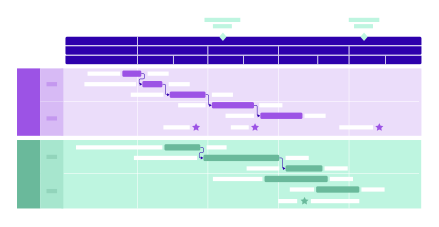

Choose templates by project goal.
Start with a template built for your specific needs. These categories help you manage your work more clearly – whether you're mapping a plan, coordinating resources, or reporting progress.





Explore templates by type or source.
Looking for a specific visual format or something outside the box? These collections offer even more flexibility – whether you want a classic timeline, a roadmap, or a creative approach from our user community.


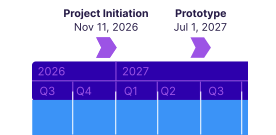

How to use and customize your template

Take your templates further with Lucen Timeline.
Want more control? Lucen Timeline (formerly Office Timeline) gives you everything you need to build polished visuals – right inside PowerPoint. Go beyond manual edits and unlock advanced features that save time and boost clarity:
Drag & drop editing directly in PowerPoint;
Custom themes for consistent, on-brand visuals;
Clear progress view with Planned vs. actual tracking;
Intuitive data imports from Excel, Jira, Smartsheet, and more.
Smart visuals. Professional results.
No design work.

Fast setup
Save time with templates that are ready to use.
Easy updates
Quickly edit and update everything in PowerPoint.
Polished look
Impress clients and execs with clean, clear visuals.

Flexible formats
Browse templates for any project, industry, or style.
Updating your template is simple and fast.
Use Lucen Timeline to quickly edit any template or build your own timeline, Gantt chart, or roadmap. Customize visuals, apply branded themes, and save layouts for future use – so you can work faster and present with confidence, right inside PowerPoint.
