


Optimize Jira workflows with Lucen Timeline
Visualize your Jira projects with high-level roadmaps that boost collaboration, clarify dependencies, and streamline decision-making.
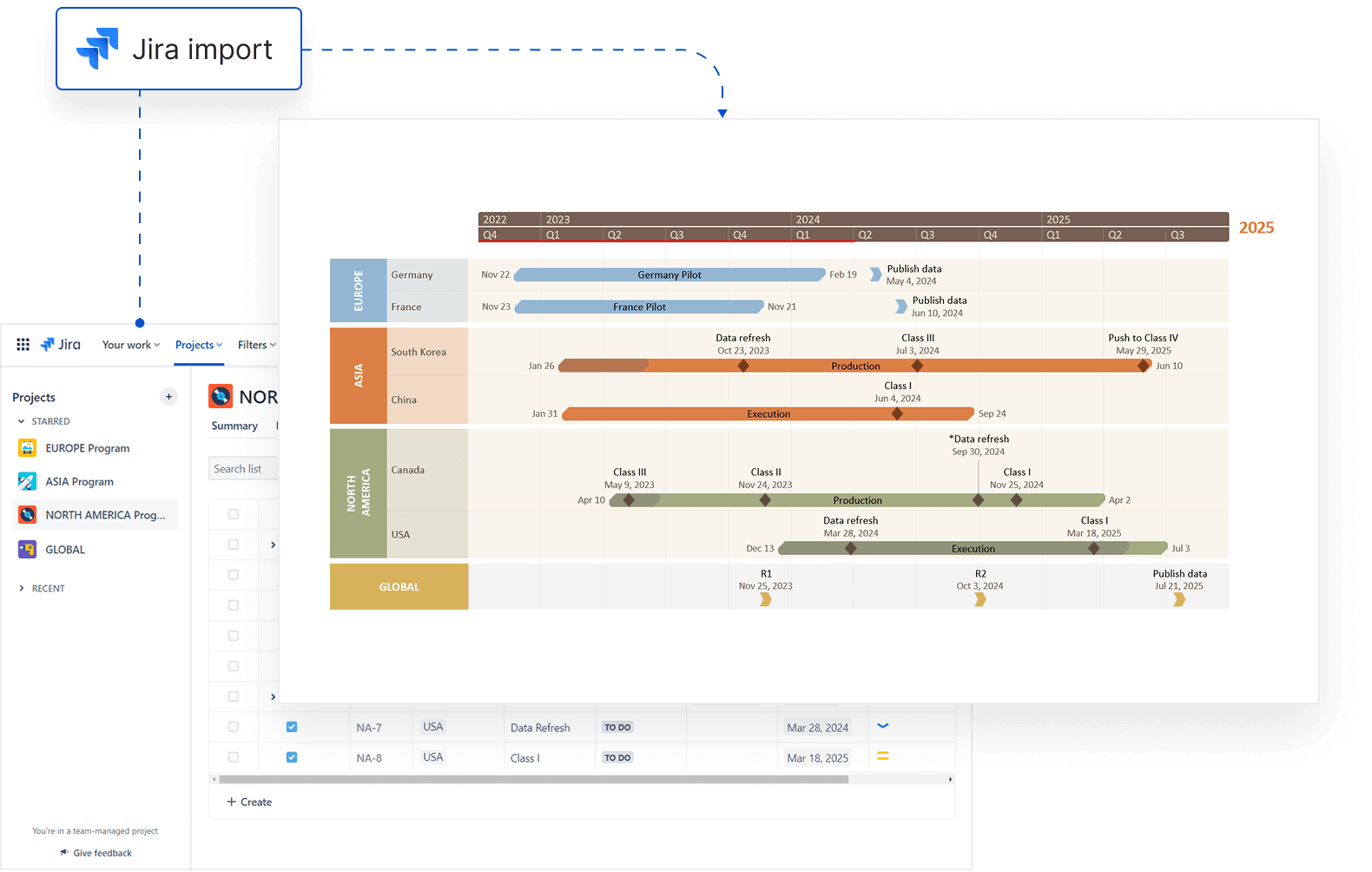
Drive project success with actionable roadmaps from Jira
Use Lucen Timeline to turn Jira processes into clear roadmaps that help teams prioritize tasks, collaborate effectively, and deliver results across various project management approaches.
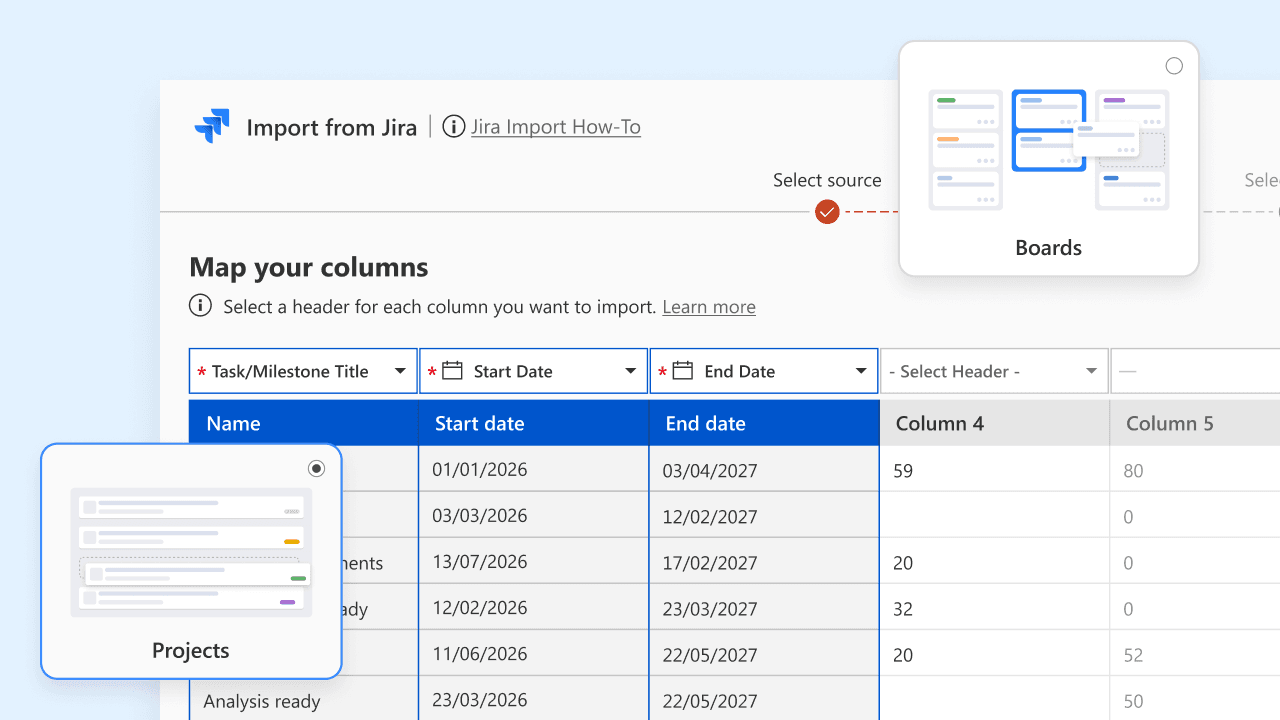
Import epics and sprints with ease
Quickly bring Jira sprints, tasks, and epics into Lucen Timeline to create structured, high-impact roadmaps in just minutes.
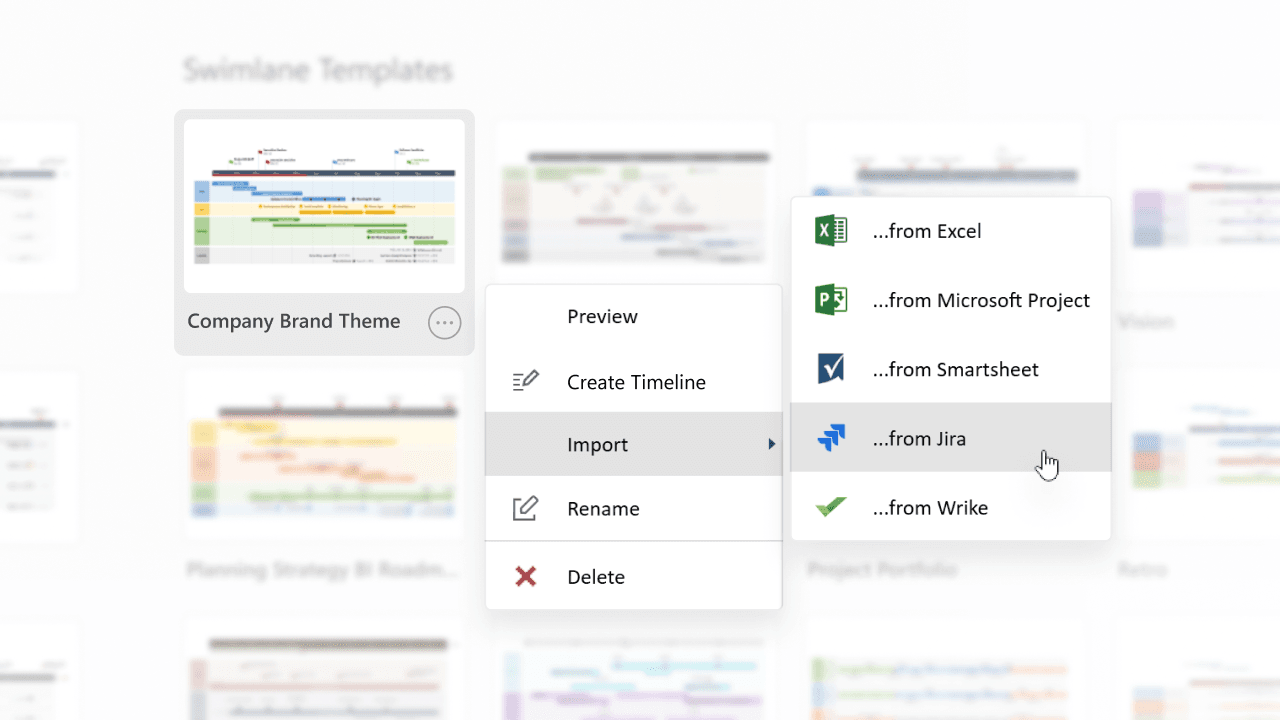
Save time with Agile-ready templates
Leverage templates designed for various teams to effectively present goals, progress, and achievements.
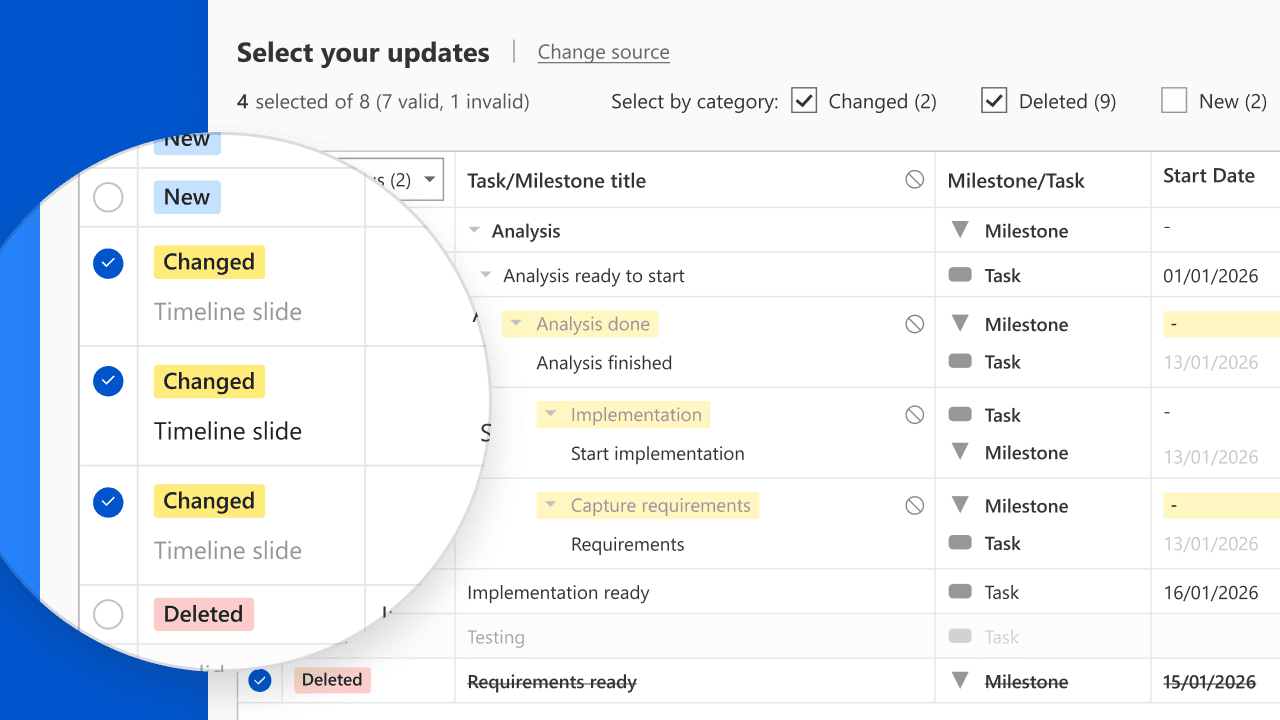
Stay on track with real-time sync capabilities
Automatically refresh your roadmaps with Jira updates to ensure teams and stakeholders are aligned and informed at every stage.
How Lucen Timeline supports your Jira projects
See how Lucen Timeline enhances Jira project visibility, making task tracking, dependency management, and workflow optimization effortless.

Communicate task progress
Visually summarize sprints and tasks to help stakeholders understand project status at a glance.

Highlight dependencies in real time
Map out dependencies in your Jira issues to quickly identify potential bottlenecks.

Streamline processes for informed decisions
Present complex workflows clearly to ensure alignment and effective collaboration across all project members.
Getting started with Jira integration
- Connect your Jira account: Link your Jira project board with Lucen Timeline.
- Select key issues and epics: Choose specific Jira items to include in your visual.
- Create Agile-focused roadmaps: Use templates to make data accessible to non-technical stakeholders.
Get the most out of Lucen Timeline’s integration with Jira
Explore these resources to maximize the value of your Jira and Lucen Timeline integration.

Import Jira data with ease
Follow our step-by-step guide to seamlessly bring Jira sprints, tasks, and epics into Lucen Timeline for clear, high-level timelines.

Keep your visuals updated effortlessly
Learn how to refresh your timelines automatically when Jira data changes, ensuring your visuals stay accurate and up to date.

Create roadmaps directly from Jira data
Learn to design compelling roadmaps from Jira data.
Maximizing team efficiency: Using Lucen Timeline collaboratively
Unlock the full potential of your team with Lucen Timeline! Discover how this visual project planner revolutionizes collaboration, streamlines workflows, and ensures project success. Read our latest blog post to learn practical tips on maximizing team efficiency through collaborative project management.
Get personalized training


Take your Jira projects to the next level
Experience how Lucen Timeline can improve collaboration, simplify reporting, and drive better decisions for your Jira projects.