



For Windows & PowerPoint
Download the free Timeline Add-In
Create timelines directly inside PowerPoint in just a few minutes.
*Installs in under a minute. No credit card required.
See system requirements
See system requirements

Downloading ...
Your download should start now. If it doesn't start click here and check your inbox for tips to get started.
Oops! Something went wrong while sending the form.
Get started in four simple steps
1
Download the add-in
2
Install in under a minute
3
Open PowerPoint and log in
4
Create your first timeline
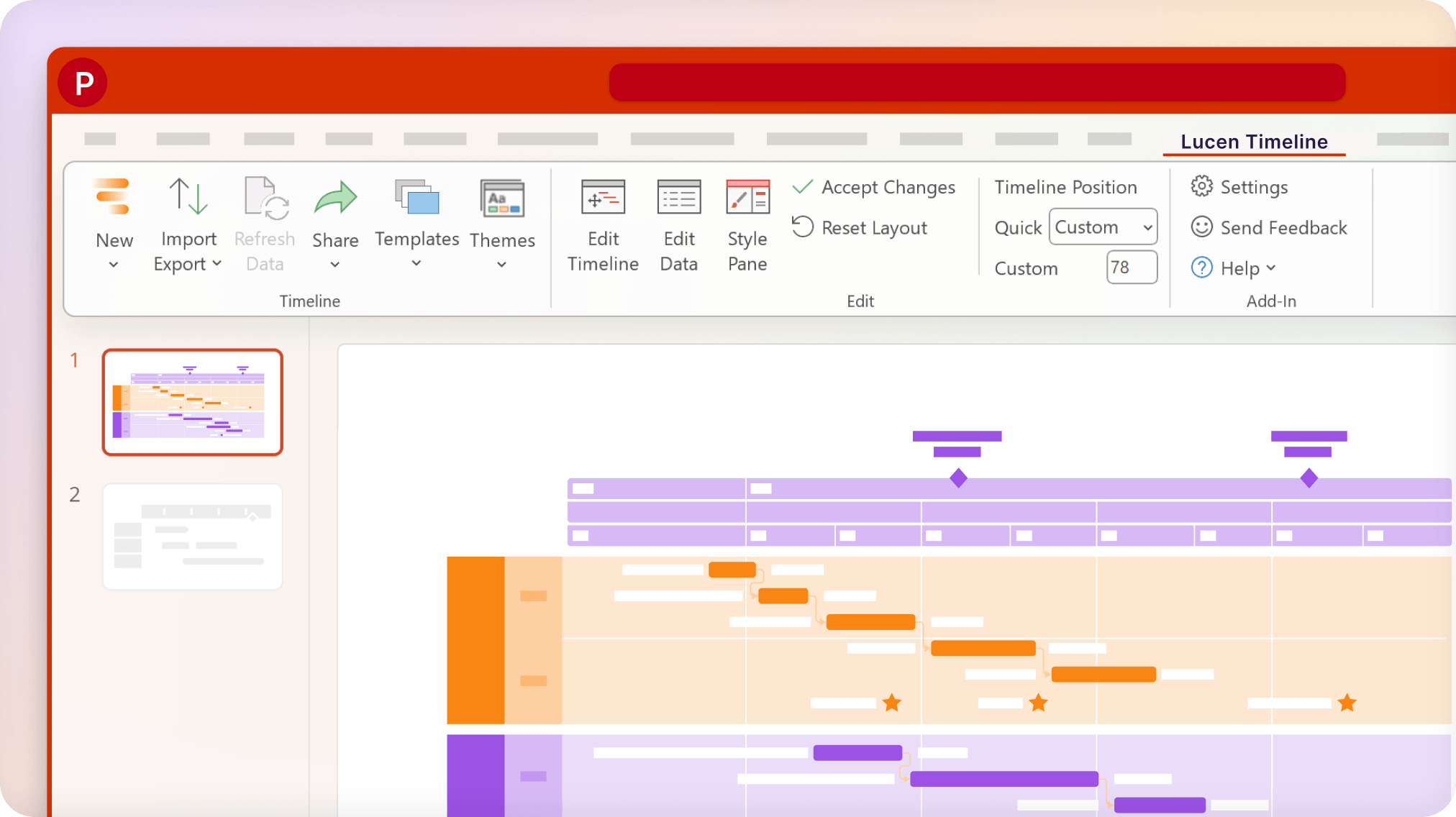
Built to work right inside PowerPoint
Timeline installs directly inside Microsoft PowerPoint on Windows. No switching tools. No exporting files.
Once installed, you can:
- Build timelines directly on your slides
- Copy & paste data from Excel
- Customize formatting instantly

upgrade anytime
Need more than the basics?
Paid plans unlock unlimited swimlanes, customized templates, and more. Start free and upgrade whenever your reporting needs grow.
Trusted by professionals worldwide