


Simplify project reporting with direct integrations
Effortlessly transform project management data from your favorite tools – Microsoft Project, Excel, Smartsheet, and more – into clear, high-level timelines and Gantt charts that streamline workflows and enhance strategic planning.
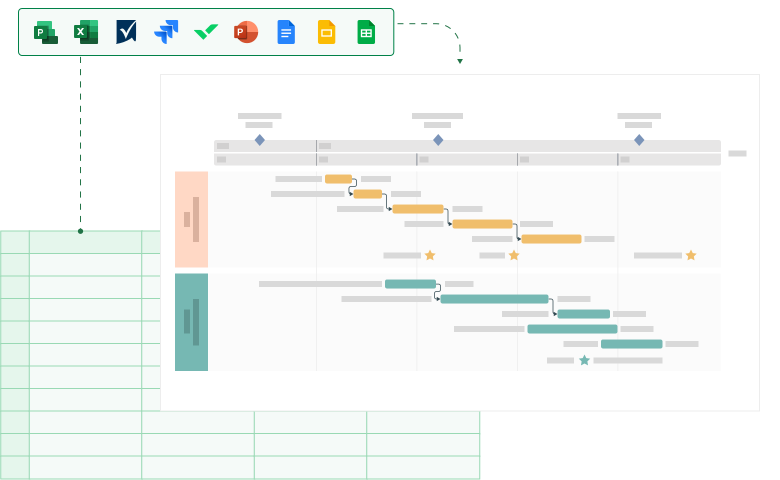
Bring clarity and impact to your project data
Automate and sync your data to create compelling, actionable visual summaries that simplify reporting and impress stakeholders.
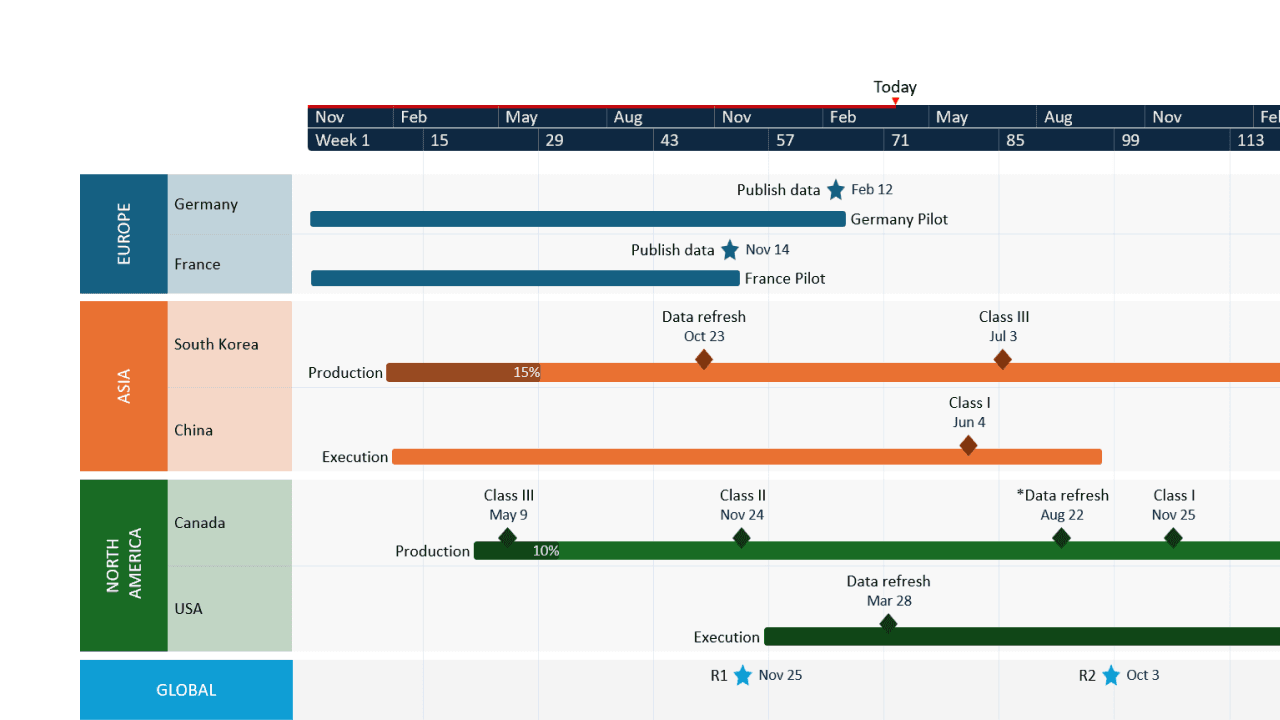
Turn data into dynamic timelines with ease
Create presentation-ready visuals directly from your project management tools. Import your data seamlessly and watch it transform into beautiful timelines, Gantt charts, and roadmaps.
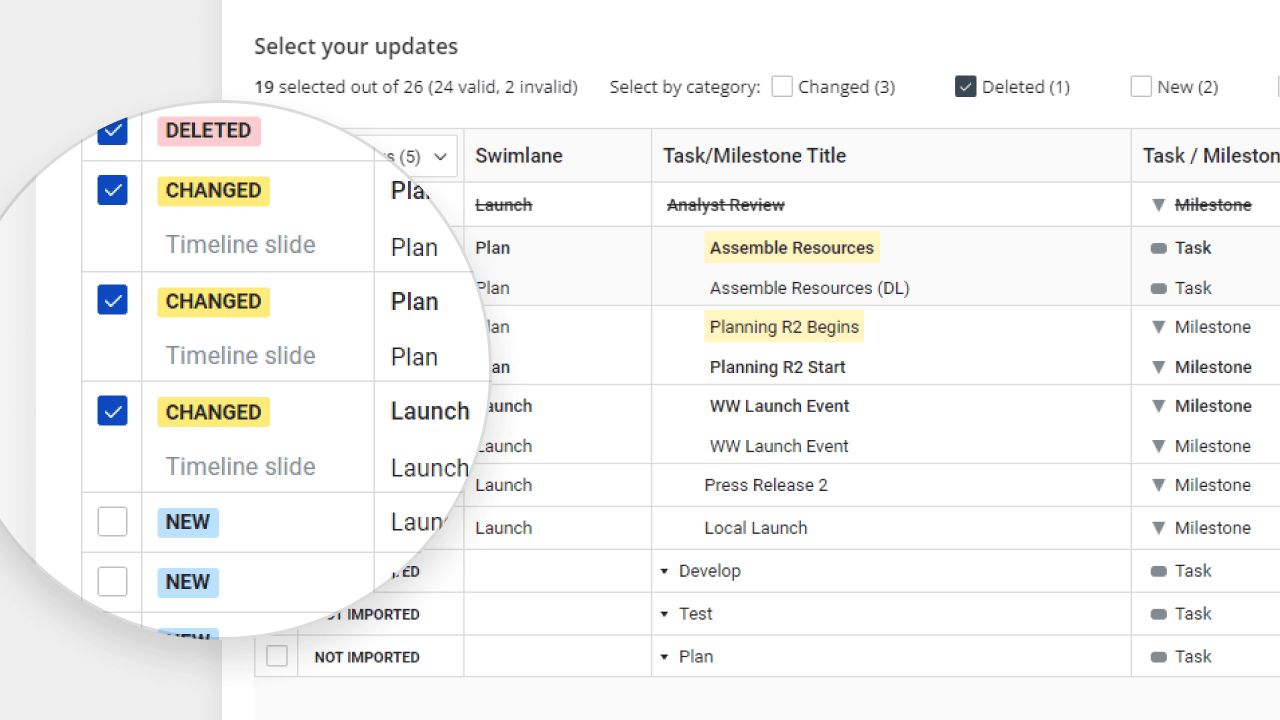
Keep your projects in sync
Quickly refresh existing plans with the latest project data using real-time sync capabilities. Say goodbye to outdated charts and reports.
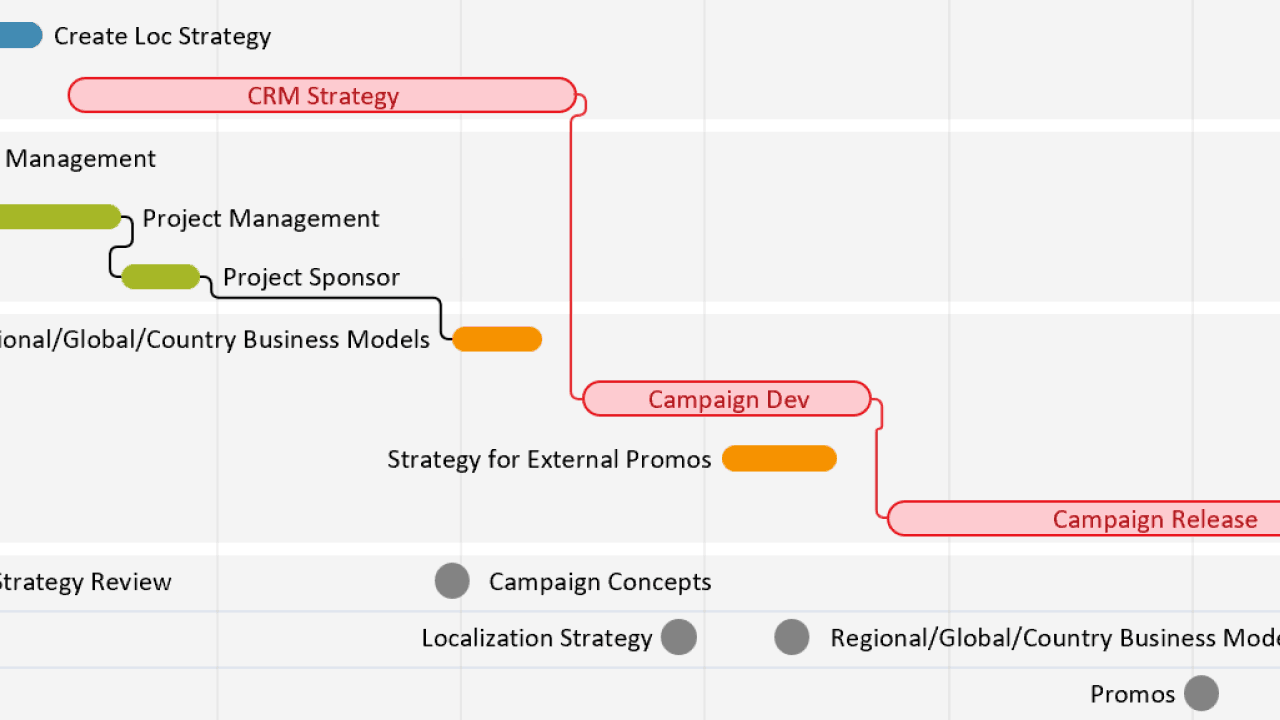
Improve planning, see clearer results
Stay on track with dynamic project tracking – visualize critical paths and dependencies in the add-in or assign tasks and set statuses in the web app. Keep teams and stakeholders aligned with clear, easy-to-understand roadmaps.
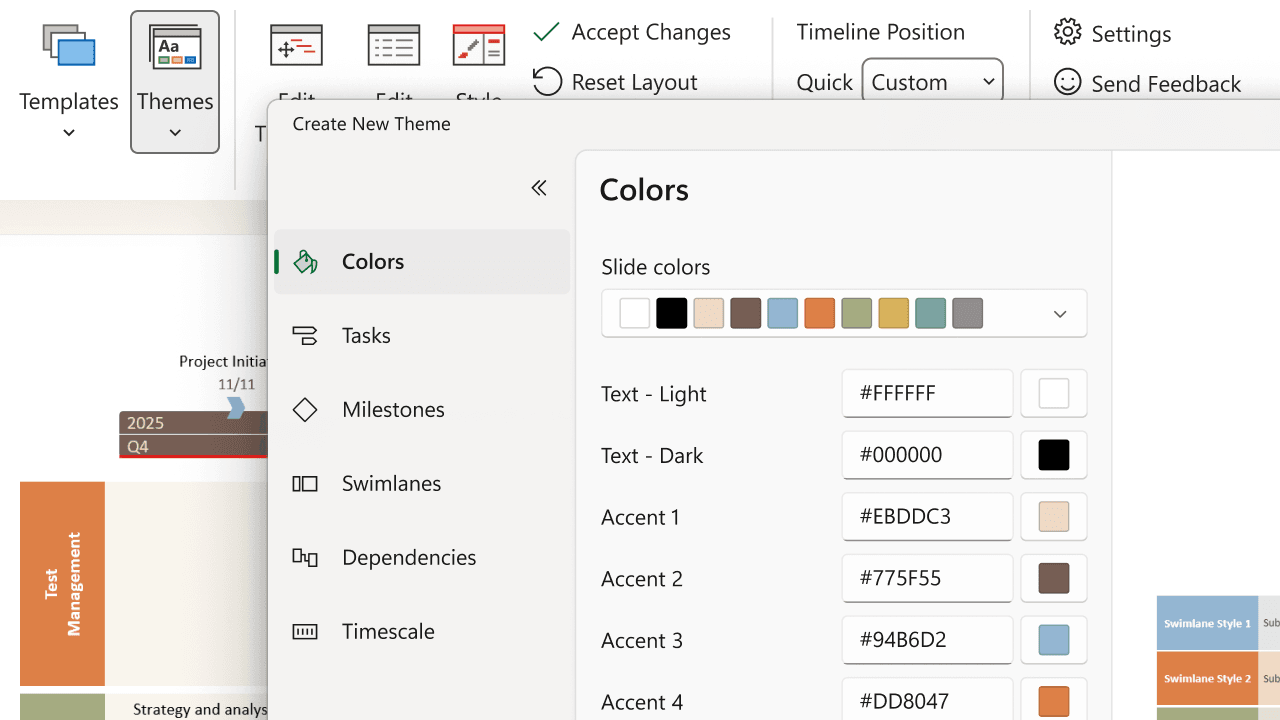
Customize for any workflow
Tailor your data presentations with flexible templates, rich styling options, and cohesive design features that help you adapt visuals effortlessly for different audiences and project needs.
Explore platform-specific integrations
Lucen Timeline integrates seamlessly with your favorite project management tools, turning data into impactful visuals and streamlining project workflows.

Microsoft Project
integration
Effortlessly communicate your Microsoft Project plans by importing tasks, milestones, and dependencies into Lucen Timeline, with real-time sync for detailed project tracking and updates.

Excel
integration
Transform your Excel sheets into stunning timelines by directly importing or pasting spreadsheet data into Lucen Timeline, keeping visuals current and eliminating manual formatting.

Smartsheet
integration
Quickly visualize Smartsheet projects by importing sheets into Lucen Timeline, with seamless sync to generate polished presentations for cloud-based collaboration.

Jira
integration
Streamline Agile workflows by bringing Jira tasks, epics, and sprints into Lucen Timeline, with automatic updates that keep up with continuous project tracking.

Wrike
integration
Efficiently manage projects by importing Wrike tasks to create clear, visual timelines in Lucen Timeline, ideal for remote teams needing real-time progress tracking.

PowerPoint
integration
Build and present timelines in PowerPoint with seamless data import from top project management tools. Automatically create Gantt charts, roadmaps, and portfolio slides – all within the presentation software professionals trust.

Google Docs
integration
Turn your Google Docs into decision-driving assets with Lucen Timeline. Keep communication and alignment on track with clear timelines that you and your team can collaborate on in real time – without leaving your workflow.

Google Slides
integration
Insert and update timelines directly in Google Slides, streamlining workflows and enabling real-time collaboration. Scalable for enterprise teams, this integration provides Google Workspace users with seamless access to professional timeline tools.

Google Sheets integration
Build timelines directly from Google Sheets to simplify project tracking and keep stakeholders aligned. Designed for real-time updates and cross-app workflows, this integration helps teams turn spreadsheet data into clear, actionable visuals across Google Workspace.
What our users are saying

Ready to create impactful project visuals?
Start transforming your project data into clear timelines with our powerful integrations.