


Bring dynamic, up-to-date project visuals to Google Slides™
Easily insert and refresh professional Gantt charts and timelines in Google Slides to keep presentations polished and stakeholders aligned. Save time on reports, enhance communication, and foster better collaboration with the latest project updates.
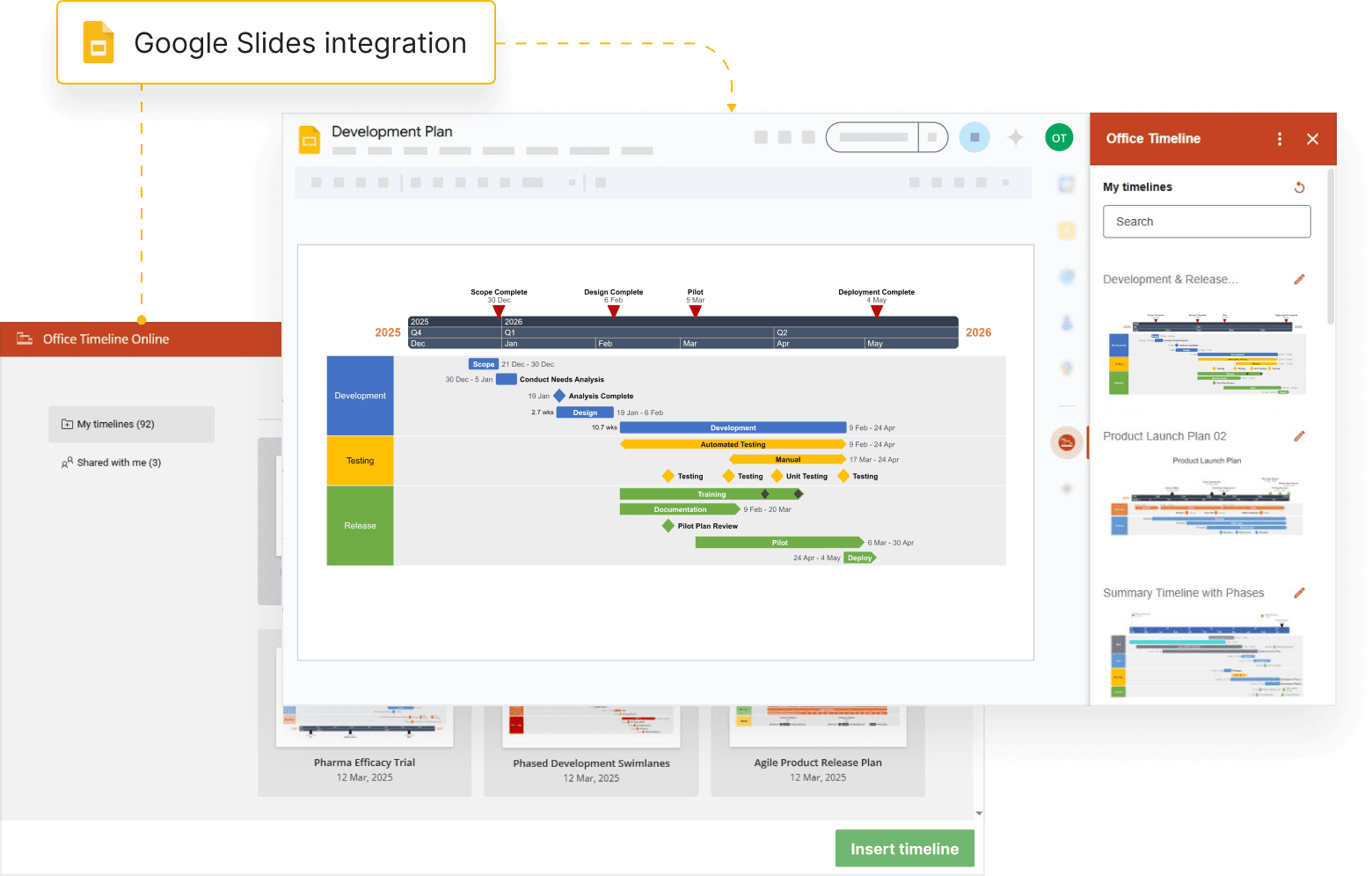
Add structure and depth to your project slides
With Lucen Timeline Online, your Google Slides presentations become a dynamic source for clear, up-to-date project insights.
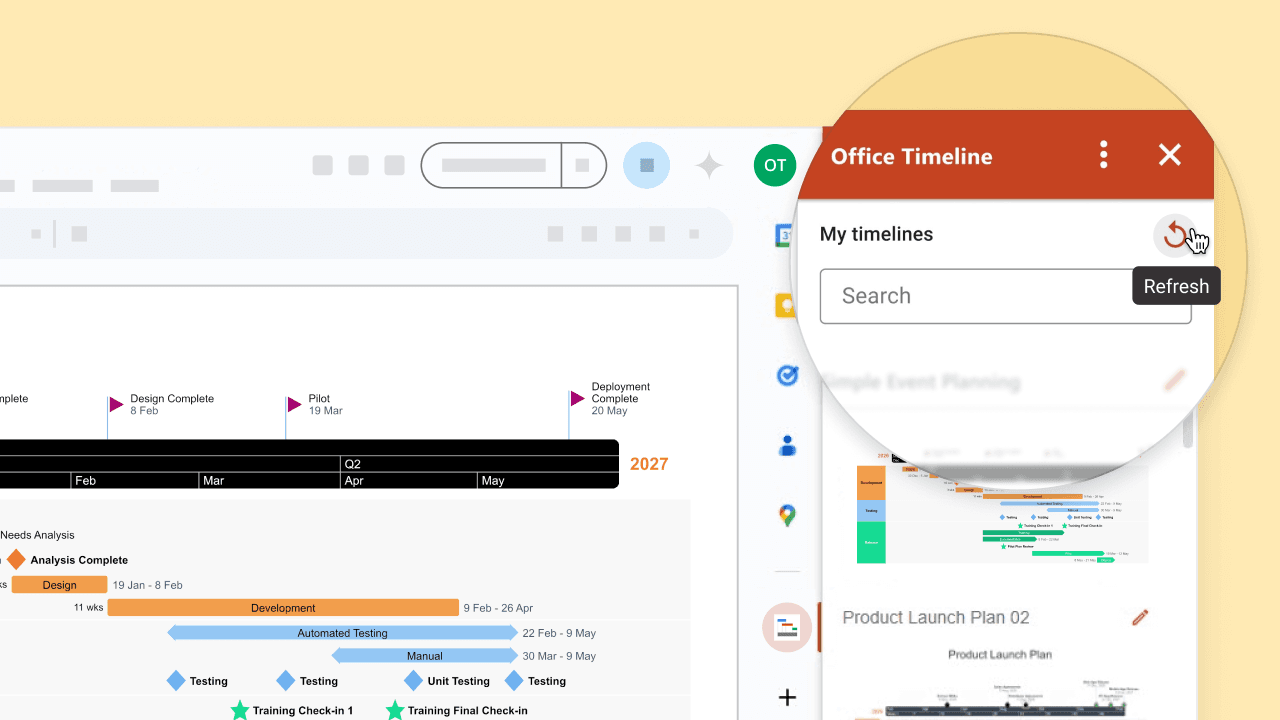
Share real-time updates directly in Google Slides
Keep your shared timelines current and accurate with one-click refresh between Google Slides and Timeline Online, so teams always stay informed.
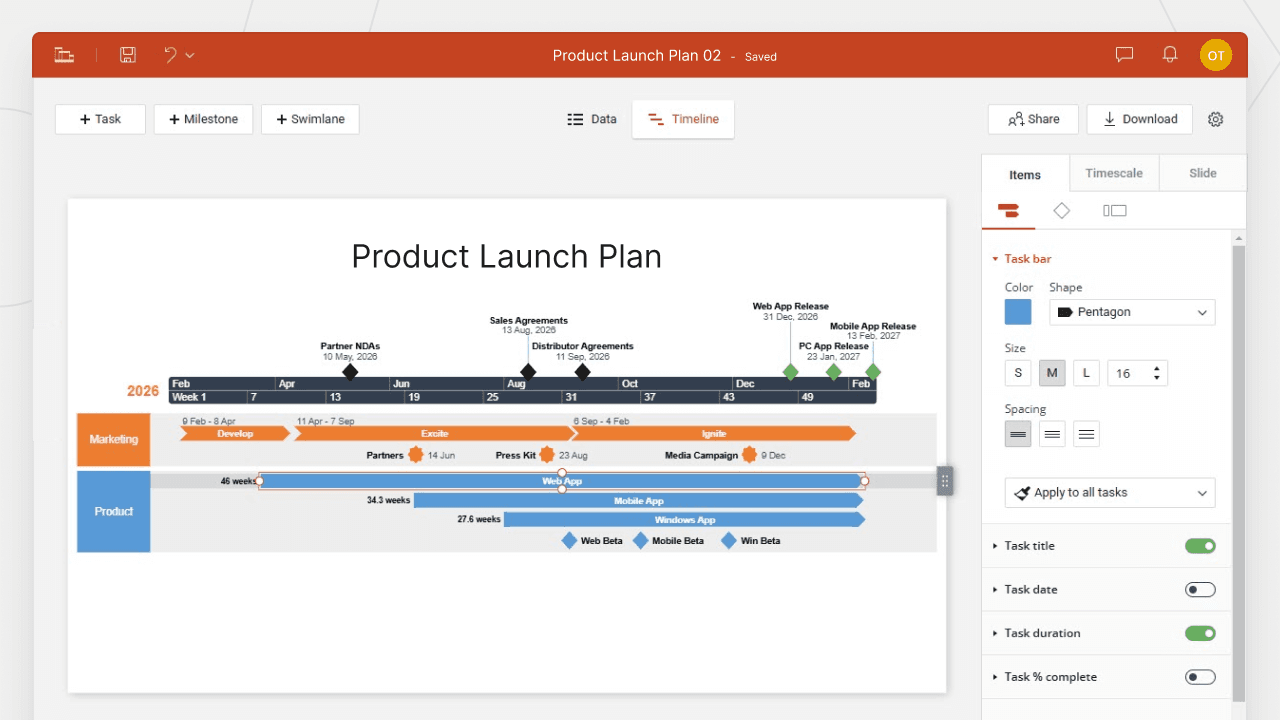
Structure data efficiently with advanced Gantt & timeline tools
Complement your Google Slides with high-impact visuals that display swimlanes, timescales, and milestone markers. Lucen Timeline Online helps you present complex projects in a structured, easy-to-understand format – ideal for reports, strategy meetings, and planning sessions.

Speed up timeline creation with templates & data imports
Save time with ready-made templates and seamless data imports. Quickly generate sleek, presentation-ready visuals that you can refine, update, and share – all without spending hours on formatting.
How Timeline Online adds value to Google Slides
From seamless updates to enhanced project visibility, here’s how Timeline Online makes Google Slides a powerful tool for project communication.

Collaborate better with shared timelines
Turn static slides into interactive project visuals. Easily insert and update timelines in Google Slides and share them with your team, enhancing collaboration and keeping everyone aligned on project goals.

Streamline reporting with one-click refresh
Reflect the latest changes with a single click. Instantly update project timelines in Google Slides, ensuring reports are always accurate, consistent, and decision-ready.

Present clear timelines that drive decisions
Use Timeline Online’s professional templates and planning tools to create sleek, well-structured visuals in Google Slides – perfect for executive reviews, marketing roadmaps, or project status meetings.
Getting started with the Google Slides integration
- Ensure you have a Lucen Timeline Online account set up.
- Install the Timeline app from Google Workspace Marketplace™ .
- Go to Google Slides, expand the side panel on the bottom right to open Lucen Timeline, and click Login.
- Select your timeline, and it will insert directly into your slide.
For a detailed walkthrough, check out our step-by-step guide on setting up the integration.
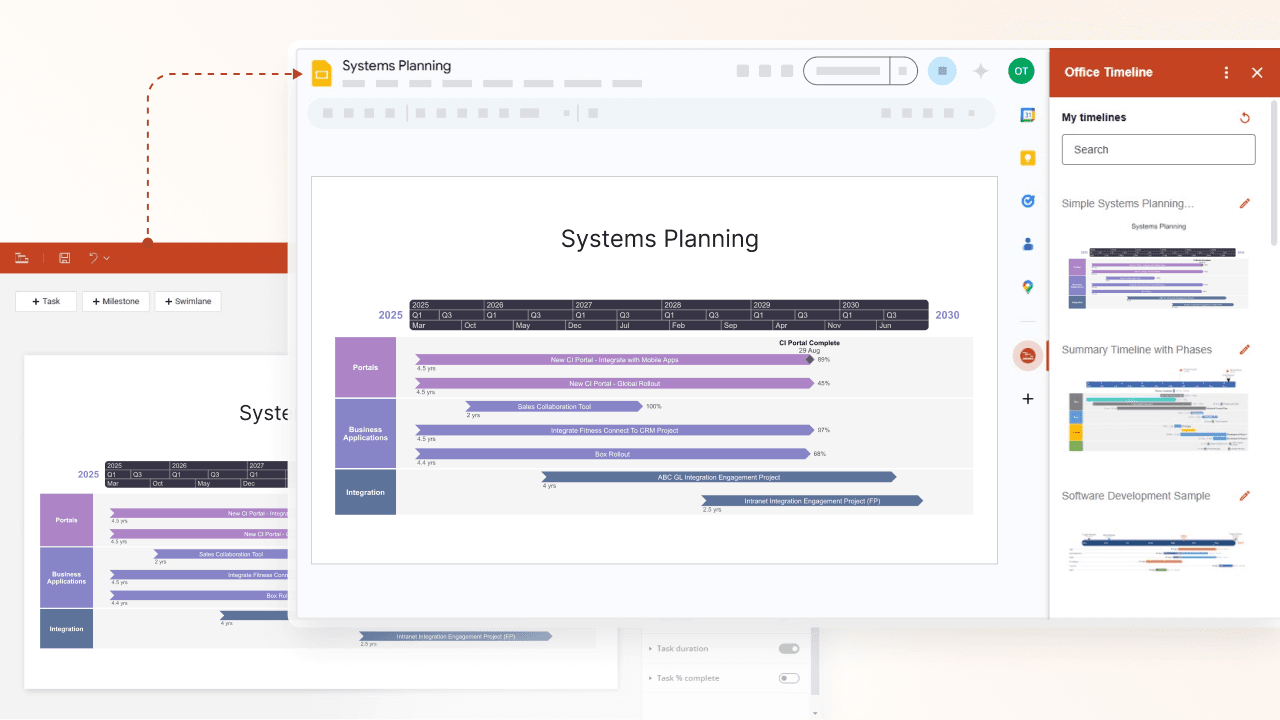

Want to save time creating clear, polished project visuals?
Get started with Timeline Online’s Google Slides integration - built for clarity, speed, and collaboration.