


Import and sync project data with ease
Transform complex project data into stunning visual timelines in seconds.
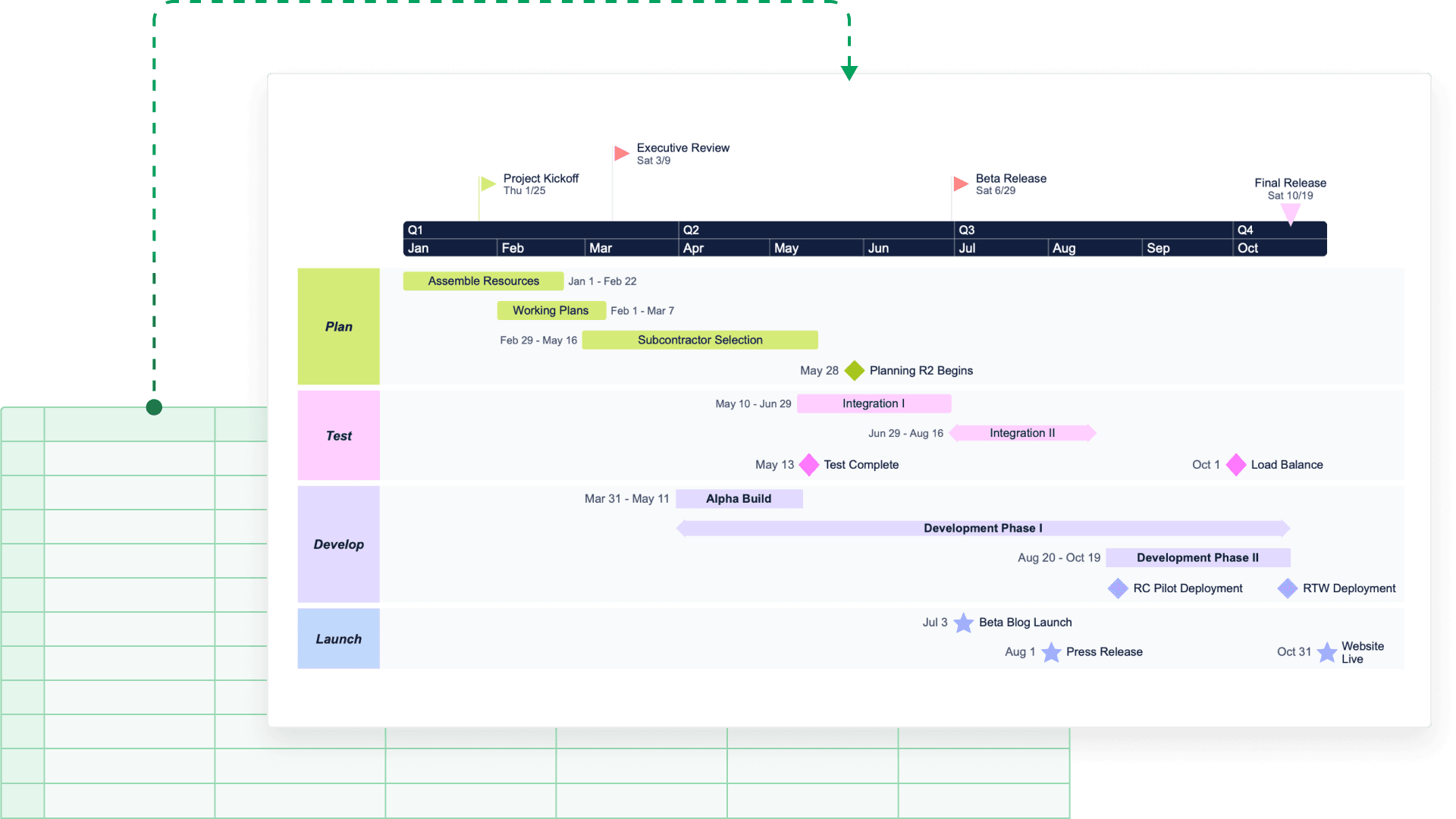
A more efficient way to process and present project data
Here’s how the feature helps you leverage your existing resources to enhance workflow efficiency, streamline reporting, and improve project communication.
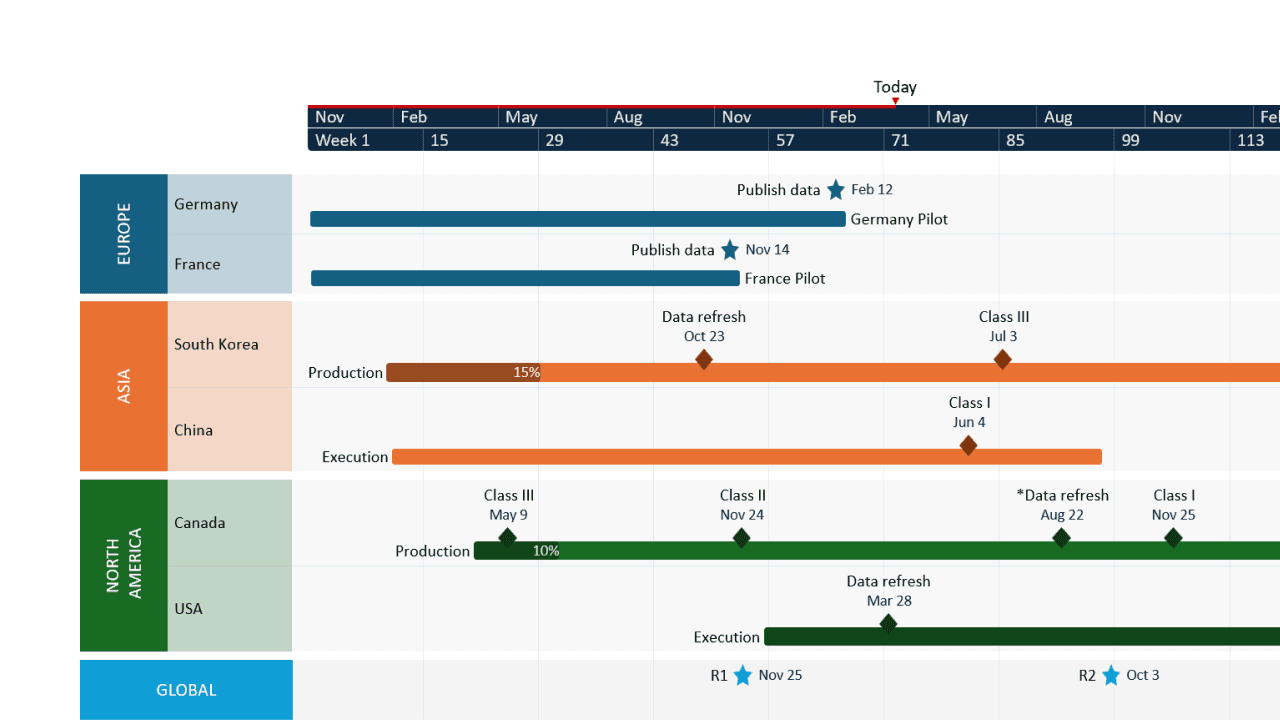
Turn project data into visual success stories
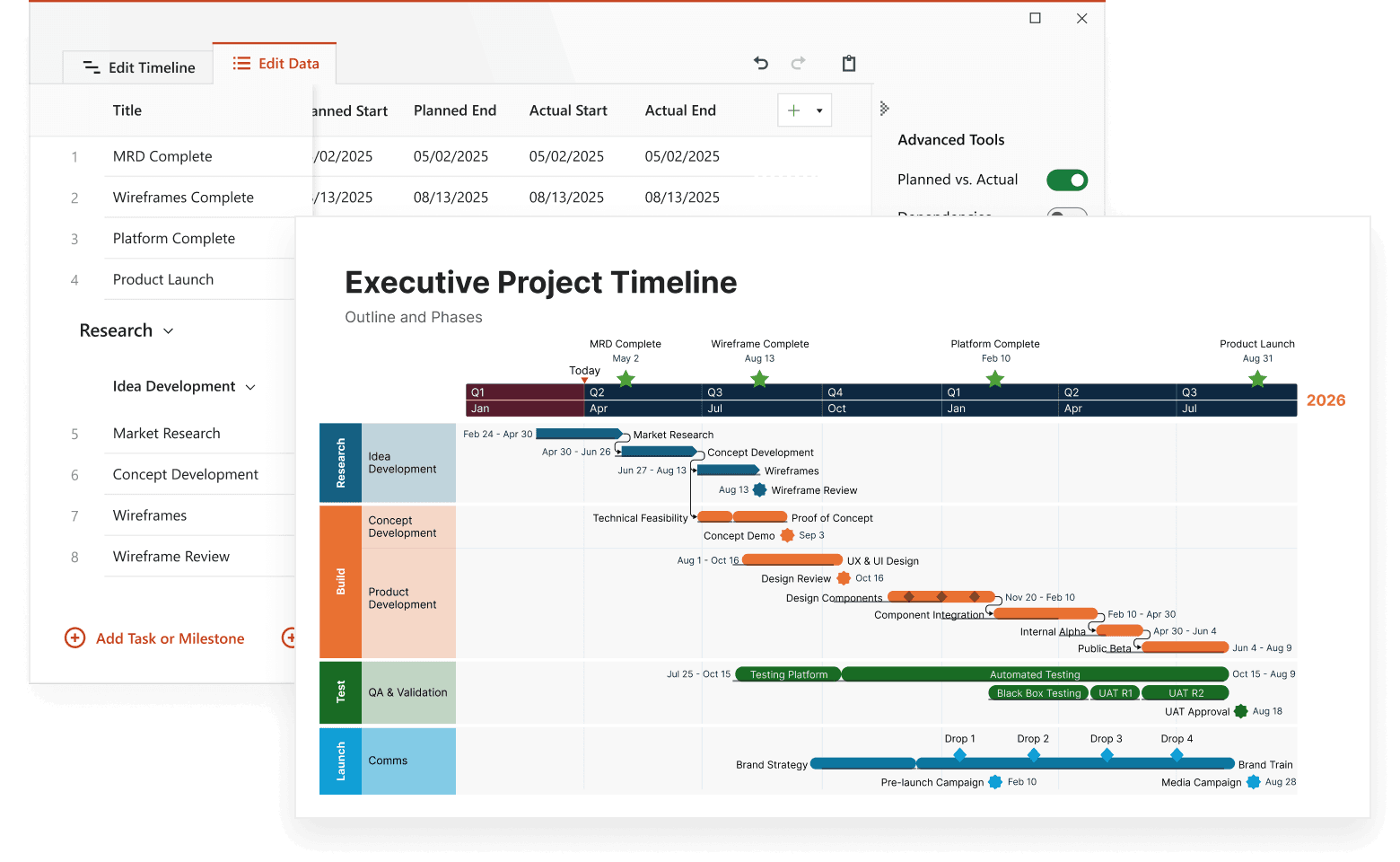
Stop spending hours manually creating presentation-ready timelines. Lucen Timeline's import feature instantly transforms your existing project data into compelling visuals that tell your story and bring insights to life.
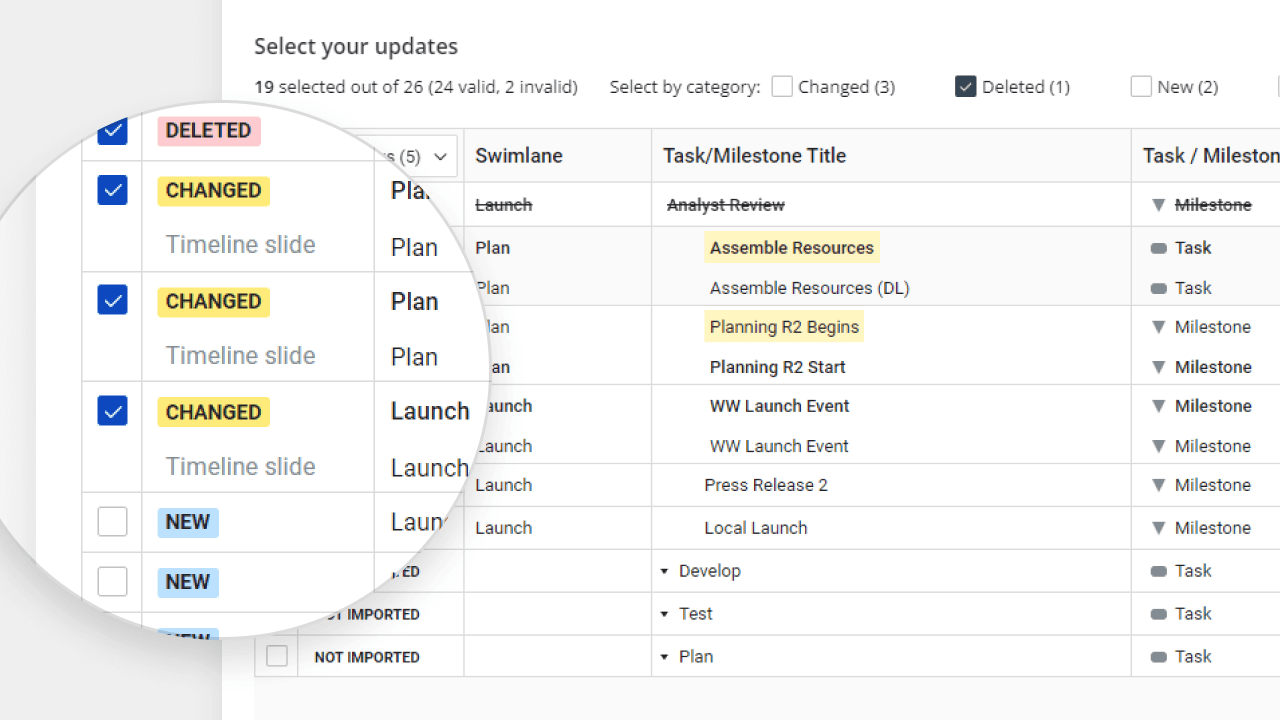
Keep everything up to date automatically
Why rebuild your timelines when plans change? Real-time sync ensures your visuals always reflect the latest project data, eliminating gaps between project updates and stakeholder communications.
Connect with your favorite tools
Whether you live in Microsoft Project, Excel, Smartsheet, Jira, or Wrike, Lucen Timeline speaks your language. Import and sync data seamlessly, maintaining the perfect balance between detailed planning and high-level communication.
Make project data work for you
See how the feature helps you take charge of project plans and elevates project reporting.

Transform complex data instantly
Turn detailed project plans into executive-ready timelines with a single click. Select the data you want to show and watch as your strategic visualization takes shape.

Sync changes in real-time
Keep your presentations current with automatic data synchronization. Update your source file, and your timeline reflects the changes immediately – no manual updates required.

Preserve your formatting
Import new data without losing your carefully crafted visual style. Your colors, shapes, and layout preferences stay intact even as the underlying data updates.

Choose what to show and share
Select exactly which tasks, milestones, and dates to include in your timeline. Create the perfect high-level view while keeping the details in your project management tool.
See our users’ opinion on Tasks & Milestones
Ready to streamline your project visualization workflow?
With Lucen Timeline, you can now connect your project data seamlessly and turn detailed plans into clear, professional visuals. Start importing your project data today.
Common questions about Import Data
Connect seamlessly with Microsoft Project, Excel, Smartsheet, Jira, and Wrike. Each integration is designed to preserve your project data while making it presentation-ready.
Set up a connection once, and Lucen Timeline monitors your source file for changes. When updates occur, you can refresh your timeline with a single click.
Absolutely! Choose specific tasks, milestones, dates, and other data points to import. Create the perfect level of detail for your audience while keeping the source data intact.
Never! Your visual customizations remain unchanged even when updating with new data. Get the best of both worlds – fresh data with consistent styling.
Go beyond data imports – discover more functionalities

Swimlanes
Bring structure to complex workflows. Organize tasks, teams, and phases into clear visual sections that simplify collaboration and project tracking.


Multiple Timescales
View your project from every angle. Display different time perspectives on one timeline, from big-picture strategy to daily execution, for more flexible planning.

Ready-made Templates
Start faster with proven structures. Use pre-built timeline templates designed for various industries and workflows to save time and standardize planning.

Custom Themes
Tailor every timeline to match your brand. Customize colors, fonts, and styles to create polished, professional visuals that align with your brand identity.

Dependencies & Critical Path
Visualize task relationships and optimize scheduling. Easily connect dependencies and identify the critical path to ensure on-time project delivery.

Planned vs. Actual
Bring clarity to shifting timelines. Instantly show how actual progress compares to your original plan with side-by-side visuals that help teams stay aligned and stakeholders approve changes faster.

Sub-swimlanes
Break down complexity with layered clarity. Add depth to your timelines by structuring projects with nested lanes for a clear hierarchy of tasks and initiatives.

Tasks & Milestones
Define goals and track progress with ease. Map out tasks, set milestones, and keep your project moving forward with clear, structured timelines.