


Improve project communication with Lucen Timeline and Smartsheet
Use Lucen Timeline to turn your Smartsheet projects into polished executive slides that foster stakeholder engagement and drive better outcomes in meetings.
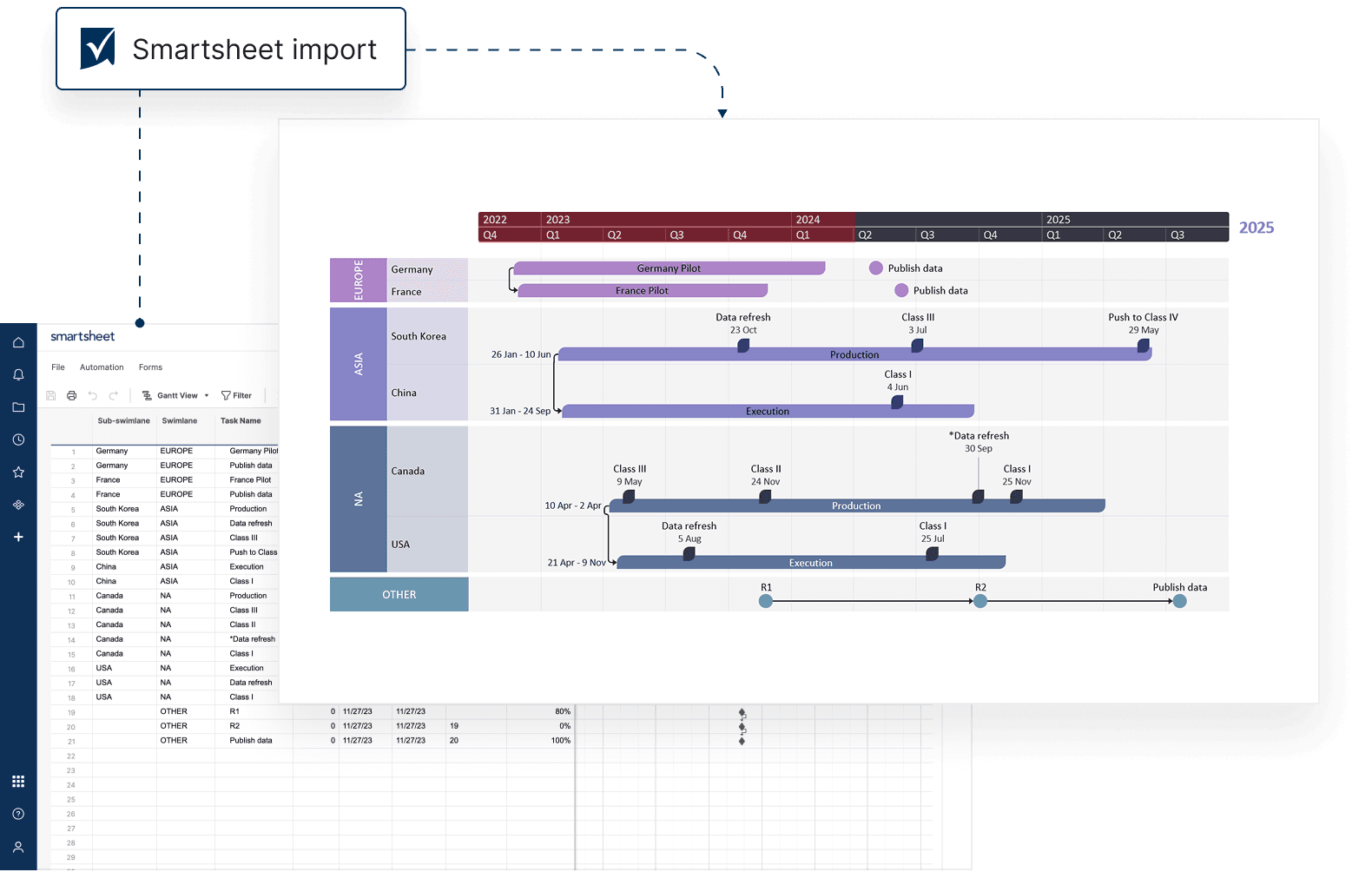
Present project status with clarity, appeal, and impact
Lucen Timeline automatically transforms Smartsheet project details into high-level PowerPoint timelines and roadmaps that are easy to grasp, share, and update.
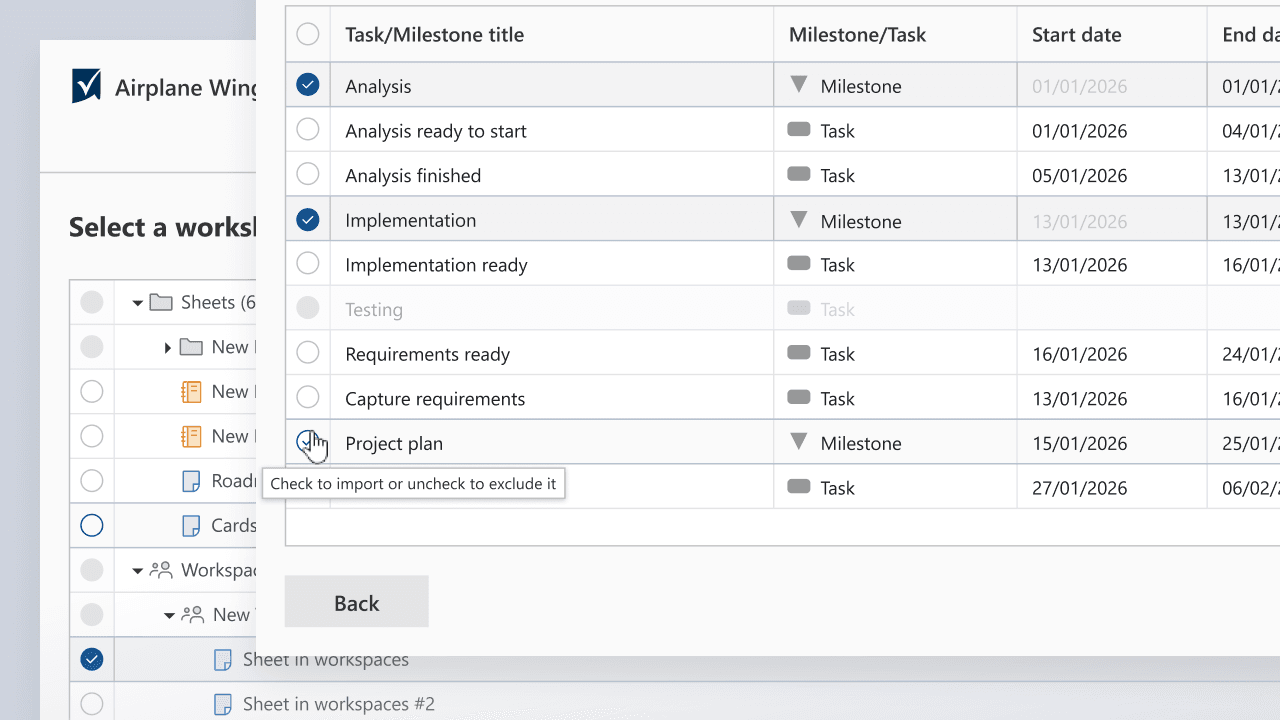
Simple data import from Smartsheet
Quickly bring tasks and milestones into Lucen Timeline to craft professional visuals in a format your audience already knows and trusts.
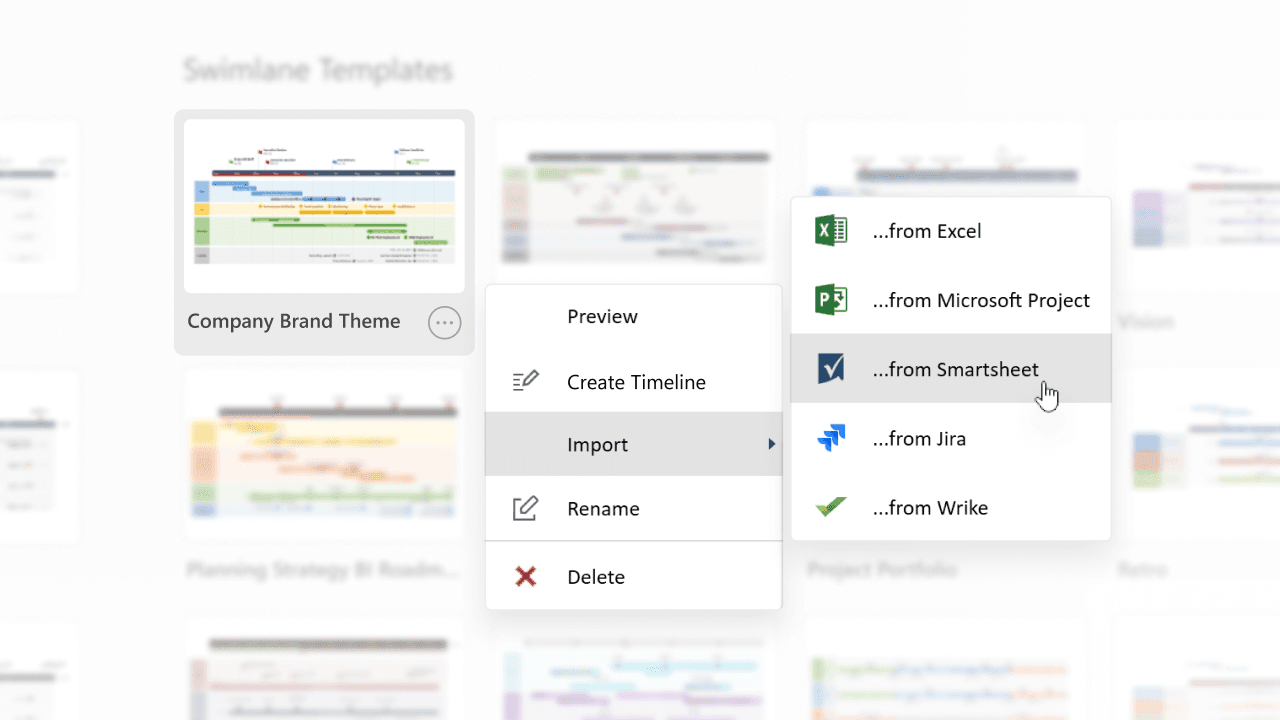
Customizable templates for Smartsheet projects
Choose from our highly customizable templates to showcase Smartsheet workflows with precision and visual appeal.
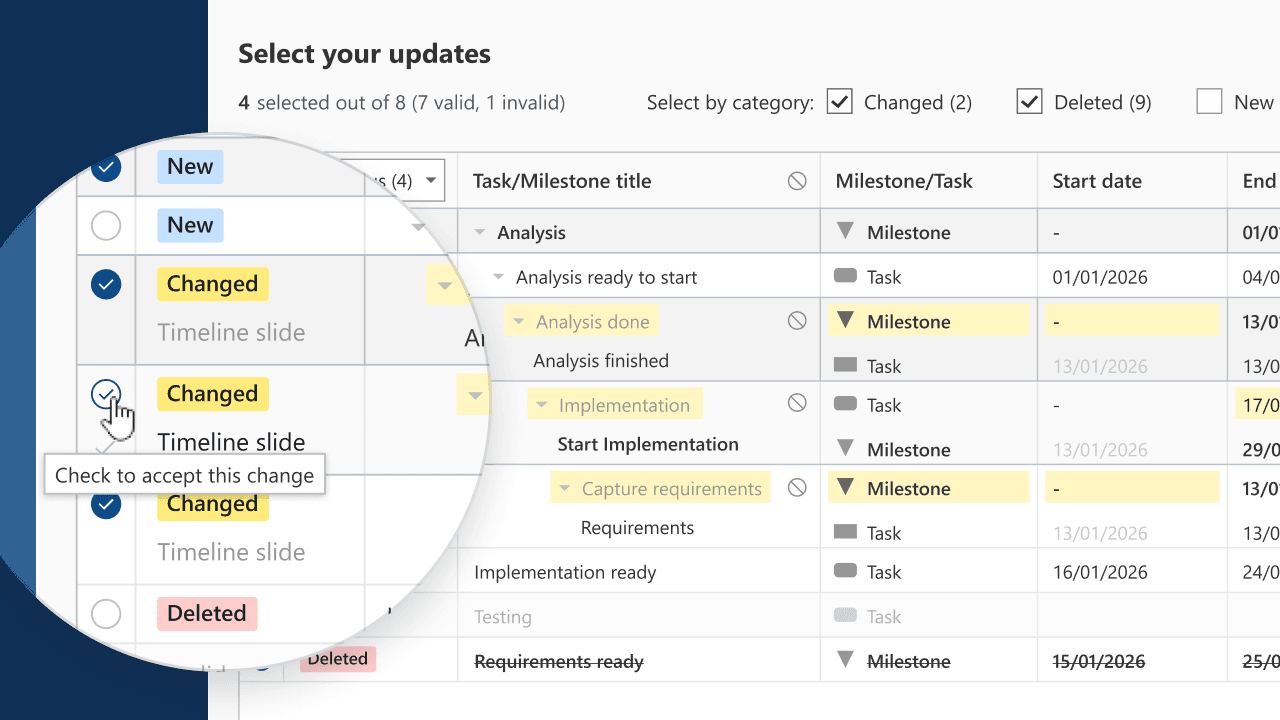
Real-time sync for ongoing updates
Instantly update your timelines with the latest changes in Smartsheet and keep your team informed with accurate, actionable insights.
How Smartsheet and Lucen Timeline work together
Combine Smartsheet's robust project management with Lucen Timeline’s visualization capabilities to deliver concise, insightful timelines tailored to every audience.

Simplify status reporting
Transform key milestones and project updates from Smartsheet into polished, presentation-ready timelines that stakeholders can quickly grasp.

Track team progress effortlessly
Keep teams aligned and informed with up-to-date timelines that seamlessly sync with Smartsheet data, ensuring clarity across all deliverables.

Enhance stakeholder communication
Turn complex project data into clear, visually engaging timelines that foster engagement and support better decision-making.
Getting started with Smartsheet integration
- Link Smartsheet to Lucen Timeline: Connect your Smartsheet data for instant access.
- Select key project data: Import tasks, milestones, and timelines directly from Smartsheet.
- Personalize and share: Customize visuals to match your presentation goals and audience needs.
Smartsheet integration made simple
Discover tools and tips to unlock the full potential of your Lucen Timeline and Smartsheet integration.

Effortlessly import your Smartsheet data
Learn how to bring your Smartsheet tasks, milestones, and project details into Lucen Timeline with ease.

Keep your timelines in sync
Discover how to refresh your Lucen Timeline visuals automatically when Smartsheet data changes, ensuring up-to-date presentations.

Add task dependencies with precision
Explore how to import dependencies from Smartsheet into Lucen Timeline to create detailed, well-structured timelines.
Get personalized training


Ready to streamline your project data presentations?
Sync Smartsheet with Lucen Timeline to turn data into clear, executive-ready timelines that enhance visibility and keep teams aligned.