

Project leaders have a plan.
What they need is clarity.
Turn scattered project data into clear timelines, accurate tracking, and stakeholder-ready updates, all within your Microsoft environment.
The everyday pressures Lucen™ is built to solve
From building the plan to communicating progress, these are the everyday workflow pressures Lucen eliminates.
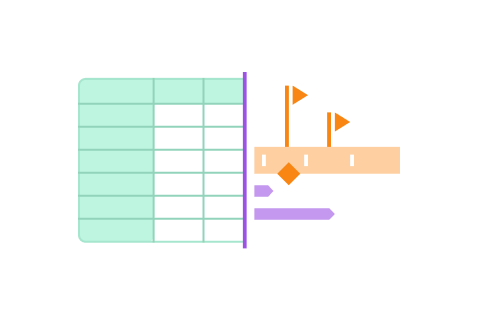
Your plan lives in one tool, but leadership needs something else.
Plans stay in Microsoft Excel, but updates need to be presentation-ready. Lucen Plan keeps everything structured, while Lucen Timeline turns it into a clear stakeholder view in one step.
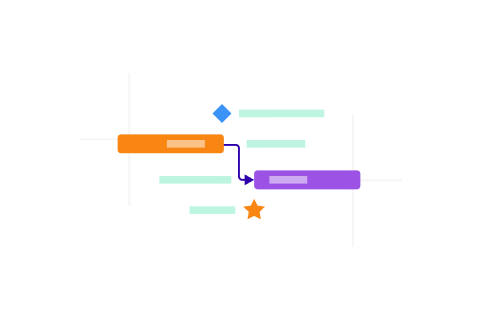
You're tracking dependencies, but priorities keep shifting.
Small changes ripple fast across plans, timelines, and stakeholders. Lucen Plan keeps dependencies structured at the source, while Lucen Timeline reflects the impact instantly so you stay in control as priorities evolve.
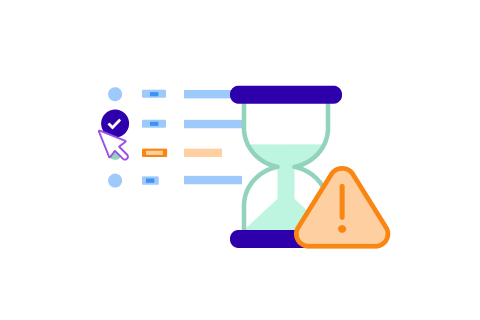
You spend more time reporting status than managing delivery.
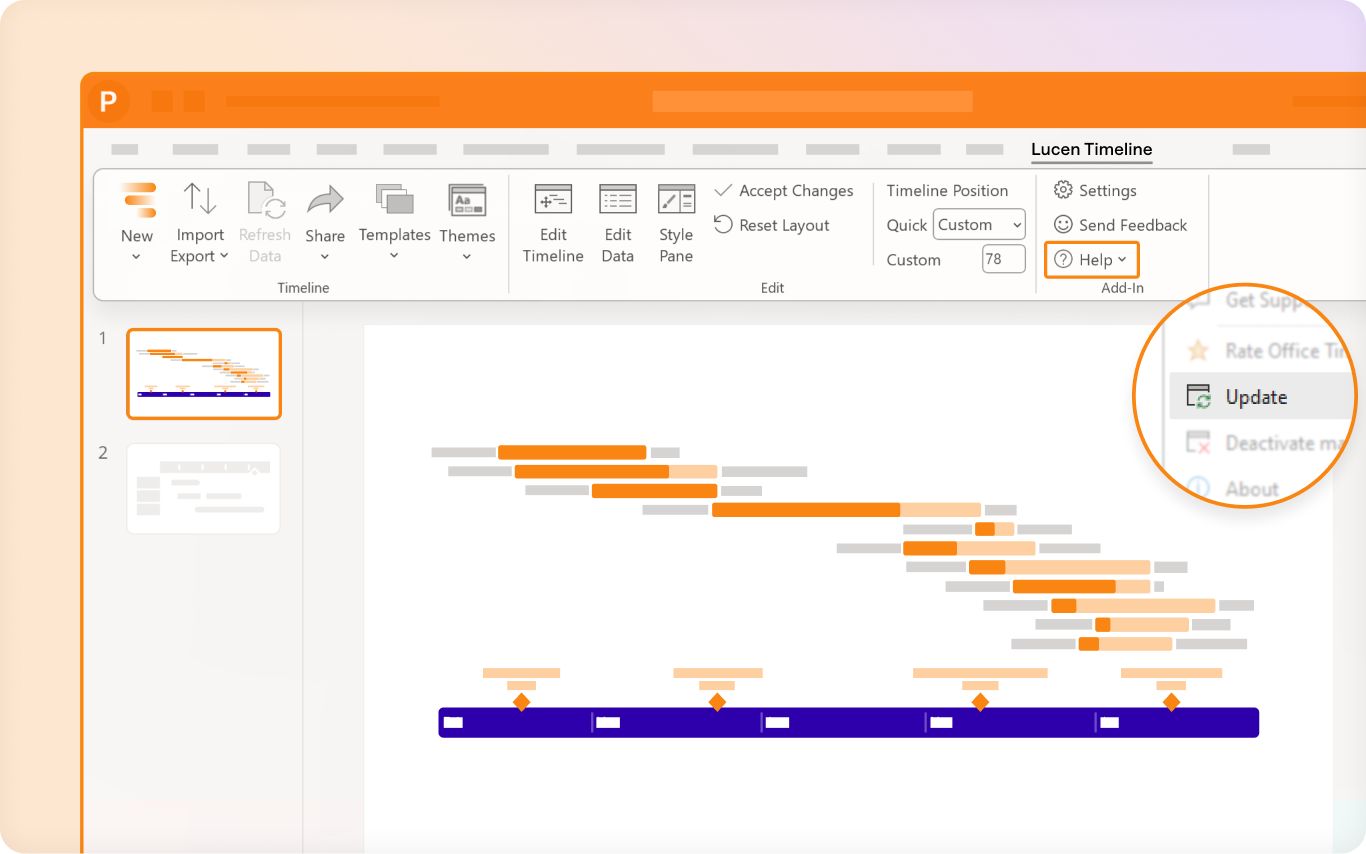
Status updates should not mean rebuilding slides. Lucen Timeline keeps reports accurate and current with standardized templates and one-click refresh.

You can see what's scheduled, but not where time is really going.
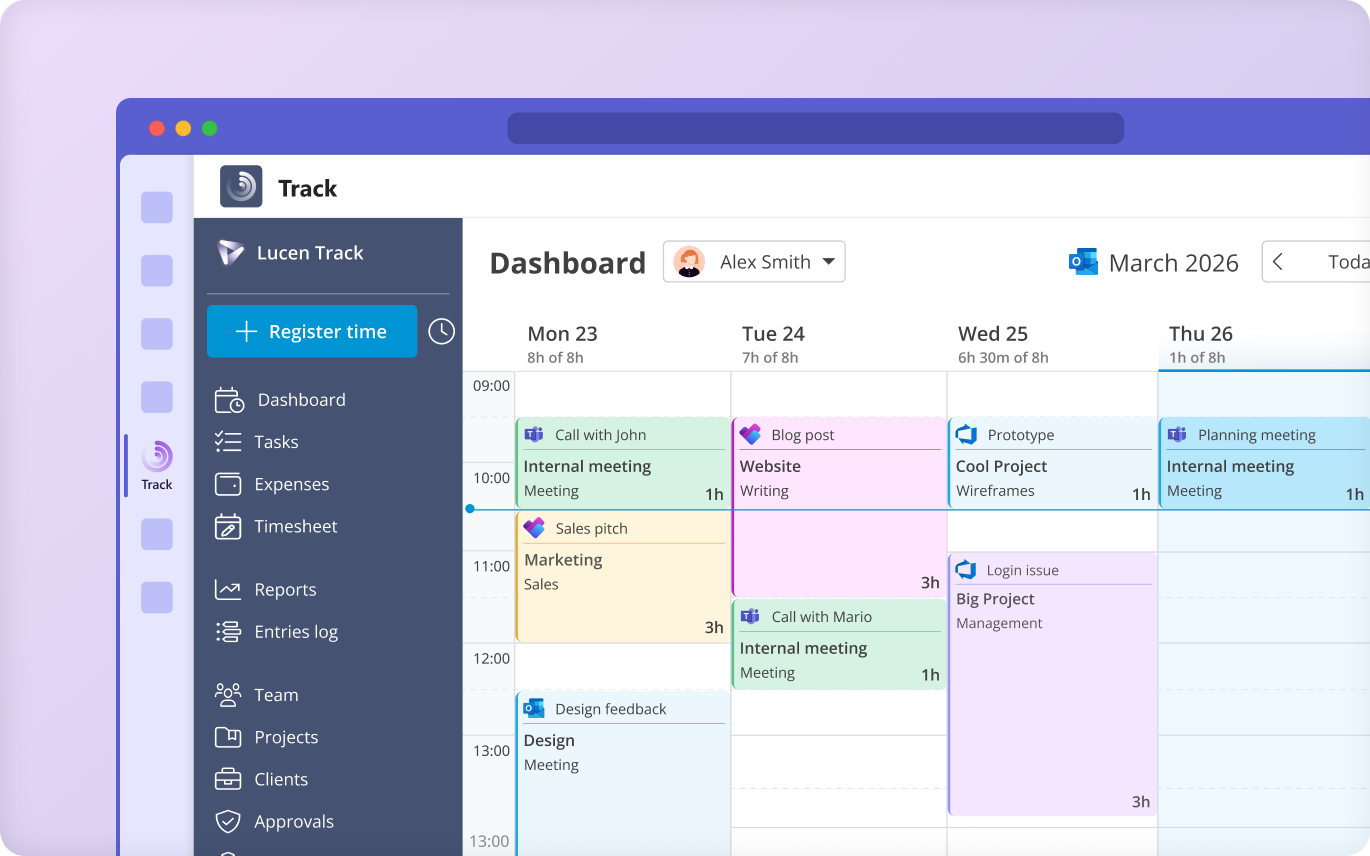
Timelines show intent, not effort. Lucen Track captures time at task and project level, helping you spot workload risks before they affect delivery.

You're coordinating teams, but not everyone's aligned.
Different tools create fragmented views. Lucen Plan keeps the source of truth structured, Lucen Timeline standardizes how it's shared, and Lucen Track brings time and utilization into one place so everyone works from the same picture.
How Lucen works for project leaders
From the first plan to the final report – the specific moments where Lucen makes the biggest difference.
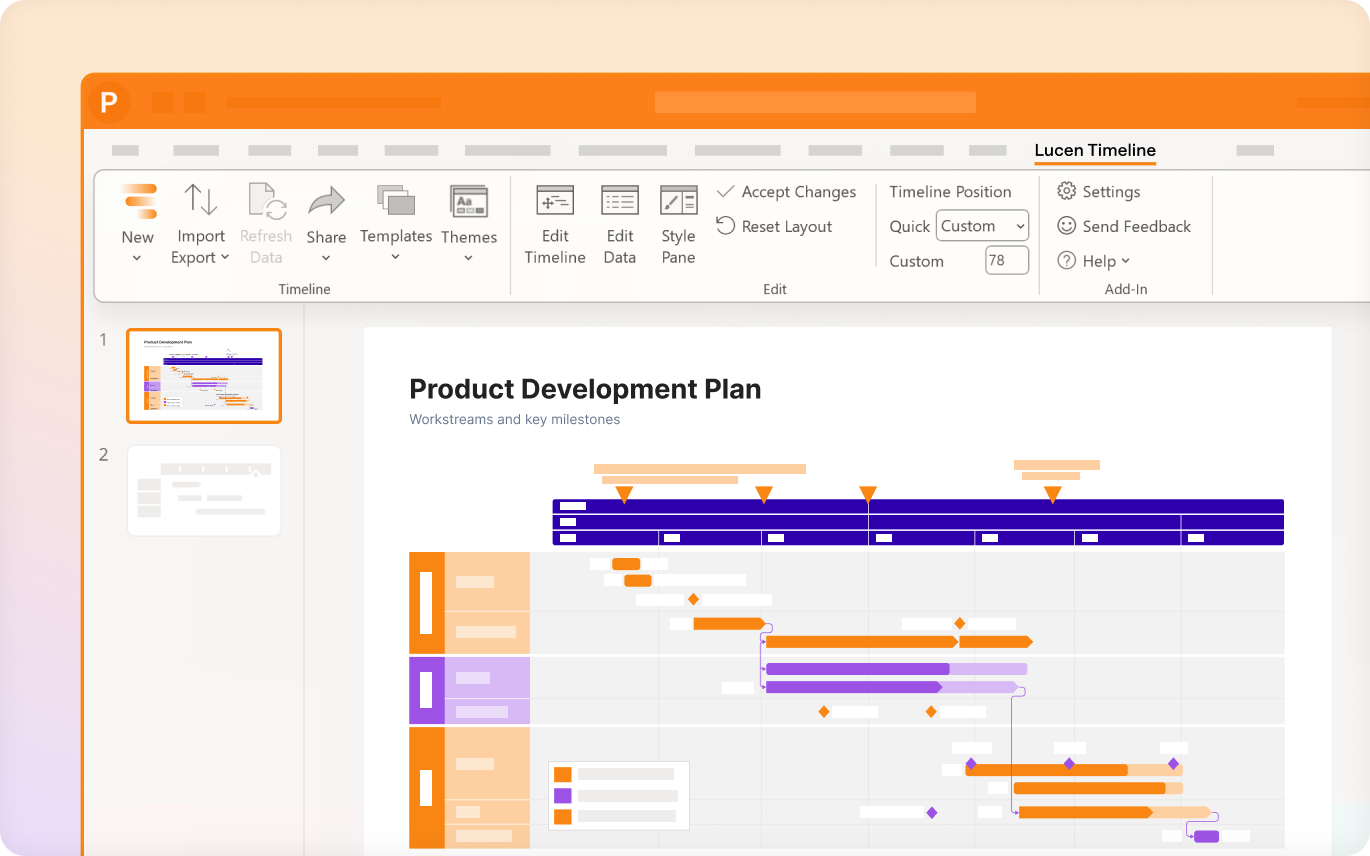
Turning project data into visuals leadership can read at a glance
Give leadership a clear view of plans without reworking your data. From Gantt charts to roadmaps, every visual stays current without manual updates.
Key capabilities:
- Microsoft Excel-native planning with built-in dependencies
- Import from Microsoft Project, Smartsheet, Jira, and more
- Milestones, critical path & swimlane views
- One-click refresh when plans evolve
Staying in control when plans change
Keep plans aligned as priorities shift. Changes are structured at the source and reflected instantly across timelines, so every stakeholder sees the latest picture without manual rework.
Key capabilities:
- Live Gantt updates as task dates and dependencies change
- Dependency and critical path tracking directly in Excel
- Cascading change visibility across timelines and stakeholders
- Planned vs. Actual comparisons

Reporting that stays current without the rebuild cycle
Walk into every meeting with up-to-date reports. No rebuilding slides, no last-minute fixes, just accurate updates ready to share.
Key capabilities:
- Standardized templates for executive, operational, and client audiences
- One-click visual updates
- Audience-ready reporting formats
- Export and sharing options
Capturing where time is really going – across every project and phase
Understand how time is spent across projects and teams. Spot risks early with clear visibility into effort, workload, and budgets.
Key capabilities:
- Time tracking across tasks, phases, and multiple projects
- Effort breakdown by workstream and team member
- Budget and utilization monitoring
- Automated and exportable reports for leadership or finance
Scaling visibility and consistency across programs
Standardize how teams structure, plan, and communicate work across programs. Keep everyone aligned on the same picture as complexity and team size grow.
Lucen Plan + Lucen Timeline + Lucen Track
Key capabilities:
- Branded templates for consistent reporting across PMO and delivery teams
- Swimlane and milestone views for cross-program visibility
- Portfolio-level time and utilization tracking
- Scale from individual use to enterprise deployment

What changes when project leaders work with Lucen
Two teams. Two different workflow challenges. One platform that made the difference.
With structured visual planning, complex programs become easier to explain, forecast, and defend. Project leaders accelerate stakeholder alignment and deliver decision-ready updates – without rebuilding presentations every week.

By replacing spreadsheets with structured time tracking and Power BI integration, DACI gained a clear, structured picture of how hours were distributed across projects, teams, and phases. Weekly automated reports replaced manual data consolidation – giving leadership the utilization insight needed to make informed delivery decisions, not just end-of-project reckonings.
Sharpen execution. Strengthen outcomes.
Curated templates, integration guides, and expert resources to help project leaders plan visually, track work accurately, and report with confidence.
Free planning & tracking templates
Ready-to-use timeline, roadmap, and Gantt templates for structured planning – plus time tracking samples that strengthen reporting accuracy, resource visibility, and budget control.

Power features for smarter planning & reporting
Go deeper into the features that support structured execution through focused video tutorials. Learn how to use dependencies, critical path, swimlanes, and Planned vs. Actual comparisons – alongside time tracking, utilization monitoring, and reporting features that align real work with delivery outcomes.
Integrations that fit inside your existing workflow
Connect the tools your teams already use – Microsoft Planner, Microsoft Excel, Microsoft Teams, Outlook, Power BI, Azure DevOps, and more – to align visual planning with real-time work tracking. Turn scattered project and time data into structured visibility without duplicating effort or rebuilding reports.
Scaling coordination across complex project portfolios
Learn how to improve cross-team collaboration through structured visual planning and manage large project portfolios with scalable time tracking, automated reporting, and seamless Microsoft ecosystem integration.
The modern guide to project visibility & time intelligence
In-depth resources on visual project management and strategic time tracking – from planning frameworks and reporting best practices to time governance models, tool selection guidance, and real-world case studies. For project leaders seeking clarity in execution and control over performance at scale.

Run projects with confidence from first plan to final report.
Align visual timelines, real-time work tracking, and executive reporting in one structured workflow built for project leaders.