

Learn how to use Lucen Timeline with our easy video tutorials.
Follow our pre-defined video playlists to get an idea of how you can use basic functionality to save time and create impressive timelines.

Lucen Timeline fundamentals
Get the basics and learn how to build your first project visual in minutes.
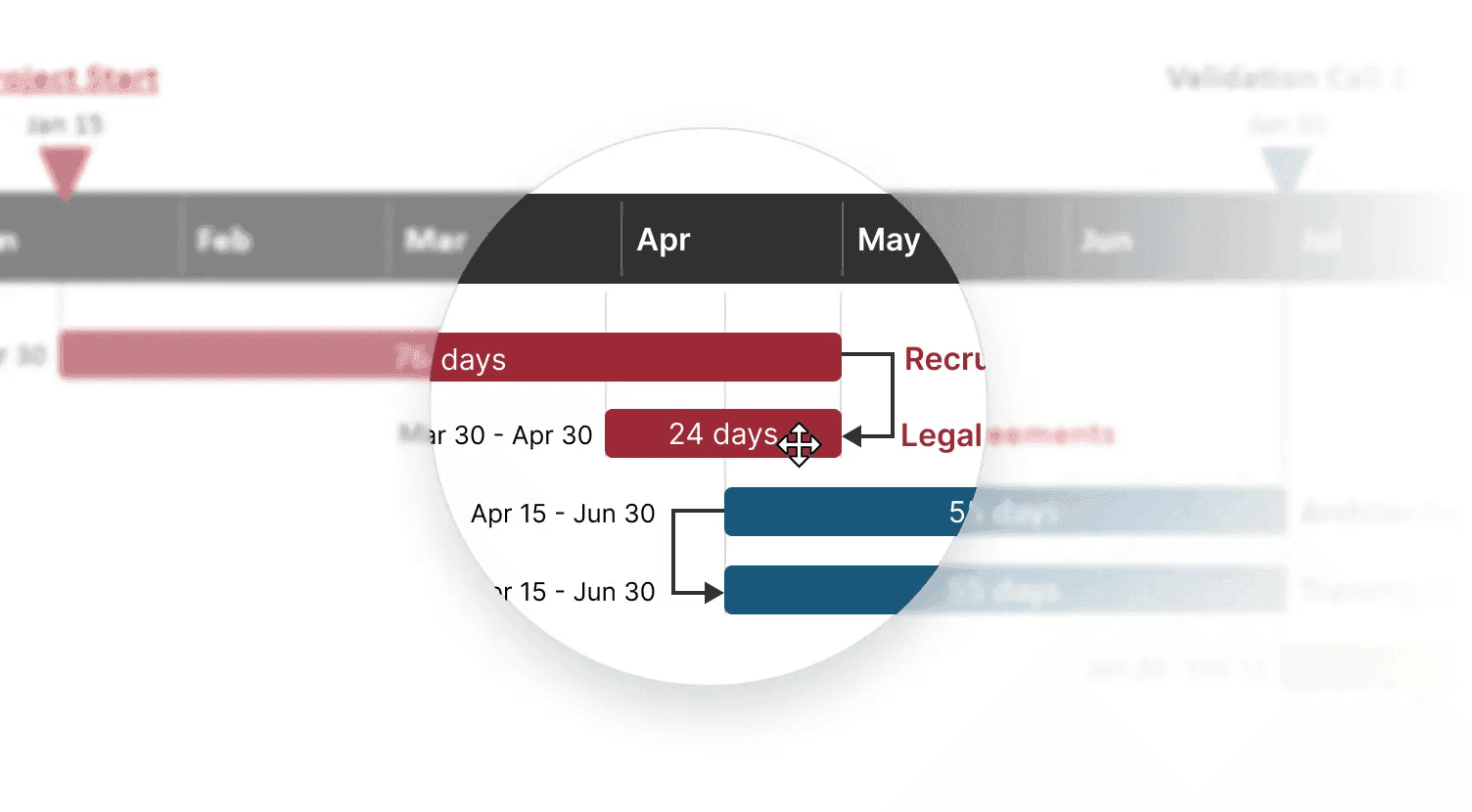
Layout tips and tricks
Find out how to arrange elements on your slide for a better use of space.
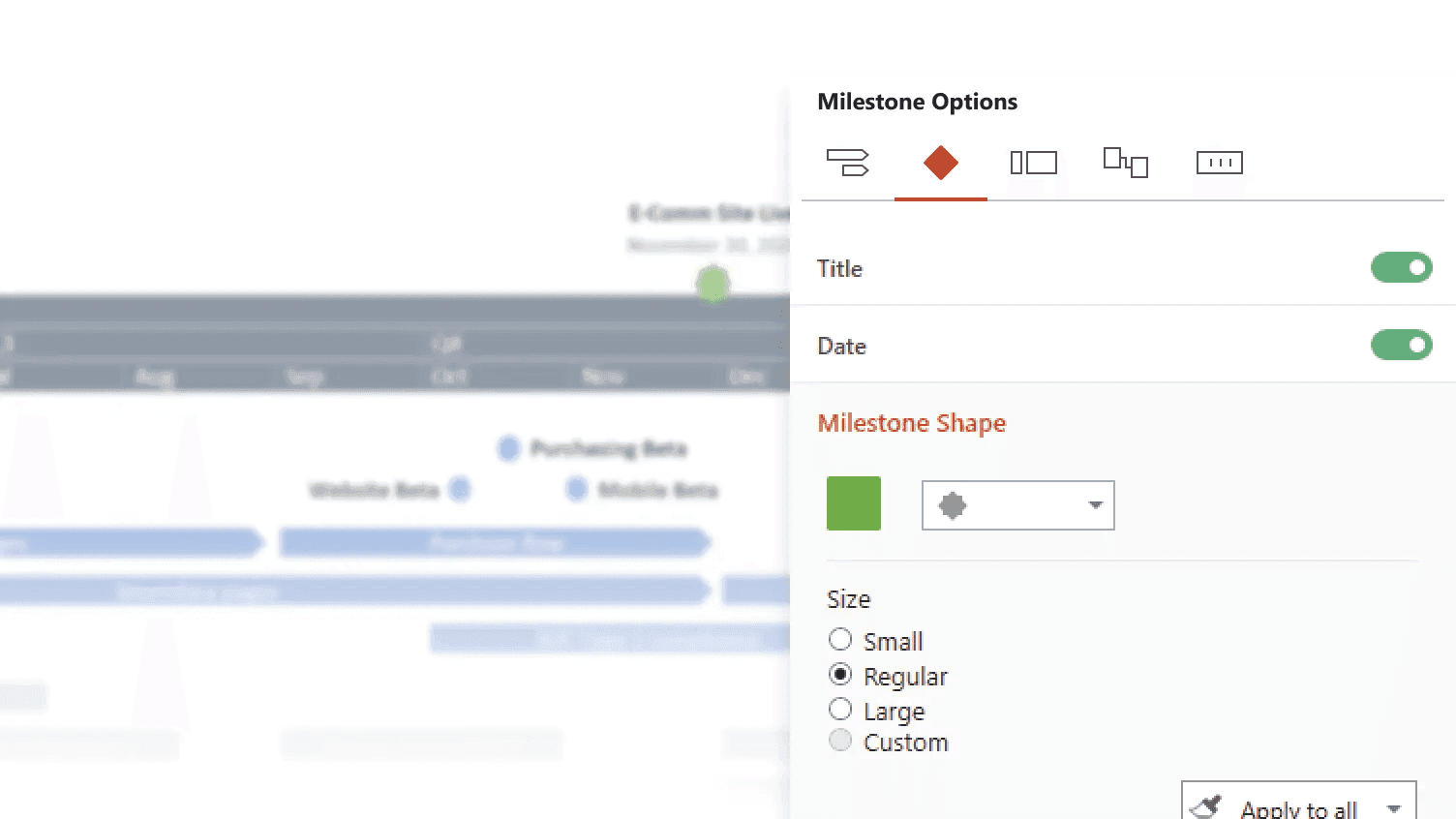
Styling options
Explore styling and customization options that make your project slide truly stand out.
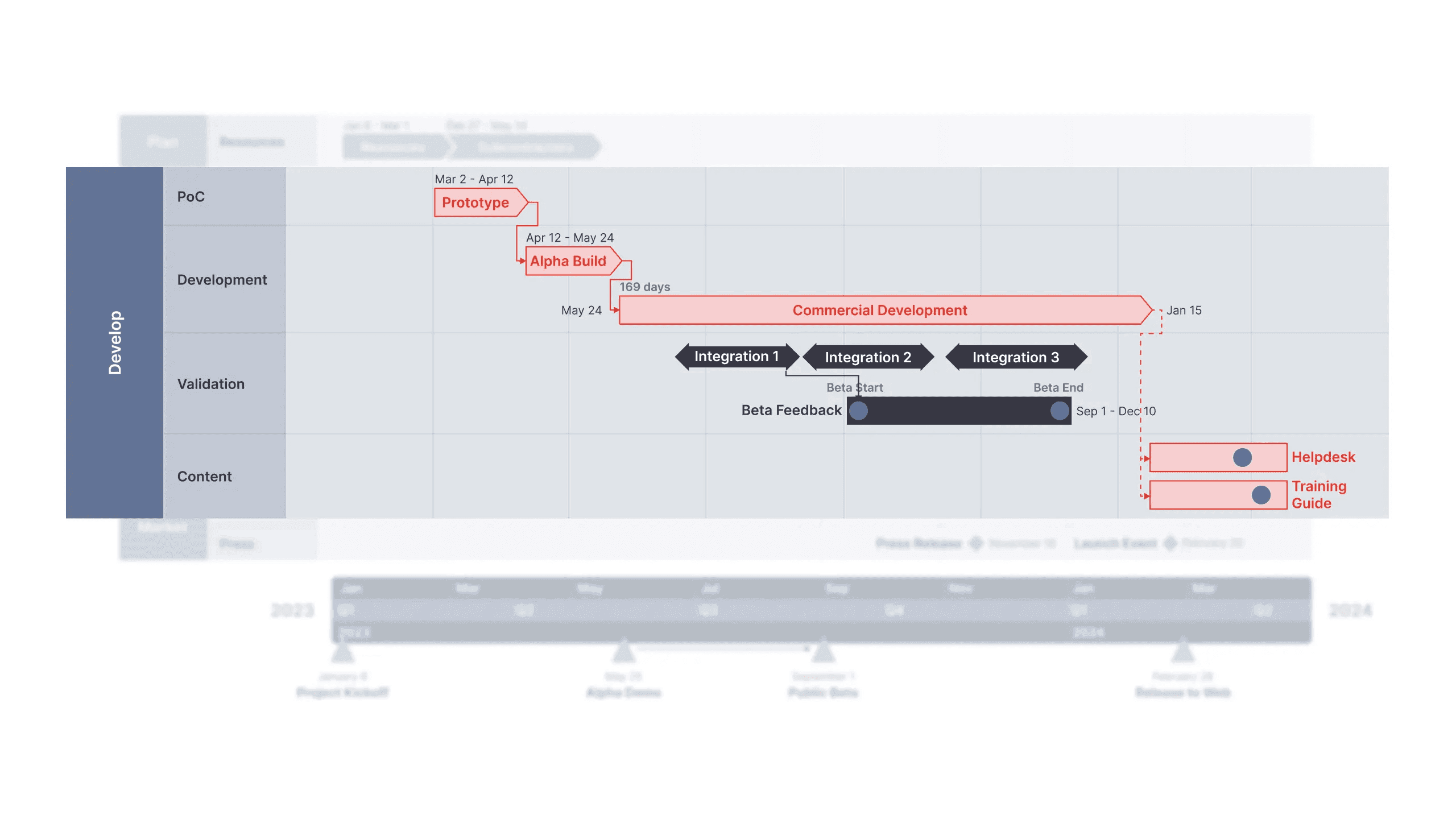
Advanced PM functionalities
Learn how to create professional project visuals that impress your stakeholders.
Integration with Excel
Discover how to bring in and refresh project data from Microsoft Excel.
Integration with MS Project
Discover how to bring in and refresh project data from Microsoft Project.

Integration with Smartsheet
Discover how to bring in and refresh project data from Smartsheet.

Lucen Timeline Expert - Quick Start
Discover how to use the powerful features of Expert, Lucen Timeline's most advanced plan.