

Video tutorials
Integration with Excel
Discover how to bring in and refresh project data from Microsoft Excel.


Copy and paste data from Excel into Lucen Timeline
Learn how to use Lucen Timeline’s paste feature to instantly make project visuals with data copied from Excel.

Import data from Excel into Lucen Timeline
Learn how to set up your data in Excel in order for it to be properly transferred to Lucen Timeline, how to distinguish between milestones and tasks, and how to import extra details such as notes or percent complete.

Refresh a timeline imported from Microsoft Excel
Learn how to refresh the changes made in the Excel data file in Lucen Timeline in just a few seconds.
Other tutorials
Unlock more ways to optimize your projects


Lucen Timeline fundamentals
Get the basics and learn how to build your first project visual in minutes.
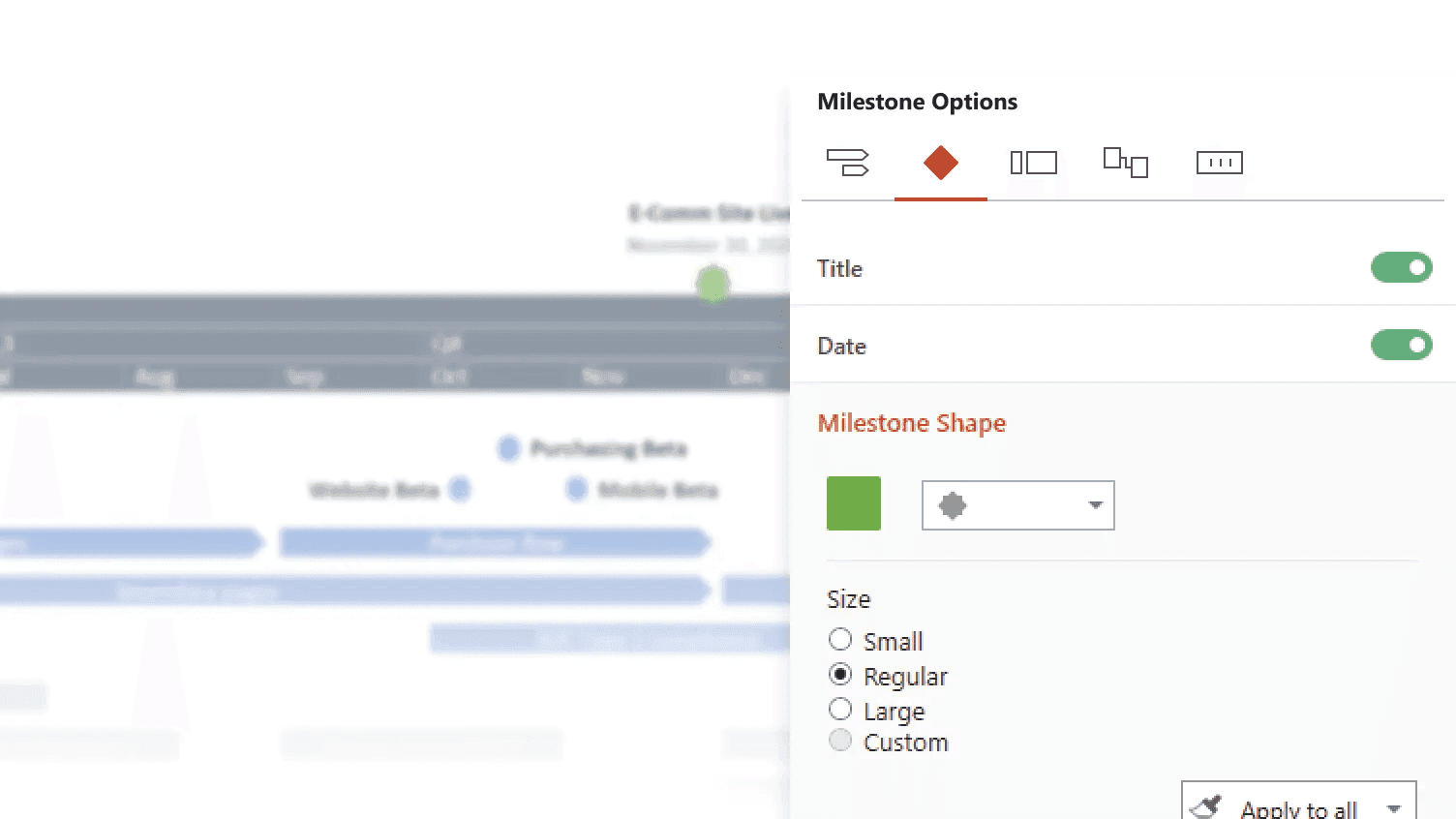
Styling options
Explore styling and customization options that make your project slide truly stand out.

Integration with Smartsheet
Discover how to bring in and refresh project data from Smartsheet.

Lucen Timeline Plus - Quick Start
Learn how to create a project visual using the Lucen Timeline Plus plan.

Integration with Excel
Discover how to bring in and refresh project data from Microsoft Excel.

Lucen Timeline Expert - Quick Start
Discover how to use the powerful features of Expert, Lucen Timeline's most advanced plan.