
Video tutorials
Layout tips and tricks
Find out how to arrange elements on your slide for a better use of space.


Rearrange items with drag & drop
Learn how to rearrange Tasks, Milestones, Swimlanes and Sub-Swimlanes easily using drag & drop, both in the Timeline View, and the Data View.

Adjust your timeline's vertical position
Learn how to quickly adjust the vertical position of timelines and Gantt charts with Lucen Timeline Add-in.

Hide and unhide items on your timeline
Learn how to hide and unhide milestones, task or swimlane data in PowerPoint without deleting anything or risk losing information.

Adjust the width of swimlane headers
See how easy it is to adjust the width of your Swimlane & Sub-Swimlane headers in Lucen Timeline.

Adjust your timeband
Learn how to adjust the width of your timeband, reposition the timeline vertically, and enable the triple timescale feature.
Other tutorials
Unlock more ways to optimize your projects


Lucen Timeline Online Quick Start
Find out how to build your first timeline visual using Lucen Timeline Online.
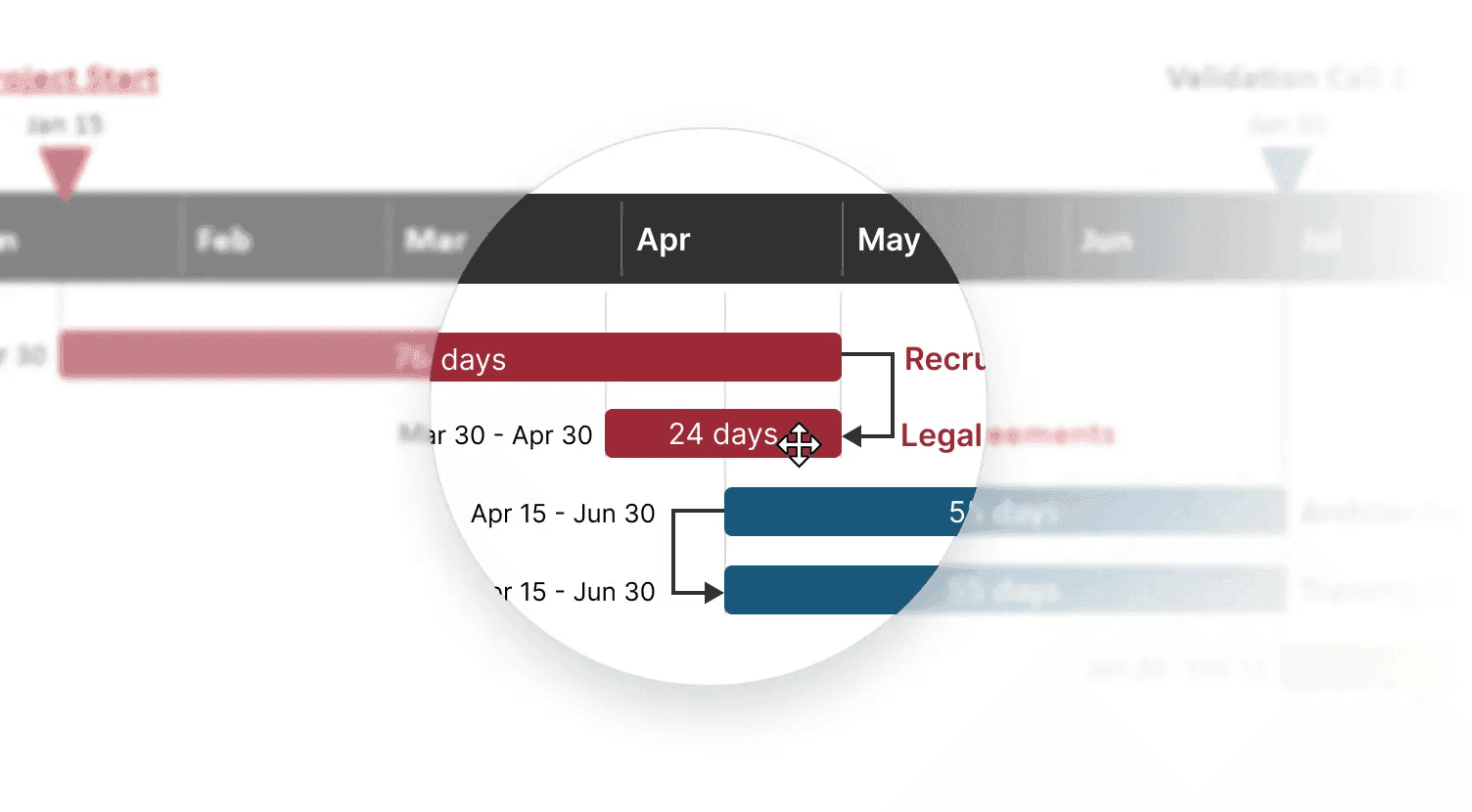
Layout tips and tricks
Find out how to arrange elements on your slide for a better use of space.

Integration with Smartsheet
Discover how to bring in and refresh project data from Smartsheet.
Lucen Timeline Lite - Quick Start
Discover how to use Lite's features to make timelines with swimlanes.
Lucen Timeline fundamentals
Get the basics and learn how to build your first project visual in minutes.