


Turn complex plans into clear decisions
Plan work, track progress, and communicate outcomes - all inside Microsoft 365. Start with one product or explore the full suite.





Beta

Beta

How teams use Lucen
Clarity shows up at four critical moments
Teams rely on Lucen to report progress with Lucen Timeline, capture effort with Lucen Track, structure initiatives with Lucen Plan (beta), and visualize complexity with Lucen Flowchart (beta).
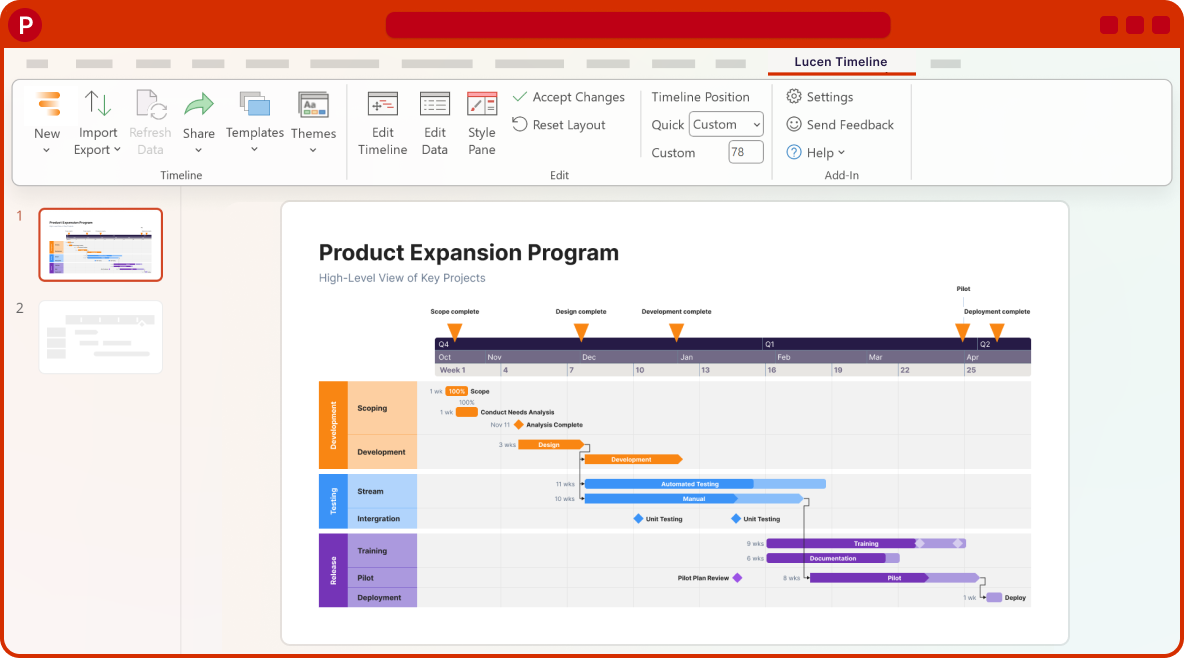

Communicate plans and progress.
.png)

Visibility into how work actually happens.
- Time tracking inside Microsoft 365
- Integrates with your most-used tools
- Project-level reporting
- Team workload and client insights
- Billing and cost visibility


Beta
Structured project planning
- Gantt timelines in Excel
- Task dependencies and scheduling
- Spreadsheet project planning
- Multiple planning views
- Planning templates

Beta
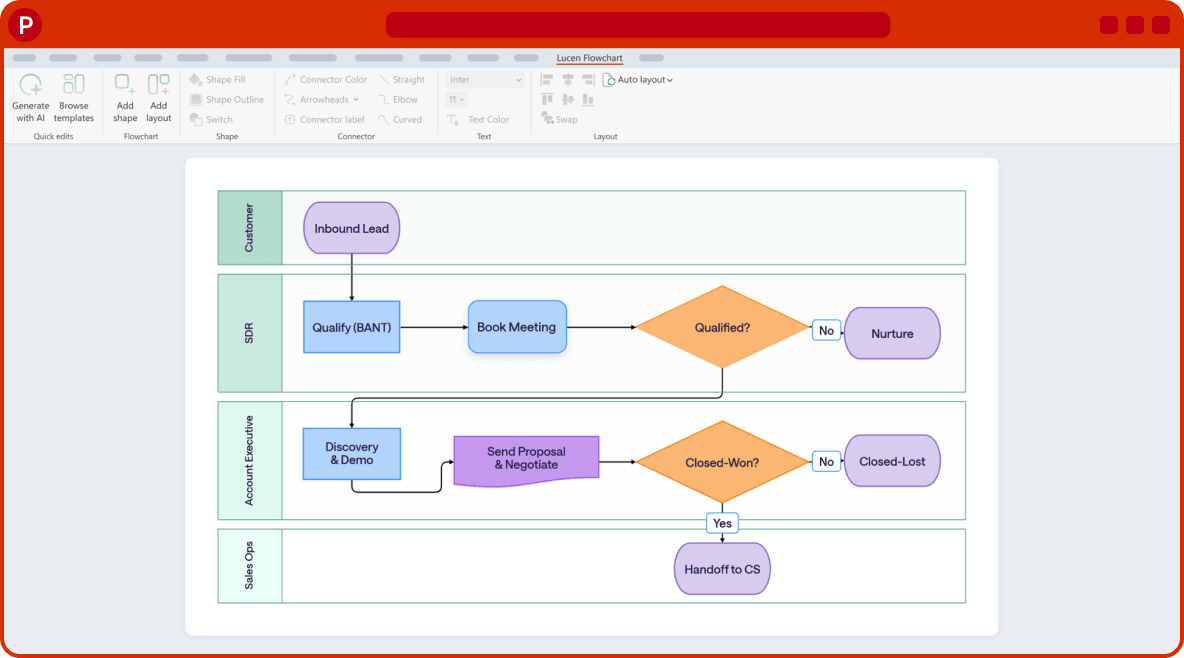
Map out complex systems and processes.
- Flowchart and diagram builder
- Drag-and-drop shapes and connectors
- Swimlanes for roles and processes
- Diagram templates
- Flowcharts in PowerPoint