


See your project's true timeline with Dependencies & Critical Path
Uncover the real relationships in your projects and focus on what truly drives your timeline forward.
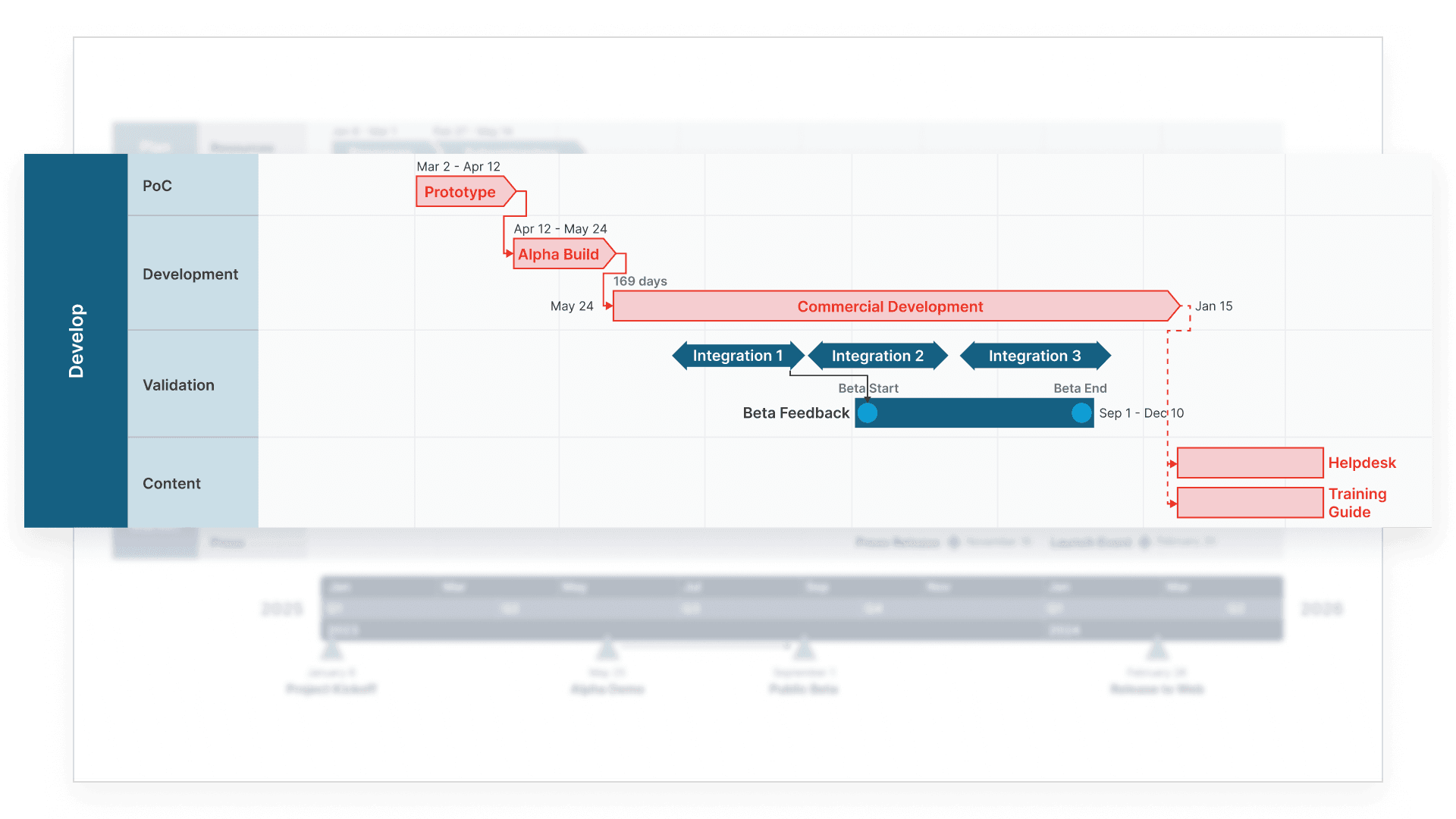
Gain complete visibility into project dependencies
Essential in defining your project’s structure, dependencies and the critical path simplify planning, align teams, and ensure your projects stay on track.
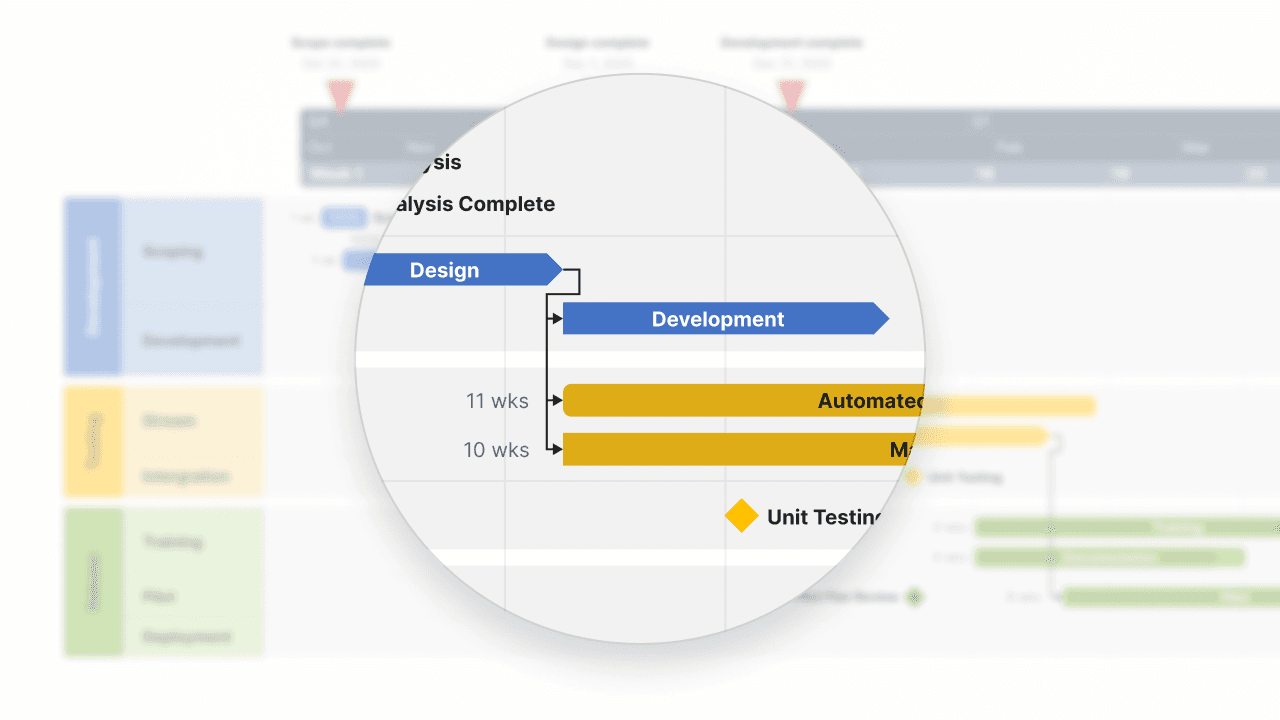
Visualize the hidden links in your projects
Dependencies and critical paths reveal the crucial connections that shape your project's journey. Beyond simple task lists, you'll see exactly how each activity impacts your timeline, helping you make smarter scheduling decisions with confidence.

Keep everyone moving in the right direction
No more wondering why a delay in one area creates ripples across your project. Clear dependency mapping shows your team exactly how their work connects, transforming complex relationships into intuitive visual paths.
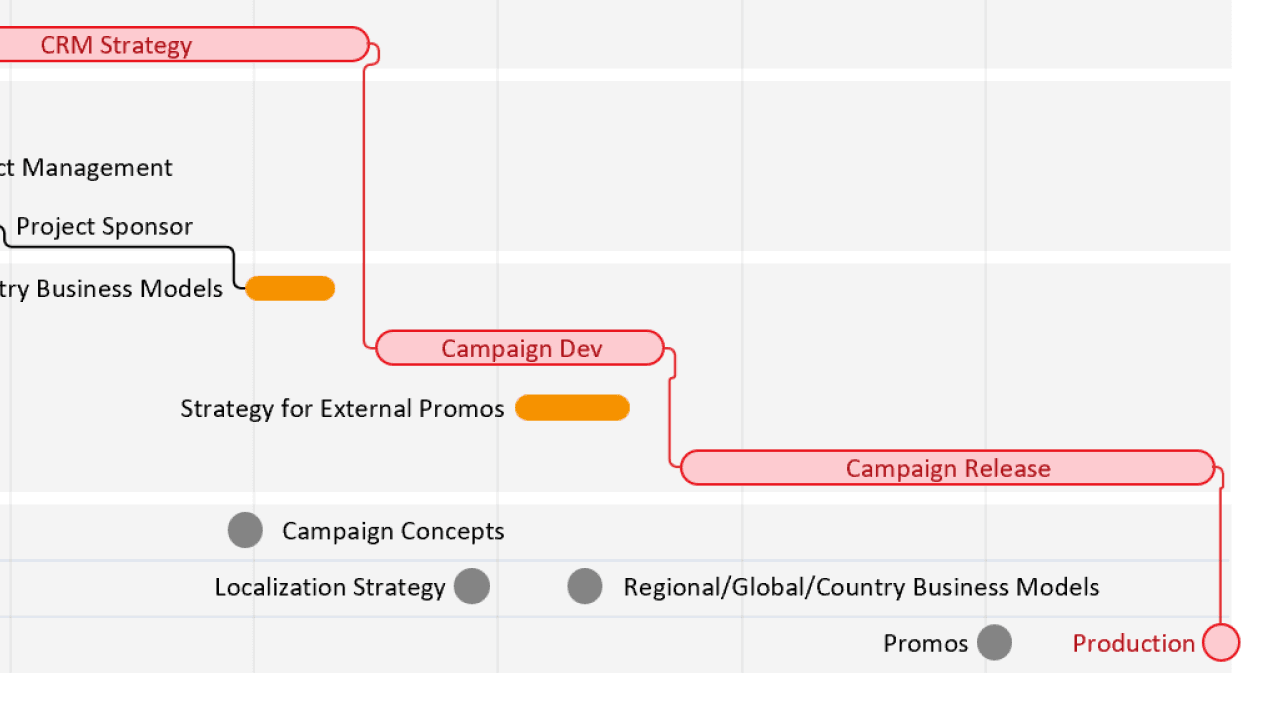
Spot timeline risks before they become issues
Your critical path illuminates the sequence of tasks that directly impact your delivery date. By highlighting these essential activities, you'll know exactly where to focus your attention to keep projects on track.
Transform project planning with smart dependencies
See how dependency mapping and critical path tracking help you build realistic schedules, prevent bottlenecks, and keep your team aligned.

Map real-world relationships
Dependencies bring your project schedule to life by showing genuine connections between activities. Watch as your timeline transforms from a simple sequence of tasks into an intelligent network of interconnected work.

Identify your project's backbone
The critical path feature automatically highlights the sequence of tasks that determine your project's duration. This invaluable insight helps you protect your deadlines by focusing resources where they matter most.

Anticipate and prevent delays
When you can see how tasks connect, you can spot potential bottlenecks before they impact your timeline. Move from reactive to proactive project management by understanding exactly how changes ripple through your schedule.

Guide better team decisions
Help your team understand why task timing matters. With clear dependency visualization, everyone can see how their work impacts colleagues and contributes to project success.
User feedback on Dependencies & Critical Path
Ready to uncover the true drivers of your project timeline?
Highlight dependencies, track the critical path, and keep your projects on schedule with Lucen Timeline.
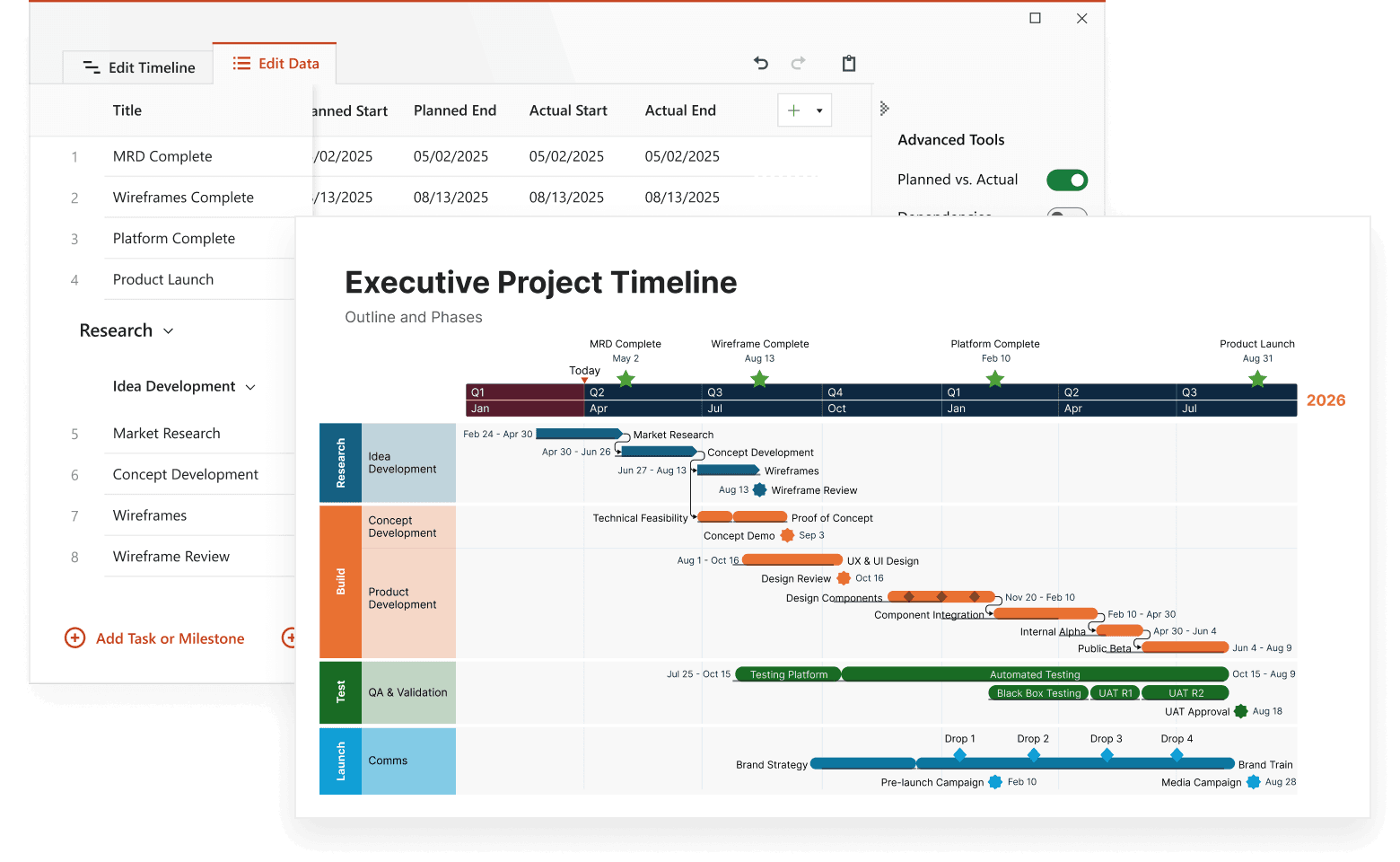
Common questions about Dependencies & Critical Path
The critical path represents the longest sequence of dependent tasks in your project – the true determinant of your completion date. Understanding this path helps you prioritize effectively and protect your most important deadlines.
Dependencies create an intelligent project network that automatically updates when changes occur. When you adjust one task, related activities shift accordingly, keeping your timeline realistic and your team aligned.
Certainly! Adjust the appearance of dependency lines, choose different relationship types, and highlight critical vs. non-critical paths. Make your timeline as simple or detailed as your audience needs.
Absolutely. Import your current timelines and add dependencies gradually. Start with key relationships and expand as needed – your project visualization will become more powerful with each connection you map.
Essential tools to optimize every aspect of your project timeline

Swimlanes
Bring structure to complex workflows. Organize tasks, teams, and phases into clear visual sections that simplify collaboration and project tracking.


Multiple Timescales
View your project from every angle. Display different time perspectives on one timeline, from big-picture strategy to daily execution, for more flexible planning.

Ready-made Templates
Start faster with proven structures. Use pre-built timeline templates designed for various industries and workflows to save time and standardize planning.

Custom Themes
Tailor every timeline to match your brand. Customize colors, fonts, and styles to create polished, professional visuals that align with your brand identity.

Planned vs. Actual
Bring clarity to shifting timelines. Instantly show how actual progress compares to your original plan with side-by-side visuals that help teams stay aligned and stakeholders approve changes faster.

Import Data
Easily integrate your project data from Excel, MS Project, and other tools to instantly generate polished, presentation-ready visuals.

Sub-swimlanes
Break down complexity with layered clarity. Add depth to your timelines by structuring projects with nested lanes for a clear hierarchy of tasks and initiatives.

Tasks & Milestones
Define goals and track progress with ease. Map out tasks, set milestones, and keep your project moving forward with clear, structured timelines.