


Build executive-ready timelines and roadmaps in PowerPoint® with Lucen Timeline
Save hours of reporting time by turning complex project plans into clear visuals that leaders can act on.
The data is there. The clarity isn’t.
Project plans contain the right information. But turning them into clear updates that leadership can quickly understand takes real effort.

Reporting shifts from hours to minutes

Slides don’t need to be rebuilt each week

Milestones and risks are visible at a glance

Teams spend less time formatting and more time leading

Stakeholders see what matters most
Designed for clarity inside PowerPoint
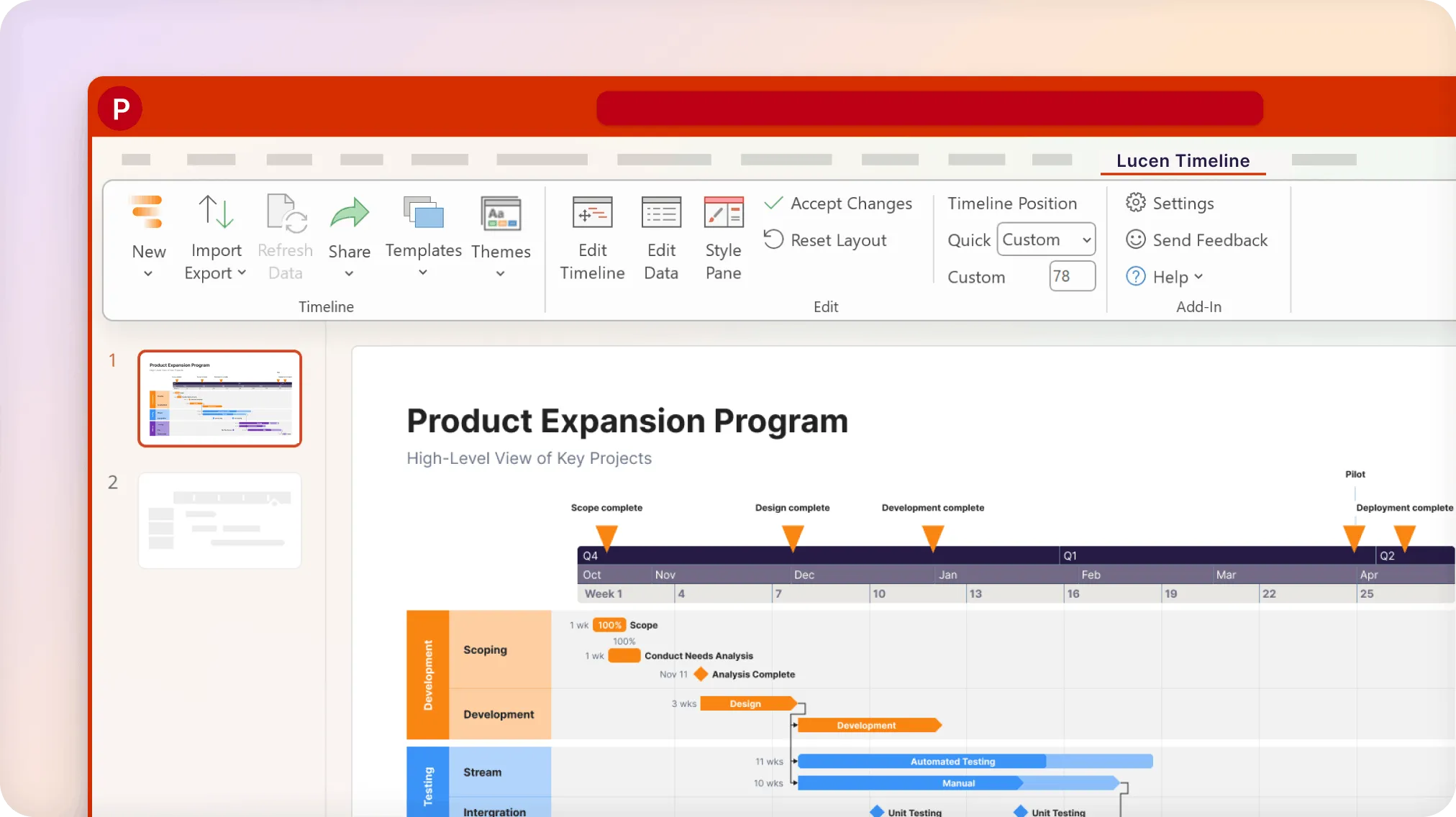
Lucen Timeline is accessible where you work best. Use it as a PowerPoint add-in or as an online tool in your browser.
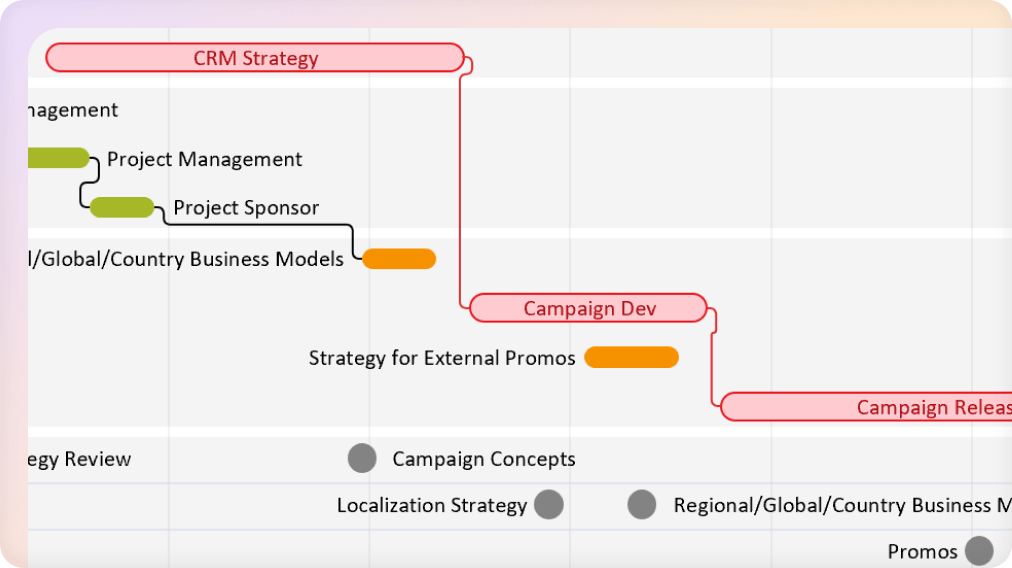
Create structured timelines and roadmaps.
Turn project plans into clear, executive-ready visuals without leaving PowerPoint.
- Build timeline, roadmaps, and milestone views in minutes.
- Choose from pre-designed themes.
- Show phases and dependencies to help leadership identify risks earlier.
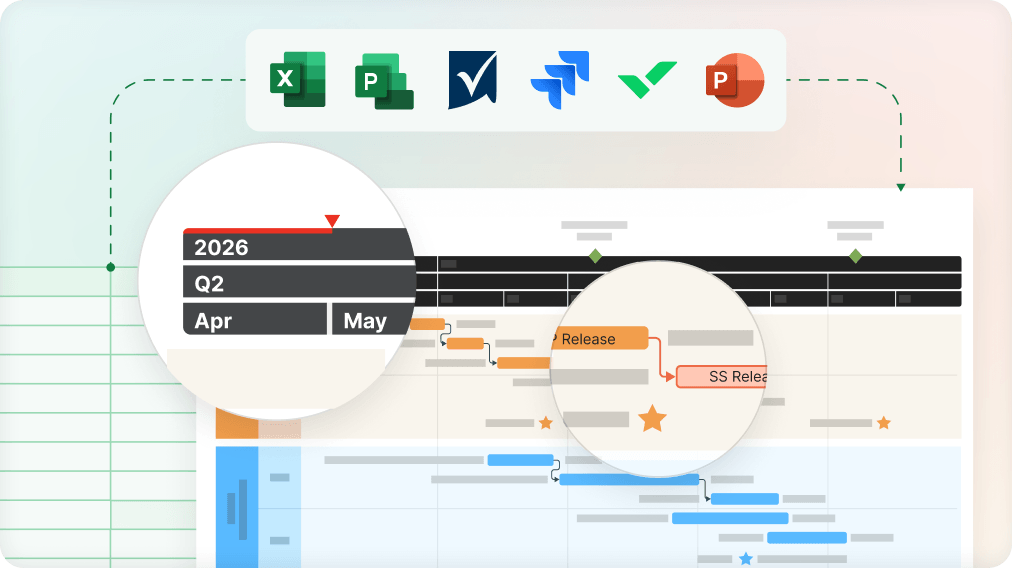
Keep visuals connected to your data.
Update once. Refresh instantly.
- Import your data or sync workflows from the PM tools you use most.
- Sync and refresh timelines as plans evolve.
- Reduce reporting time from hours to minutes.
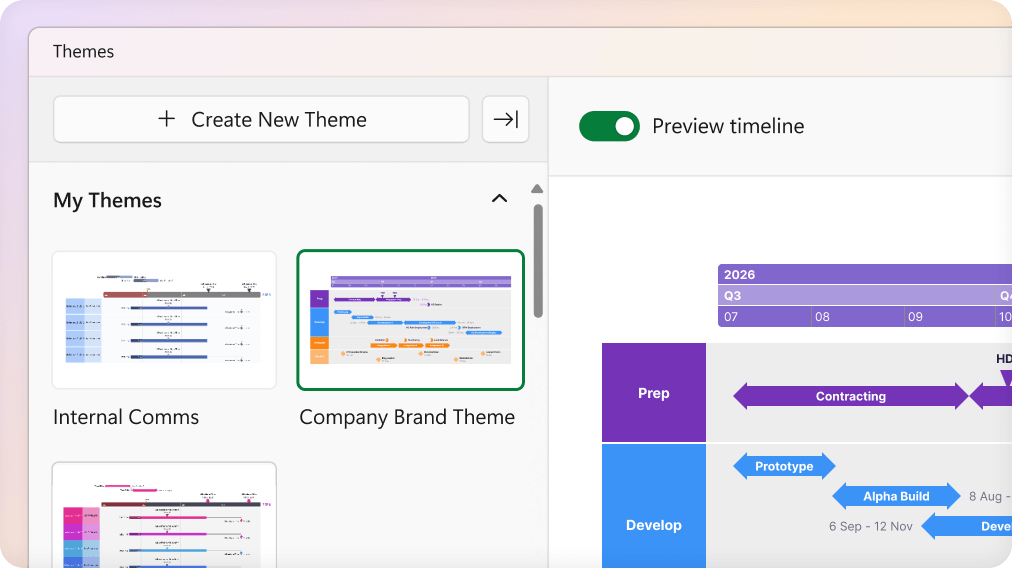
Keep every project update consistent across teams.
Create unity without sacrificing flexibility.
- Use branded templates to uphold visual standards.
- Maintain alignment across PMO and delivery teams.
- Scale from individual use to enterprise deployment.
Executive-ready visuals, in half the time.
launches
Designed for clarity inside PowerPoint
Lucen Timeline is accessible where you work best. Use it as a PowerPoint add-in or as an online tool in your browser.
Join thousands of project teams presenting timelines with confidence using Lucen Timeline
USERS
saved each year
CUSTOMERS
Start simple. Scale with confidence.
Whether you’re building timelines or standardizing reporting across teams, Lucen Timeline is designed to grow with you. Choose the level of depth that fits today and expand as your needs evolve.
Frequently asked questions.
Office Timeline is now Lucen Timeline. The product has not changed. Lucen Timeline, formerly Office Timeline, continues to be the same PowerPoint-native application for creating professional timelines and Gantt charts, now as part of the Lucen Software product suite.
Yes. Office Timeline is now Lucen Timeline. The name is new. The experience is the same.
Lucen Timeline is a Microsoft-native timeline and Gantt chart tool that operates directly within PowerPoint as part of Microsoft 365. It helps teams turn project data into clear, presentation-ready timelines and Gantt charts without adding new tools or new workflows. Lucen Timeline connects with third-party work management tools including Jira, Smartsheet, Excel and Microsoft Project.
Yes. Lucen Timeline (formerly Office Timeline) continues to work directly within PowerPoint as part of Microsoft 365, exactly as it does today. No action is required. If you'd like the new branding experience, you can update the add-in.
No. Lucen Timeline does not replace project management or work management tools like Jira, Smartsheet or Microsoft Project. It works alongside tools teams already use to turn project data into clear, presentation-ready timelines and Gantt charts inside Microsoft 365.
No. Your pricing, billing amount, renewals and payment details are not changing as part of the transition from Office Timeline to Lucen Timeline.
You can manage your Lucen Timeline licenses, renewals, subscriptions and billing through Account Center, your single place for account management with role-based permissions and secure access.