


Standout project visuals for your PowerPoint presentations
Create professional timelines, roadmaps and Gantt charts with the PowerPoint layout you already know. Whether you’re working directly in the presentation platform or in your browser, with Lucen Timeline you get the same familiar editing experience – no learning curve, just better slides.
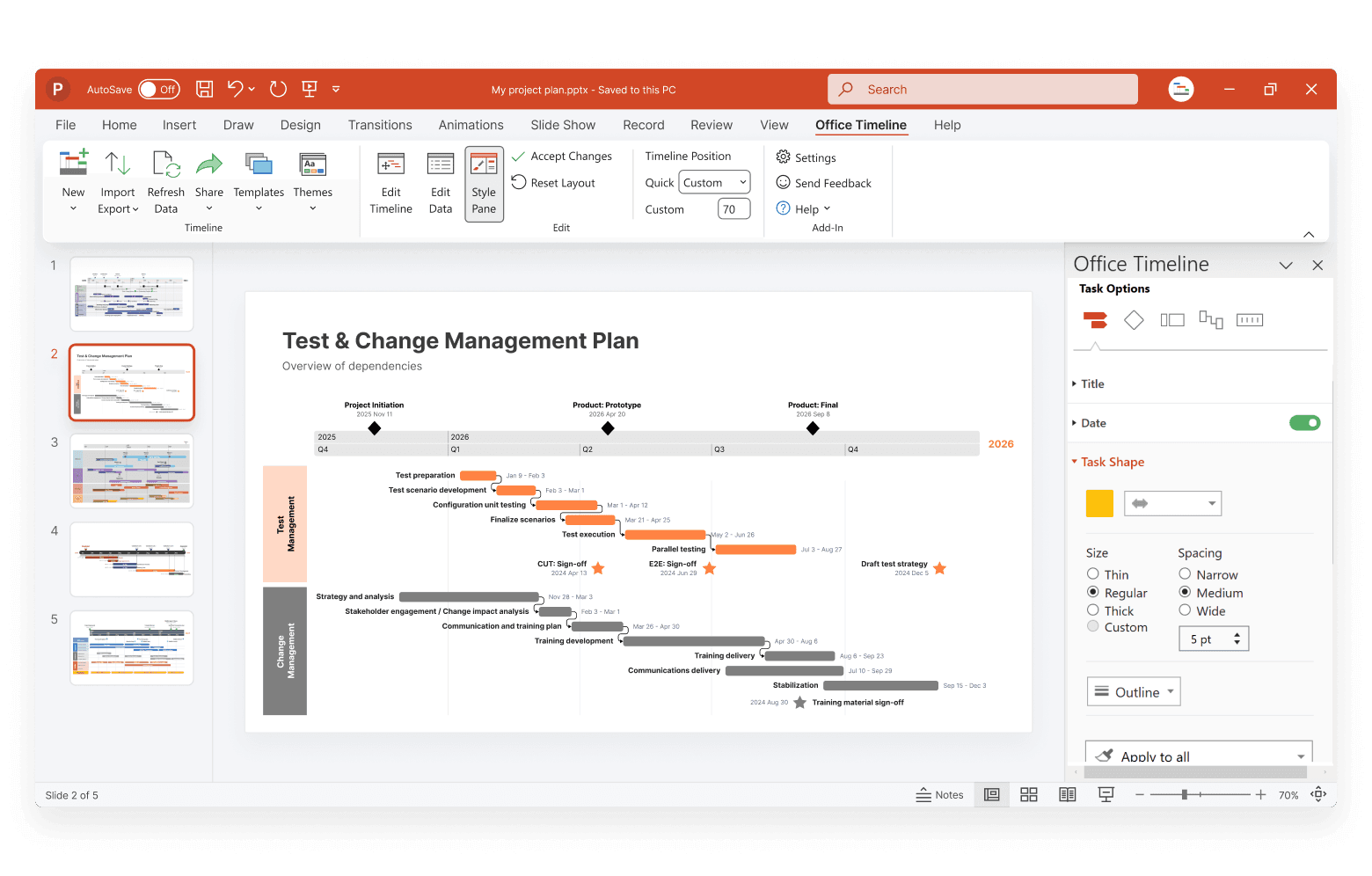
Present plans, priorities, and progress with clarity and confidence
Lucen Timeline helps you transform complex project data into visual narratives that are easy to follow and designed to fit seamlessly into your PowerPoint presentations.
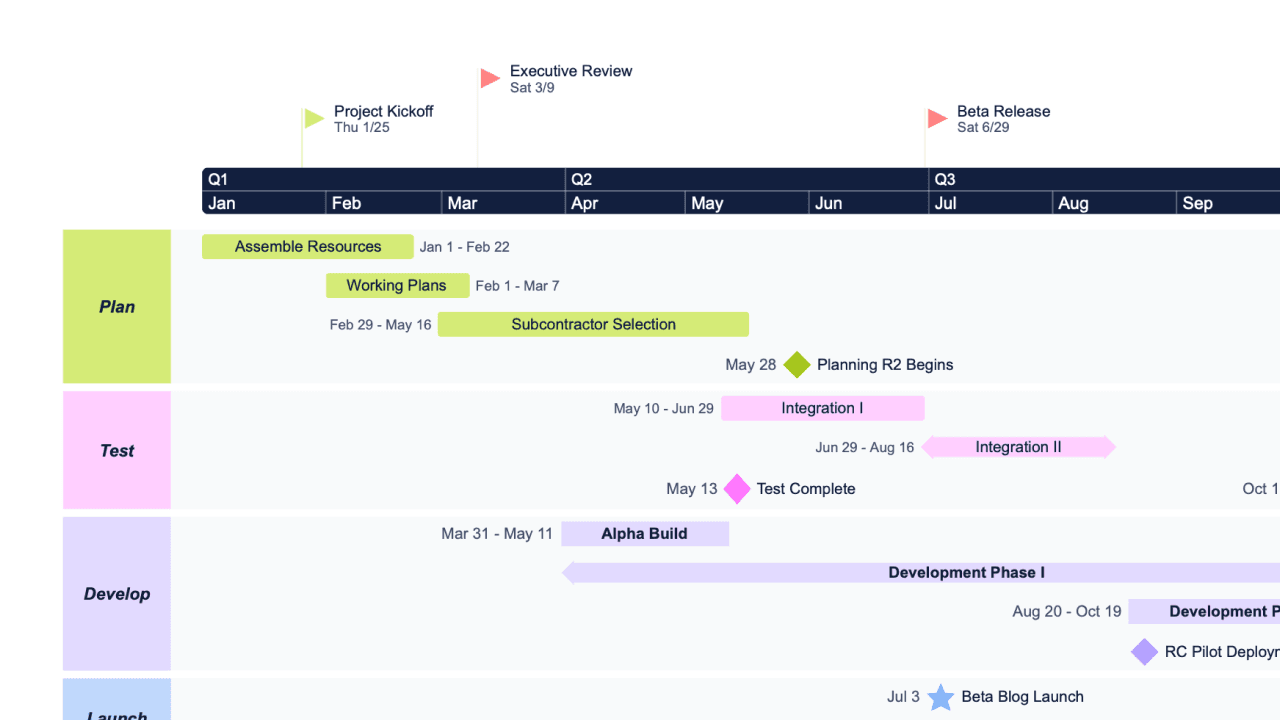
Quickly visualize key data in a clear, compelling format
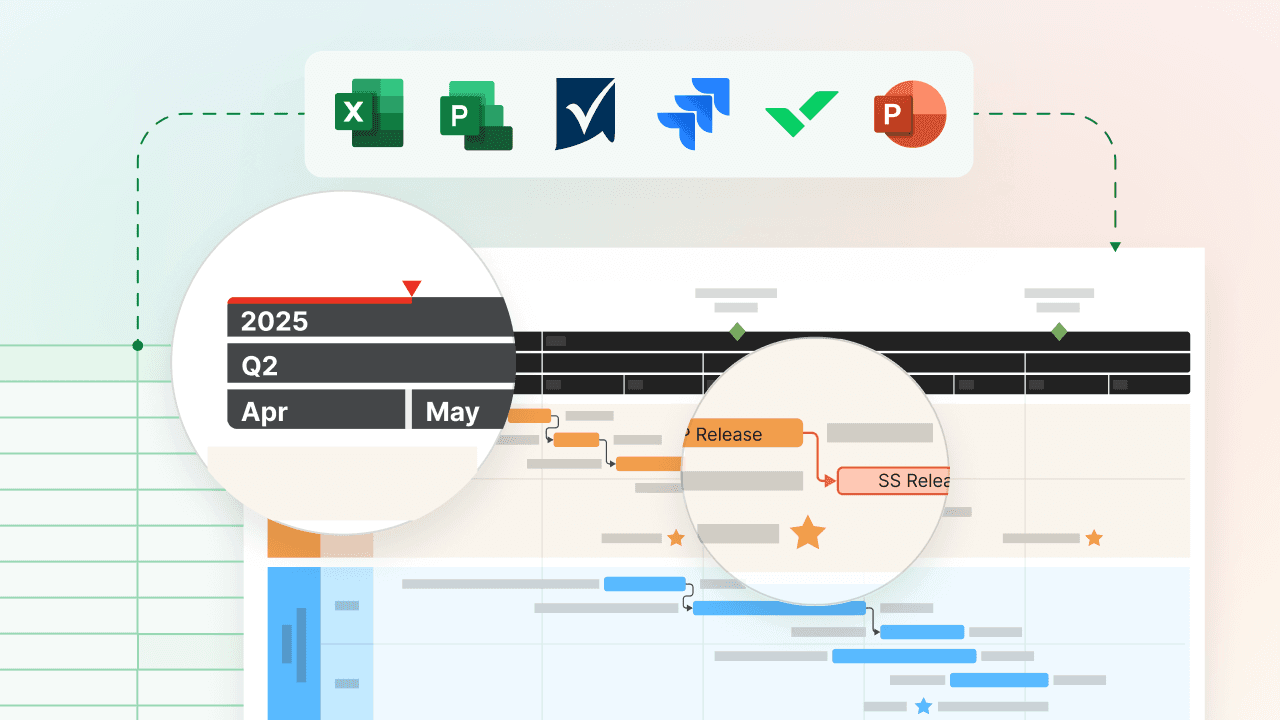
Ditch the dense spreadsheets and instantly create high-level visuals from existing data. Import from your go-to project tools either into the web app or straight into PowerPoint using the add-in. Either way, the result is the same: polished, presentation-ready slides that tell your project’s story at a glance.
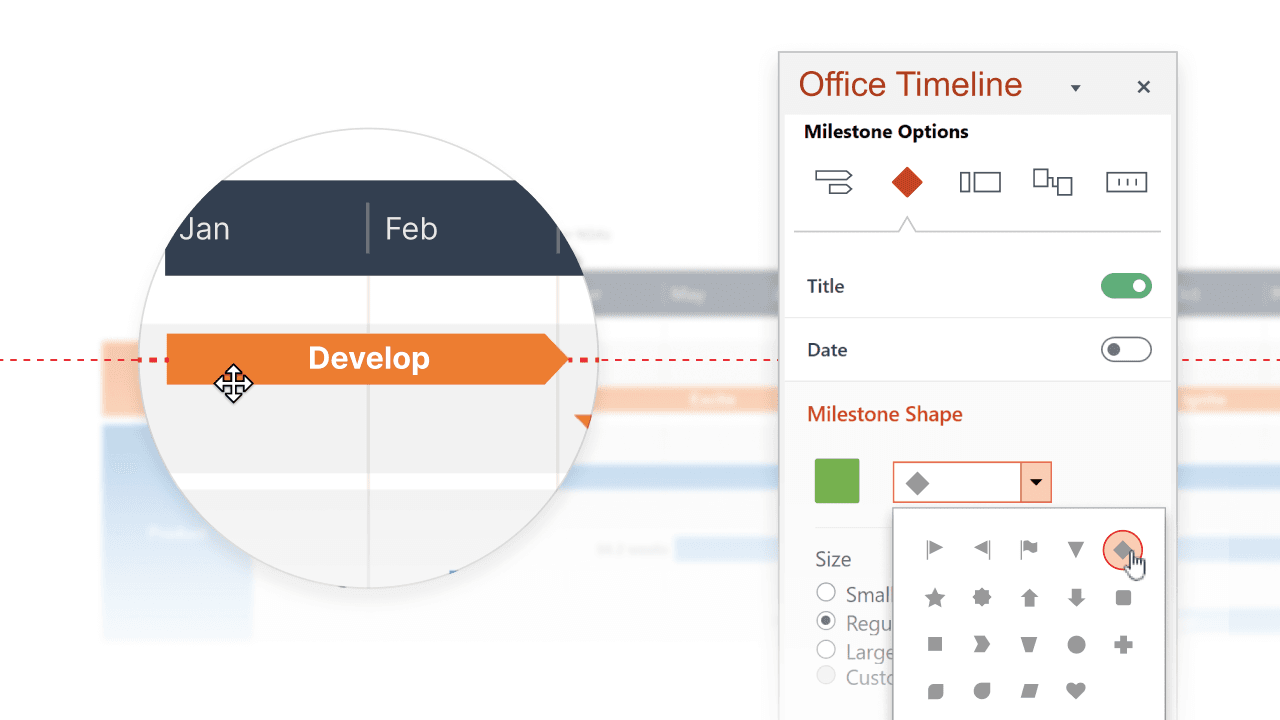
Design polished slides without the hassle
Use intuitive drag-and-drop controls, rich styling options, and ready-made templates to create polished PowerPoint timelines in no time. Customize every element – colors, fonts, shapes, dates – to fit your project needs with zero design skills required.
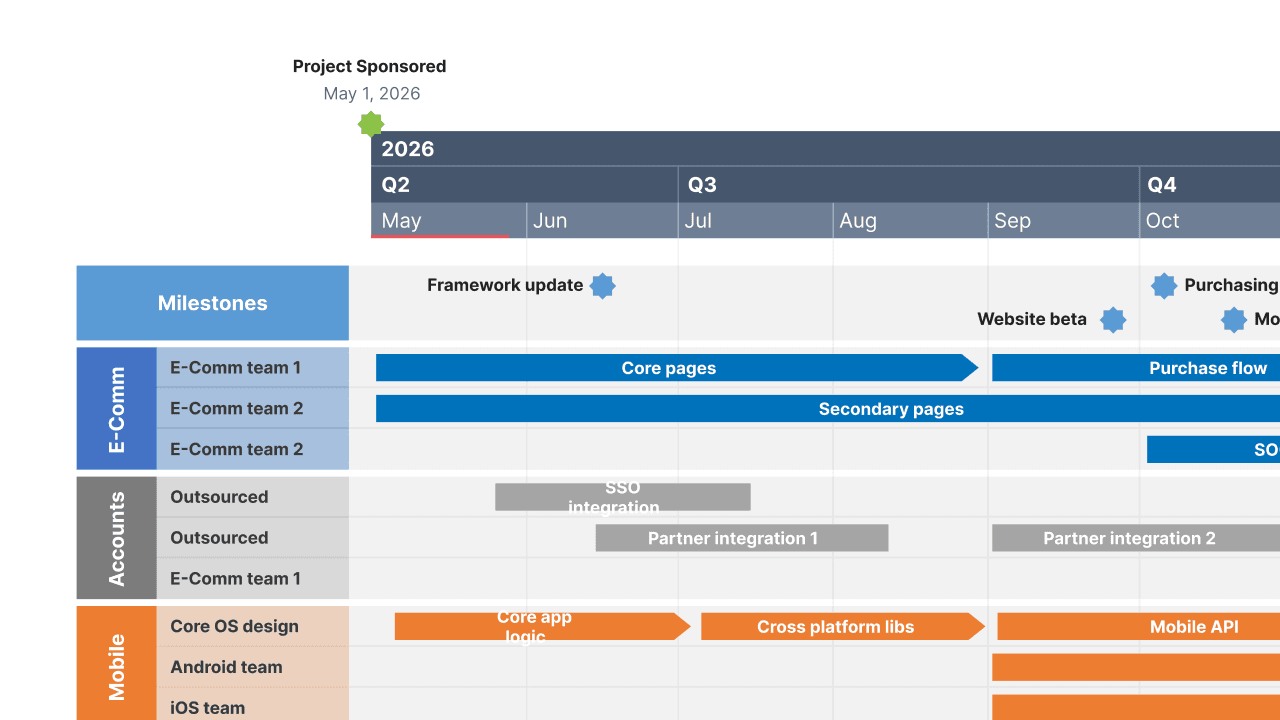
Bring structure and clarity to every slide
Keep your message focused with planning tools like swimlanes, timescales, and dependencies. Whether you’re presenting a roadmap or status update, Lucen Timeline helps you communicate priorities clearly and keep your audience aligned.
Work smarter and present faster with timelines built for PowerPoint
From executive reports to team stand-ups, Lucen Timeline equips you with the tools to deliver project visuals ready-made for PowerPoint. Communicate clearly, coordinate project efforts, and support execution with ease.

Efficiently track progress with up-to-date timelines
Give your team and stakeholders a clear view of what’s happening and what’s next. Easily map out deliverables, mark key deadlines, and refresh visuals as plans evolve – so your presentations always reflect the latest priorities.

Save time with reusable, customizable templates
Cut down on repetitive reporting by creating branded templates you can quickly reuse. With Lucen Timeline, you can save your current PowerPoint theme - preserving your fonts, colors, and styles – to standardize slides faster and stay visually consistent with less effort.

Support informed decisions with visual clarity
Turn complex updates into clear takeaways. Lucen Timeline helps you highlight what matters most, so stakeholders can make smarter, faster decisions based on visuals they easily understand.
Getting started with the PowerPoint integration
- Choose your platform.
Use the Timeline add-in for Windows directly in PowerPoint or access the web app from any browser. - Enter your project details.
Add tasks and milestones or import data from tools like Excel, Project, or Smartsheet, and Lucen Timeline will instantly generate clear, professional PowerPoint timelines. - Customize and present.
Style your timeline, apply custom layouts, and easily share it with collaborators, teams, and stakeholders.
Enhance your PowerPoint slides with advanced project visuals
Use detailed guides, templates, and tips to build smarter, more impactful PowerPoint visuals for your next presentation.

Build your first timeline in minutes
Learn how to turn your project data into a polished PowerPoint timeline slide in just a few clicks.

Create your own look with customizable PowerPoint templates
Explore Lucen Timeline’s built-in templates and see how easily you can tailor and save them for future PowerPoint presentations.

Export online timelines as PowerPoint presentations
Find out how you can quickly turn your Lucen Timeline Online visuals into editable PowerPoint slides to share or present with ease.
Introducing Lucen Timeline’s enhanced plans: built for you
Say hello to Lucen Timeline's enhanced plans! Discover Lite, Plus, and Expert - customized to perfectly meet your needs.
Get personalized training


Ready to build better PowerPoint slides, faster?
Try Lucen Timeline for free and start creating polished, data-driven visuals that are presentation-ready and perfect for your most important meetings.