


Turn complex plans into clear timelines, in minutes.
Create polished updates faster, keep stakeholders aligned, and spend less time rebuilding slides. Lucen Timeline Online makes it easy to build and share timelines from your browser - no PowerPoint required.
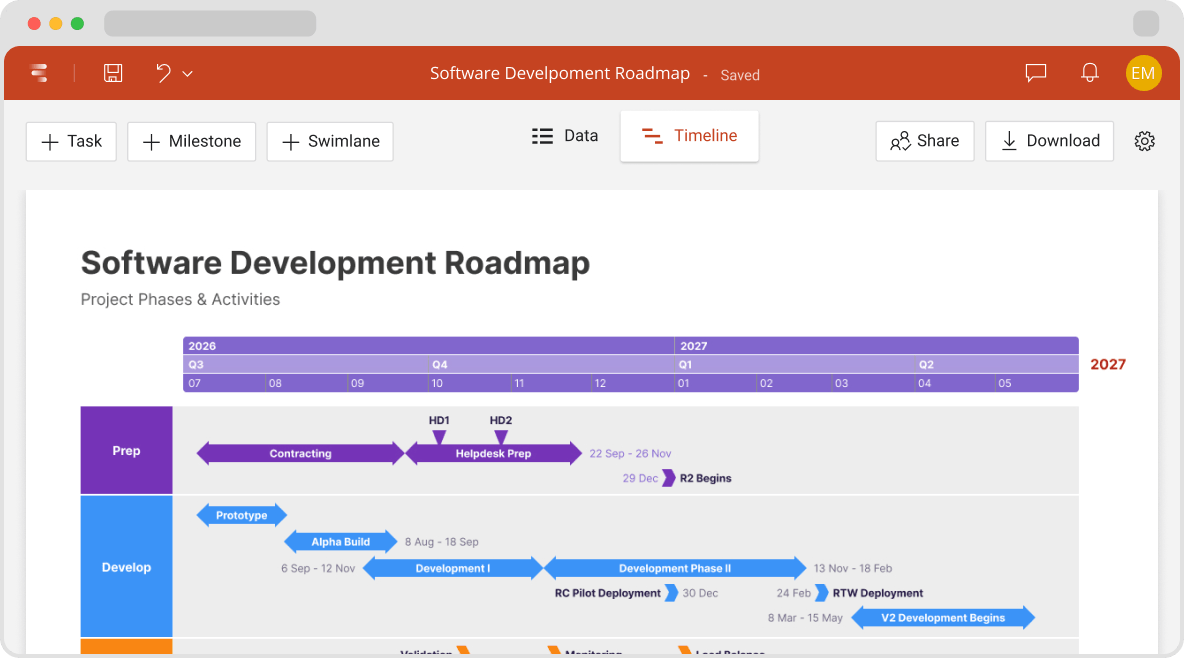
The data is there. The clarity isn’t.
Your project plan already has the details. The real time sink is turning them into a view leadership can read in seconds, which usually means rebuilding the same slide week after week.

Reporting takes minutes, not hours

Slides don't need to be rebuilt each week

Milestones and risks are visible at a glance

Teams spend less time formatting and more time leading

Status lands in seconds, so meetings move to decisions
Simple, accessible online timeline creator
Update once. Ready for every project review.
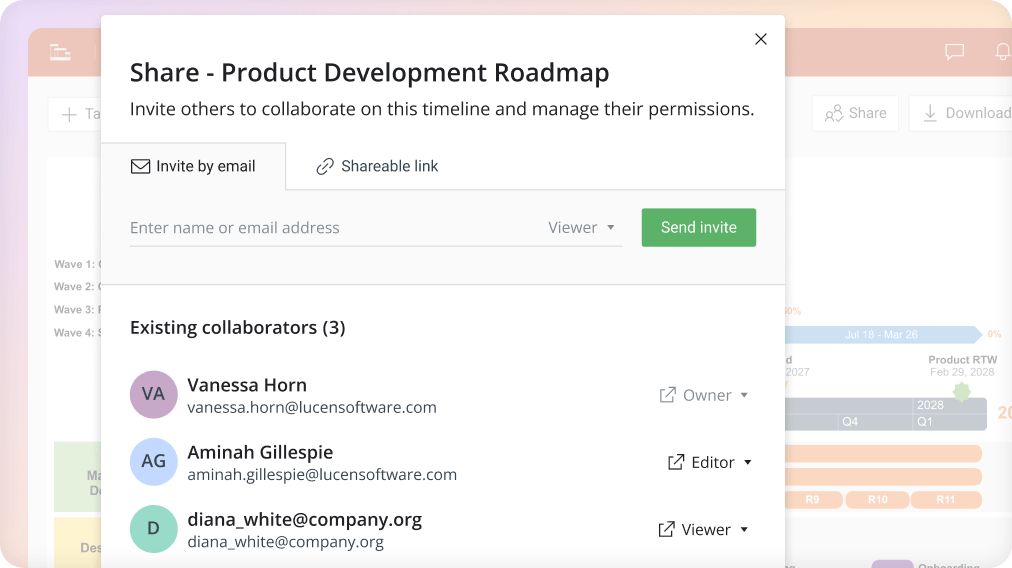
Plan, update, and share together
Invite teammates to edit. Share with execs and clients in one click.
- Works on Windows, Mac, or any operating system, with no installs or setup
- Invite teammates, clients, or stakeholders to any timeline
- Assign tasks and manage permissions by role
- Keep everyone working from the same up-to-date plan
- Export to native PowerPoint when it's time to present
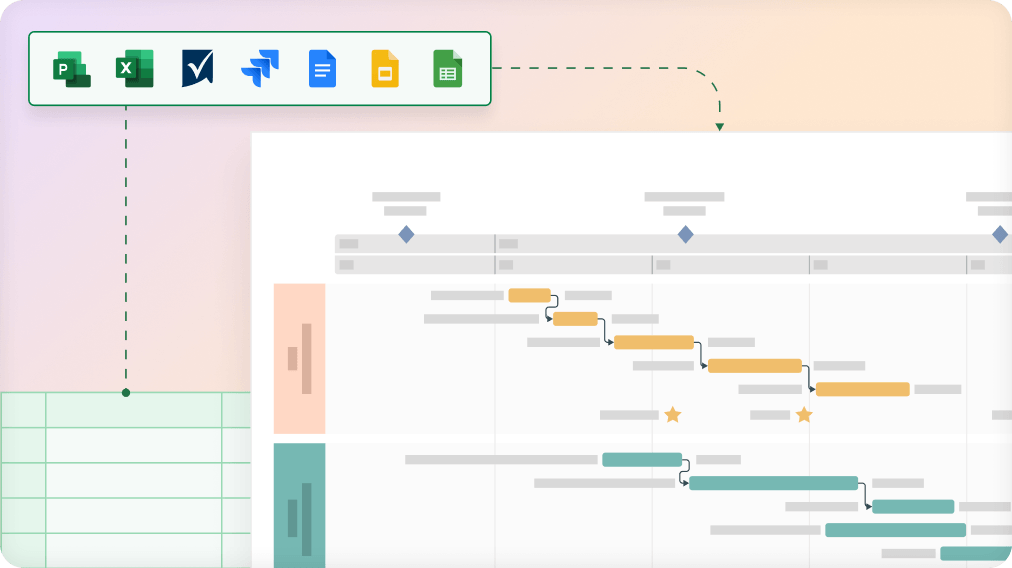
Keep visuals connected to your data
Update once. Refresh Instantly.
- Import from Jira, Microsoft Project, Excel, Smartsheet, and Google Sheets
- Embed dynamic timelines into Google Docs and Slides
- Changes in the source plan mirror instantly on the timeline
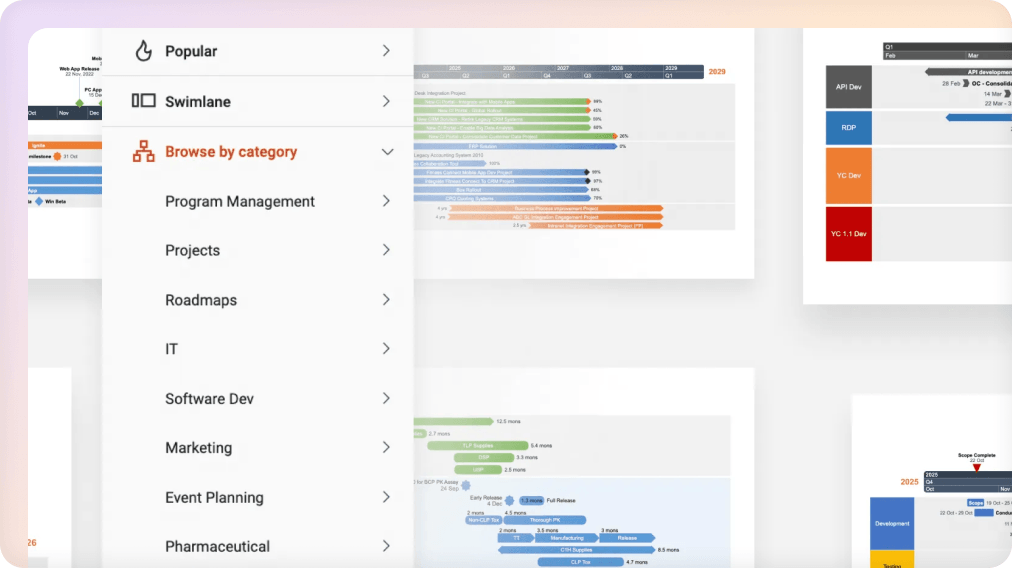
Create presentation-ready visuals in minutes, not hours.
Pick the view that fits the meeting, build it in minutes, export as native PowerPoint.
- Build timeline, roadmap, and swimlane views without starting from scratch
- Choose from a full gallery of professional templates
- Export as a native PowerPoint slide anyone can open, view, and present
Executive-ready visuals, in half the time.
launches
Made for how (and where) you work
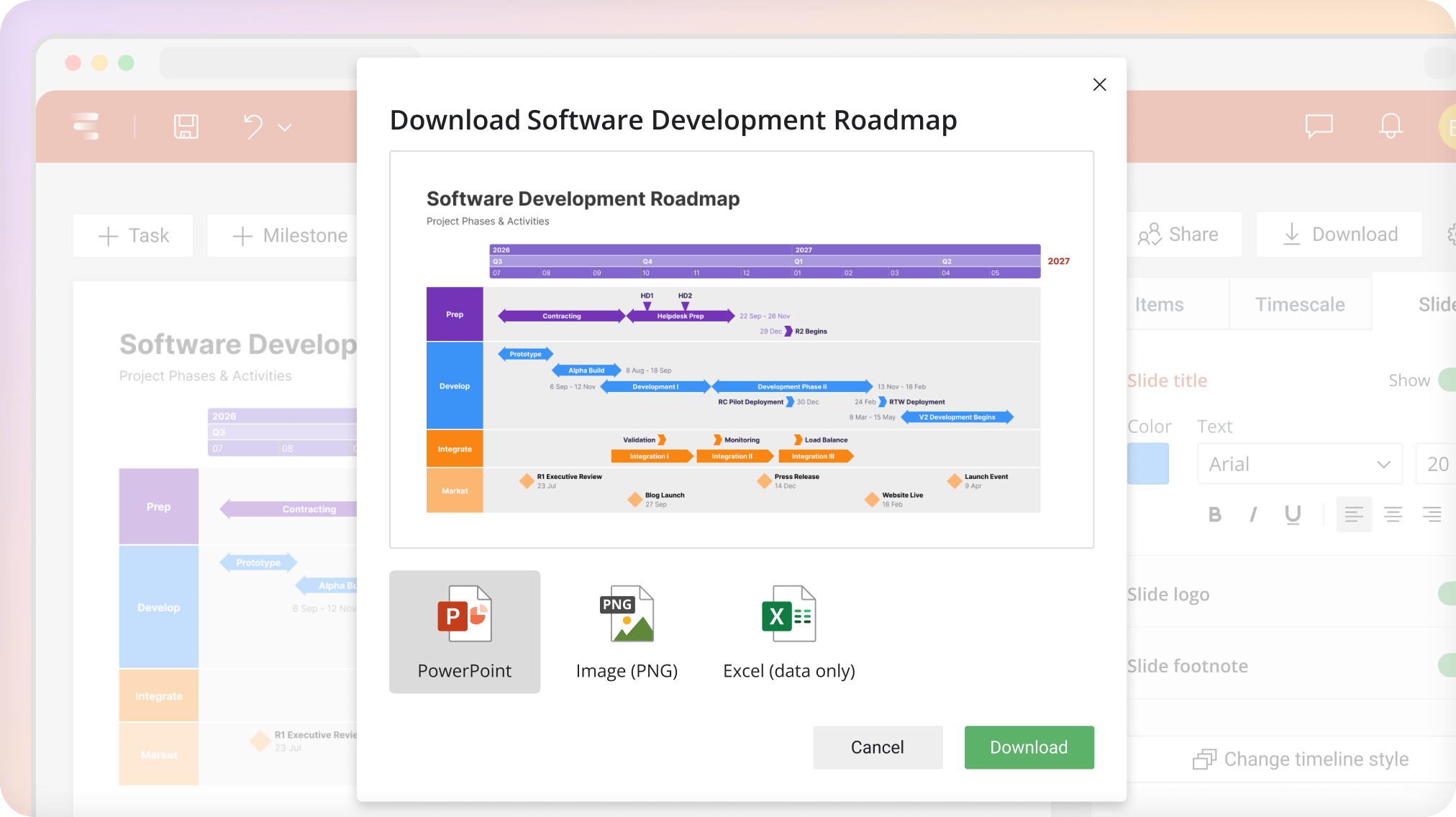
When your update is ready for a steering committee, client review, or board deck, one click exports a native PowerPoint slide you can drop into any presentation.
Start simple. Upgrade when you're ready.
Whether you're building your first timeline or rolling out reporting across teams, Timeline Online scales with you.
Frequently asked questions.
Office Timeline Online is now Lucen Timeline Online. The product has not changed. Lucen Timeline Online, formerly Office Timeline Online, continues to be the same browser-based tool for creating professional timelines and Gantt charts, now as part of the Lucen Software product suite.
Yes. Office Timeline Online is now Lucen Timeline Online. The name is new. The experience is the same.
Lucen Timeline Online is a browser-based timeline and Gantt chart tool that helps teams turn project data into clear, presentation-ready visuals. It works in any browser, on any operating system, with no installation required and connects with third-party work management tools so teams can communicate complex work across stakeholders without adding new tools or new workflows.
No. Lucen Timeline Online does not replace project management or work management tools. It works alongside tools teams already use to turn project data into clear, presentation-ready timelines and Gantt charts.
No. Your pricing, billing amount, renewals and payment details are not changing as part of the transition from Office Timeline Online to Lucen Timeline Online.
You can manage your Lucen Timeline Online licenses, renewals, subscriptions and billing through Account Center, your single place for account management with role-based permissions and secure access.