


See your project through every lens with Multiple Timescales
Switch seamlessly between different timeframes to get the perfect perspective on your projects.
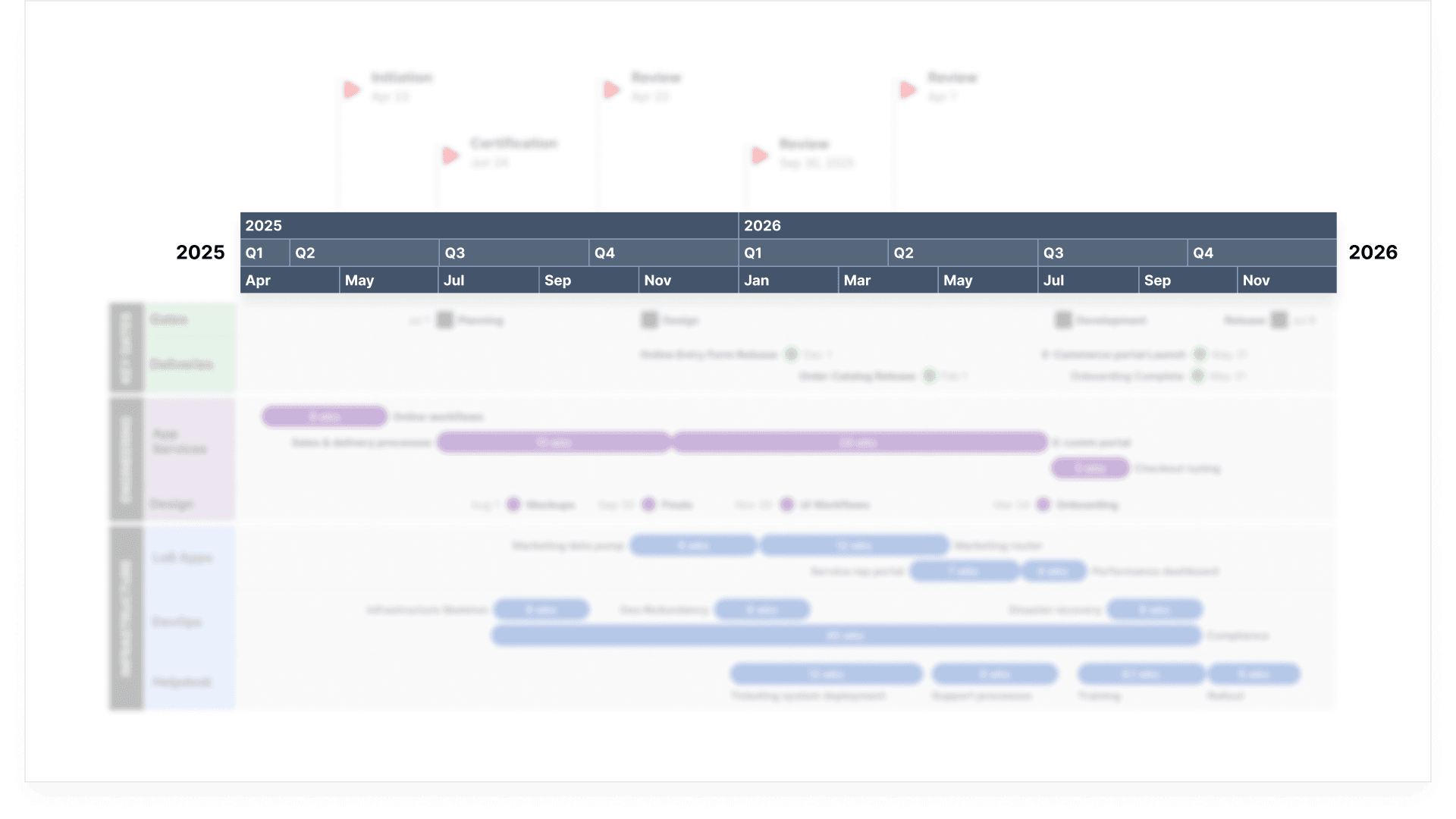
Plan strategically, track precisely
Multiple Timescales help you balance high-level strategy with detailed execution, ensuring your project timelines match every stage of progress.
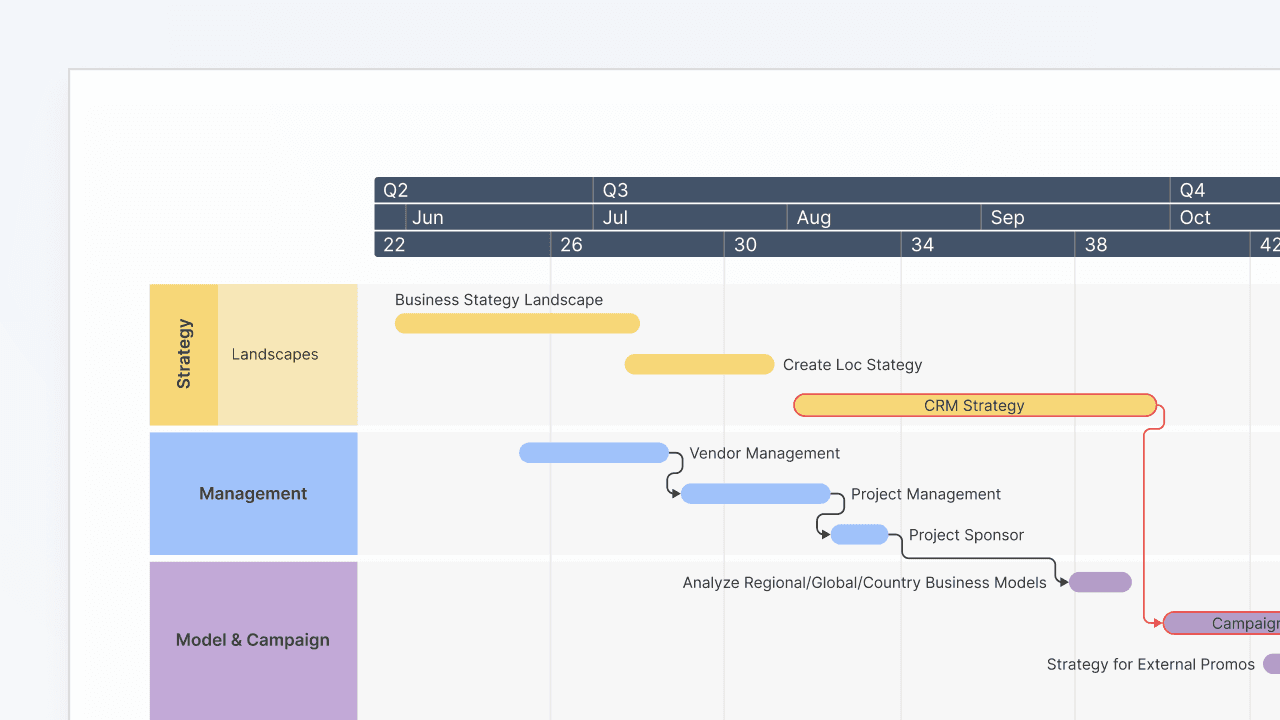
Master time at every level
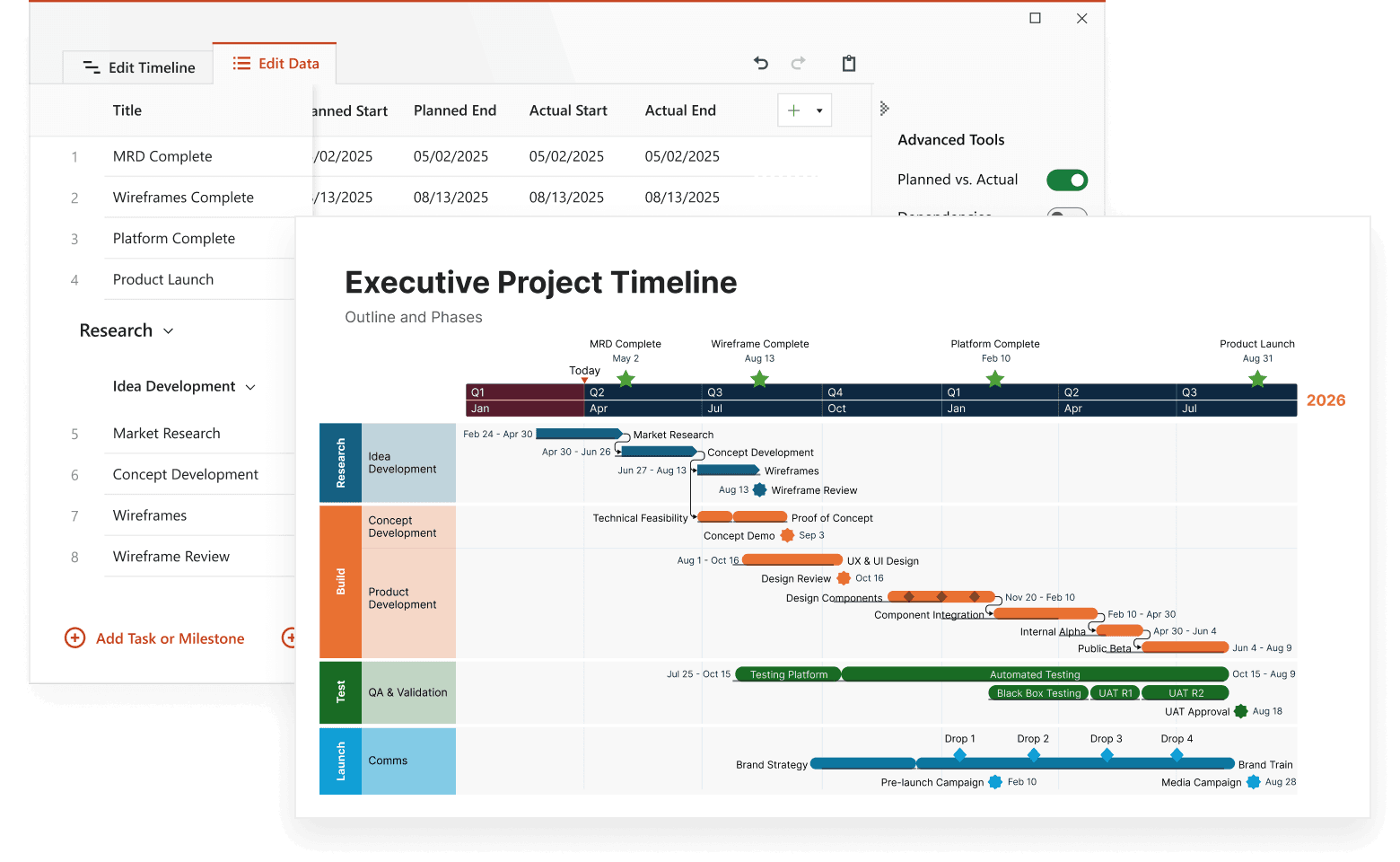
Stop compromising between big-picture planning and detailed scheduling. Multiple timescales let you view your project across different time horizons simultaneously – from years down to days. It's like having a zoom lens for your project timeline, giving you exactly the level of detail you need when you need it.
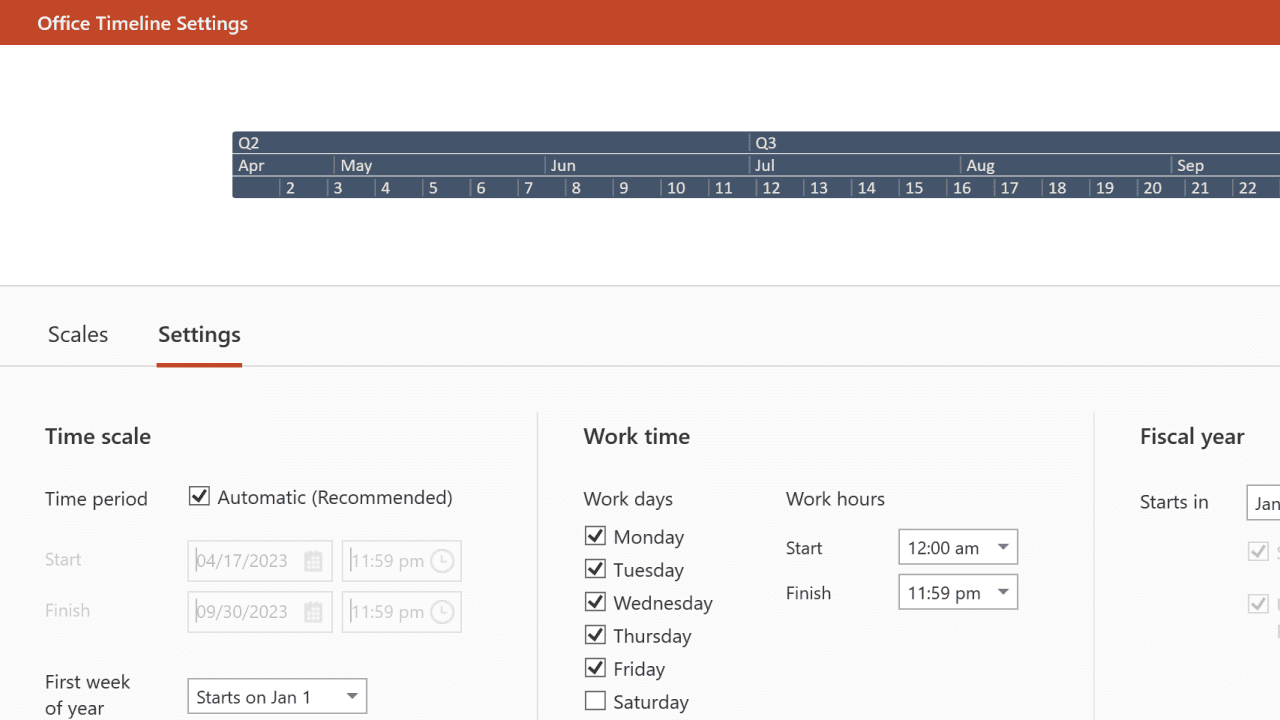
Break down complex timeframes naturally
Why limit yourself to a single view of time? Multiple timescales create an intuitive hierarchy that makes long-range planning crystal clear. Show quarters alongside months, or years with weeks – whatever combination helps your audience grasp the full scope of your project. Plus, align your timeline with your organization's fiscal year to match how your business really work.
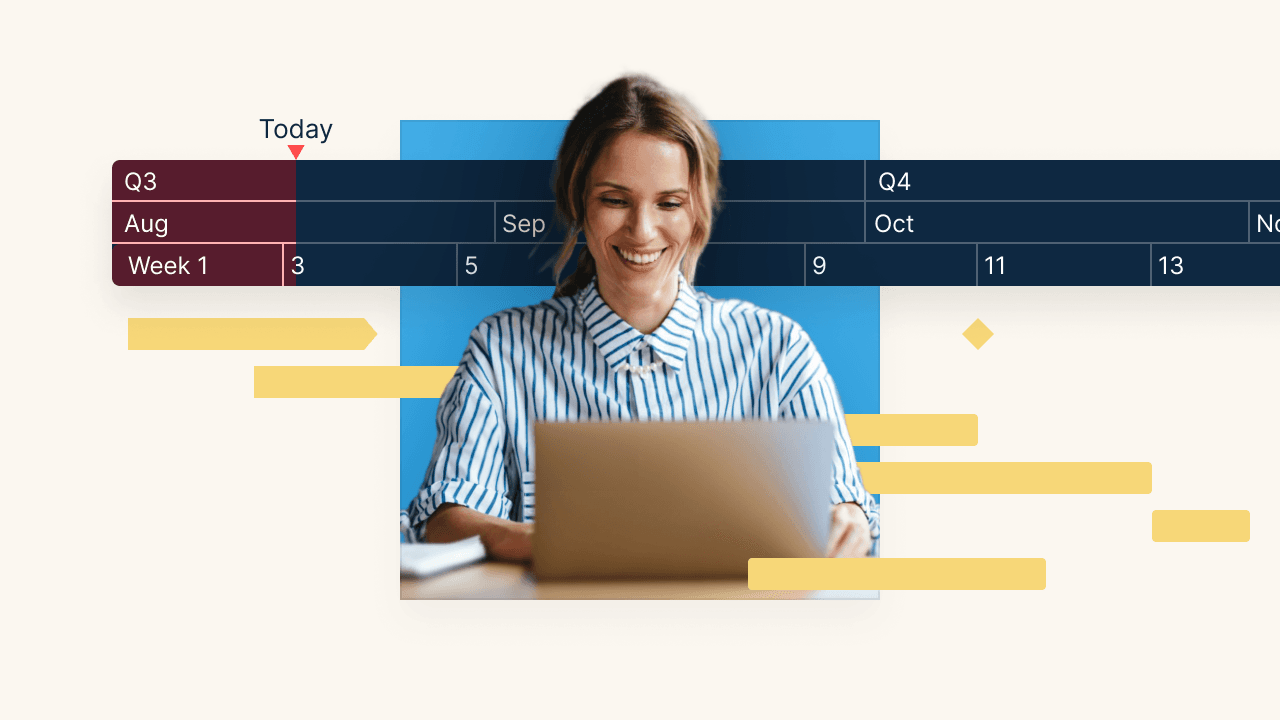
Adapt your view to any audience
Whether you're presenting to executives who need the big picture or team members focused on next week's deliverables, multiple timescales flex to match your audience's needs. One timeline, infinite perspectives.
Keep your timelines flexible for better project control
See how Multiple Timescales enhance planning, scheduling, and reporting across different project views.

Layer time naturally across views
Display multiple time bands that work together seamlessly. Show years, quarters, and months in perfect harmony, or zoom in to weeks and days for detailed execution planning.

Navigate long projects with ease and flexibility
Handle multi-year initiatives without losing sight of immediate deadlines. Multiple timescales help you connect long-term strategy with day-to-day execution.

Align with your fiscal calendar
Customize your timeline to match your organization's fiscal year – whether it starts in April, July, or any other month. Perfect for financial planning and reporting that matches your business rhythm.

Perfect your presentations for impact
Switch between time views during presentations to tell a more compelling story. Zoom out to show the full journey, then drill down to specific periods that need attention.

Customize your view for clarity
Adjust the visibility and formatting of each time band to create the perfect view. Hide unnecessary detail or highlight specific periods to keep your audience focused on what matters.
Ready to see your projects from every angle?
Unlock the power of Multiple Timescales to align strategic planning with detailed execution.
Common questions about Multiple Timescales
Mix and match any combination of years, quarters, months, weeks, and days. Create the perfect view for your project's unique timeline and audience needs. See how easy it is to configure multiple timescales with our step-by-step guide for the add-in or explore the dedicated guide for the web app to tailor views to your needs.
Yes! Easily set your fiscal year to start in any month, ensuring your timelines align perfectly with your organization's financial calendar and reporting period.
Absolutely! Add or remove time bands anytime to adjust the level of detail. Your timeline automatically adapts while preserving all your careful planning.
Your items stay perfectly positioned no matter which timescales you display. Zoom in or out freely – everything maintains its precise timing and relationships.
Not at all! We've designed the feature to add clarity, not confusion. Show exactly the time bands you need and hide the rest for a clean, professional look.
Advanced tools for better project scheduling

Swimlanes
Bring structure to complex workflows. Organize tasks, teams, and phases into clear visual sections that simplify collaboration and project tracking.


Ready-made Templates
Start faster with proven structures. Use pre-built timeline templates designed for various industries and workflows to save time and standardize planning.

Custom Themes
Tailor every timeline to match your brand. Customize colors, fonts, and styles to create polished, professional visuals that align with your brand identity.

Dependencies & Critical Path
Visualize task relationships and optimize scheduling. Easily connect dependencies and identify the critical path to ensure on-time project delivery.

Planned vs. Actual
Bring clarity to shifting timelines. Instantly show how actual progress compares to your original plan with side-by-side visuals that help teams stay aligned and stakeholders approve changes faster.

Import Data
Easily integrate your project data from Excel, MS Project, and other tools to instantly generate polished, presentation-ready visuals.

Sub-swimlanes
Break down complexity with layered clarity. Add depth to your timelines by structuring projects with nested lanes for a clear hierarchy of tasks and initiatives.

Tasks & Milestones
Define goals and track progress with ease. Map out tasks, set milestones, and keep your project moving forward with clear, structured timelines.