

Video tutorials
Lucen Timeline fundamentals
Get the basics and learn how to build your first project visual in minutes.


Welcome to Lucen Timeline Fundamentals
In this video we'll explain what you can expect to find in the Lucen Timeline fundamentals course.
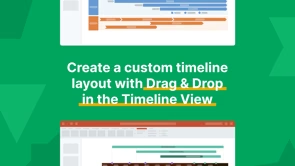
Create a custom layout with Drag & Drop in the Timeline View
In this video, we’re going to see how we can create a custom timeline layout with Drag and drop in the Timeline View. Rearranging project data has never been easier!
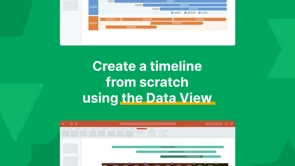
Create a timeline from scratch using the Data View
In this video we'll see how we can quickly make a simple timeline from scratch, using the Data View, where you can easily add and edit project data.
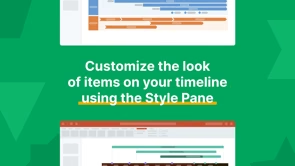
Customize the look using the Style Pane
In this video we'll see how we can customize the look of the items on our timeline using the Style Pane, so you can make unique timelines to impress your audience.
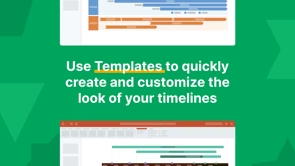
Use Templates to create and customize your timelines
In this video we'll see how you can use templates to quickly create and customize the look of your timelines. And this can save you hours of work.
Other tutorials
Unlock more ways to optimize your projects
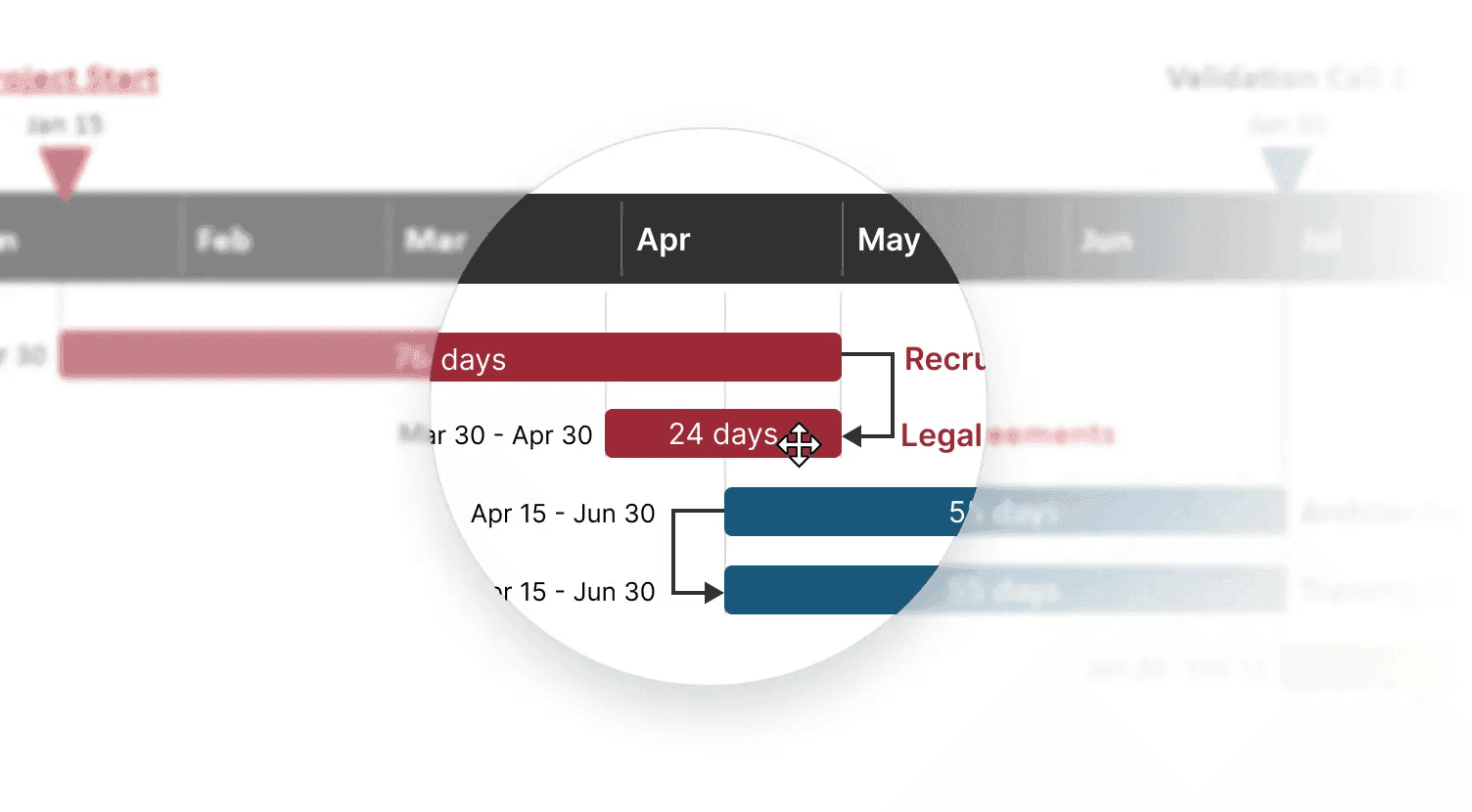

Layout tips and tricks
Find out how to arrange elements on your slide for a better use of space.
Lucen Timeline Quick Start recorded webinar
Learn how to use Lucen Timeline from this recorded version of our most popular live webinar.

Lucen Timeline Plus - Quick Start
Learn how to create a project visual using the Lucen Timeline Plus plan.

Integration with Excel
Discover how to bring in and refresh project data from Microsoft Excel.
Lucen Timeline Lite - Quick Start
Discover how to use Lite's features to make timelines with swimlanes.

Integration with Smartsheet
Discover how to bring in and refresh project data from Smartsheet.