


Streamline your Wrike project reviews with Lucen Timeline
Link your Wrike data with Lucen Timeline to create executive-ready slides that deliver consistent report formats, drive stakeholder alignment, and boost organizational productivity.
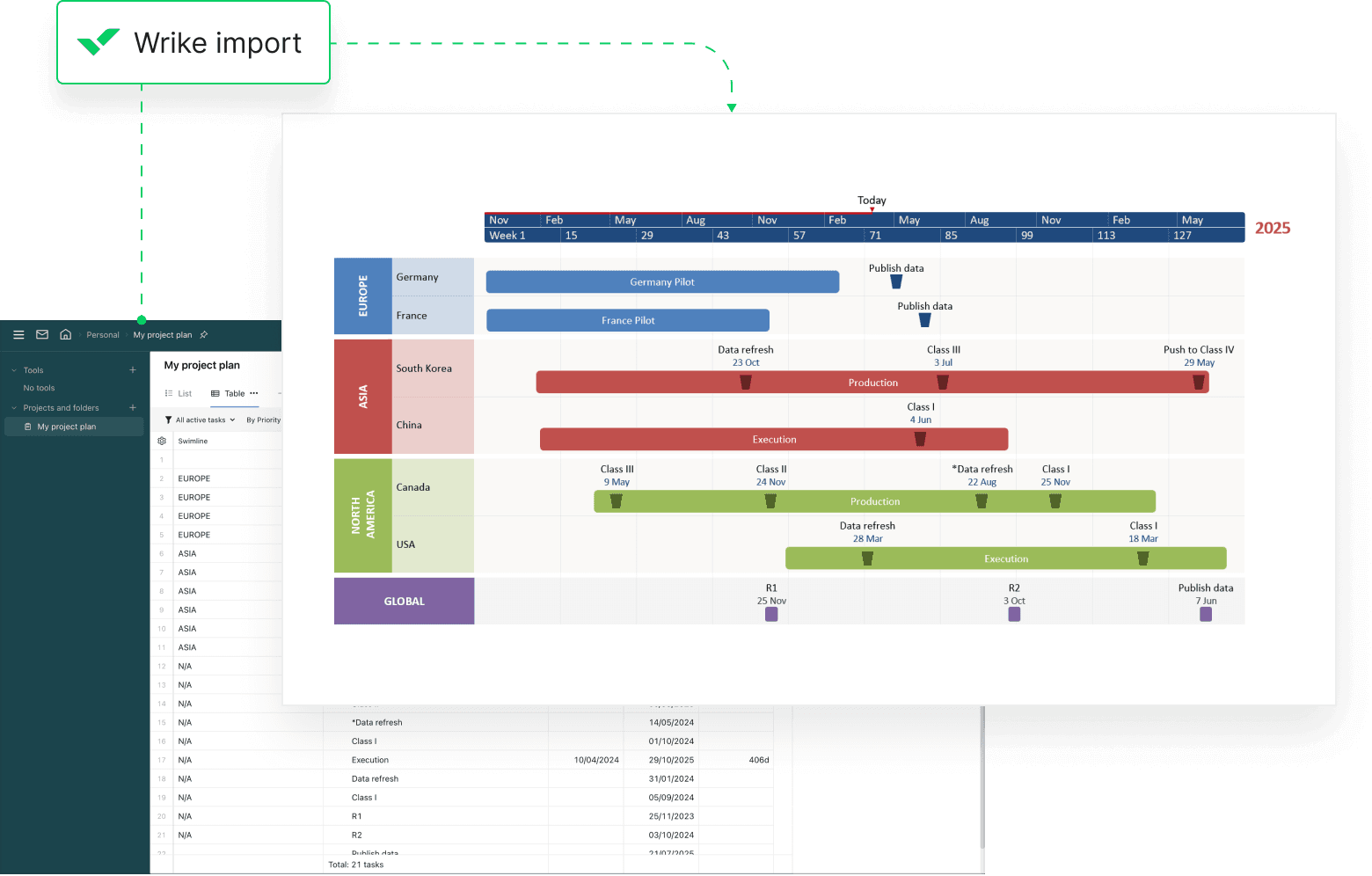
Transform Wrike data into consistent, impactful reports
Integrate Lucen Timeline with Wrike to streamline reporting, standardize project communications, and save valuable time – all while keeping your stakeholders aligned and informed.
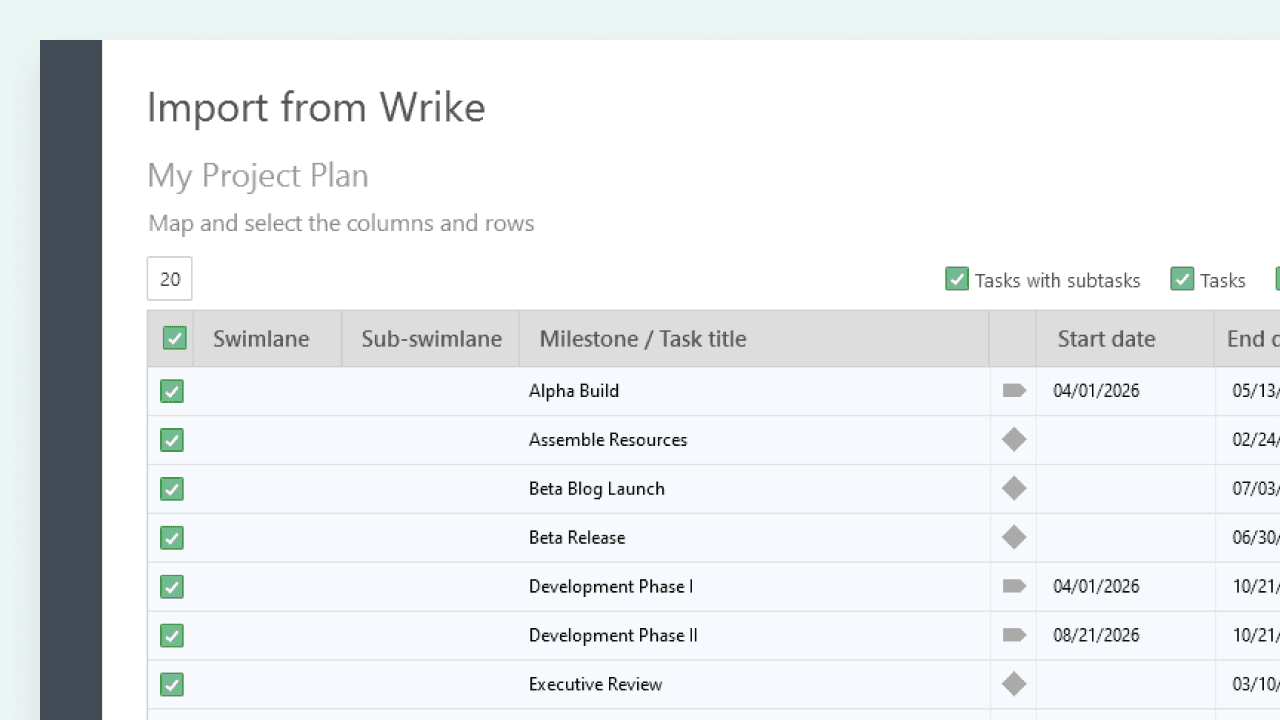
Fast Wrike data import
Quickly bring tasks, milestones, and dependencies into Lucen Timeline, reducing manual formatting and saving hours on every project report.
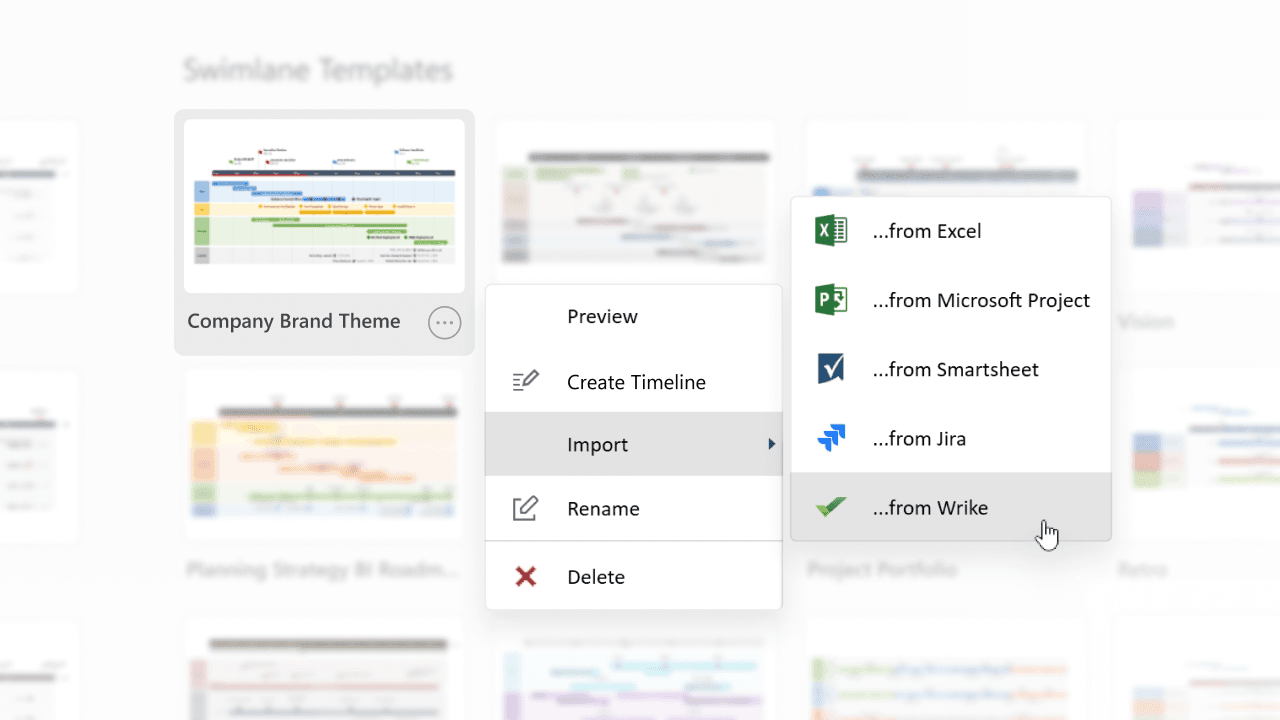
Standardized templates for Wrike workflows
Use ready-made templates to ensure consistent report formats, tailored to Wrike’s collaborative structure, for presentations that impress every time.
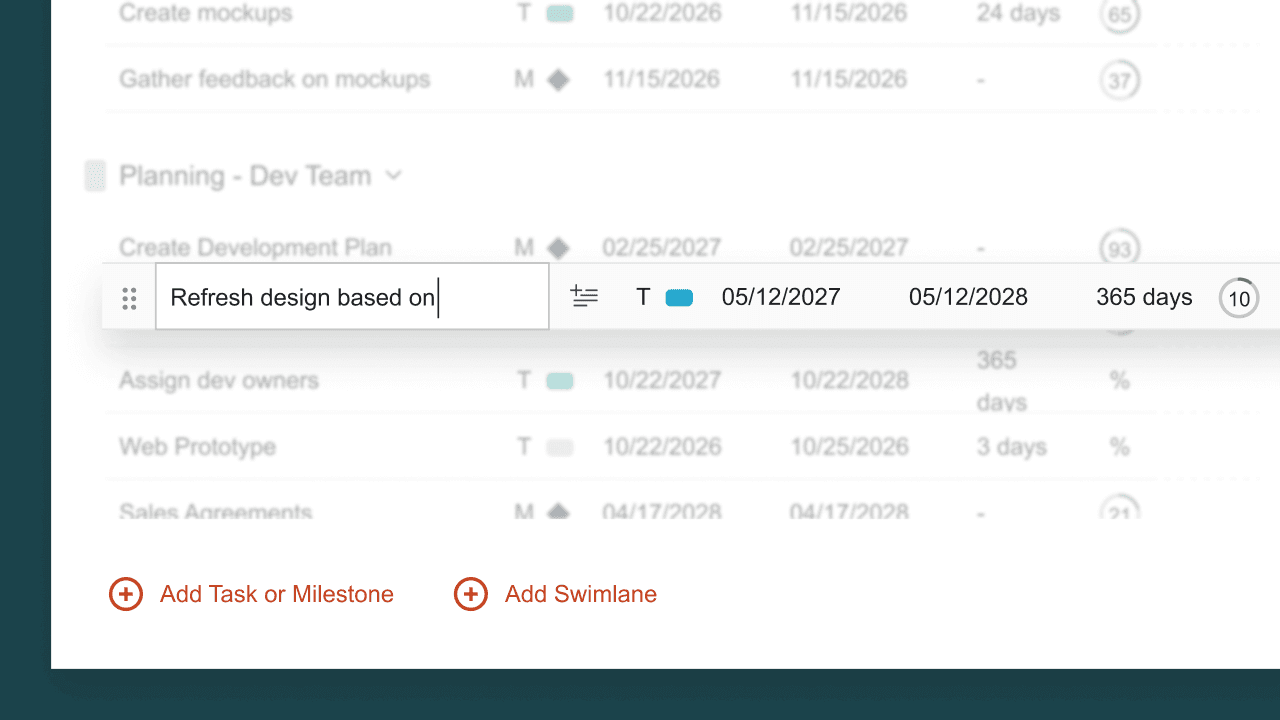
Easy updates for accurate timelines
Instantly reflect the latest project changes in your Wrike-based visuals with Lucen Timeline, ensuring accuracy and clarity in your presentations.
How Lucen Timeline streamlines your Wrike project reporting
Lucen Timeline empowers you to transform Wrike project data into clear, consistent timelines that facilitate better decision-making and project governance.

Present progress with consistency
Deliver polished timelines that reflect Wrike milestones and tasks, ensuring clarity and uniformity across all stakeholder communications.

Keep everyone aligned with live updates
Seamlessly reflect Wrike changes into your visuals, providing teams and stakeholders with accurate, real-time insights.

Streamline complex projects into actionable reports
Turn complex Wrike projects into intuitive roadmaps that support quicker decision-making and improved collaboration.
Getting started with the Wrike integration
- Connect Wrike account: Link your Wrike workspace with Lucen Timeline for seamless access.
- Import tasks and milestones: Select the key data points you need to create structured timelines.
- Customize and share: Use intuitive templates and editing tools to match your audience’s needs.
Maximize your Wrike + Lucen Timeline integration
Explore tools and tips to streamline reporting and unlock the full potential of Wrike with Lucen Timeline.

Import Wrike data seamlessly
Follow our guide to quickly and effortlessly bring Wrike tasks, swimlanes, and sub-swimlanes into Lucen Timeline.

Streamlining project management: A comprehensive guide to enhancing efficiency and standardization
Discover how standardizing project reports can enhance efficiency, consistency, and collaboration in project management. Learn best practices and explore essential tools to streamline your processes.

[Study] How to save time and money in project reporting
Save 4 hours per week on reporting with Lucen Timeline. Explore how this tool transforms project management and makes reporting a breeze.
Get personalized training


Prime your Wrike projects for successful stakeholder reviews
Connect Wrike with Lucen Timeline to craft professional summary slides that streamline reporting and impress your audience.