


Create data-driven timelines directly from Google Sheets™
Instantly transform project data into clear, professional visuals. Highlight key milestones, track progress, and align your team, without ever leaving Google Workspace™.
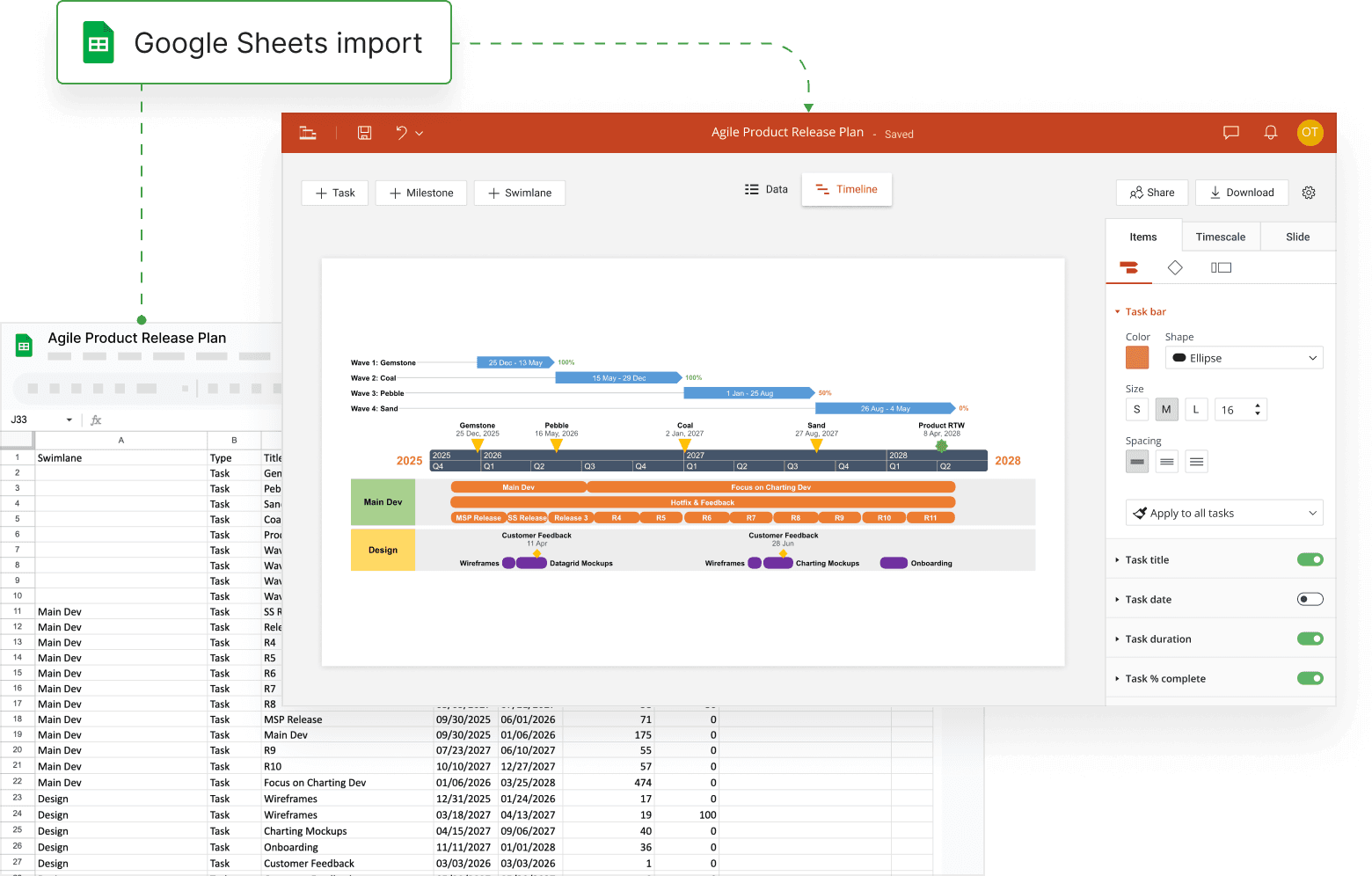
Turn your Google Sheets into timeline-powered planning tools
Lucen Timeline Online makes it easy to visualize, manage, and share project data directly from Google Sheets – so you can stay organized and keep everything up to date in one place.
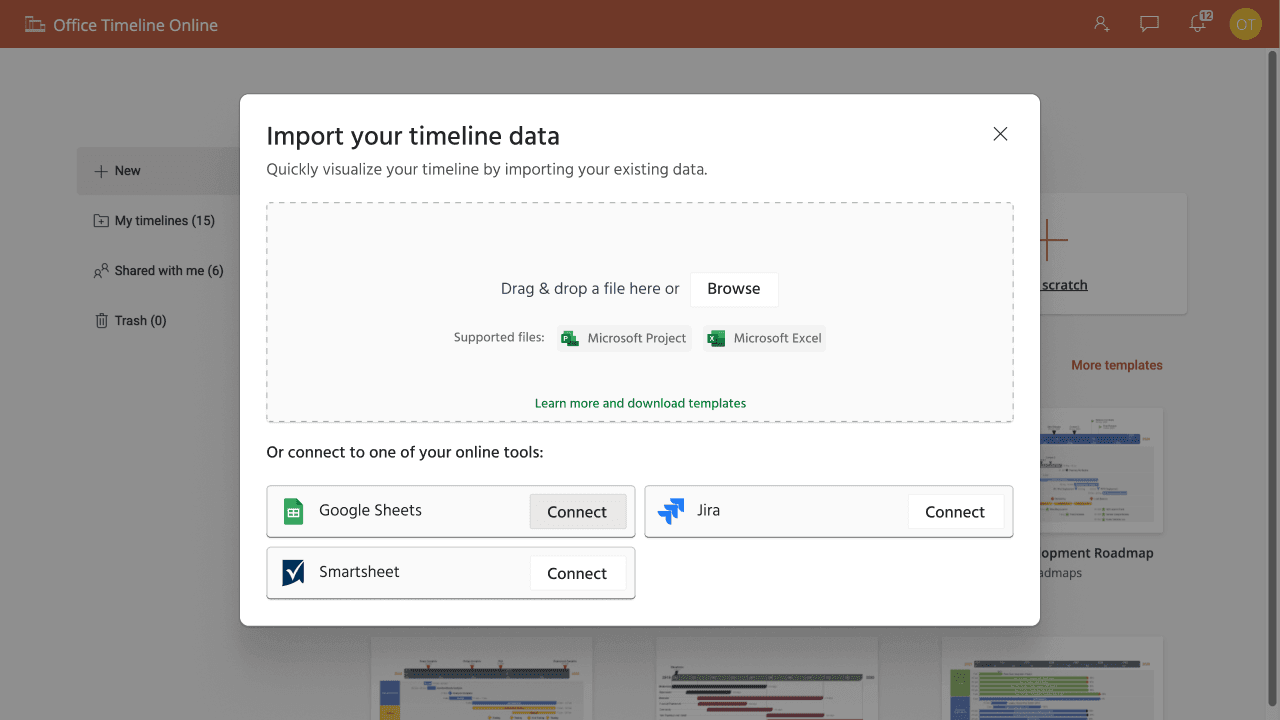
Start fast with Google sign-in
No new credentials, no setup delays. Sign in using your existing Google account and start building timelines from your data in seconds. Timeline Online offers a friction-free experience for secure, instant access.
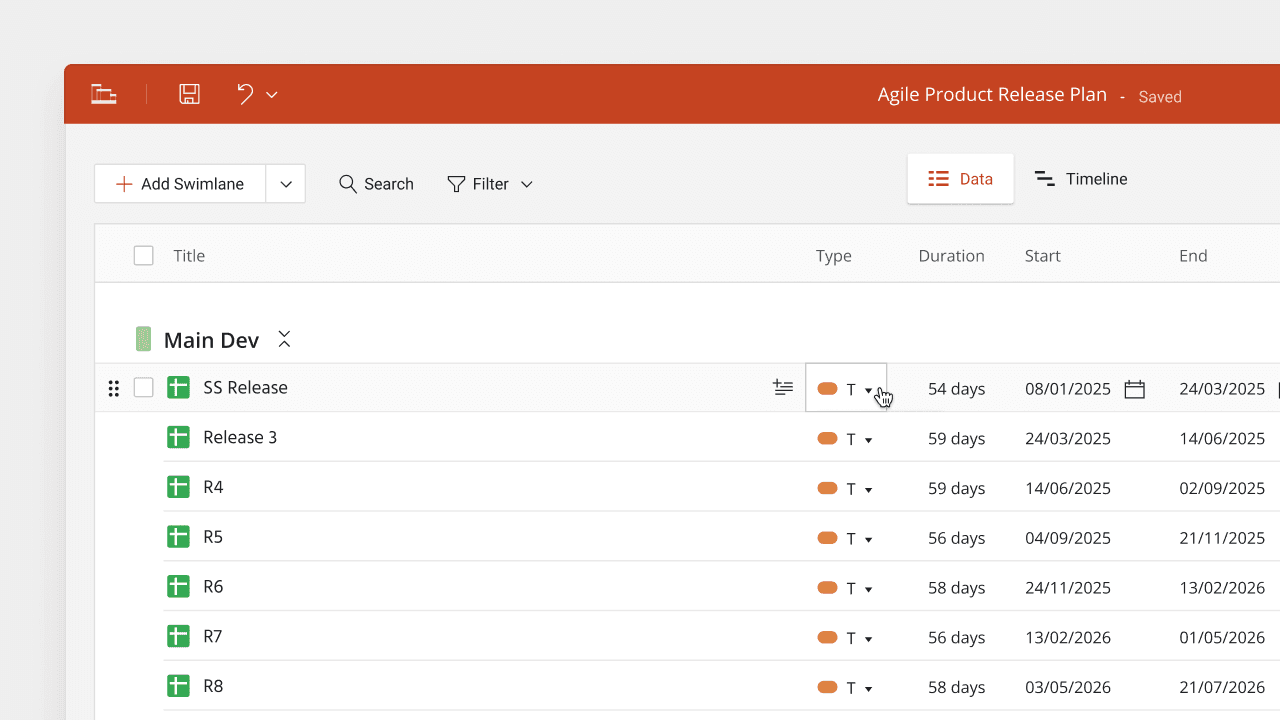
Easily update timelines as your project evolves
Timeline Online automatically maps your latest Google Sheets data into clear, professional visuals. Get your timeline presentation ready in just a few clicks – no manual edits needed, and no risk of outdated information.
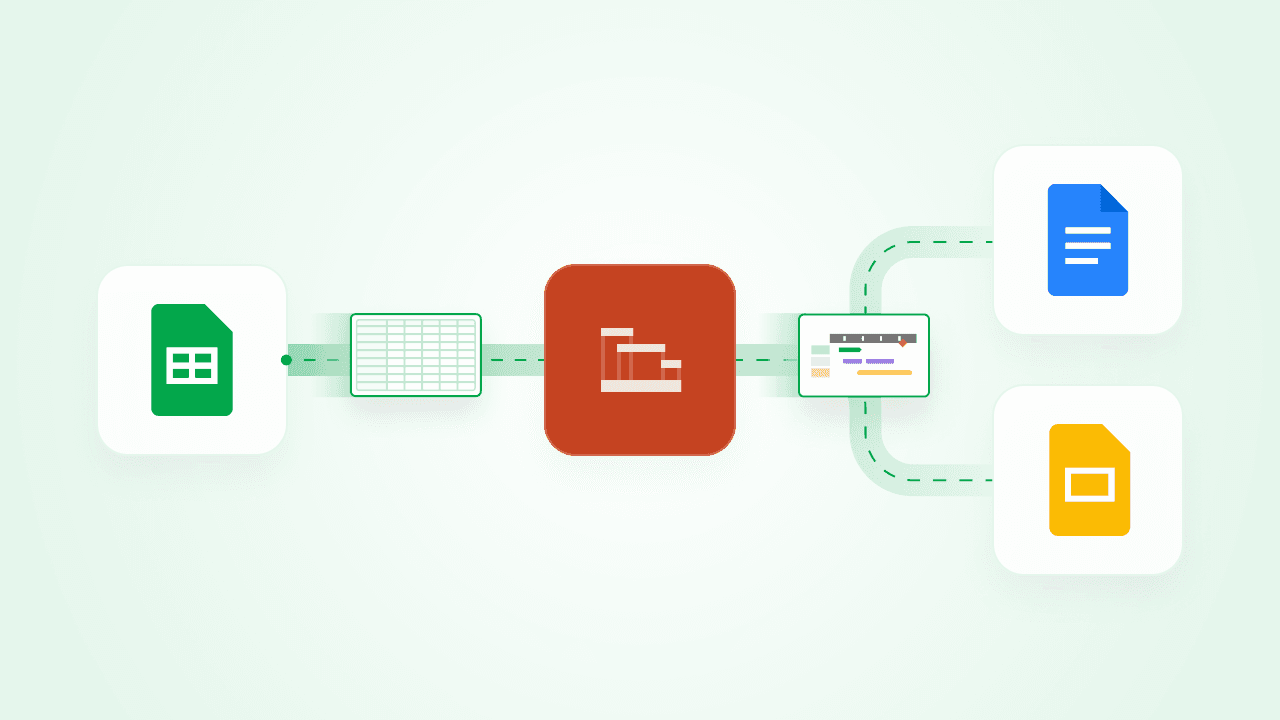
What you can do with Lucen Timeline + Google Sheets
Use Lucen Timeline Online to build live, data-powered visuals in Google Sheets. Help teams plan smarter, update faster, and collaborate better across Google Workspace with the tools they already rely on.

Turn data into clear timelines that guide decisions
Convert static tables into visual timelines that drive action. Use professional templates to present tasks, milestones, and deadlines with clarity and confidence - so your team aligns faster and executes better, without wading through raw data.

Keep reports up to date without rework
Quickly import your project data from Google Sheets to create timelines that are clear and client-ready. Whether you're prepping for a review or a stand-up, your visuals are accurate and consistent, saving hours of manual updates.

Support focused decision-making
Build your timeline in Sheets, then embed and share it in Docs or Slides with ease. Timeline Online supports a connected Google Workspace workflow, so your updates stay visible and your team stays in sync.
Getting started with the Google Sheets integration
- Connect your Google account to Lucen Timeline: Log in to your Google account.
- Choose your data: Select the Sheets file you want to use.
- Design and customize: Use templates to professionally brand and auto-generate timeline visuals for any audience.
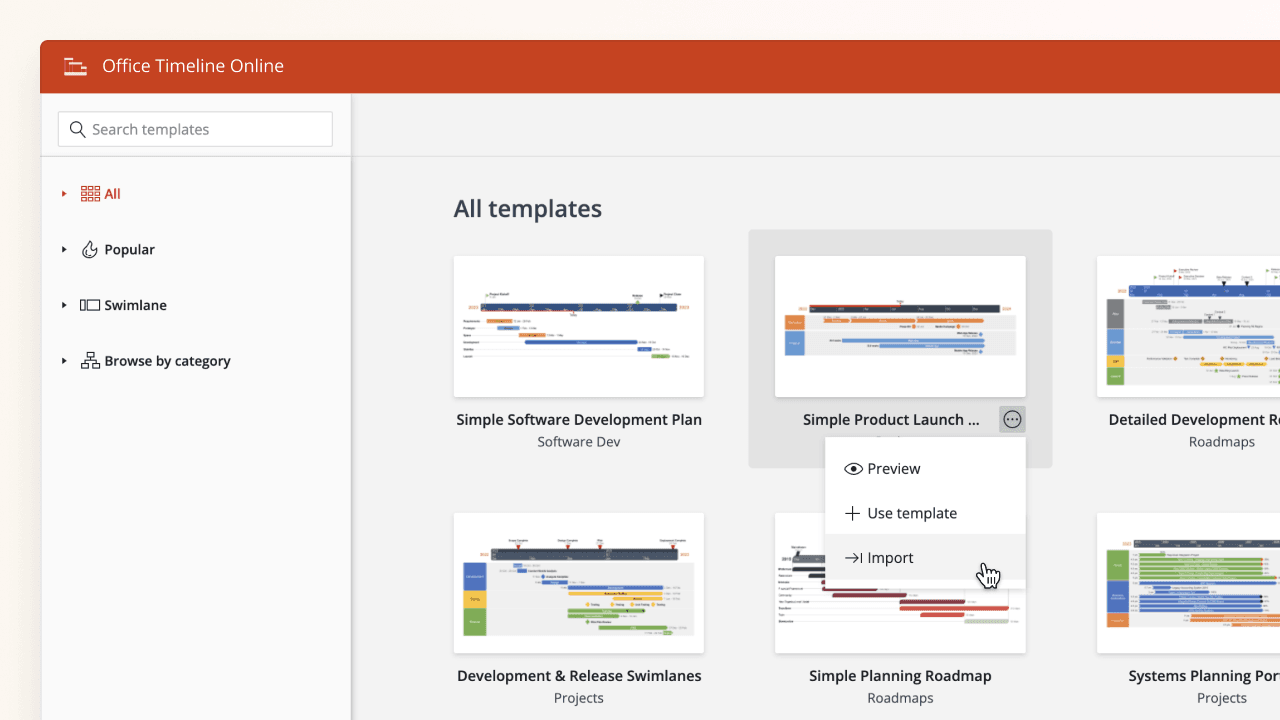

Move from data to decisions faster with Timeline Online
Connect Google Sheets with Timeline Online and experience the fastest way to turn data into decisions, right inside your Google Workspace.