


Transform your Google Docs™ with visual, project-ready timelines
Connect Google Docs with Lucen Timeline Online to bring clarity and momentum to your team’s workflow. Add high-impact, accurate timelines directly into your documents to streamline processes, gather feedback fast, and make collaboration easy while keeping projects on track.
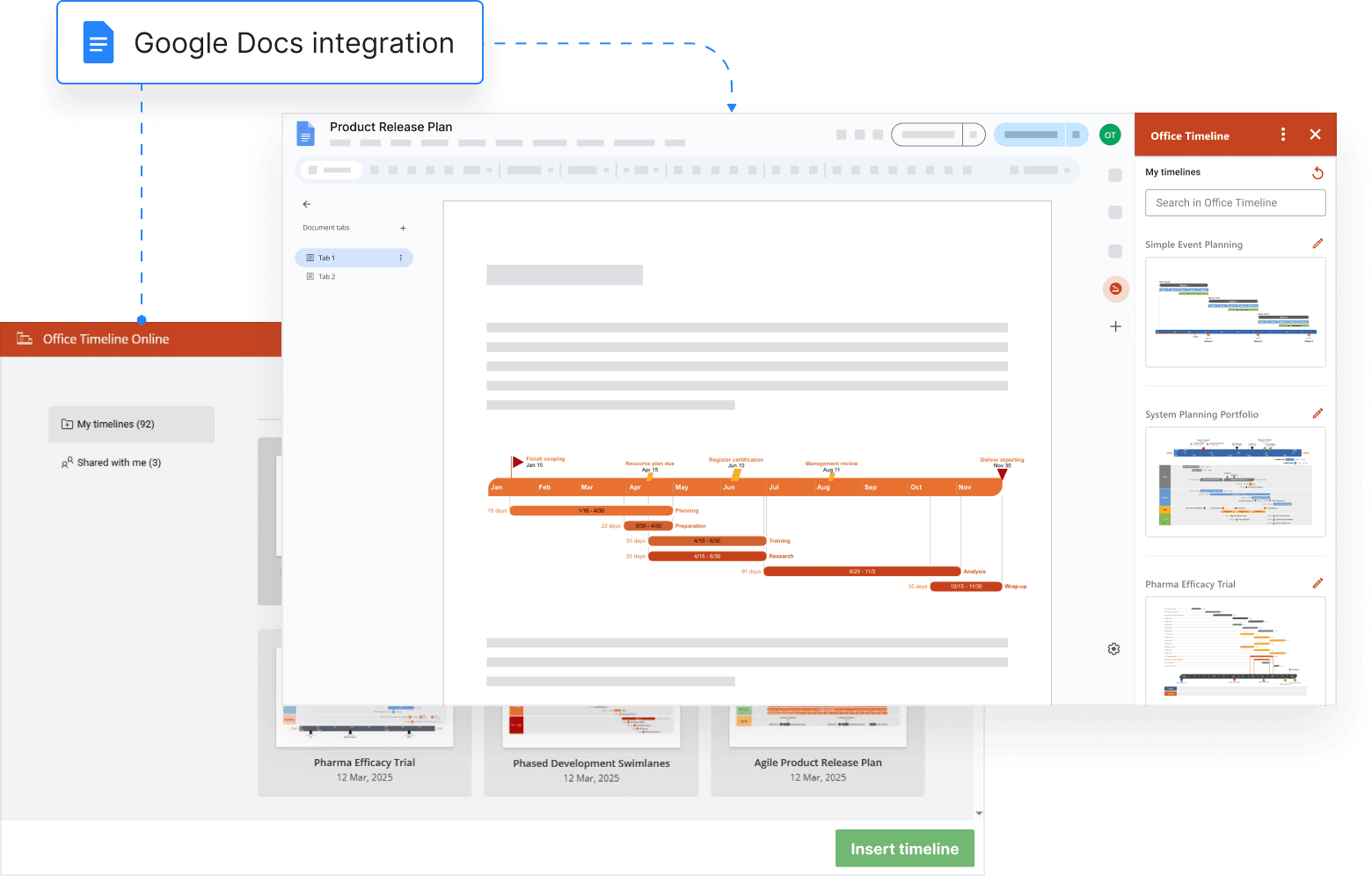
Turn your shared Docs into a canvas for project clarity
Lucen Timeline Online brings powerful, easy-to-update visuals into your documents, helping teams move faster with fewer tools to manage.
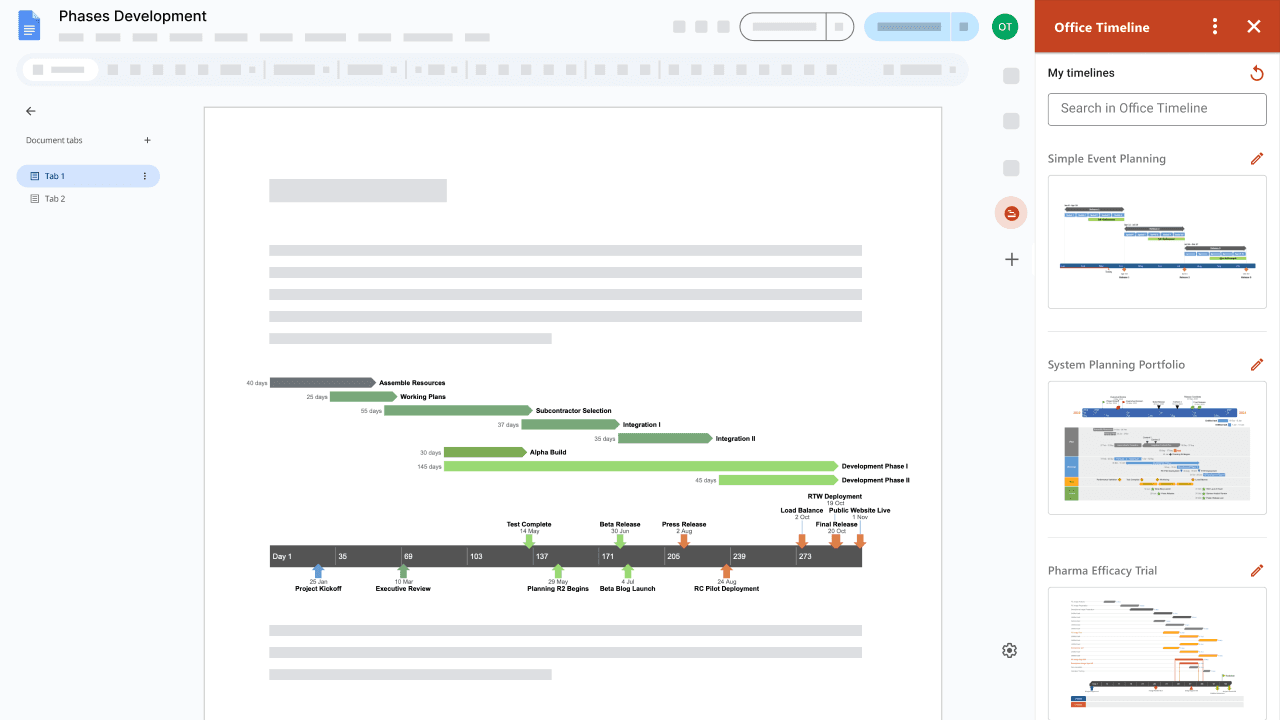
Improve how you work together – in real time
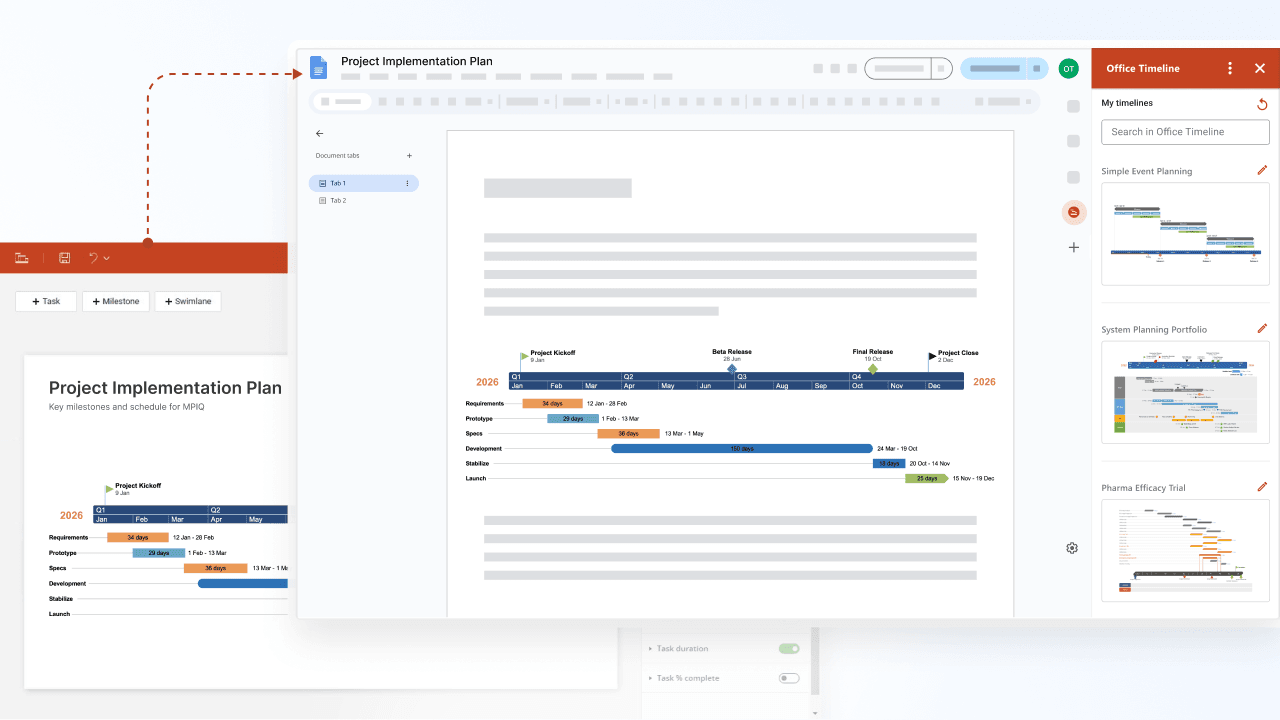
Insert timelines from Timeline Online directly into your shared Docs. Whether you’re using the visuals for one-pagers, exec summaries, or reports, your team can comment, suggest edits, and provide input in context – no switching tools or sending files back and forth.
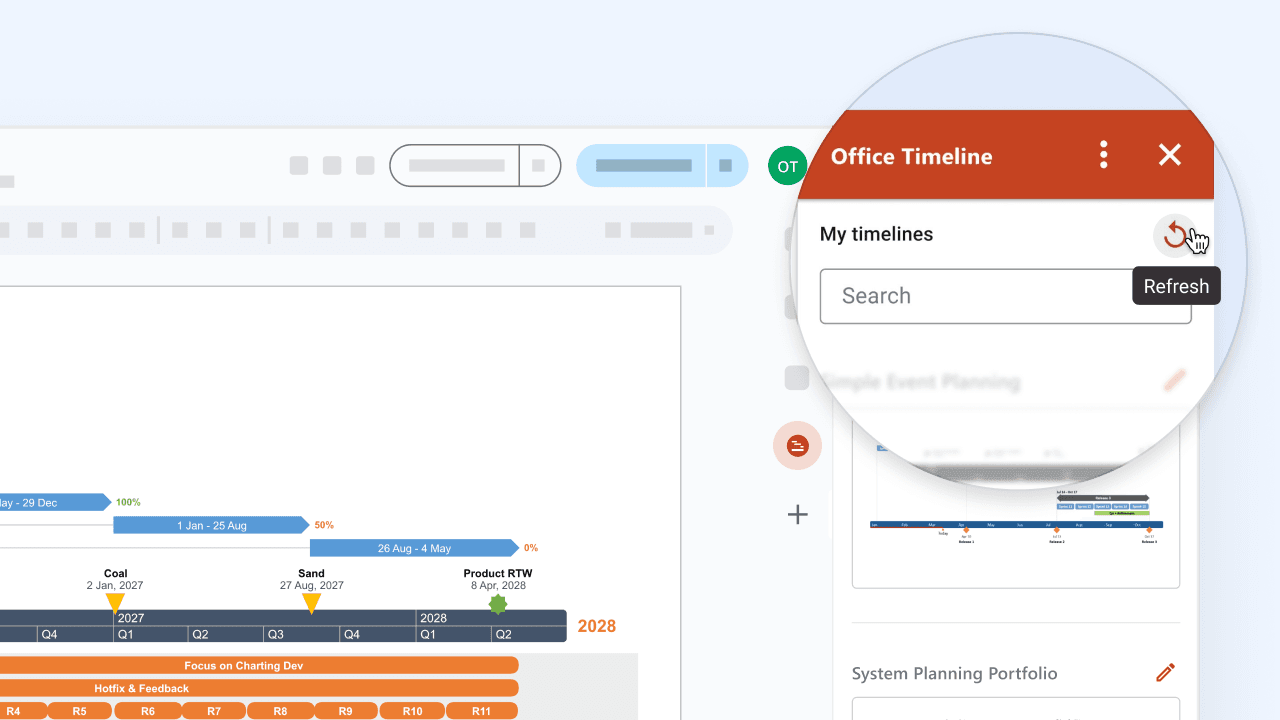
Keep your timeline visuals always up to date
As project details shift, easily refresh timelines right inside your Doc. Avoid outdated versions or duplicated content – Timeline Online syncs your latest visuals from the web app so your documents are always current.
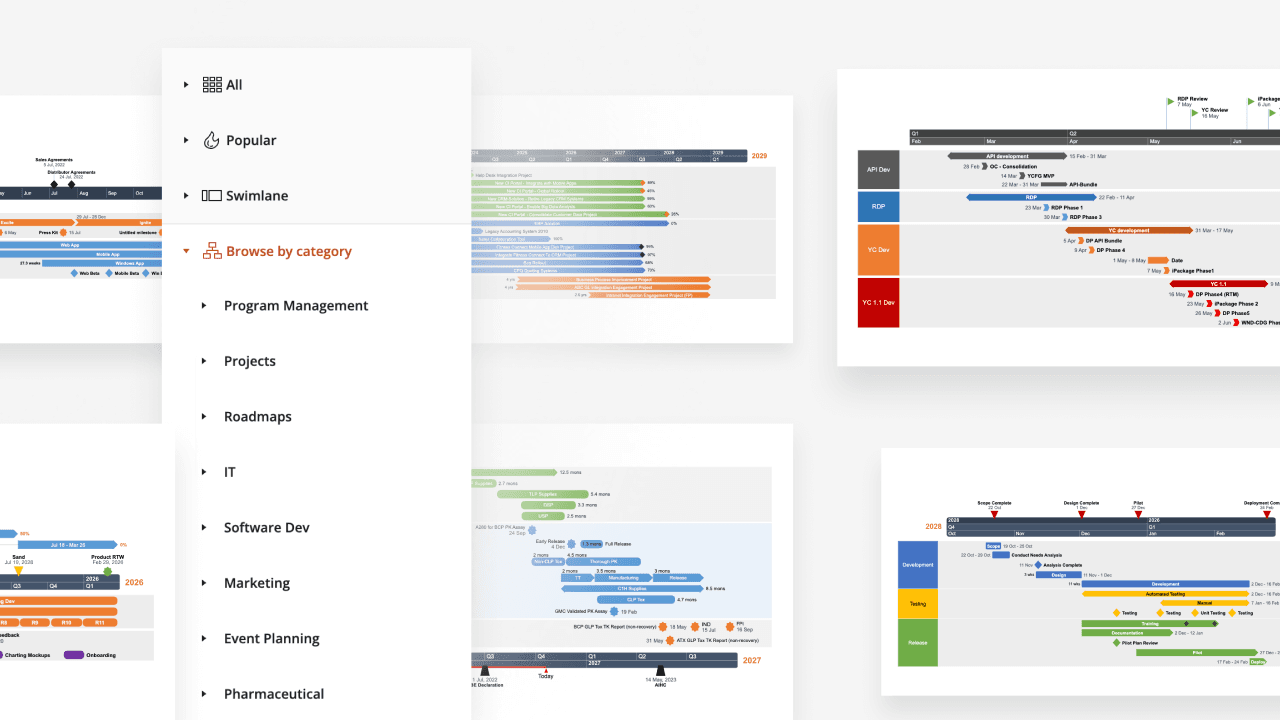
Replace complexity with clean, shareable visuals
Make complex project plans easier to communicate. Use data imports and pre-built templates to quickly create actionable timelines, then share them to align faster, get feedback instantly, and move projects forward – all in Google Docs.
How Timeline Online fits naturally into Google Docs workflows
When your team works in Google Docs, you need tools that keep up. Timeline Online adds visual clarity without disrupting the way you work.

Collaborate instantly with timelines
Transform your static documents into collaboration hubs. Teams can jump in to review, leave suggestions, or co-edit in real time – cutting down on meetings and speeding up approvals.

Streamline your timeline workflow
Skip the unnecessary copy/paste routines. Timeline Online keeps your visuals synced, so you can refresh timelines in your Doc with a single click – no version control chaos, no wasted time.

Accelerate project decision-making
Give stakeholders a clear snapshot of what’s happening, right in the document they’re reading. Timeline Online turns scattered details into coherent, high-level timelines that guide decisions and drive alignment.
Getting started with the Google Docs integration
- Set up your Timeline Online account.
- Install the Timeline app from Google Workspace Marketplace™.
- Go to Google Docs and open the right-hand side panel to launch Timeline Online.
- Log in to your account and select a timeline to insert.
That’s it! Your timeline is now embedded and can be refreshed or updated in place.

Want to collaborate on timelines without leaving your Doc?
Plan smarter and work more efficiently with Timeline Online’s Google Docs integration – built to save time and keep your team in sync.