
Plan projects, map processes, and track time
Present it all clearly, right inside Microsoft 365.
Trusted by professionals and enterprises worldwide






Pick your Lucen solution
Most teams start with one area of clarity, then expand as planning, visualization, reporting, and effort connect.


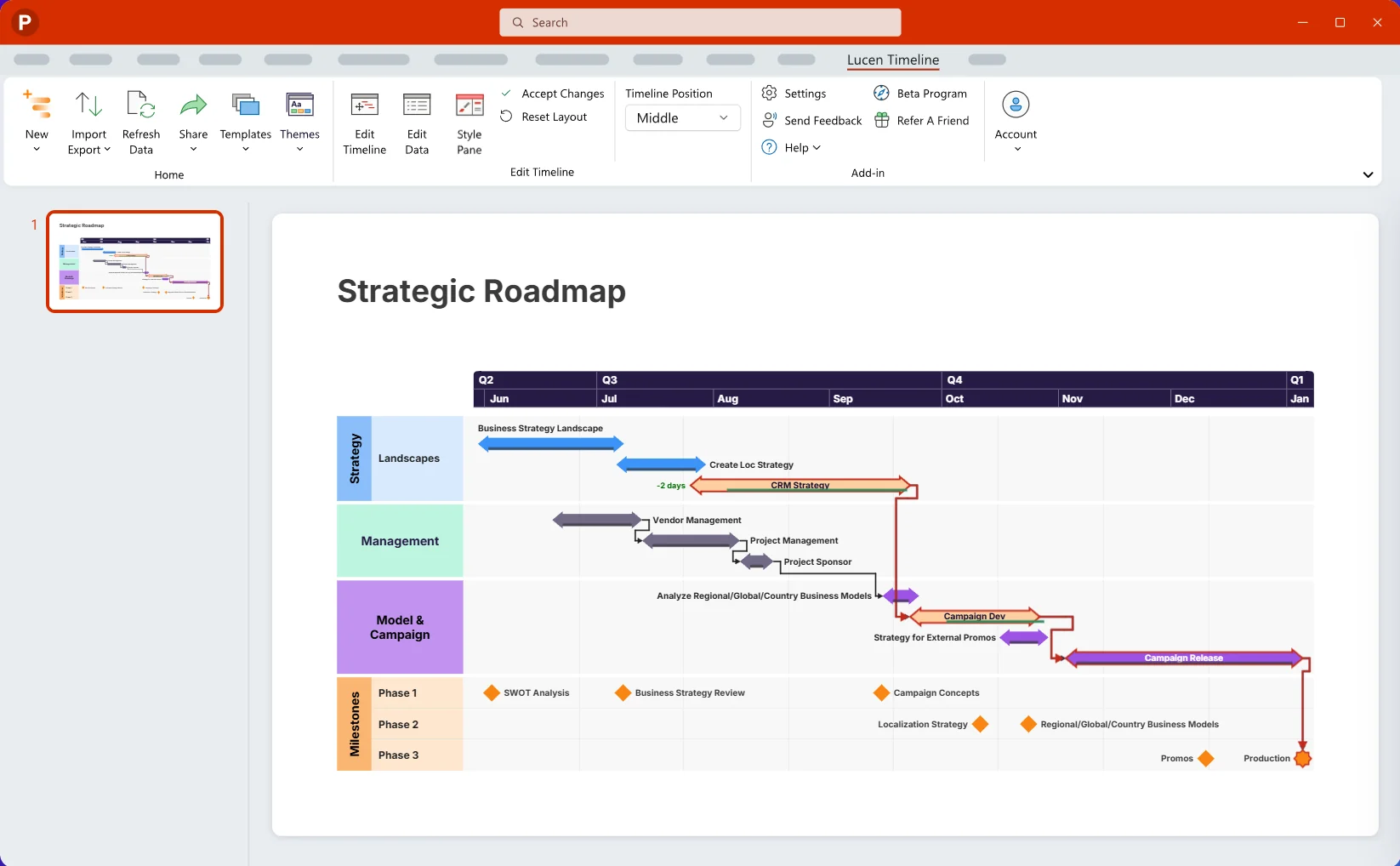
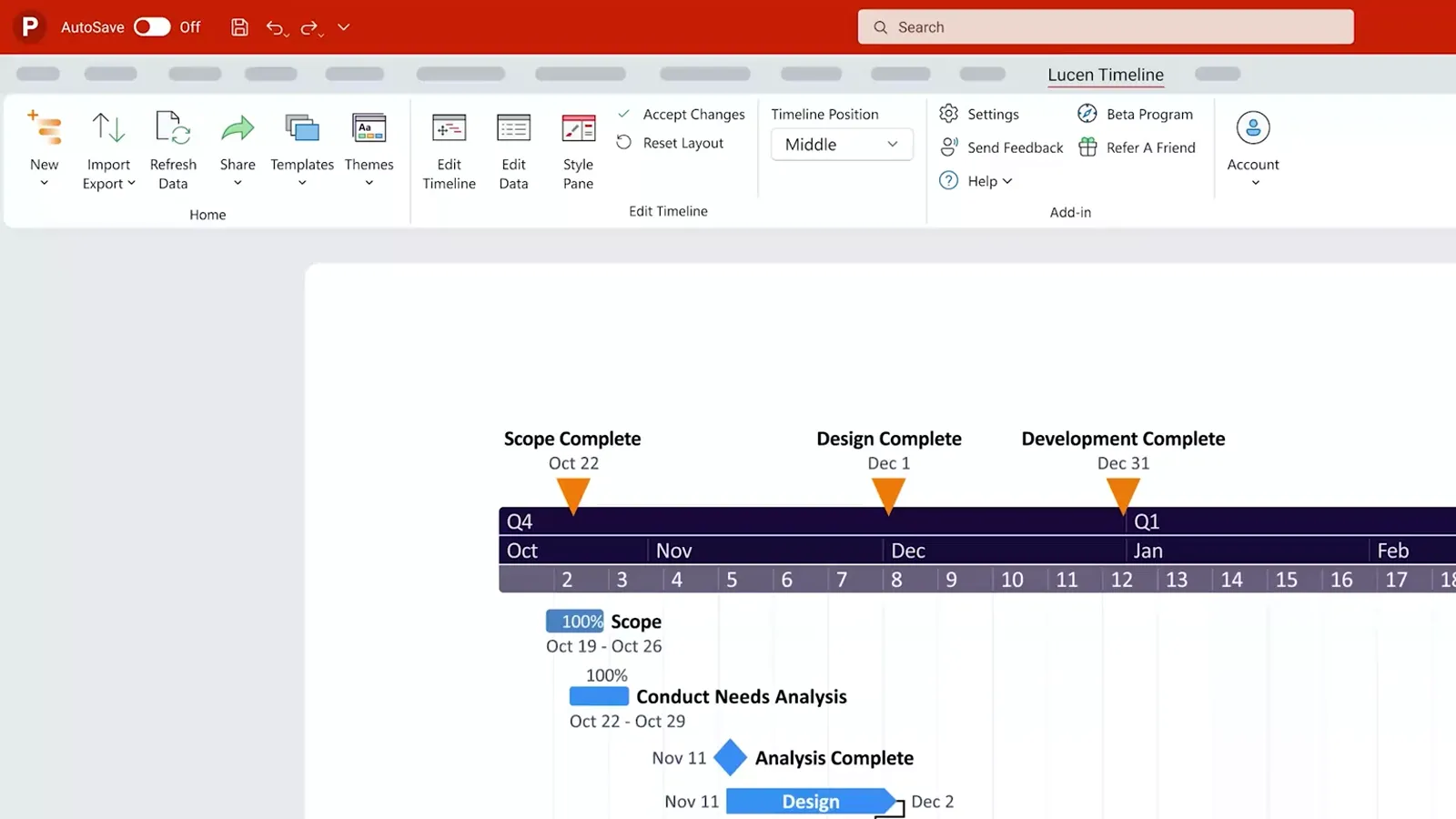
Build executive-ready timelines and roadmaps in PowerPoint.
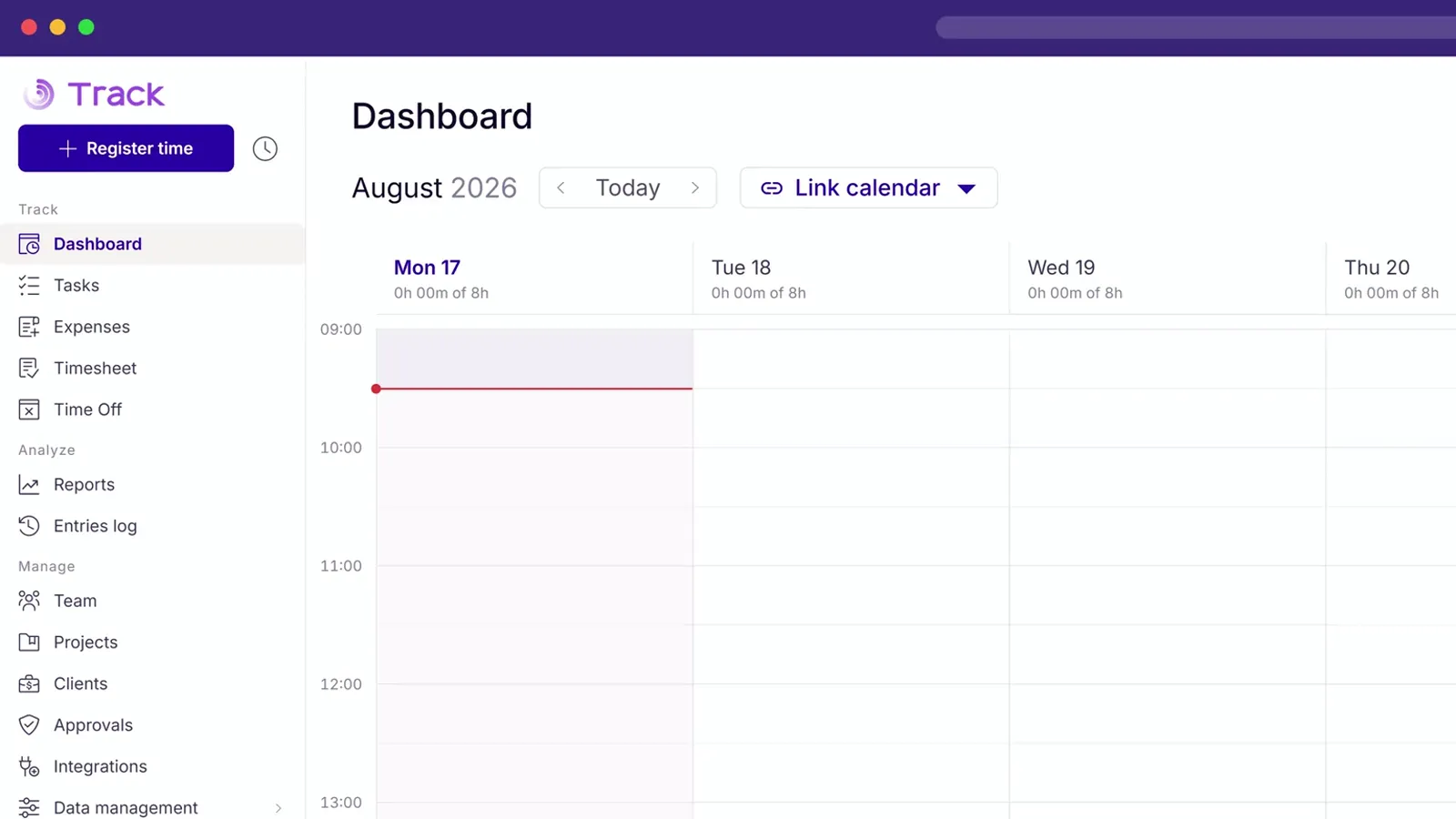
Track time, strengthen profitability, right inside Microsoft 365.
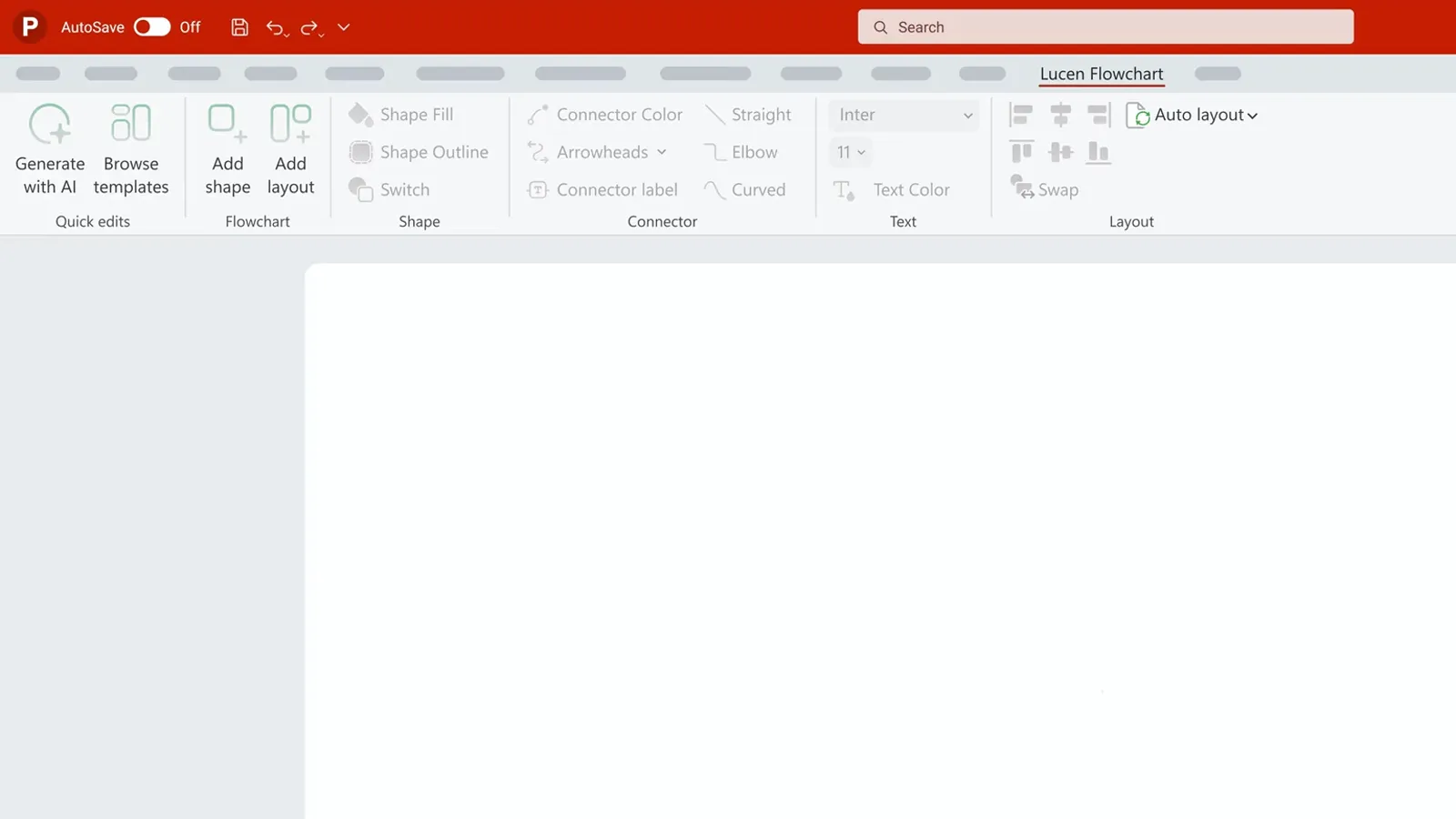
Describe your workflow and Lucen AI drafts an editable flowchart on your slide.
Turn Excel sheets into visual project plans in minutes.
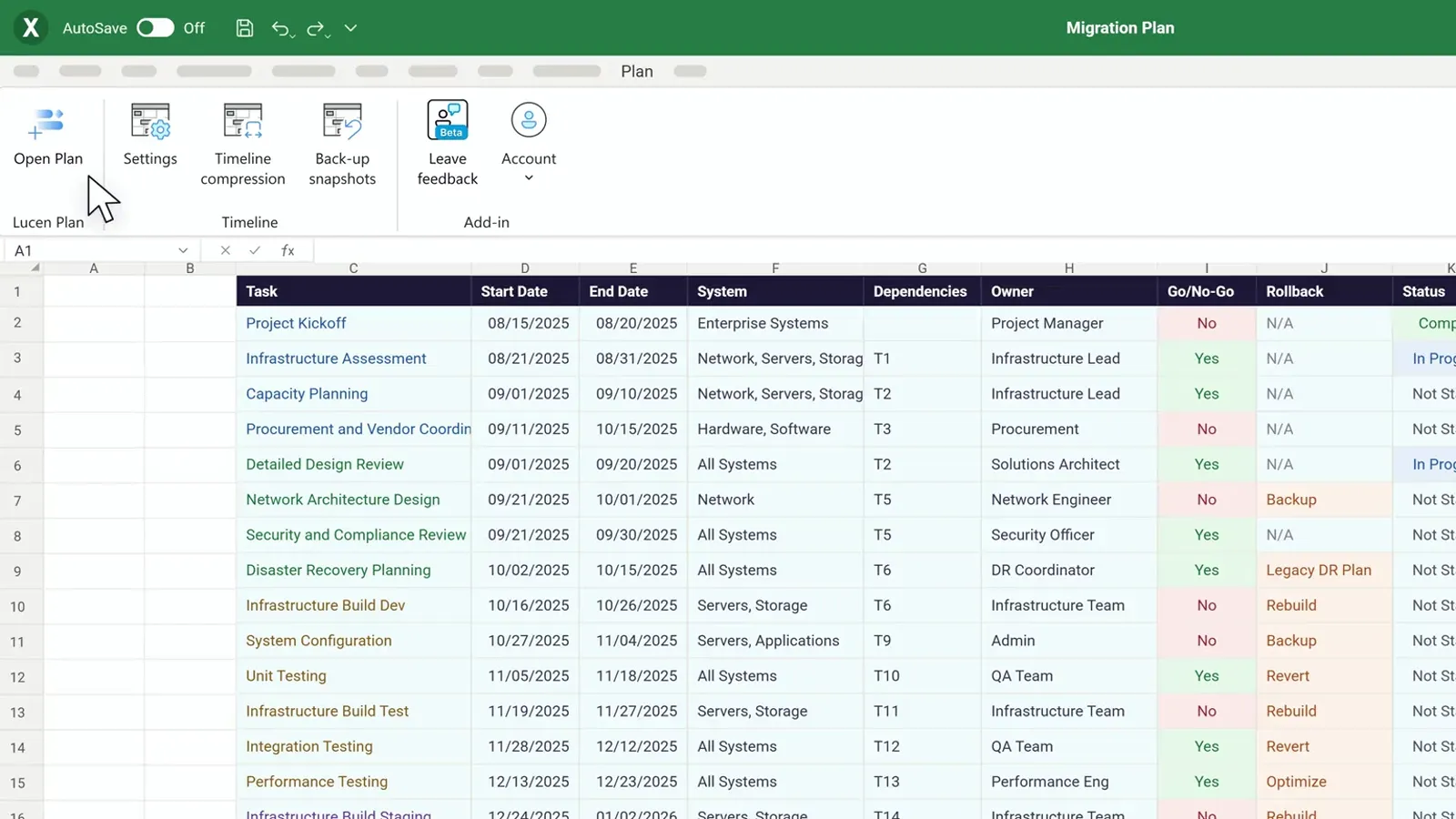
Clarity for every role.
Lucen helps teams plan, visualize, report, and track work so everyone shares one clear, unified view.
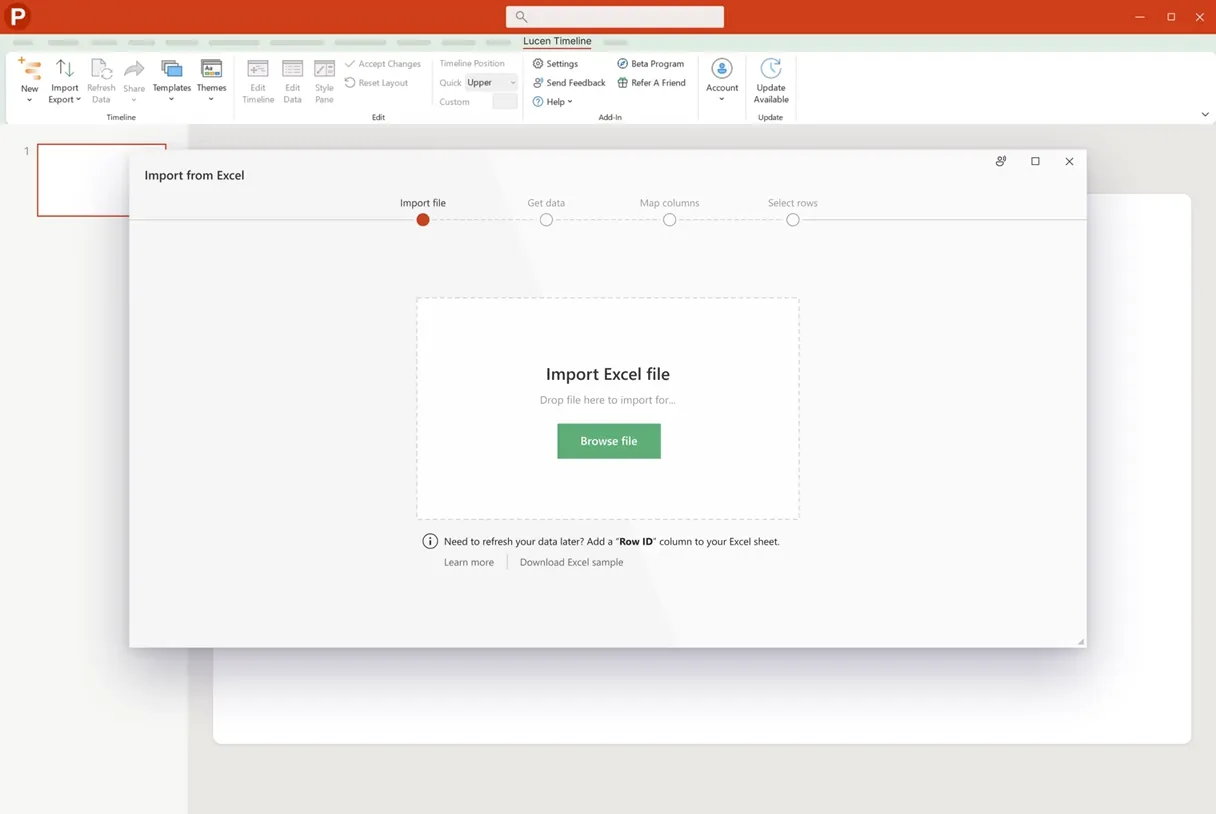
Communicate progress with confidence.
Turn complex plans into clear, executive-ready updates, without rebuilding slides.
“The Lucen Timeline [formerly Office Timeline] add-in provided me with a tool that quickly created impressive PowerPoint timelines in an easy-to-understand visual. It allowed me to effectively present high-level timelines to executives who did not need to see, or want to see, all the minutia and complexity of my project.”

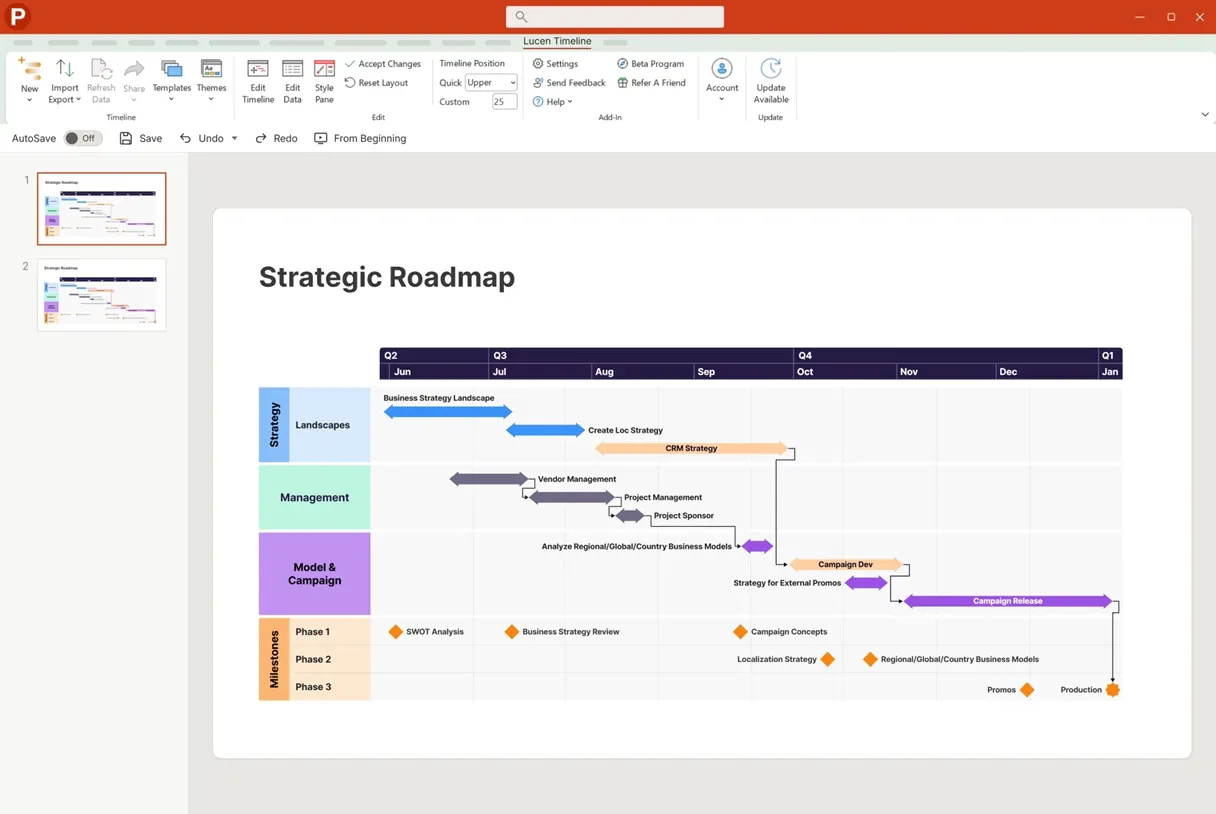
Make faster, aligned business decisions.
See priorities, progress, and risk in one trusted view.
“I have been using Lucen Timeline [formerly Office Timeline] for the past few years. The software is very well integrated into PowerPoint and it has saved me a ton of time in preparing project updates for important executive reviews.”

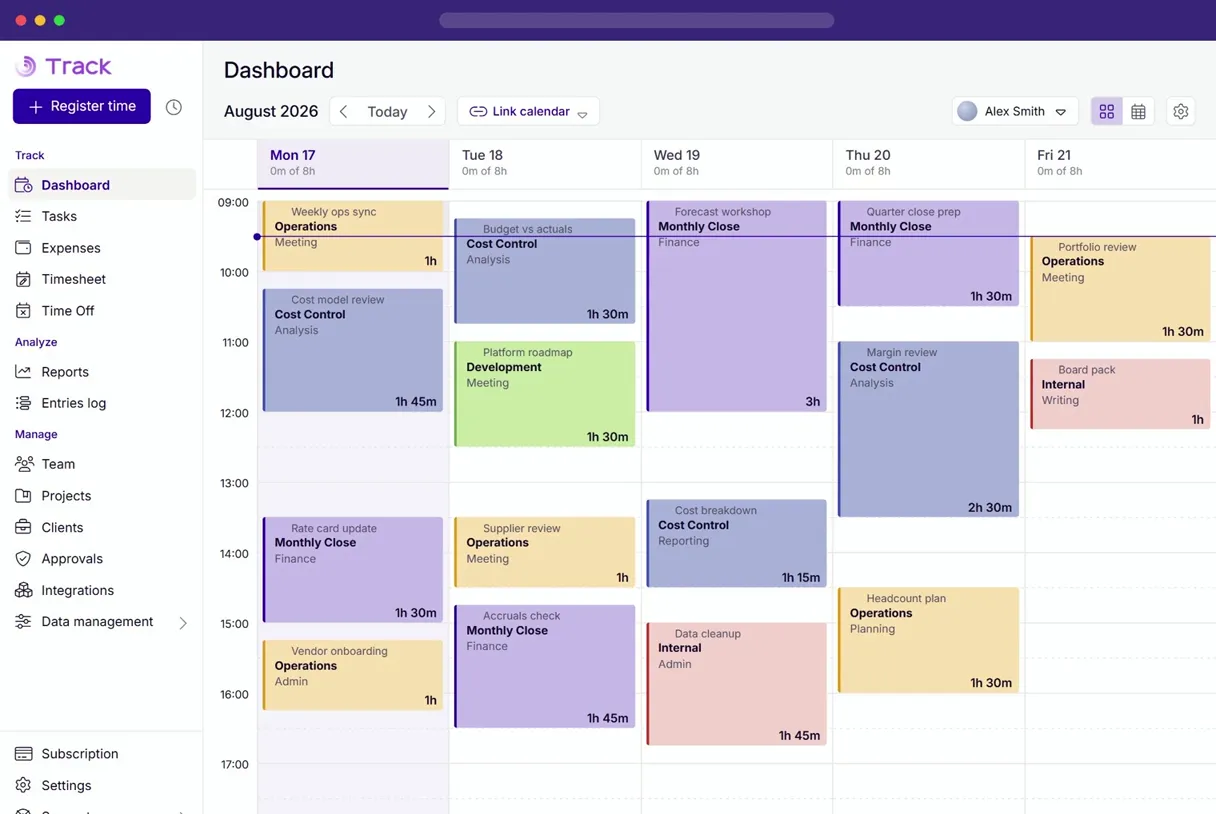
Protect margins and boost profitability.
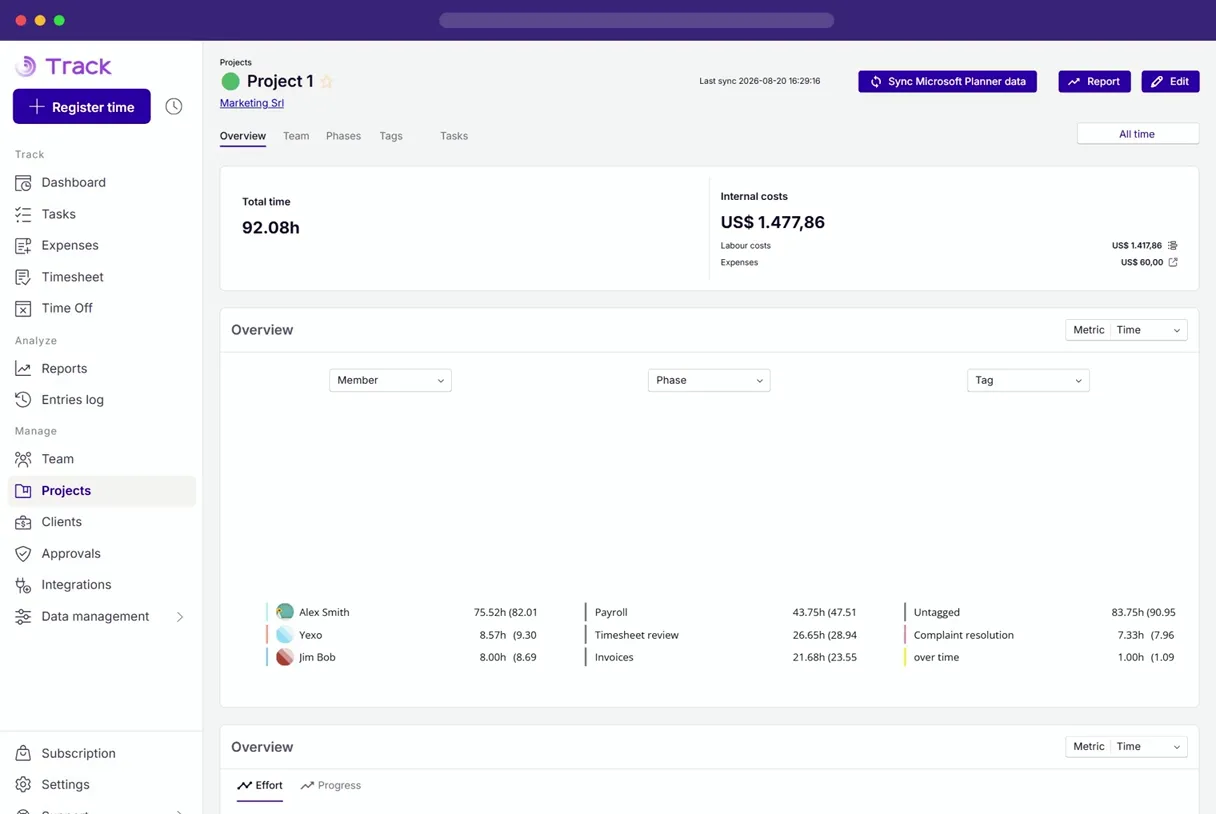
Track billable hours accurately and see project budgets and team performance.
“As a company, striking the right balance to maintain overall profitability is key. That’s why Lucen Track [formerly Timeneye] is essential for monitoring our internal costs and hourly rates.”

Improve forecasting and cost control.
See how time, effort, and delivery impact budgets and margins.
“In the finance department, categorizing hours into development time is crucial, and Lucen Track [formerly Timeneye] allows us to associate these hours with their respective costs through hourly rates. This way we have an overview of how our company is doing.”

Bring your work to light.
Transform complex work into shared insight with Lucen Software.