


Track time in Microsoft Planner, get more done
Track works with Microsoft Planner to help your team track time easily and finish projects faster.
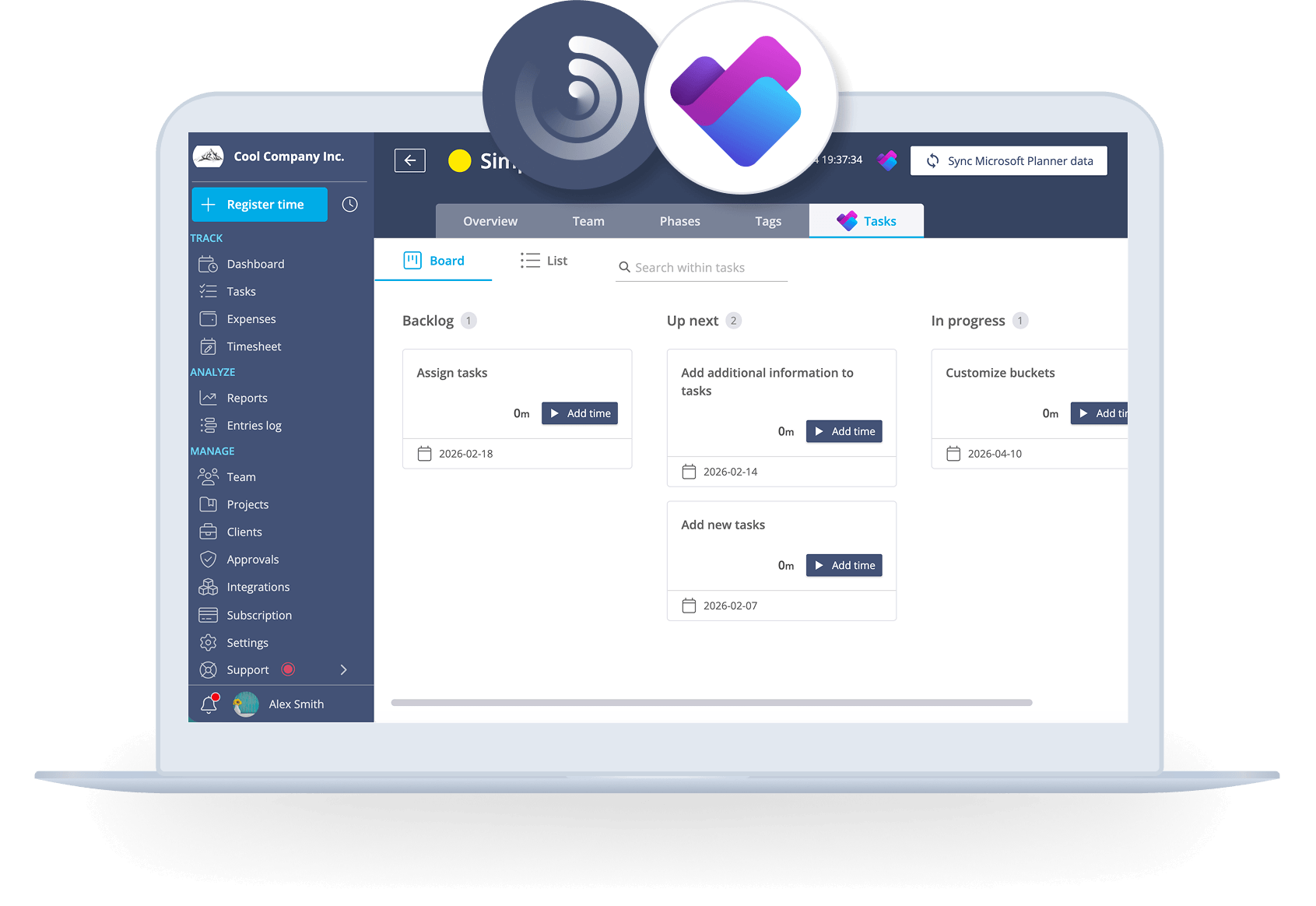
Streamline time tracking for projects and tasks
Track helps you to register work hours in one click, seamlessly from the Microsoft Planner web app.
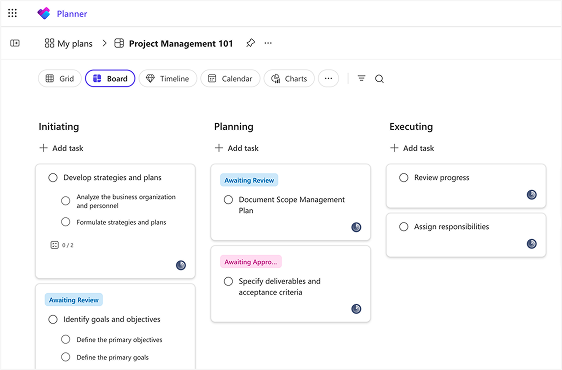
Track time on tasks without extra work
Bring your Microsoft Planner tasks into Track and see how they're going. Track time, manage budgets, and watch progress - all in one place and in real time. When you change something in Track or Microsoft Planner, it updates everywhere.

A time tracker your team will actually use
Timesheets can be a pain. That's why Track lets your team start and stop timers right in Microsoft Planner. It's so easy, they'll actually do it.
When time tracking is this simple, that means more accurate data, better project management, and smarter business decisions.
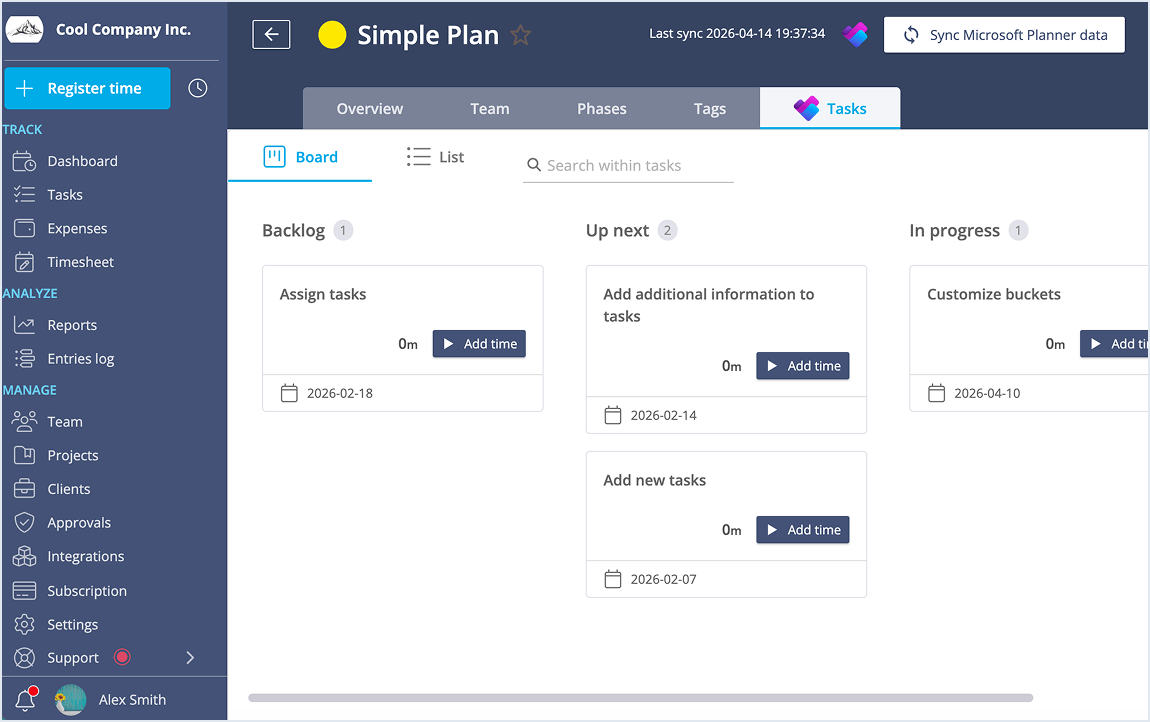
Use your time to make smart moves
Track captures everything you do in Microsoft Planner and turns it into clear reports. Understand how your team works best, spot areas to improve, and make your workflow smoother.
Use real data to make choices that help your business grow.
Use Track with Microsoft Planner
Here are some practical ways in which Track helps you get the most out of your Microsoft Planner data.
Make time tracking simple
Connect Track to Microsoft Planner, and we'll bring in all your tasks automatically. Your team can track time right inside Microsoft Planner - no switching between tools.
Learn from your time data
Every time you track in Microsoft Planner, Track updates your timesheet. You'll always have fresh data to help you make smart choices about your projects and team.
Finish projects on time and on budget
See how much projects cost, how you're using your budget, and where you can improve. With Track and Microsoft Planner together, you can meet deadlines and keep clients happy.

Ready to enhance your Microsoft Planner experience?
Try Track for free and start tracking your projects and tasks with clarity and professionalism.