


Get more done in your day and check off task after task
Combine the seamless time tracking power of Track with the efficient task management of Microsoft To Do, merging productivity and organization like never before.
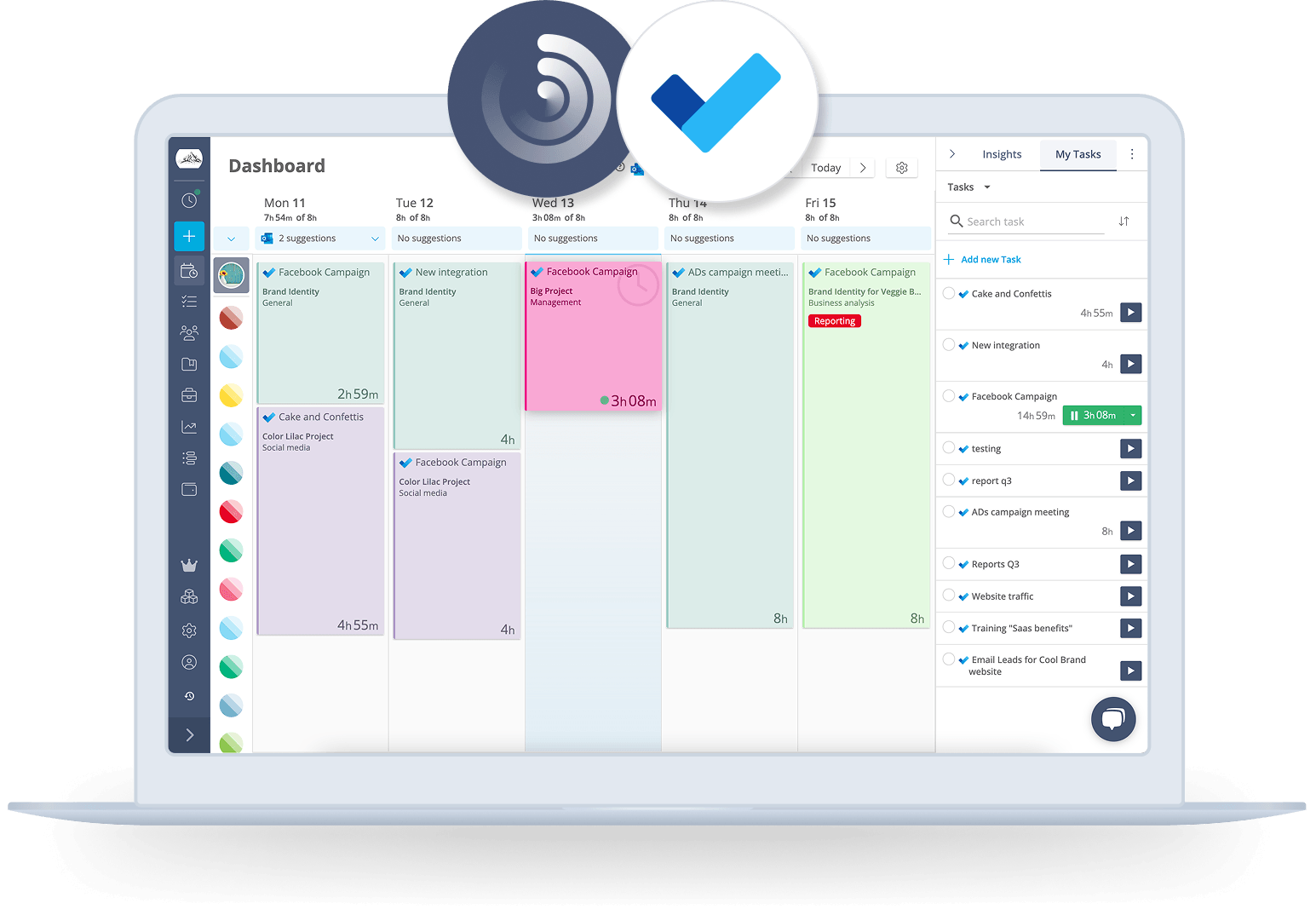
Track tasks effortlessly in Microsoft To Do
Know exactly how much time you spend on your tasks, to manage your daily workload better and achieve more in less time.
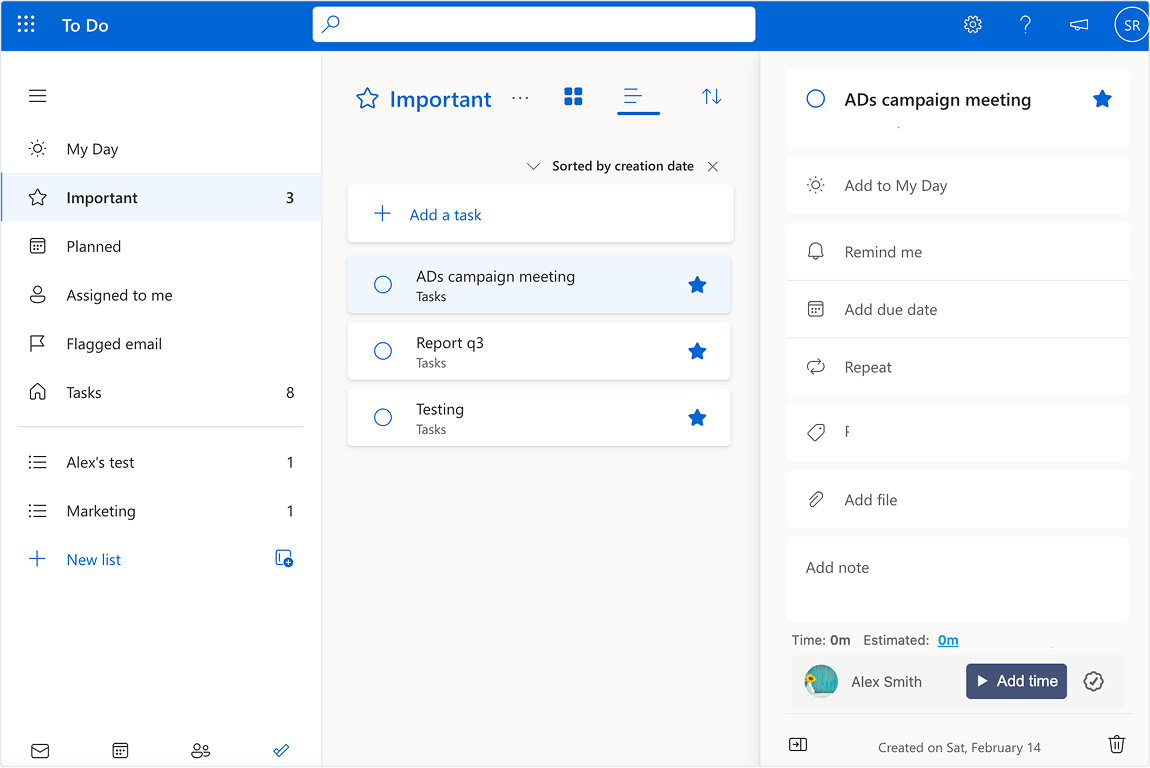
Easily track time on your tasks
Seamlessly import your tasks from Microsoft To Do into Track to effortlessly track their progress, all within a centralized platform and in real time.
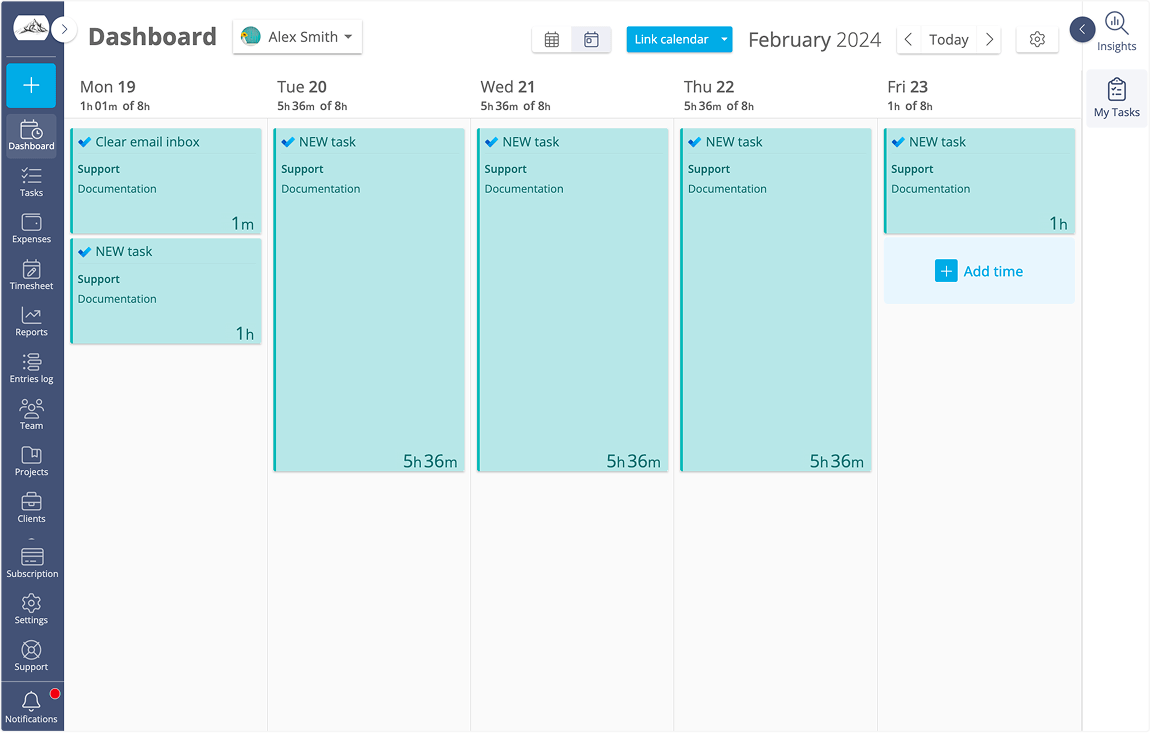
A time tracker that keeps your team aligned
Time tracking can be a real headache, with employees often forgetting to log their hours. But Track comes to the rescue by listing tasks in a practical sidebar and allowing your team to start and stop timers from both platforms.
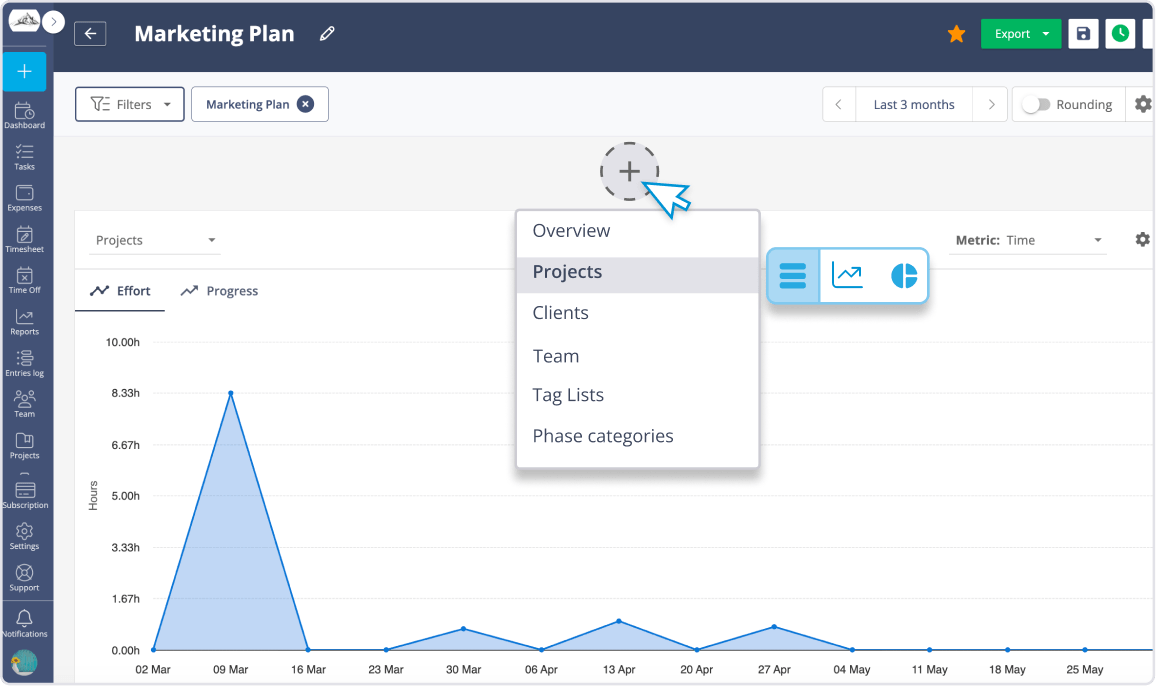
Turn time into actionable insights
Track captures all the time spent on your to-dos, providing you with precise and comprehensive reports at the click of a button.
Why integrate Track with Microsoft To Do?
Here are some practical ways in which Track helps you get the most out of your Microsoft To Do data.
Track time on your tasks
By integrating Track with Microsoft To Do, all your tasks are seamlessly imported and synchronized across both platforms. This allows your team to effortlessly track time, ensuring everyone stays organized and aligned at all times.
Unlock valuable Insights
Every time you track your time in Microsoft To Do, Track will update your timesheet automatically. That means your reports will always show the freshest data. So you can analyze patterns and make data-driven decisions to improve efficiency.
Stay profitable and deliver on time
Gain valuable insights into project costs, monitor budget utilization, and identify areas for improvement. With Track, you can ensure that your projects are completed within budget and meet client expectations, every time.

Ready to enhance your Microsoft To Do experience?
Try Track for free and start tracking your tasks with clarity and professionalism.