


Simplify Time Tracking for Your Microsoft Teams Calls
Track calls and video meetings in Microsoft Teams seamlessly with Lucen Track. Automatically capture call durations and log them into your timesheets without lifting a finger.
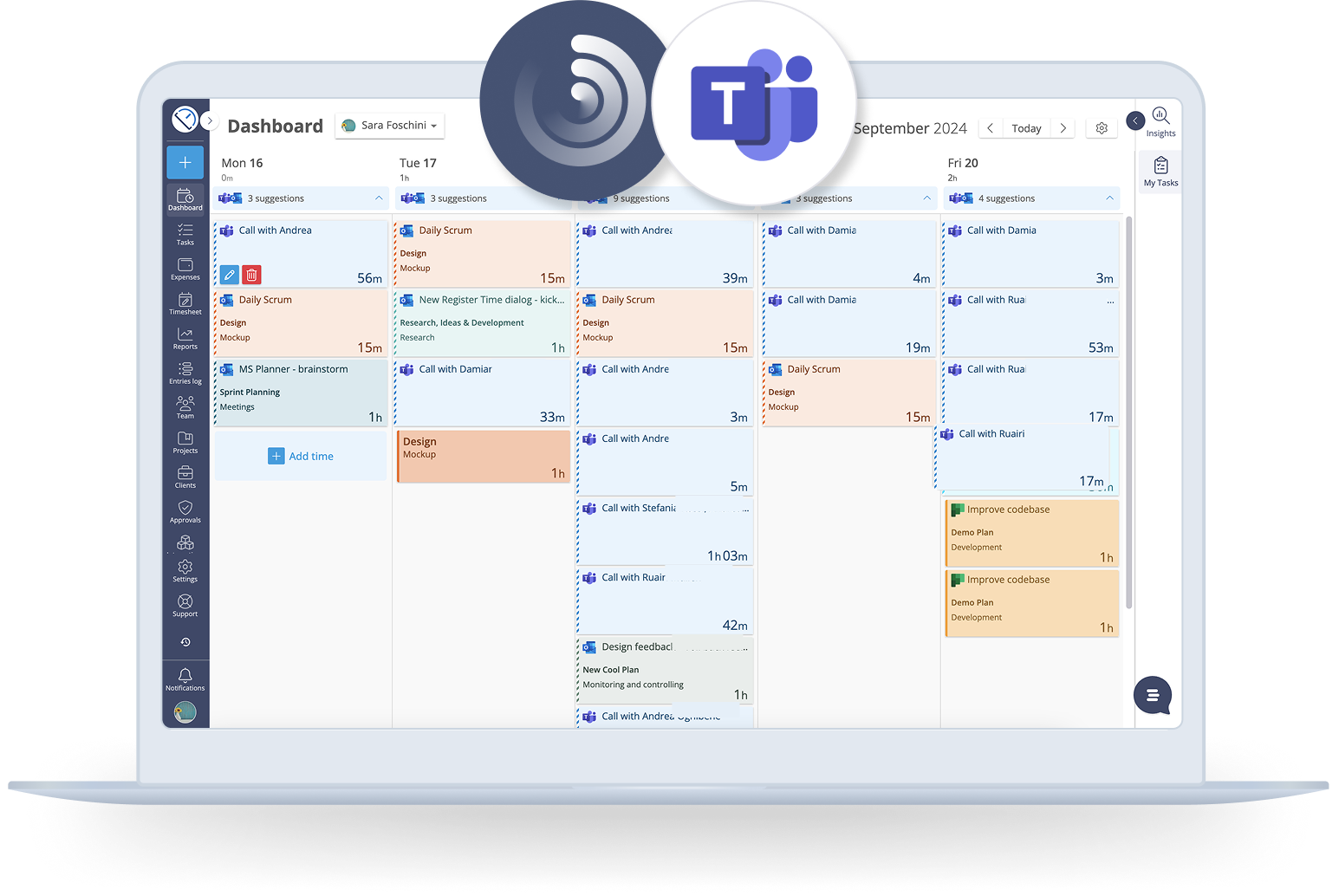
Track time for meetings and calls
The Track integration for Microsoft Teams Calls (currently in Beta) is the easiest, most effective way to keep track of time spent in virtual meetings and calls.
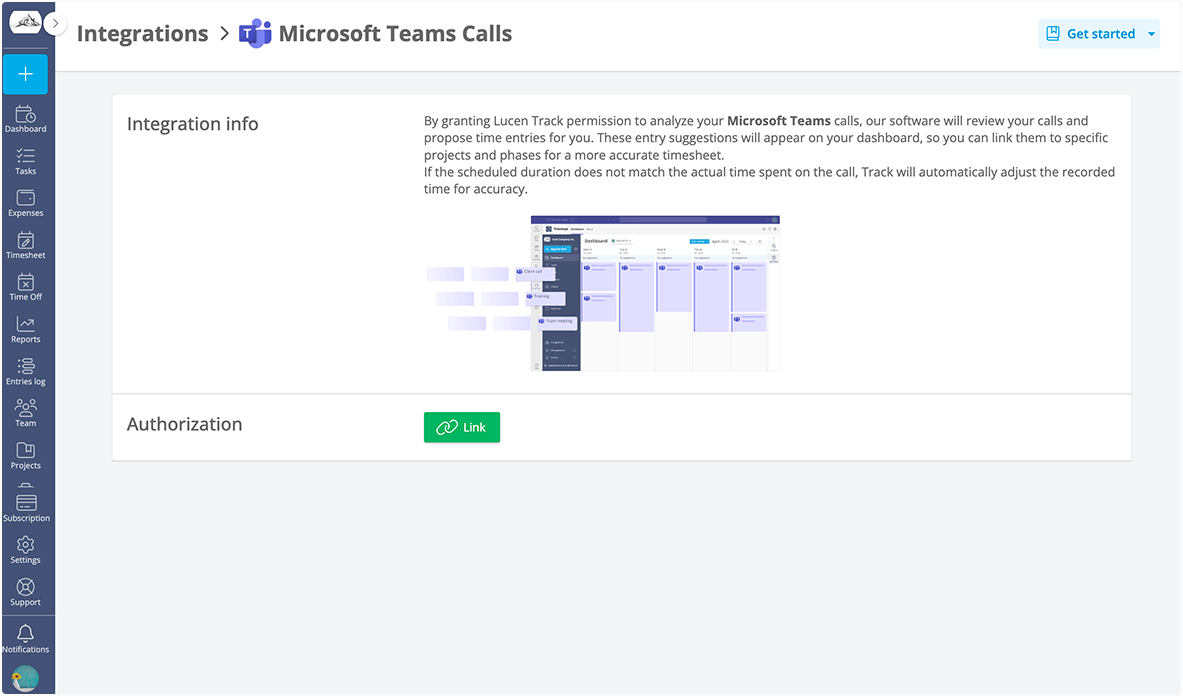
Easily set up and connect the Integration
A simple option in the Integrations section of Track will activate the tracking. From there, the Integrations will do the work for you by showing your Microsoft Team calls as Suggestions, ready for you to edit and include in your timesheets.
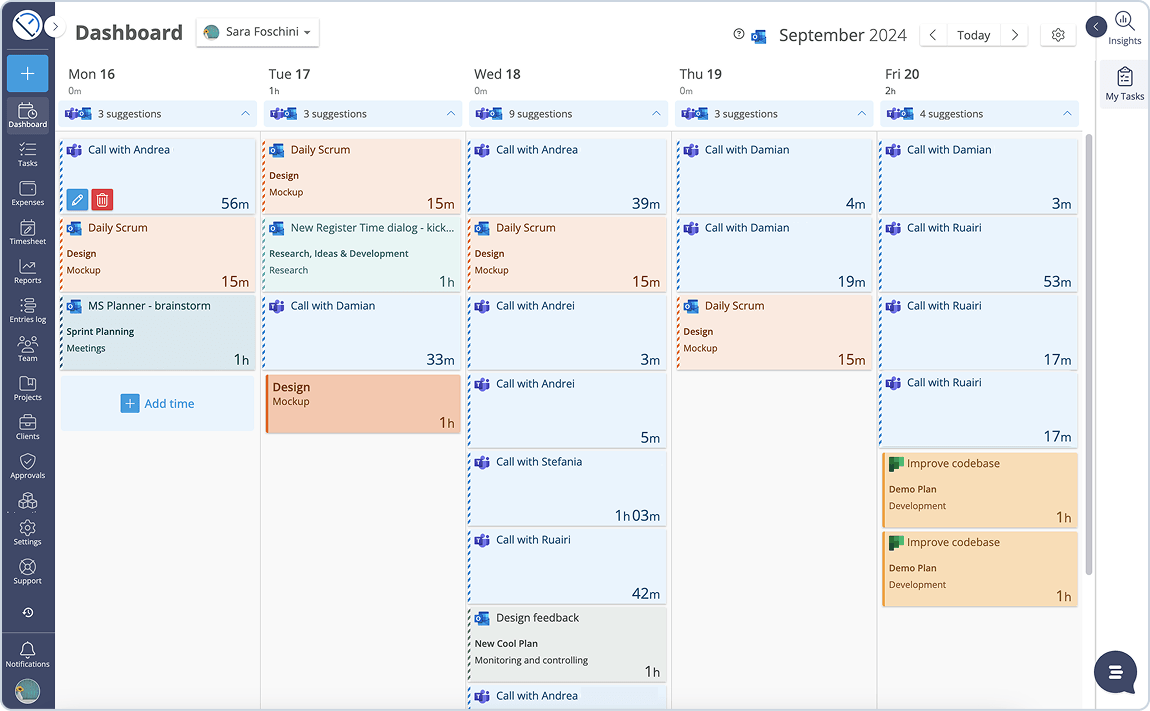
Accurate call tracking made simple
No more guessing how much time you spend in meetings and calls: Track pre-fills everything for you. Quickly review, save, and link calls to projects for accurate time tracking. Track exclusively register call duration, not their content.
Why you'll love this integration
Here are some practical ways in which Track helps you get the most out of Microsoft Teams.
Automatic time tracking for Microsoft Teams
Once set up, every call or video meeting in Microsoft Teams is automatically tracked. Track captures the exact call duration, creating a Suggestion in your dashboard for easy review.
Easily adjust your timesheets
Want to assign your call to a project or tweak the duration? Adjust your entries easily from the Track interface. Never let a minute of your work go unaccounted for.
Seamless Outlook Calendar Sync
Your call times are automatically synced with your Outlook Calendar events, ensuring every meeting duration is up-to-date in your timesheets.

Ready to enhance your Microsoft Teams experience?
Try Track for free and start tracking with clarity.