


Turn your timesheets into actionable insights
Bring all your productivity data from Track to Power BI to get it analyzed in seconds, create visually beautiful reports, and uncover deep insights.
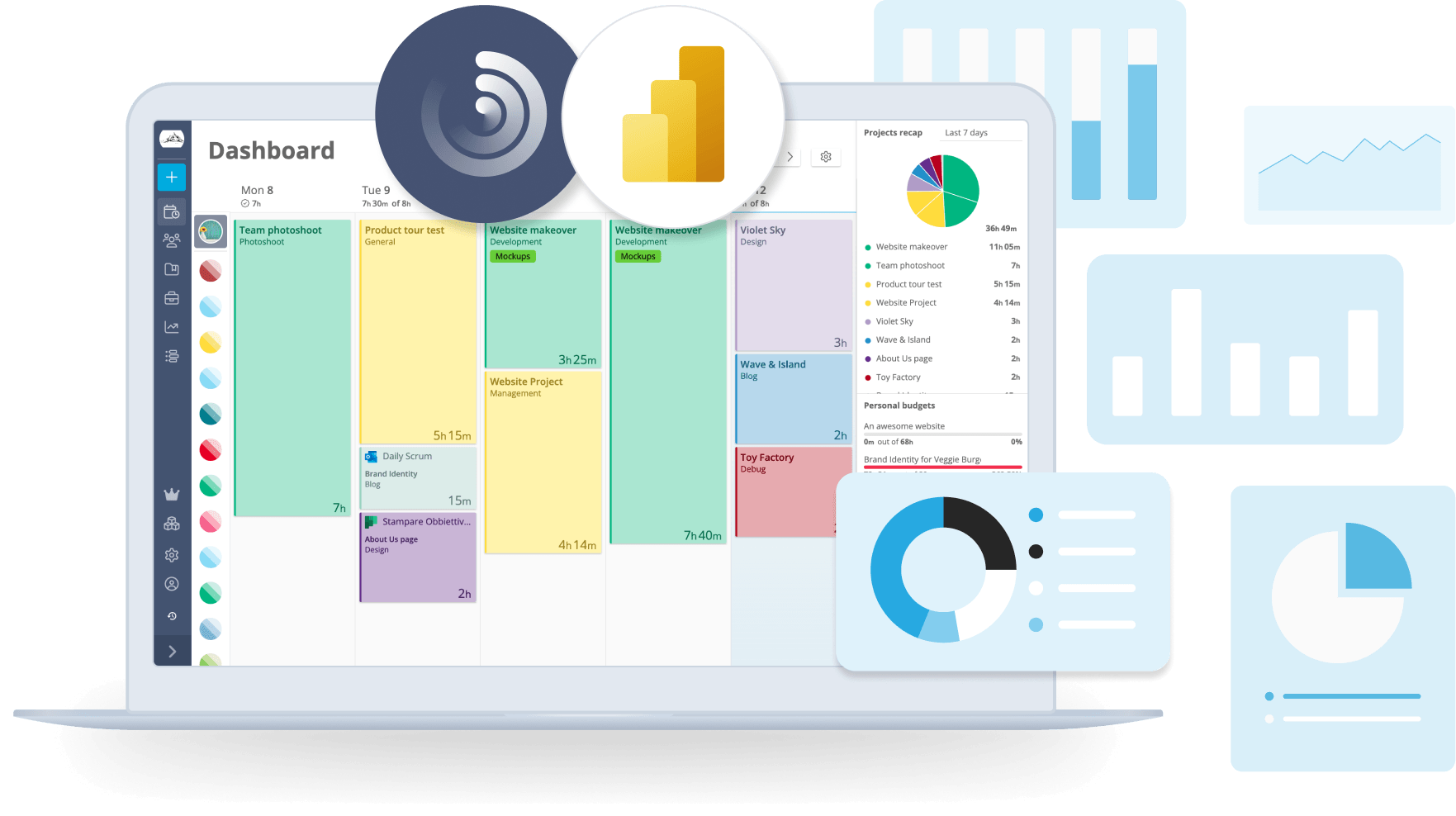
Analyze time data with Power BI
Track's integration with Power BI allows you to effortlessly transform your time tracking data into powerful visualizations and detailed analyses.
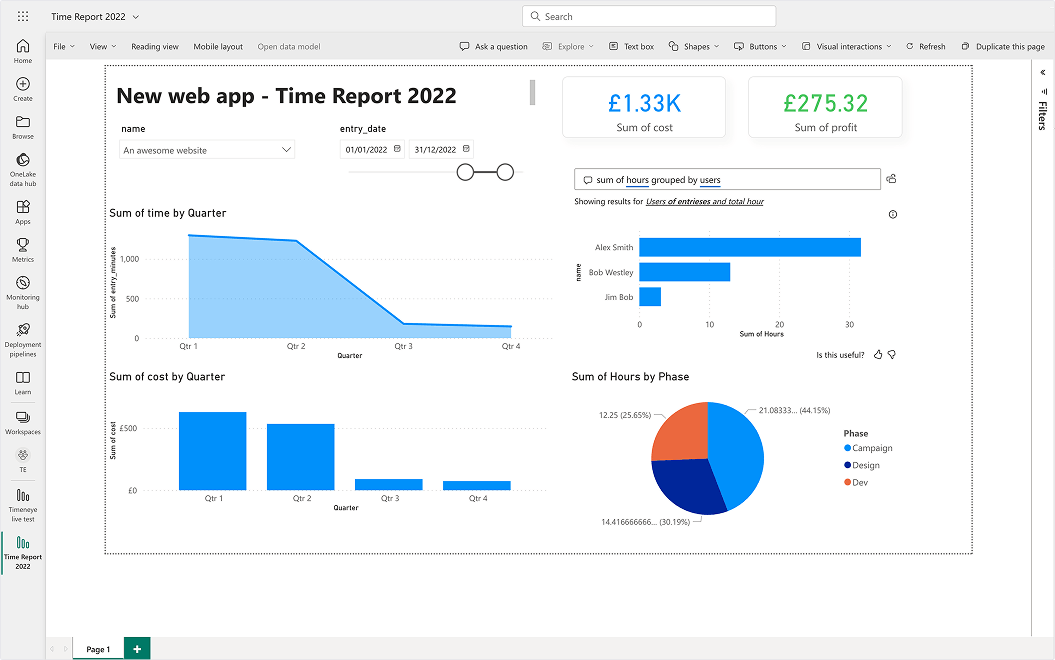
Customize your reports
Effortlessly import your data from Track to Power BI and personalize your reports based on your KPIs and business goals. With a wide range of visualizations and data manipulation tools, you can analyze and present your productivity data.

Turn insights into actions
Gain a deeper understanding of how your team spends their time and identify areas for improvement. With Track and Power BI, you can make data-driven decisions to optimize productivity and drive better results.
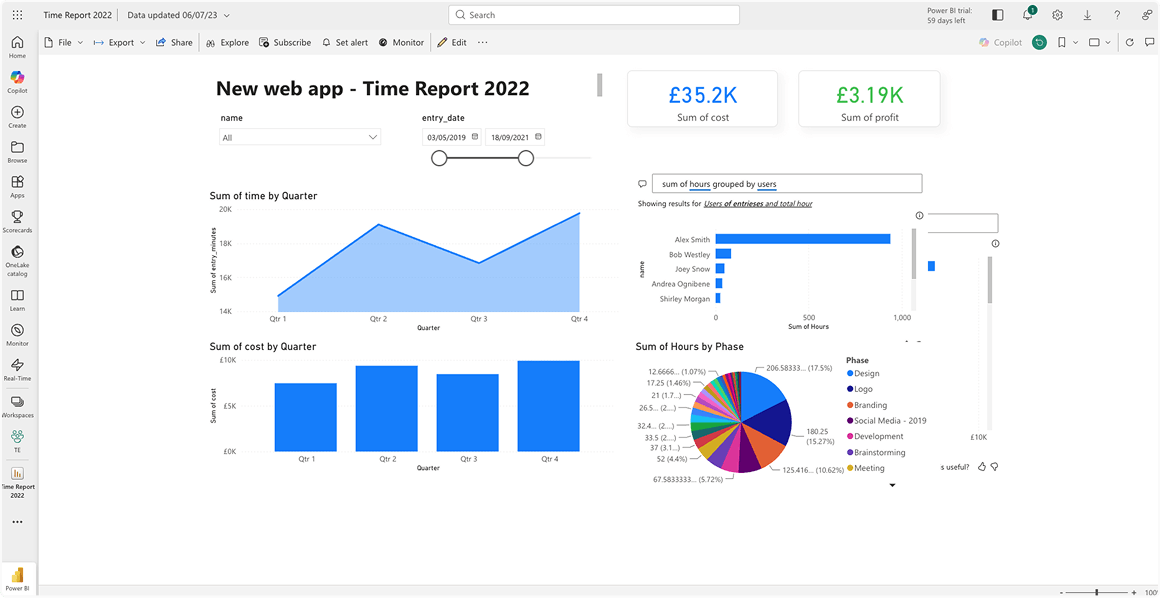
Create a data-driven environment
Collaborate on reports, exchange insights, and work effectively on the same data across popular Microsoft Office products like Microsoft Teams, Excel, and PowerPoint.
Why integrate Track with Power BI?
Here are some practical ways in which Track helps you get the most out of Power BI.
Visualize & analyze your time data
Track your hours and use a wide selection of visual reports to monitor your progress on Power BI. Use industry-leading advanced analytics to uncover productivity insights and make better estimates for future project rates.
Better resource management
Gain full visibility into your team's workload, project progress, and individual performance. With Track and Power BI, you can streamline your operations, improve collaboration, and achieve better project outcomes.
Keep an eye on profitability
Monitor your expenses, revenue, and profit margins in real time, ensuring you stay on top of your financial performance. Identify potential cost overruns, optimize budget allocation, and maintain project profitability.

Ready to enhance your Power BI experience?
Try Track for free and start analysing data with clarity and professionalism.