


How to track time in Microsoft Teams
Teams has no built-in timesheet for project work. Here's what the Shifts time clock covers, and how to log project and billable hours in Teams with Lucen Track.

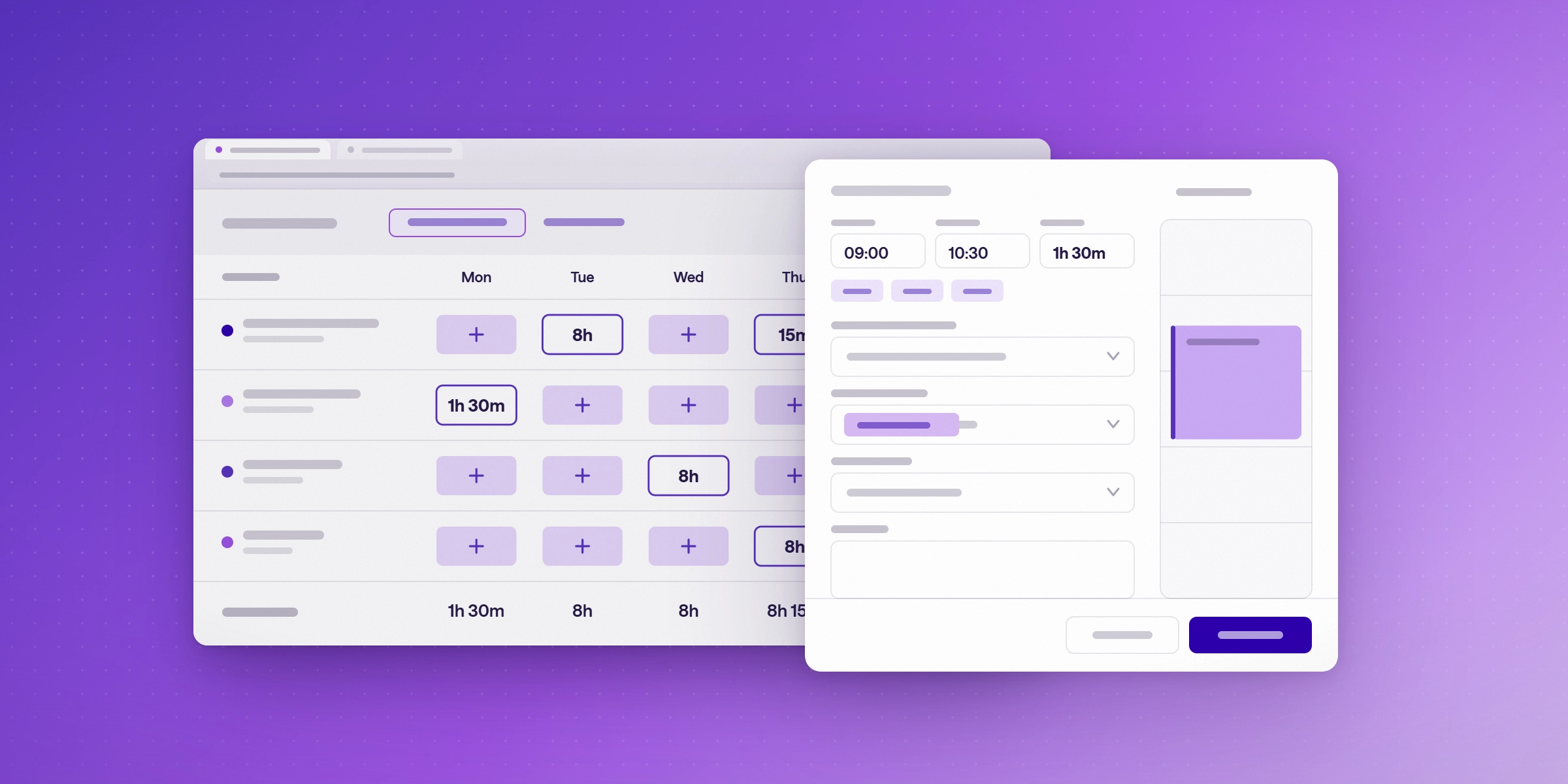
Microsoft Teams doesn't include a timesheet for project work, so to track time in Teams you need to add a time tracking app. Lucen Track (formerly Timeneye) runs as a Teams app and also syncs with Planner, To Do, Azure DevOps and Outlook, so your team logs hours where the work already happens and those hours roll up into billable totals, project progress and reports.
Teams does have a time clock, but it lives in the Shifts app and only records when someone started and ended a shift. If you need to know which client, project or task the hours went to, you'll want an app built for that.
Does Microsoft Teams have built-in time tracking?
Only for shift attendance. The Shifts app in Teams includes a time clock where frontline workers clock in and out of a shift and start and end breaks, and managers can export a timesheet report for their team. A manager has to turn the time clock on in Shifts settings before anyone can use it, and workers can view and edit their timesheet entries only in the Teams mobile app, according to Microsoft's Shifts documentation (as of October 2026).
That works for hourly staff on a schedule. It doesn't help a consulting firm, agency or internal project team, because Shifts records when someone worked and not what they worked on. You can't log hours against a client, a project or a Planner task, mark time as billable, or see effort against a project budget.
What are the ways to track time in Teams?
There are three realistic options, and which one fits depends on whether you need attendance or project time.
- Shifts time clock (built into Teams). Records shift start and end times, breaks, and location on mobile if enabled. Best for frontline and hourly staff on scheduled shifts. Main limit: no clients, projects, tasks or billable rates.
- Excel timesheet pinned as a Teams tab. Records whatever people type into it. Best for a handful of people on a short project. Main limit: manual entry, broken formulas, and reporting rebuilt by hand every month.
- A time tracking app inside Teams, such as Lucen Track. Records hours by client, project and task, billable or non-billable. Best for project-based teams and firms that bill for time. Main limit: it's one more app to approve, though it runs inside Teams rather than beside it.
Spreadsheets are where most teams start, and they hold up until someone has to invoice from them. Once timesheets were being filled on Friday from memory, email and the calendar, the numbers got rounded or padded, and the people chasing missing entries stopped trusting the totals. If you're weighing apps against each other, our comparison of time tracking software for Microsoft 365 covers the options side by side.
How do I add Lucen Track to Microsoft Teams?
You install Lucen Track from the Teams app store, sign in with your Microsoft account, and pin it to your sidebar. The steps below follow Lucen Track's Teams integration guide.
- In Microsoft Teams, open Apps and search for Lucen Track.
- Install the app and pin it to your Teams sidebar so it's one click away.
- Sign in with Microsoft, with your work credentials, or create a new Lucen Track account.
- In Lucen Track, open Integrations and find Microsoft Teams. This takes you to the Lucen Track listing in Microsoft Marketplace, where you finish installing the integration.
- Click the Lucen Track icon in the Teams sidebar to open your dashboard and start logging time.
The Teams version uses the same interface as the Lucen Track web app, so people don't have to learn a second tool.
How do I roll it out to my whole team?
If you manage Teams for your organization, you can pin Lucen Track to the sidebar for a team so everyone sees it without installing it themselves. Team members are added from your Microsoft account instead of being invited one by one, and the Lucen Track Teams page links to the deployment steps for admins.
Because Lucen Track connects through Microsoft and runs inside Teams, Planner, Outlook and Azure DevOps, there's no separate app for people to remember to open, and adoption tends to follow the tools your team already uses every day.
How do I log time in Teams?
Open Lucen Track from the Teams sidebar and add a time entry against a project and task, with the hours and whether the work is billable. Billable rates can be set by project and by person, so billable and non-billable totals add up as people log, and the same workspace handles time-and-materials and fixed-fee projects.
Time logged in Teams lands in the same Lucen Track account as time logged anywhere else, so a PM can open the dashboard in Teams and see effort against each project's budget while the project is still running, rather than finding the overrun at month end.
Can Outlook and Teams meetings become time entries?
Yes, on Starter and above. Lucen Track's Outlook calendar sync shows each meeting, including the Teams meetings you schedule from Outlook, as a suggested time entry you accept in one click. You still review and accept each one, which keeps the timesheet accurate, but the calendar does most of the remembering for client calls, standups and reviews. Our guide to turning your Outlook calendar into a timesheet walks through the setup.
Can I track time against Planner and Azure DevOps tasks?
Yes. Microsoft Planner tracks tasks but not the time spent on them, and Lucen Track syncs your Planner plans so people can log time against Planner tasks and report on it. The Planner sync runs every 15 minutes, and plans with duplicate names don't import, so give each plan a unique name first.
This matters more now that Microsoft retired Project Online on 30 September 2026 and many teams are moving their plans to Planner, which has no timesheets. Lucen Track also syncs with Azure DevOps work items and Microsoft To Do, so development and personal tasks can carry time too.
How do I report on time tracked in Teams?
Lucen Track builds reports by project, client, team, billable time, tags and capacity from the hours your team logs, with export to PDF, CSV and XLS. If your finance or ops team already reports in Power BI, the Lucen Track Power BI connector feeds tracked time into your own dashboards, so nobody rebuilds a profitability spreadsheet at the end of each month.
What does time tracking in Teams cost?
As of October 2026, Lucen Track has a Free plan for up to 2 users, Starter at $7 per user/month and Premium at $13 per user/month (both on a 1-year license billed annually, or $9 and $16 billed monthly), and custom pricing for Enterprise. Outlook meeting suggestions start on Starter, so teams that want their calendar to feed their timesheets will need a paid plan. You can try Premium free for 14 days with no credit card, and the Lucen Track pricing page has the full plan comparison.
Track time where your team already works
Try Lucen Track Premium free for 14 days, no credit card needed, add it to Teams, and see your first billable report from the hours your team logs this week. Start your free trial.
Frequently asked questions
Yes. Timeneye is now Lucen Track, after Lucen Software (formerly Office Timeline) acquired it in July 2025. It's the same Microsoft 365 time tracking app, with Teams, Planner, Azure DevOps and Outlook integrations.
No. Planner tracks tasks but not time spent on them. Lucen Track syncs Planner plans so people can log time against Planner tasks and report on it.
Microsoft 365 doesn't include billable time tracking natively. Lucen Track adds billable rates, billable vs. non-billable totals and reports, inside Teams and the tools your team already uses.
Not really. The Shifts time clock records shift start and end times and breaks, but it has no way to assign hours to a client, project or task, so it can't feed billing or project reporting.
No. Lucen Track suggests entries from Outlook meetings and makes logging quicker inside Teams and Planner, but people still review and accept each entry. That review step is what keeps the hours accurate enough to invoice from.

Subscribe to our blog
Get all the tips, tricks and inspiration you need to create professional looking timelines, straight to your inbox.


