


How to Roll Out Lucen Timeline and Lucen Track to a Microsoft 365 Team
Set up Lucen Timeline and Lucen Track for a Microsoft 365 team: install options, sign-in, Outlook and Teams connections, and an IT checklist with a first-week plan.

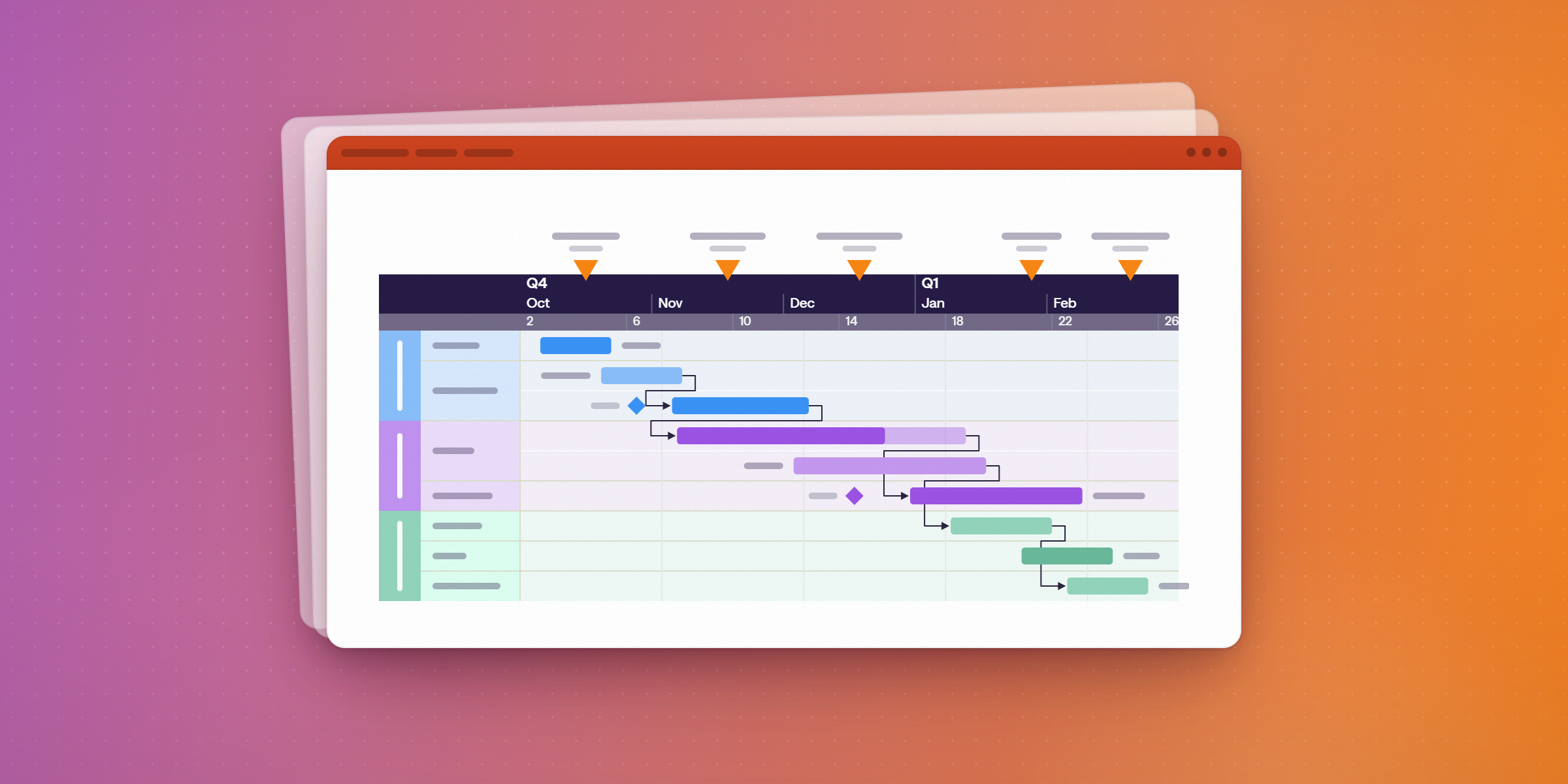
To roll out Lucen Timeline and Lucen Track to a Microsoft 365 team, install Lucen Timeline per user, then have each person sign in to Lucen Track with their Microsoft Entra ID account. A standard per-user Timeline install does not need administrator rights. Lucen Timeline (formerly Office Timeline) runs in PowerPoint on Windows, or in the browser as Lucen Timeline Online. Lucen Track (formerly Timeneye) captures time from Outlook, Teams and Planner.
This guide covers installation, sign-in, the Microsoft 365 connections, an IT checklist and a five-day pilot.
What makes a tool easy to roll out in Microsoft 365?
A tool rolls out easily when it fits how a Microsoft 365 team already works. Look for five things:
- People sign in with the Microsoft accounts they already have.
- A standard install does not need administrator rights.
- IT can deploy it at scale with Intune, Configuration Manager or Group Policy.
- It works inside Outlook, Teams, Planner or PowerPoint, so there is little new to learn.
- A browser option exists for Mac users and for machines where installs are blocked.
The sections below show how Lucen Timeline and Lucen Track meet each point, and what IT should check before approving them.
How do you install Lucen Timeline for one person or a whole company?
For one person: download the free add-in. It installs per user, and a Timeline tab appears on the PowerPoint ribbon.
For a whole company: deploy the Lucen Timeline MSI with Intune, Configuration Manager or Group Policy. The MSI installs per user by default. Adding ALLUSERS=1 makes a machine-wide install, which requires administrator rights.
For Intune or Configuration Manager: do not detect the install by product code, because the code changes between versions. Use the upgrade code {8E493579-8C4D-4530-8A2E-B338DB490784} or the InstallationPath registry value instead.
If you are upgrading an older version: versions 10.0 and newer can be replaced by deploying the new MSI directly. For older VSTO-era installs, use the EXE, which removes the old version. A computer installed with the EXE must be upgraded with the EXE.
Requirements:
- Windows 10 (64-bit) or Windows 11. Windows 10 S is not supported.
- 64-bit Microsoft 365, Office 2021 or Office 2019.
- .NET Framework 4.8.
- The latest Microsoft Visual C++ Redistributable.
- Microsoft Edge WebView2 Runtime.
See the system requirements and the enterprise deployment guide before you start.
How do sign-in and licensing work?
Lucen Timeline is account-based. After installing, users activate by signing in with their Lucen Timeline account. No license key is needed for current versions. Admins can assign licenses in advance, and users without a license default to the Free plan.
Lucen Track uses Microsoft Entra ID sign-in, so access follows the Microsoft 365 accounts IT already manages.
For IT, onboarding and offboarding follow the same process as the rest of the Microsoft 365 estate.
How do you connect Lucen Track to Outlook, Teams and Planner?
Lucen Track captures time where people already work.
- Outlook Calendar: Outlook meetings become suggested time entries that you assign to a client and project.
- Microsoft Teams: Track is available as a Teams app, and users can pin it to the sidebar. If your organization restricts Teams apps, check with your Teams admin before users add Track.
- Microsoft Planner and To Do: Track connects to both.
- Azure DevOps: for IT and development teams that track work in boards.
- Power BI: Track connects to Power BI.
Other connections include Google Calendar, Jira, Asana, GitHub and Monday.com. See the full list of Lucen Track integrations.
What does a first-week rollout look like?
This plan is a starting point. Adjust the days to fit your change-approval process.
| Day | Who | What |
|---|---|---|
| 1 | IT | Check requirements. Choose a per-user or machine-wide install. Review the sign-in setup. |
| 2 | IT and 3 to 5 pilot users | Pilot install (MSI for managed machines). Pilot users sign in to Track with their Microsoft accounts. |
| 3 | Pilot users | Connect Outlook and Teams in Track. Log a few days of time. |
| 4 | PMO lead | Build the first status timeline in PowerPoint from the Excel or Project plan. |
| 5 | IT and PMO lead | Review pilot results, then roll out to the wider team. |
What should IT check before approving?
- Sign-in: Microsoft Entra ID for Lucen Track. Lucen account sign-in for Lucen Timeline.
- Install scope and rights: per-user installs need no administrator rights. Machine-wide installs do.
- Locked-down machines: use the MSI. If installs are not allowed at all, use Lucen Timeline Online in the browser.
- Network access: allow outbound HTTPS (TCP 443) to *.lucensoftware.com, *.b2clogin.com, *.onmicrosoft.com and *.microsoftonline.com. Exclude these from SSL inspection, because interception can break the sign-in redirect. Proxy authentication failures appear as HTTP 407.
- Security: Lucen Timeline holds a SOC 2 Type 2 report, per Lucen's help center. Request Track's security documentation from Lucen before approval.
What if your team uses Macs or cannot install add-ins?
Lucen Timeline Online runs in the browser, with nothing to install.
Set up Lucen Timeline and Lucen Track in your Microsoft 365 environment.
Download the free Lucen Timeline add-in. Your IT team can review the enterprise deployment guide first.
Frequently asked questions
Not for a standard per-user install. A machine-wide install, where the add-in is available to every user on a computer, needs administrator rights.
Yes. IT can deploy the MSI with Intune, Configuration Manager or Group Policy, per user or machine-wide.
No, for current versions. Builds 13.01.00.00 and later use sign-in activation, and no license key is required. Older releases used product keys or local license files. If you bought a legacy license, sign in after upgrading to activate it.
Yes. Lucen Track signs people in with Microsoft Entra ID.
The add-in runs on Windows. Mac users can use Lucen Timeline Online, which runs in the browser.
They were renamed Lucen Timeline and Lucen Track. See the rebrand announcement.
Project management visualization: tips and tricks
Set up Lucen Timeline and Track in Microsoft 365.
Download the free Lucen Timeline add-in. Your IT team can review the enterprise deployment guide first.


Subscribe to our blog
Get all the tips, tricks and inspiration you need to create professional looking timelines, straight to your inbox.