



Managing hybrid teams comes with unique challenges, from coordinating schedules to keeping communication and productivity on track. The right tools can make collaboration easier, improve visibility across teams, and help employees stay aligned wherever they work.
In this article, we’ll explore some of the best software solutions for hybrid teams and the key features that can help you manage work more efficiently.
What is hybrid work?
Hybrid work is a flexible working model where employees split their time between remote work and the office. Unlike fully remote work, hybrid work combines the flexibility of working from home with the benefits of in-person collaboration.
For many organizations, hybrid work has become a practical middle ground. It gives employees more control over when and where they work while still maintaining face-to-face interaction, team collaboration, and office culture.
As a result, hybrid work offers several benefits for employees, including improved work-life balance, greater flexibility, and increased autonomy without fully giving up the structure of the office environment.
Hybrid work: Challenges and pain points
While hybrid work offers flexibility, it also introduces new operational and collaboration challenges for teams and managers alike. Common pain points include:
- Coordinating work across in-office and remote employees;
- Monitoring tasks, progress, and deadlines across distributed teams;
- Maintaining visibility into who is working on what;
- Keeping communication, files, and workflows centralized and accessible;
- Protecting sensitive data and maintaining privacy standards;
- Encouraging employee engagement and team collaboration in a distributed environment.
Successfully managing hybrid teams requires the right processes, communication practices, and tools to keep everyone aligned and productive regardless of location.
Top 8 software solutions for hybrid teams
These software solutions streamline communication, collaboration, and task management, ensuring smooth workflow and productivity for hybrid teams.
Lucen Track for timesheets and productivity tracking
Lucen Track is a time tracking that works best for hybrid work due to its simplicity, monitoring dashboards for projects and users, and features to track time from anywhere.
In a hybrid work environment, where teams are divided between remote and in-office locations, it is crucial to have a centralized system for tracking time and monitoring productivity. The time needs to be tracked for payroll, attendance, and invoicing purposes. But all this may be difficult with a partially distributed workforce.

Lucen Track offers secure cloud storage for time tracking data that can be accessed from anywhere, making it easy for team members to record their hours. The monitoring dashboards provide managers with insights into project status and individual tasks. Lucen Track embraces a non-intrusive approach to time tracking, respecting employees' privacy. Lastly, it also offers seamless integrations with other productivity software.

Microsoft Teams for chat and video meetings
Microsoft Teams provides a centralized platform for communication, allowing team members to easily connect and collaborate, regardless of their location. With features such as chat, file sharing, and video meetings, Microsoft Teams enables communication and information sharing, ensuring that everyone in the team stays connected and informed.
Teams integrates with other Microsoft tools, such as Outlook and SharePoint, and offers robust security measures to protect sensitive information and ensure confidentiality.

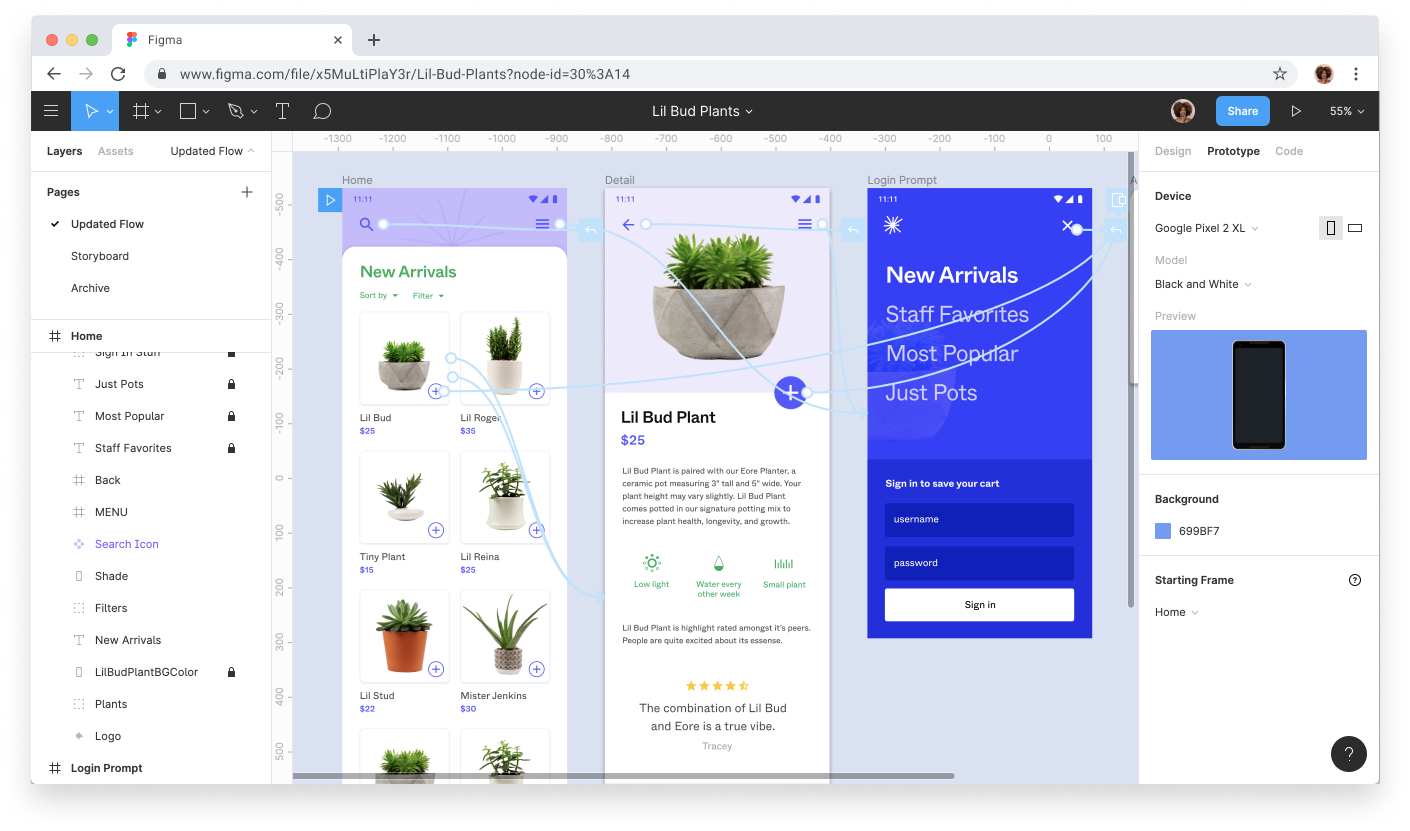
Figma for collaborative design
In a hybrid work environment, Figma's cloud-based platform enables real-time collaboration on design projects. With its "Comment" feature, team members can work together on a single design file, making updates and giving feedback. Figma also offers a wide range of design tools and features, allowing teams to create and iterate on assets efficiently. Its accessibility and sharing capabilities make it a perfect solution for hybrid teams working across different locations.
It's also worth mentioning FigJam, another Figma product, which is mainly used for mind mapping and flowcharts (and to high-five your team members from a distance!)
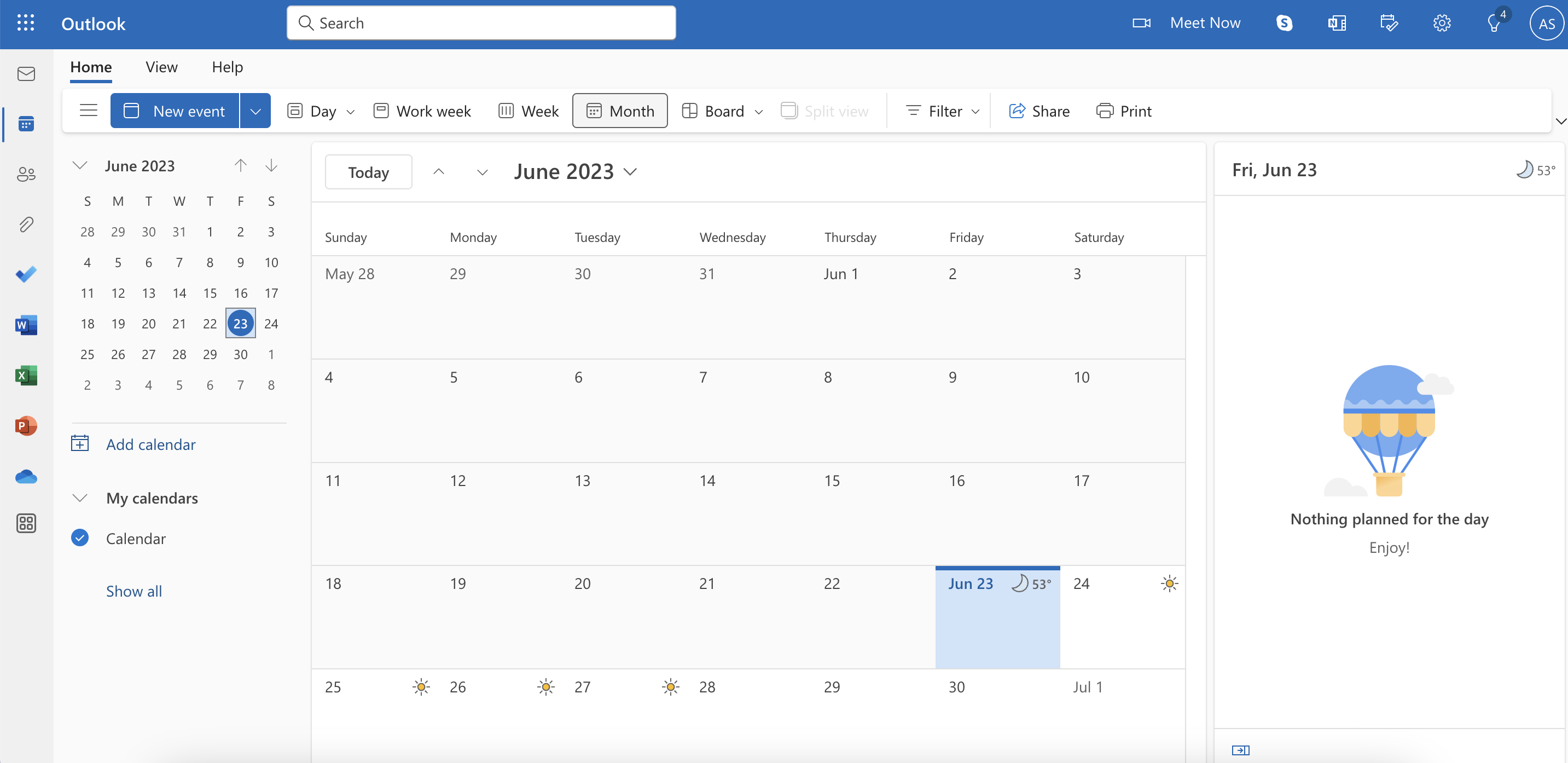
Outlook Calendar (or any calendar application, really) can help your team organize the work day, meetings, and events.
With Outlook Calendar, you can create events and invite your colleagues and team members to attend. You can also add meeting notes and agendas and integrate with the Microsoft Suite to streamline your workflow. By viewing your team members' calendars, you can see their availability and schedule meetings that work for everyone: Outlook itself will suggest optimal hours when every attendee is free.
If you're already using Microsoft Teams, integrating Outlook Calendar is a great way to make your work life easier.
Trello for Agile project boards
Trello is a well-known and powerful project management tool that offers a signature feature based on Kanban boards. These boards can be used for a variety of purposes, including employee onboarding, task tracking, and workflow management.
Tasks can be visualized on the Kanban board, and team members can update the status (and move cards across the board) regardless of their location.
Trello's visual interface empowers your team to collaborate more effectively, and you can enhance your experience with add-ons like files, checklists, and automation using Trello Power-Ups.
Loom for for async communication
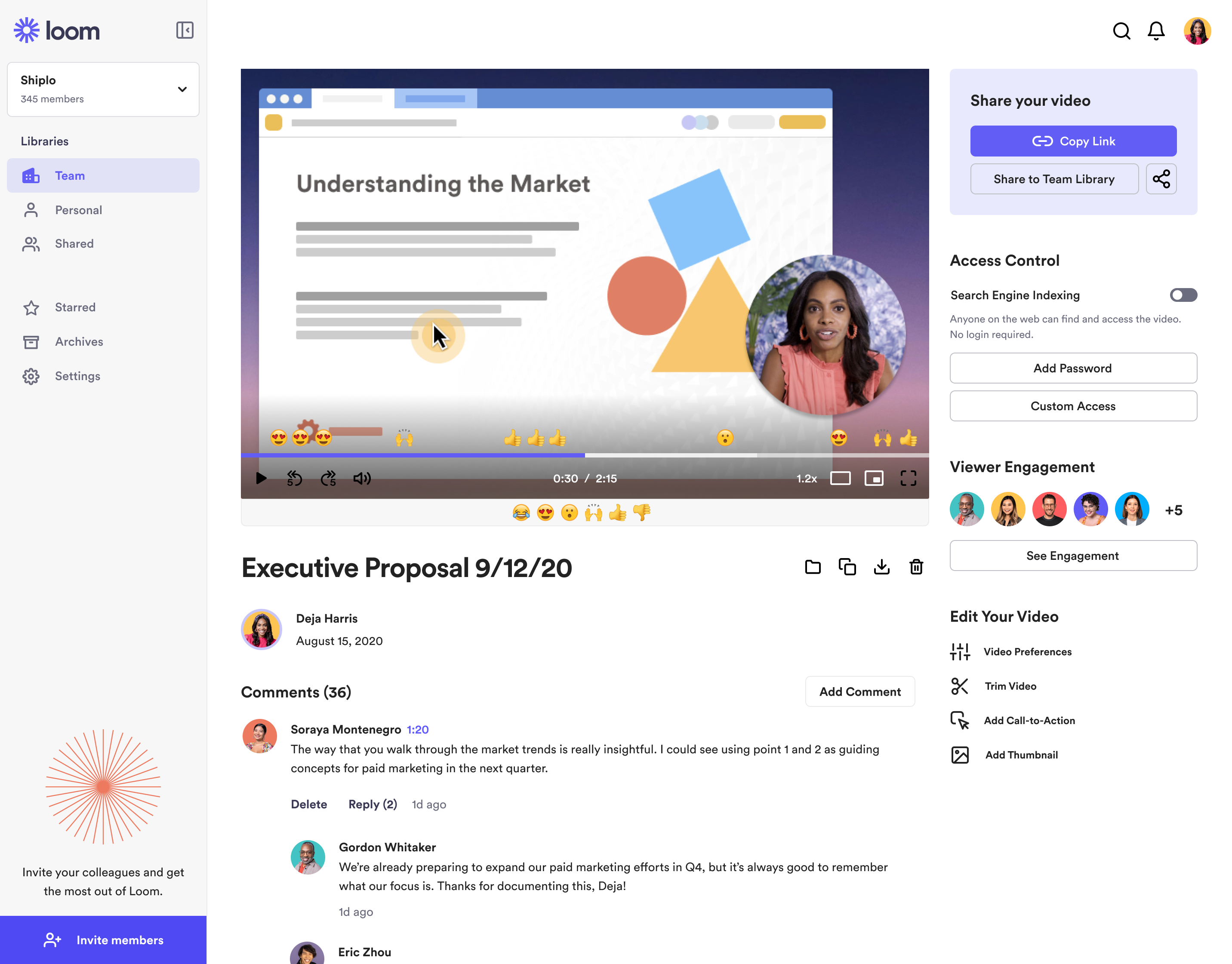
Asynchronous communication is vital for managing hybrid teams. With asynchronous communication team members can exchange information and work at their own pace, regardless of their location or time zone. This approach results in a more productive and healthier work environment.
With asynchronous communication tools like Loom, team members can easily share recorded videos, eliminating the need for lengthy meetings or constant back-and-forth emails. This not only enhances productivity but also promotes overall better and more effective workflow for employees in a hybrid workspace.
Envoy for workplace management
Envoy is an indispensable tool for hybrid teams, providing office and people management solutions. With Envoy, teams can manage visitor registration and office access, as well as desk/seat reservations. This software also offers features such as digital check-ins, pre-registration of visitors, and contactless sign-ins to guarantee the safety and security of both remote employees and visitors: this will make managing a physical space - but also a virtual team - an effortless process.
Jira for software development
Jira, a major player in the software development landscape, offers a variety of features that apply well to hybrid teams, simplifying the process of planning sprints, assigning tasks, and tracking issues and bug reports.
For hybrid teams, Jira provides a centralized platform with customizable boards, where teams can visualize their workflow and progress, making it easier to track the status of tasks and identify any bottlenecks.
Jira's issue-tracking system in a hybrid work environment ensures prompt resolution of bugs and problems, minimizing delays and fostering collaboration.

Conclusions
Managing hybrid teams can be challenging, but utilizing the appropriate software tools can make a significant difference. It's important to have the right resources to ensure that everyone is on the same page and working together effectively.
The software solutions mentioned in this article provide effective solutions for communication, collaboration, task management, time tracking, design collaboration, scheduling, project management, asynchronous communication, and office management.
With these tools, you can streamline your hybrid team's workflow, enhance productivity, and ensure that work runs smoothly.
So why not give these software solutions a try - maybe starting with Lucen Track time tracking?
Cover image credits: illustration made by Storyset from www.flaticon.com


Subscribe to our blog
Get all the tips, tricks and inspiration you need to create professional looking timelines, straight to your inbox.


.png)