


Product Updates
Lucen Timeline Add-in updates & release history
Latest version
What's new?
- Stay up to date with less effort: Lucen Timeline now lets you know in the add-in when a new version is available and automatically downloads it in the background, so it’s ready when you choose to update. This makes it easier to stay on the latest build without having to visit the website.
- Keep updates on your organization’s schedule: If your company manages Lucen Timeline through IT, your existing deployment process stays the same. IT teams can continue controlling when and how new versions are rolled out across the organization.
Download latest version
Version:
15.03.00
Release date:
September 14, 2026
Check compability:
See system requirements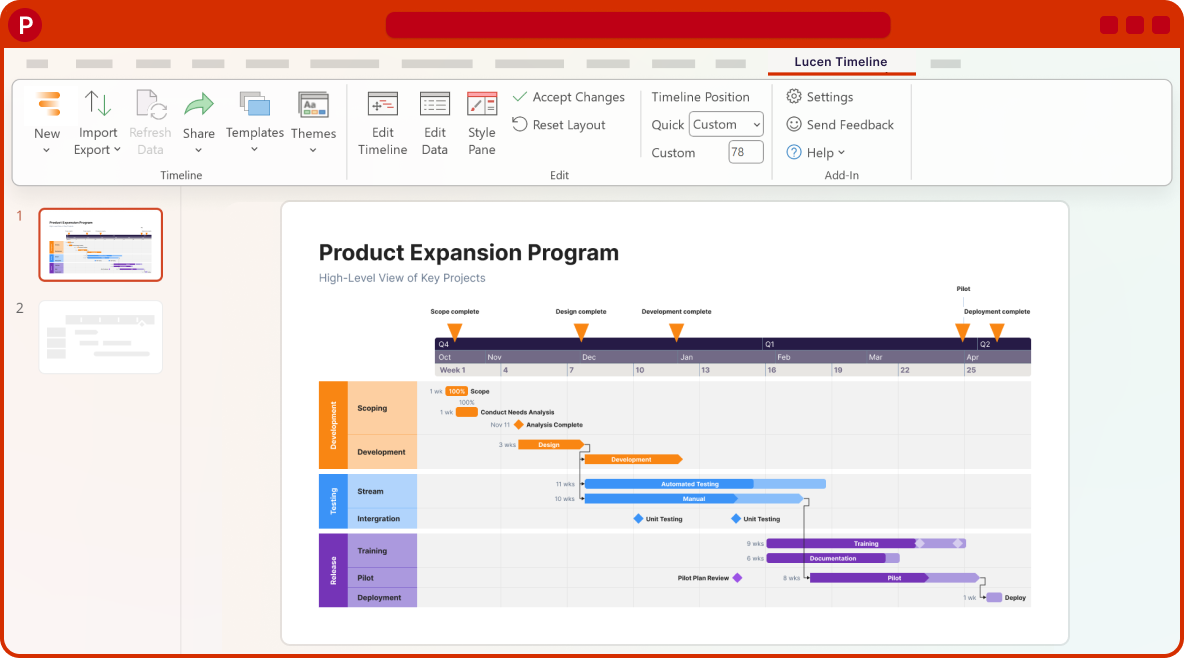
Coming soon
What's next?
- Continued improvements to login and access management, supporting team and enterprise needs.
- Ongoing reliability and performance improvements, so your everyday work feels faster and more dependable.
- Better importing, templates, and timeline styling, based on your feedback, to help you create polished timelines with less effort.
Get tips & answers
Join our free webinar!
Register Now

Lucen Timeline Add-in
Release history
Version:
6.07.05
Release date:
May 12, 2022
- Bug fixes and quality improvements.
Version:
6.07.02
Release date:
April 18, 2022
- Revamped and improved Smartsheet Import.
- Automatically refresh timeline data imported from Smartsheet.
Version:
6.06.02
Release date:
April 5, 2022
- Bug fixes and quality improvements.
Version:
6.06.00
Release date:
March 14, 2022
- Migrated to .NET Framework 4.8.
Version:
6.05.00
Release date:
March 2, 2022
- Brand-new onboarding to help you make timelines fast and easily.
Version:
6.04.02
Release date:
January 31, 2022
- Increased max file size accepted when importing from Excel.
Version:
6.04.01
Release date:
January 6, 2022
- New interface & functionality improvements for Excel Import.
- Revamped and improved Excel Sync.
- Renamed the Sync feature as "Refresh Data" for more clarity.
Version:
6.02.03
Release date:
November 3, 2021
- Bug fixes and quality improvements.
Version:
6.02.01
Release date:
October 19, 2021
- Redesigned the Setup Wizard for a smoother installation.

Download Timeline add-in
Don’t miss out on new features and improvements!
Download the latest version of Timeline today.
