


Product Updates
Lucen Timeline Add-in updates & release history
Latest version
What's new?
- Stay up to date with less effort: Lucen Timeline now lets you know in the add-in when a new version is available and automatically downloads it in the background, so it’s ready when you choose to update. This makes it easier to stay on the latest build without having to visit the website.
- Keep updates on your organization’s schedule: If your company manages Lucen Timeline through IT, your existing deployment process stays the same. IT teams can continue controlling when and how new versions are rolled out across the organization.
Download latest version
Version:
15.03.00
Release date:
September 14, 2026
Check compability:
See system requirements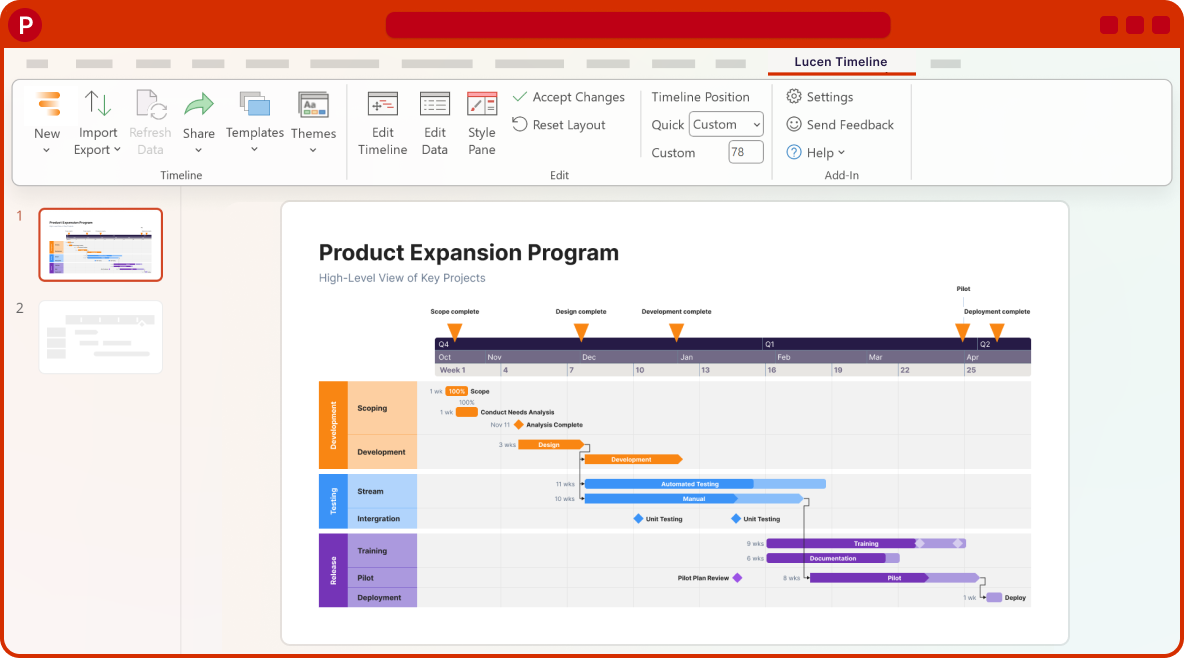
Coming soon
What's next?
- Continued improvements to login and access management, supporting team and enterprise needs.
- Ongoing reliability and performance improvements, so your everyday work feels faster and more dependable.
- Better importing, templates, and timeline styling, based on your feedback, to help you create polished timelines with less effort.
Get tips & answers
Join our free webinar!
Register Now

Lucen Timeline Add-in
Release history
Version:
2.1.12
Release date:
December 11, 2013
- Smart layout algorithms for automatic placement, wrap, spacing, and thickness of milestones and tasks.
- Precision editing for individual items (titles, dates, durations, progress).
- New timeline templates.
- 100% performance improvement in slide layout and rendering.
- Improved set-up reliability and wizard usability.
Version:
2.1.11
Release date:
November 6, 2013
- Improved product activation experience.
- Improved error message hints and quality.
- Improved trial and setup experience.
- Improved line-break handling in milestone and task titles.
- Fixed historical date bug (mm/yy format).
- Fixed issues with upgrading older timelines.
- Fixed elapsed time position and other minor bugs.
Version:
2.1.9
Release date:
October 18, 2013
- Completely redesigned, new streamlined user interface.
- New Task Pane with 35+ customizations covering every timeline element.
- Ability to change task height and spacing (Plus Edition).
- New timeline types and 15 new milestone/task shapes (Plus).
- Custom placement of flags, including below the timeband.
- Task duration entry by duration rather than dates.
- Rendering optimizations for faster performance.
- Corporate deployment & activation support.
Version:
2.00.11
Release date:
March 6, 2013
- Minor bug fixes.
- Incremental improvements in performance.
Version:
2.00.09
Release date:
February 7, 2013
- Graceful upgrading of timelines created with older versions.
- New diagnostics tool with ability to collect troubleshooting data.
- 50% smaller download footprint.
- 15+ small improvements and bug fixes.
Version:
2.00.06
Release date:
January 25, 2013
- Increased application performance by ~300% when rendering timelines.
- Improved UI responsiveness and international date handling.
- Enhanced Auto Adjust Long Task Titles logic.
- Added ability to gracefully handle PowerPoint files opened from SharePoint.
- Reduced overall package download size.
Version:
1.08.19
Release date:
November 22, 2012
- Enhancement to how historical timelines are rendered.
- Improved error messages.
- User Interface improvements.
- Enhanced Milestone date rendering.
- Fixed milestone text box positioning bug.
- Fixed hide milestone date bug.
- Fixed Flag connector color retrieval bug.
Version:
1.08.17
Release date:
November 15, 2012
- User interface adapted to work with 120dpi / 125% Windows Font setting.
- Minor bug fixes and performance improvements.
- Task line no longer lost from table when older slides are updated.
- Custom color on timeband maintained when switching timeline themes.
- Added MMM/YYYY date format.
Version:
1.07.04
Release date:
August 29, 2012
- Office Timeline is officially released on the market.

Download Timeline add-in
Don’t miss out on new features and improvements!
Download the latest version of Timeline today.
