


The Best Microsoft-Native Alternative to Visio for Process Mapping
Compare every Microsoft-native option for process mapping, from Visio in Microsoft 365 to PowerPoint, Whiteboard, Power Automate and Lucen Flowchart, and see which fits your job.

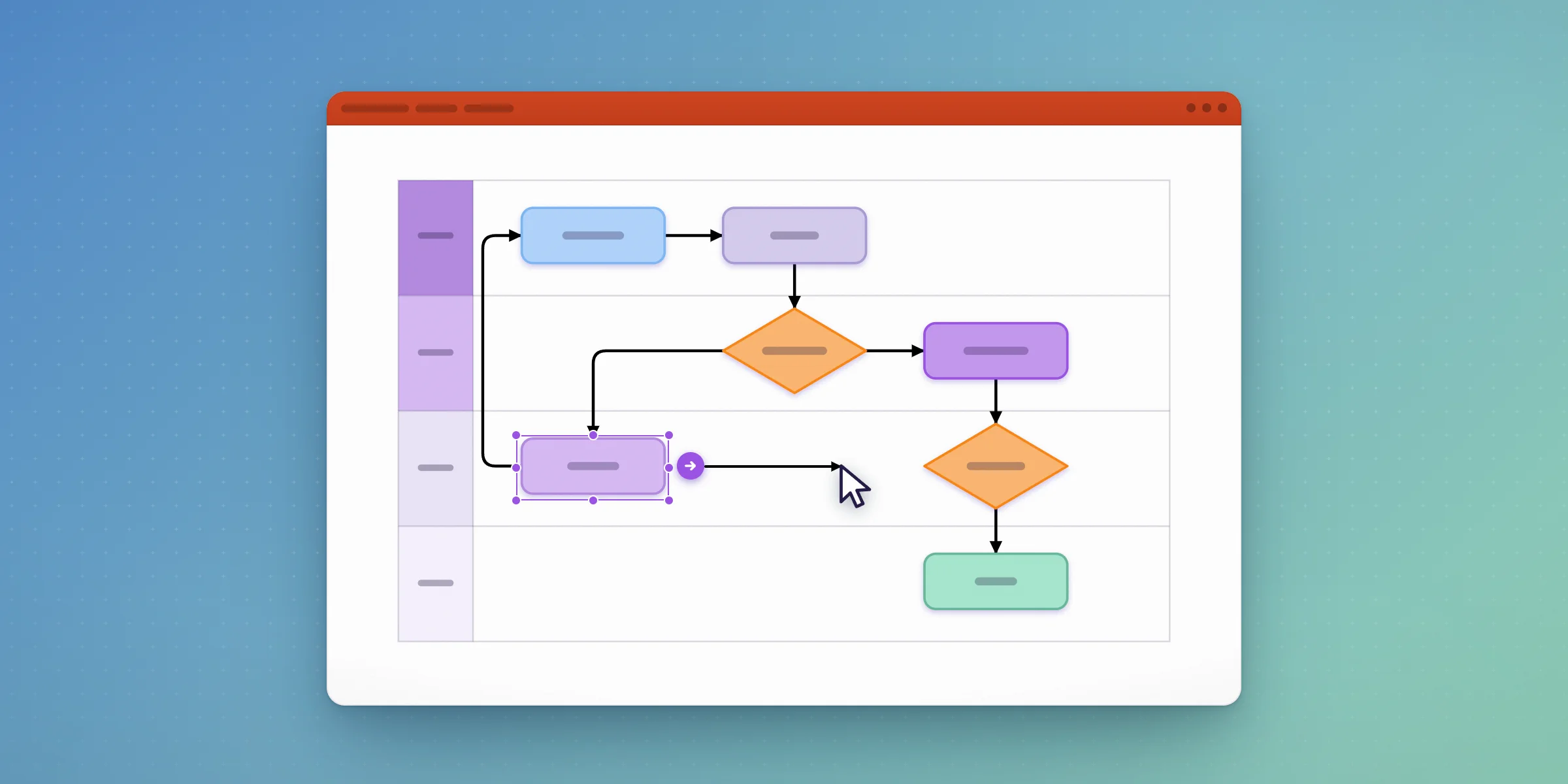
For process maps that get reviewed and presented in PowerPoint, the best Microsoft-native alternative to Visio is Lucen Flowchart, a PowerPoint add-in that builds process flows, decision trees and swimlane diagrams as native, editable shapes on the slide. If you need BPMN or data-linked diagrams, Visio Plan 2 is still the right tool.
Full disclosure: Lucen Software makes Lucen Flowchart. This guide covers every Microsoft-native option so you can pick the one that fits the job, including the cases where that isn't us.
What counts as Microsoft-native for process mapping?
Microsoft doesn't sell one process mapping tool. It sells several, and they do different jobs. Visio draws formal diagrams. PowerPoint is where most process maps end up being presented. Whiteboard is for working a process out with a team. Power Automate process mining builds maps from system data rather than drawing them. And a PowerPoint add-in like Lucen Flowchart builds the map inside the deck itself.
The right choice depends on where the finished map has to live and who has to edit it afterwards.
Which Microsoft-native option fits which job?
- Visio in Microsoft 365. A browser and Teams version of Visio with basic flowcharts, org charts and network diagrams. Included in eligible Microsoft 365 commercial plans with a work or school account. Best for quick, basic diagrams if you already have a qualifying plan. Main limit: basic templates, and the diagram lives in Visio rather than on your slide.
- Visio Plan 1. Adds cross-functional flowcharts, mind maps, ERD and UML diagrams and Power BI integration to the web and Teams app. $5 per user per month, billed yearly. Best for richer diagrams in the browser. Main limit: no desktop app and no BPMN.
- Visio Plan 2. Everything in Plan 1 plus the desktop app, BPMN 2.0, floor plans, AutoCAD support and two-way data sync. $15 per user per month, billed yearly. Best for formal notation and data-linked or technical diagrams. Main limit: it's a heavier tool, and maps still need exporting into decks.
- PowerPoint shapes and SmartArt. Built-in shapes and connectors, plus SmartArt for simple flows. Included with PowerPoint. Best for short, simple processes. Main limit: no built-in swimlanes, so every change means realigning shapes by hand.
- Lucen Flowchart. A PowerPoint add-in that drafts process flows, decision trees and swimlanes as native shapes. There is a Free plan, and Plus costs less than $9 per user per month on an annual license. Best for process maps that are presented, reviewed and updated in PowerPoint. Main limit: Windows only, and not designed for formal notation or data-linked diagrams.
- Microsoft Whiteboard. A free-form canvas with shapes, sticky notes and 60+ templates, included with Microsoft 365. Best for mapping a process live with a team. Main limit: it's a sketch surface, not a tool for polished, structured diagrams.
- Power Automate process mining. Builds process maps from event logs and metrics. Needs Power Automate Premium and a Dataverse environment, with a 90-day trial. Best for finding how work actually flows through your systems. Main limit: it analyzes data and doesn't draw a map for a presentation.
- Visio Data Visualizer for Excel. An Excel add-in that creates flowcharts from spreadsheet data. No Visio license needed, but it requires a Microsoft 365 work or school account. Best for turning a process table into a diagram. Main limit: the output is a Visio-style diagram, not a native slide.
Visio, Whiteboard and Power Automate details are from Microsoft, checked 22 October 2026. Lucen pricing is as listed on the Flowchart pricing page.
Is Visio included in Microsoft 365?
Partly. Microsoft includes "Visio in Microsoft 365", a web and Teams version with basic templates, flowcharts, org charts and network diagrams, in eligible commercial plans. That covers Microsoft 365 Business Basic, Business Standard, Business Premium, Apps for business, Microsoft 365 E3 and E5, and several Office 365 and education plans, and it needs a work or school account.
The fuller versions are paid add-ons. Visio Plan 1 is $5 per user per month billed yearly and adds cross-functional flowcharts and thousands more shapes. Visio Plan 2 is $15 per user per month billed yearly and adds the desktop app, BPMN 2.0 and two-way data sync.
Can PowerPoint alone handle process mapping?
For a short process, yes. PowerPoint's shapes and connectors work, and SmartArt handles simple flows. The trouble starts when the process has decisions, several teams or frequent changes. PowerPoint has no built-in swimlane tool, so most people draw lanes with rectangles and line up shapes by hand, and SmartArt's fixed layouts don't support free-form connectors or decision logic.
This is also why so many Visio users end up back in PowerPoint. In Lucen Software's April 2025 PPT Strategy research (N=308), 66% of Visio and Lucidchart users said they still build diagrams with PowerPoint shapes, 39% paste in exported images and 32% rebuild diagrams manually.
How does Lucen Flowchart work as a Visio alternative?
Lucen Flowchart is a PowerPoint add-in for Windows. You build the map on the slide you'll present from, and every shape is a normal PowerPoint shape you can move, restyle and edit.
You can start from a template, draw with your own shapes, or describe the process to Lucen AI in plain language and edit the draft it builds. Swimlanes give each team or role its own lane. When you add or move a step, auto layout realigns the shapes and reroutes the connectors while keeping each step in its lane, so an update takes minutes instead of a rebuild. Colors and fonts follow the presentation theme by default.
Because the shapes are native, anyone with the deck can open and edit the map without the add-in or a Lucen account. The person creating it signs in with a Lucen account and needs PowerPoint 2016 or later on Windows, including Microsoft 365. For a closer look at one team's workflow, see our guide to a Microsoft-native alternative to Visio for IT teams.
The Free plan lets you go from a process description to a shareable diagram with Lucen AI. Plus is for people who document and present processes regularly. It costs less than $9 per user per month on an annual license and adds unlimited diagrams, swimlanes, templates, and Lucen AI that turns flowchart images into editable diagrams, which helps when you're rebuilding an old diagram from a screenshot or a photo of a whiteboard.
When is Whiteboard or Power Automate the better choice?
Microsoft Whiteboard is the better choice when the process isn't settled yet. It's included with Microsoft 365, works inside Teams meetings, and has more than 60 free templates, so a team can sketch the current state together. Once the process is agreed, you'll usually want a cleaner, structured version for the deck.
Power Automate process mining answers a different question. It reads event logs from your systems and builds maps of how work actually flows, with metrics that show where it slows down. That's valuable for finding automation opportunities, but it needs a Dataverse environment and a Power Automate Premium license, and the output is an analytics view, not a diagram you'd walk leadership through on a slide.
A common pattern: mine or sketch the process first, then build the version people will review in PowerPoint.
When should you stay with Visio?
Stay with Visio when you need formal notation such as BPMN 2.0, which is part of Visio Plan 2, or when the diagram has to be linked to live data, or when you're drawing network diagrams, floor plans or technical schematics. Lucen Flowchart uses a curated, flowchart-specific shape set and isn't designed for formal notation. It also doesn't import or convert existing Visio files, so moving a diagram over means rebuilding it once.
Many teams keep Visio for engineering documentation and use Lucen Flowchart for the version that gets presented, since that's the one stakeholders see and the one that has to change quickly.
What about Lucidchart and Miro?
Lucidchart and Miro are browser-based diagramming tools, not Microsoft products. They can work alongside Microsoft 365, but a diagram built in them reaches PowerPoint as an export or an embed. If you want the map to stay a live, editable object inside the deck, a PowerPoint-native approach avoids that extra step.
How do you choose?
- Your maps are presented in PowerPoint and change often: build them on the slide with Lucen Flowchart.
- You need BPMN, data-linked or technical diagrams: use Visio Plan 2.
- You're still working out the process with a team: start in Whiteboard.
- You want to know how work really flows through your systems: use Power Automate process mining.
- Your process is short and rarely changes: PowerPoint shapes are enough.
Build your next process map on the slide you'll present from. Download Lucen Flowchart and start free.
Frequently asked questions
A basic web version, "Visio in Microsoft 365", is included in eligible Microsoft 365 commercial plans and needs a work or school account. Visio Plan 1 ($5 per user/month, billed yearly) and Visio Plan 2 ($15 per user/month, billed yearly) are separate paid plans.
PowerPoint and Microsoft Whiteboard are included with Microsoft 365, and Visio in Microsoft 365 covers basic diagrams on eligible commercial plans. Lucen Flowchart also has a Free plan that takes you from a process description to a shareable diagram with Lucen AI.
PowerPoint has no built-in swimlane tool, so most people draw lanes with rectangles and align shapes by hand. Lucen Flowchart adds swimlanes as a layout, and auto layout keeps each step in its lane as you edit.
For process maps that end up in a presentation, many teams use it instead of Visio. For BPMN, network diagrams or data-linked diagrams, Visio is still the right tool.
Not yet. You build diagrams in PowerPoint for Windows, 2016 or later, including Microsoft 365. Colleagues on Mac can open and edit the finished slides.
Lucen Flowchart has a Free plan that lets you go from a process description to a shareable diagram with Lucen AI. Plus costs less than $9 per user per month on an annual license and adds unlimited diagrams, swimlanes, templates, and Lucen AI that turns flowchart images into editable diagrams.
Process maps and flowcharts in PowerPoint: guides and how-tos

Subscribe to our blog
Get all the tips, tricks and inspiration you need to create professional looking timelines, straight to your inbox.