


Harvest Alternatives with Built-In Invoicing (2026)
Compare Harvest alternatives with built-in invoicing: what Lucen Track, Clockify and Toggl Track create, send and collect, and what they cost.

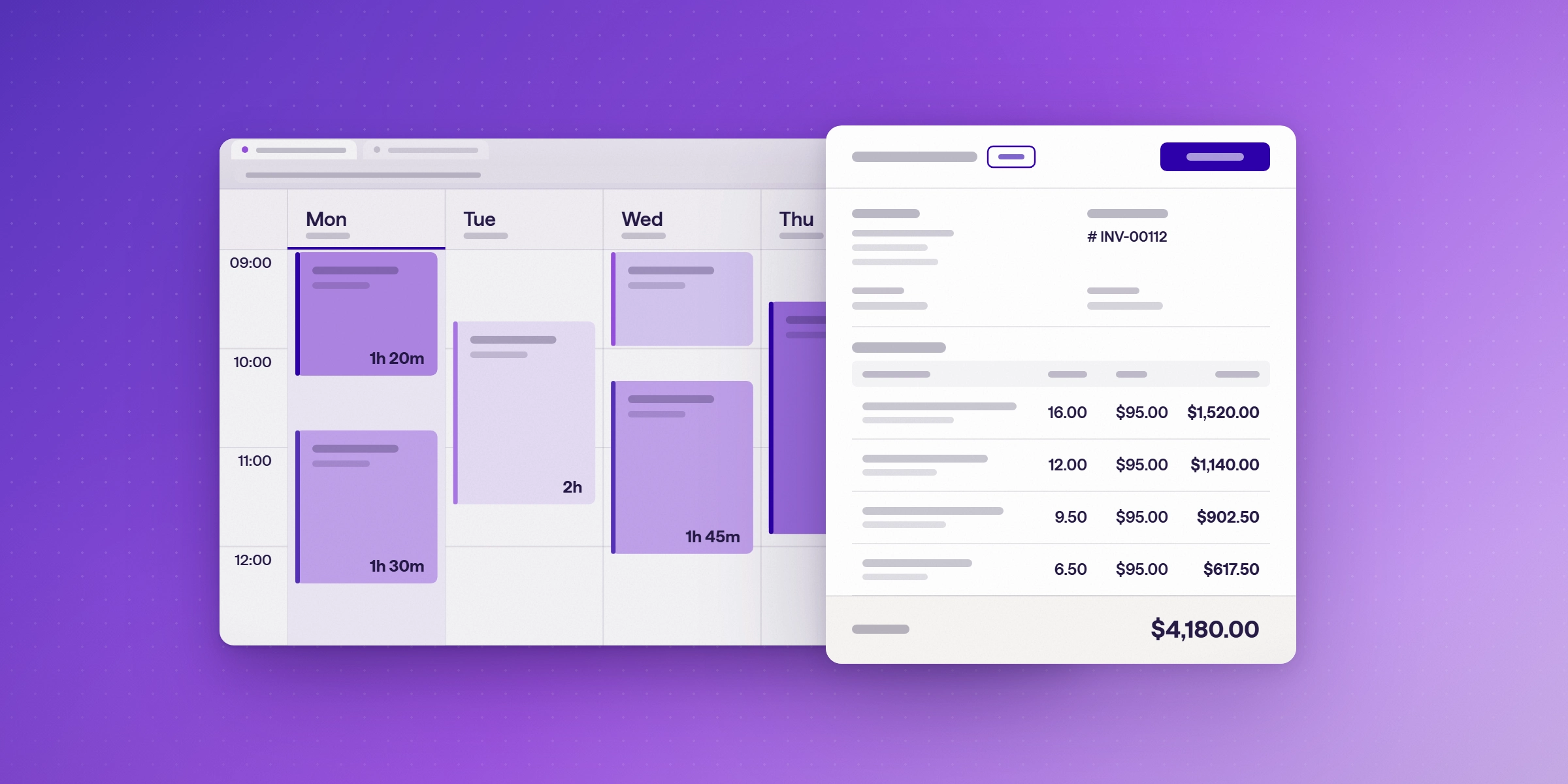
The best Harvest alternatives with built-in invoicing are Lucen Track (formerly Timeneye), Clockify, and Toggl Track. All three turn tracked time into a client invoice without an export, but they differ in what happens after the invoice is created. Lucen Track creates and downloads branded PDF invoices from approved hours and expenses, from the Starter plan up. Clockify also emails invoices to clients and records payments, from its Standard plan up. Toggl Track creates invoices but sends them only to QuickBooks, with no built-in payment tracking. Harvest remains the most complete option for collecting payment online, through Stripe and PayPal, but its 2026 pricing change raised costs for some teams.
How do the seat prices compare?
Seat prices are the starting point, not the full bill. Harvest adds usage fees on top of its seats. Clockify and Toggl Track bill per seat, with invoicing and reminders on their higher tiers. Lucen Track's Premium plan adds budgets and approvals at $13. Compare current prices on each vendor's pricing page before you commit. Lucen Track's plans are on the Track pricing page.
| Tool | Free plan | Cheapest paid plan, annual | What the seat price doesn't include |
|---|---|---|---|
| Harvest | 1 seat, 2 projects | Teams $9 per seat per month | Usage fees for projects, clients, tasks and invoicing. Rates aren't published |
| Lucen Track | Up to 2 users | Starter $7 per user per month (billed yearly) | Invoicing starts on Starter. Approvals and budgets start on Premium at $13 |
| Clockify | Not checked | Basic $3.99 per user per month | Invoicing and reminders start on Standard |
| Toggl Track | Not checked | Starter $9 per user per month | QuickBooks sending starts on Starter; approvals and SSO on Premium |
Premium also adds budgets and profitability reporting. Read how project budgets and margin protection work together with time tracking.
What is built-in invoicing in a time tracker?
Built-in invoicing means the time tracker itself creates the invoice from logged hours and expenses. You don't export timesheets to a spreadsheet or accounting tool to rebuild the bill. Some tools stop at creating the invoice. Others also send it, record payments, or sync with accounting software. Those steps decide how much of the billing cycle stays in one place.
Why are teams looking for Harvest alternatives in 2026?
Harvest's published seat prices are $9 per seat a month for Teams and $14 for Enterprise, billed annually. In 2026, Harvest moved to per-seat pricing with usage-based charges for active projects, clients, tasks, and invoicing. Harvest does not publish its usage rates, so the total bill is hard to predict before a trial. Productive reports that the change hit renewals and that customers can ask Harvest for a better price.
The BBC reported renewal increases for some accounts, including UK consultancy Salentis, whose average monthly Harvest bill rose from about $130 to $2,110. Harvest has not publicly explained every case, and increases vary by account.
Check your own renewal notice against the new structure before you decide.
Which Harvest alternatives include invoicing?

The table compares invoicing features as each vendor documents them. For a side-by-side view of Lucen Track and Harvest, read the Track vs Harvest comparison. Feature details checked 3 November 2026. Where a vendor's documentation does not describe a feature, the cell says so.
| Feature | Harvest | Lucen Track | Clockify | Toggl Track |
|---|---|---|---|---|
| Invoicing plan | Free and paid plans, invoicing included on each | Starter, Premium and Enterprise | Standard, Pro and Enterprise | Free and paid plans; Free invoices show the Toggl logo |
| Create from tracked time | Yes | Yes, from approved hours and expenses, or from scratch | Yes, from tracked time and expenses; web app only | Yes, from a filtered report |
| Send to client | Yes, by email | No. You download the PDF and send it yourself | Yes, by email with a PDF link | No. Sending goes only to QuickBooks (Starter) |
| Online payments | Yes, through Stripe and PayPal | No | No. Payments are recorded manually | No |
| Record payments | Yes | Mark as paid (manual status) | Invoice status updates; partial payments not confirmed | No built-in tracking |
| Late payment reminders | Yes | None described in product docs | Standard and above | None described |
| Accounting sync | QuickBooks Online and Xero (Teams and Enterprise plans) | Not available yet | QuickBooks (Standard and up) | QuickBooks (Starter) |
| Cheapest paid plan, annual | Teams $9 (plus usage fees) | Starter $7; Premium $13 | Basic $3.99 | Starter $9; Premium $18 |
What does Lucen Track invoicing do?
Lucen Track creates client invoices from the billable time and expenses your team has already approved. Billable hours that are logged but never invoiced are a common leak; see how billable time slips through. You can also start an invoice from scratch and see which approved hours haven't been invoiced yet, client by client. Each invoice moves from draft to issued, paid or void, and you can set invoice numbering and tax rates. Invoices download as branded PDFs. The billing and invoicing page lists the full feature set. Teams that track time in Microsoft Teams and Outlook get those hours into the invoice without re-entering them.
Lucen Track does not send invoices or collect payments. You download the PDF and send it to your client yourself, and mark the invoice as paid when payment arrives. Accounting sync with QuickBooks or Xero is not available yet. Invoicing is included on Starter, Premium and Enterprise plans.
Harvest bundles invoicing with time tracking, and its integrations page lists Outlook calendar events in the timesheet. Its Microsoft 365 page also lists Teams, Planner, To Do and Azure DevOps, but it doesn't say whether those are native integrations, so confirm them in a trial before relying on them.
Which invoicing time tracker fits your team?
| If you need | Look at | Why |
|---|---|---|
| Online payments and reminders in one tool | Harvest | Stripe and PayPal payments, email sending and late-payment reminders |
| Accounting sync with QuickBooks or Xero | Harvest, or Toggl Track on Starter for QuickBooks | Harvest syncs both QuickBooks Online and Xero |
| Invoices from Microsoft 365 time, with budgets and approvals | Lucen Track | Time logged in Teams, Outlook and Planner feeds invoices. Premium adds budgets and approvals |
| Invoices and emailed sending at the lowest seat price | Clockify | Email invoicing from Standard at $5.49 per user per month |
| Invoices you send from your own email | Lucen Track or Toggl Track | Both create invoices you send yourself. Toggl sends only to QuickBooks |
Harvest is still the right choice when collecting payment online is the core of the job. Lucen Track is the better fit when your team already works in Microsoft 365 and wants time capture and invoicing in one place. To see how the tools connect, read about Lucen Track integrations with Outlook, Teams and Planner, and about Microsoft Planner if your team plans there.
How do I move from Harvest to Lucen Track?
Lucen Track imports users, clients, projects, project members, phases and time entries from a CSV file, and everything else through its API. A Harvest export usually needs some cleanup first so its columns match Track's import format. Track's support team guides you through each step during the free trial, but it does not carry out the migration for you.
Start your free 14-day trial of Lucen Track. Turn approved billable hours and expenses into client invoices, and see unbilled hours client by client. No credit card is needed. Start free trial.
Frequently asked questions
Yes. Harvest creates invoices from tracked time, sends them by email, takes online payments through Stripe and PayPal, and sends reminders. Check Harvest's pricing page for the plan that includes each feature.
No. Lucen Track creates and downloads branded PDF invoices. You send the PDF yourself and mark the invoice as paid when payment arrives.
Starter, Premium and Enterprise.
Yes. Clockify creates invoices from tracked time and emails them with a PDF link. Invoicing is available on its Standard, Pro and Enterprise plans. Invoices can be created only in the web app.
Toggl Track creates invoices and downloads them as PDFs. Sending is available only to QuickBooks, on the Starter plan. Toggl has no built-in way to track payments.
Harvest moved to per-seat pricing with usage-based fees for projects, clients, tasks and invoicing. Reported renewal increases vary widely. Harvest says the steepest increases hit legacy plans.
Yes. Lucen Track works with Microsoft Teams, Outlook, Planner and Azure DevOps, and reports in Power BI.
Start your free 14-day trial of Lucen Track.
Turn approved billable hours and expenses into client invoices, and see unbilled hours client by client. No credit card is needed.


Subscribe to our blog
Get all the tips, tricks and inspiration you need to create professional looking timelines, straight to your inbox.