


What enterprise PMOs need to trust before they buy software
The buying question for an enterprise project management office (PMO) isn't "how many features ship in the box?" It's narrower and harder: can the team present a portfolio view to executives on Monday without rebuilding slides every week?
A portfolio manager tracking 40 workstreams across five departments lives with the consequences of a stale date. If a dependency slips and the deck doesn't move with it, the PMO loses credibility, and no amount of dashboard styling recovers it.
Most category content skips this. Vendors describe visibility, governance, and resource planning in broad strokes, then leave out the mechanics: what happens to the report when a milestone shifts three weeks, or when a Microsoft Project file gets re-imported mid-quarter. Frameworks like the one Celoxis publishes for 2026 PMOs lean on predictive reporting and AI, which is useful strategy but doesn't tell a delivery manager whether next week's status pack refreshes itself.
So this review applies three checks to Lucen Software, each testable in a pilot:
- Source-of-truth planning — do plans, dependencies, and milestones live in one place?
- Reporting refresh — how much manual work stands between a date change and an updated executive view?
- Microsoft fit — does it work inside Excel and PowerPoint, or alongside them?
Those three become the project evaluation metrics for everything that follows.
How Lucen handles planning, dependencies, and refresh in Microsoft environments
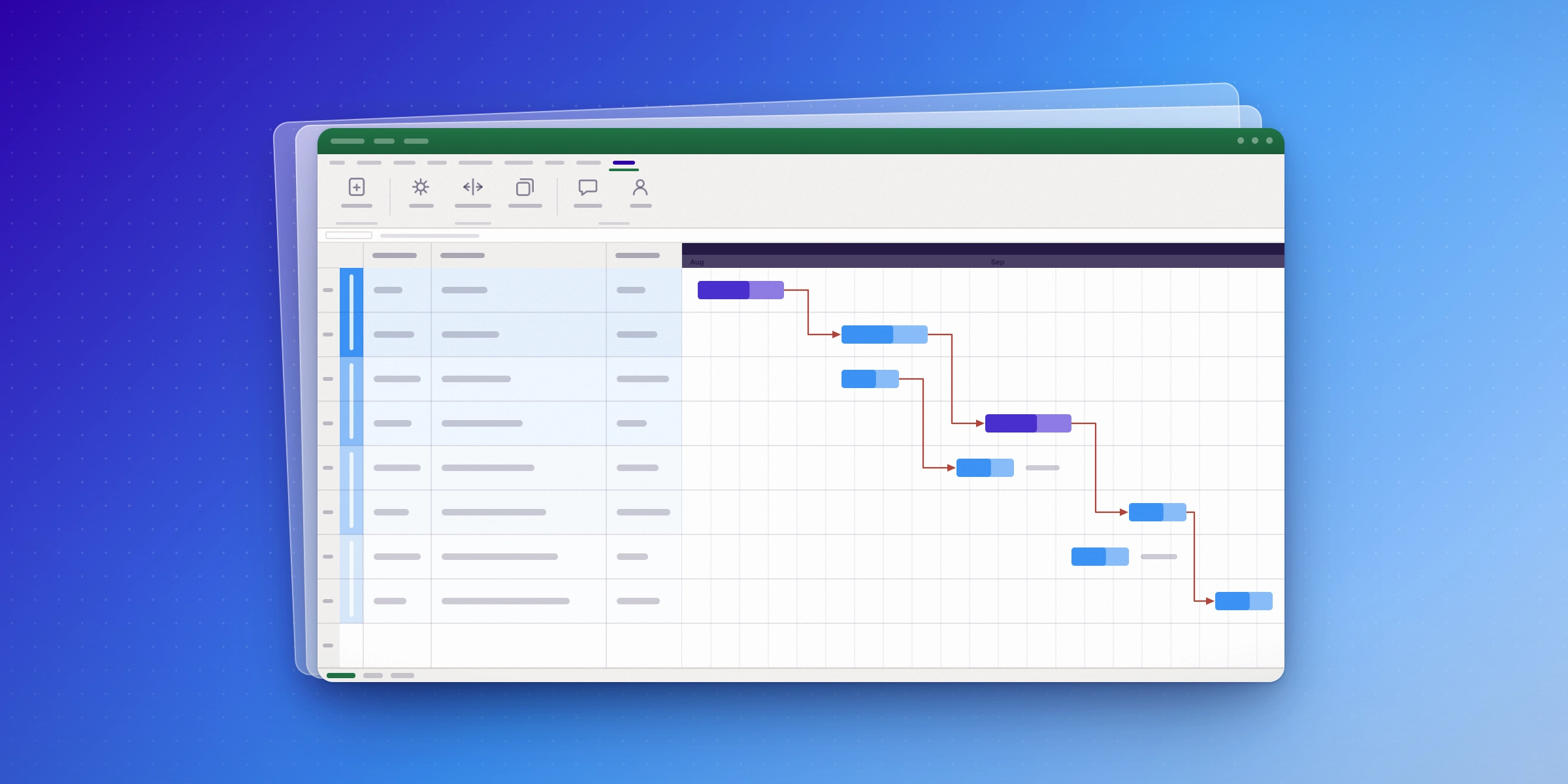
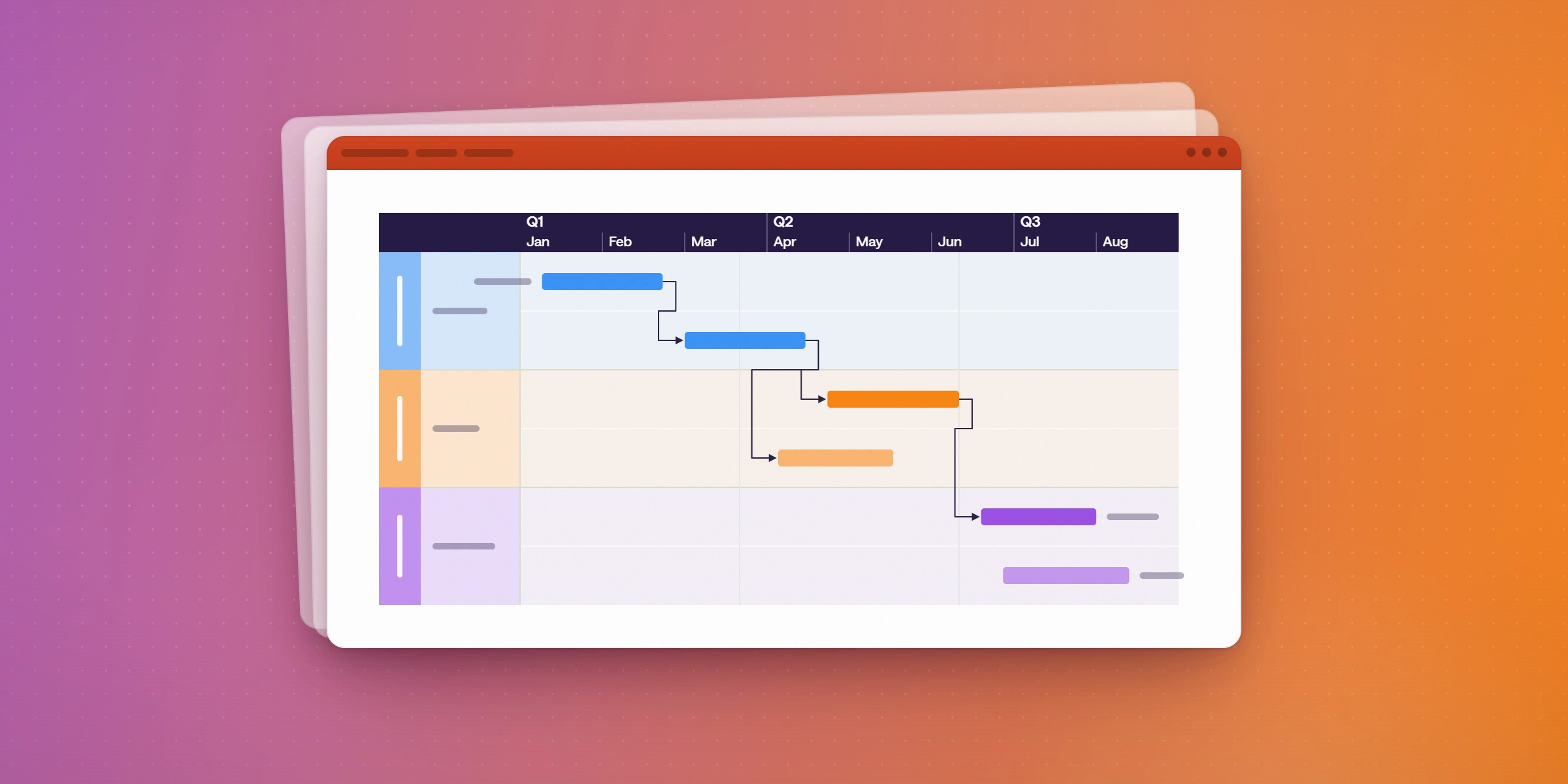
Lucen's planning layer starts where most PMOs already keep their data, in a spreadsheet. Lucen Plan builds schedules in Microsoft Excel with dependencies structured at the source, so a slipped task date cascades through the plan rather than sitting in a comment thread. Lucen Timeline then renders that same data as a stakeholder view, with milestones, critical path, and swimlanes, then refreshes it in one step when the plan moves. That mechanic is the whole trust argument: the report and the plan are the same object, so nobody reconciles two versions before a steering committee.
The project leader solutions page describes import paths from Microsoft Project, Smartsheet, and Jira, which matters for consolidation more than for greenfield planning. A portfolio inherited from three delivery teams on three tools can land in one structure without a manual rebuild. Lucen Track sits alongside it, capturing time at task and project level, so it’s less about policing tasks and more about seeing which workstream is absorbing effort before a delivery date is at risk.
This model rewards organizations already standardized on Microsoft. If your program managers live in Jira or a dedicated portfolio suite, the Excel-native approach is a process change, not a shortcut, and the value depends on how much change your PMO can absorb in one quarter. Run a real evaluation by taking one live program through a plan change, a refresh, and an executive readout, and confirm export formats for slide-ready timelines before you commit the portfolio.
What to test in a Lucen pilot if trust is the real requirement

Run a two-week pilot on one live program, not a sandbox. Start with the change test: move a milestone by three weeks, then rewire a dependency, and watch what happens downstream. Lucen's project-leader page describes Excel-native planning with built-in dependencies, live Gantt updates, and one-click refresh of the timeline view. Verify that yourself. If a single date change forces manual cleanup in the visual, the source-of-truth claim doesn't hold.
Then pick project evaluation metrics before you begin, so the result isn't a vibe. Track minutes spent assembling the weekly status pack, the number of slide rebuilds avoided, how many hours pass between a plan change and an executive seeing it, and how many parallel versions of the plan still exist at the end. If your leadership pack lives in PowerPoint, test that export path with a real audience rather than taking the demo's word for it.
Trustworthy reporting has three visible traits: one file everyone edits, a named owner for each refresh, and a repeatable process a delegate can run when that owner is on leave. Document who does what in the pilot.
How Lucen compares with Cora and Celoxis on PMO trust and reporting
Three vendors, three different bets on what an enterprise PMO actually needs.
Cora leads with a published economic case: its enterprise PMO material cites a Forrester Total Economic Impact study reporting 187% ROI over three years and $25 million in operational efficiency gains. Treat that number for what it is, a commissioned study built on a composite organization, not an audited result from a named customer, and use it as a hypothesis to test against your own project evaluation metrics, not a given.
Celoxis takes the widest view. Its 2026 PMO framework covers AI-assisted tooling, real-time collaboration, portfolio prioritization, hybrid workflows, and predictive reporting. Useful context if your roadmap is being built around those themes.
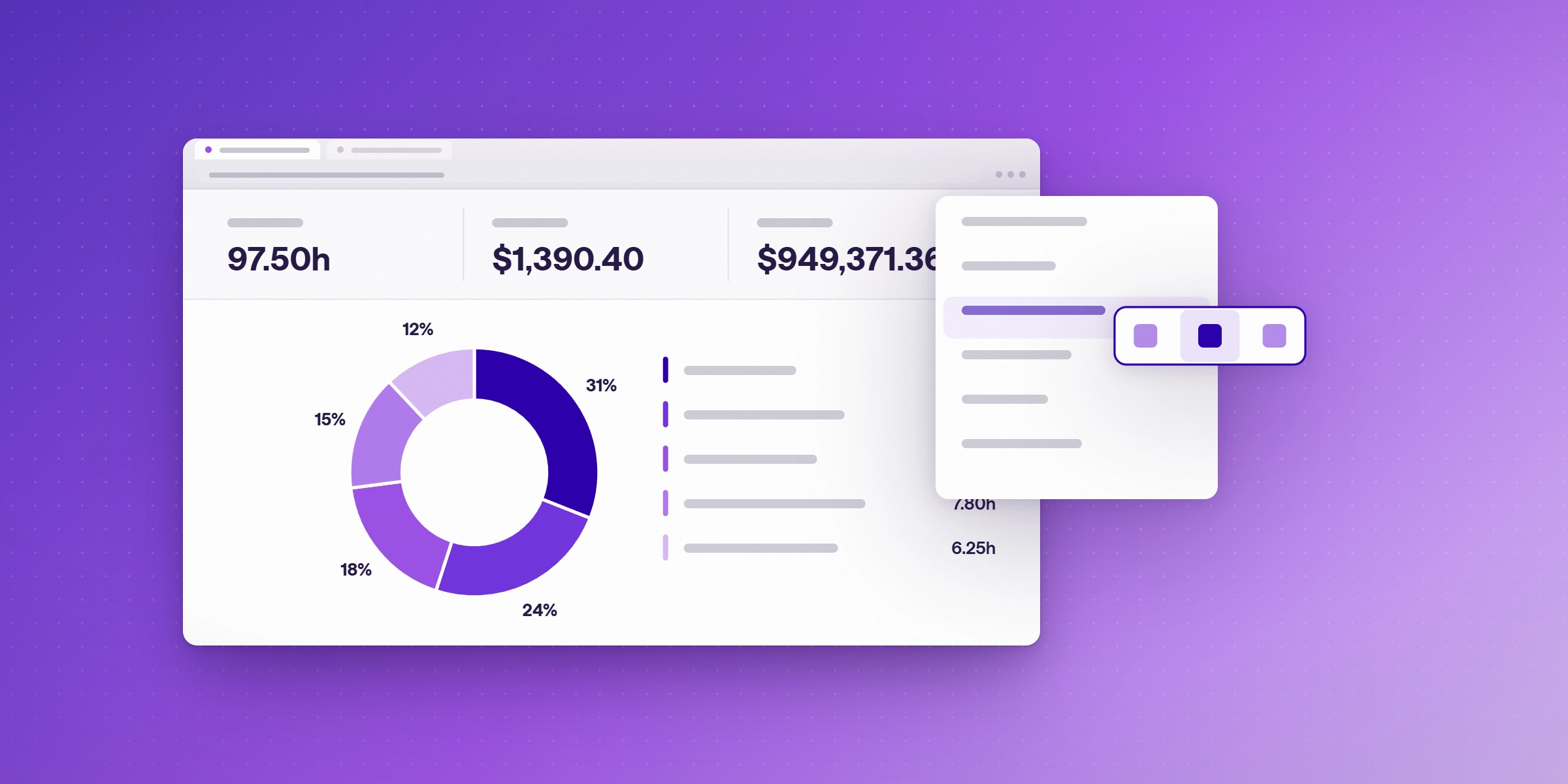
Lucen is narrower by design. Planning happens in Microsoft Excel with real dependencies, milestones, critical path, and swimlane views; plans import from Microsoft Project, Smartsheet, and Jira; and a one-click refresh pushes date changes straight into the timeline you present. For a program manager who rebuilds a steering-committee deck every Friday, that removes the step where numbers drift between the plan and the PowerPoint timeline. Lucen Track adds time capture at task and project level to surface workload risk early.
Where Lucen fits in the wider PMO software market
Enterprise PMO tools get bought for four things: visibility, resource planning, governance, and reporting. Those labels tell you nothing about trust — whether the numbers in Monday's steering-committee deck will still be right on Thursday, and whether anyone had to rebuild the slides by hand to get there.
Treat the evaluation as your own job. Ask whether the platform holds portfolio oversight across programs, produces executive reporting you can refresh rather than rewrite, and handles change control when dates and dependencies shift. Run a short pilot with your real project data, and pick project evaluation metrics — replan cycle time, reporting hours saved, forecast accuracy — before you start, not after.
Frequently asked questions
Lucen's page for project and program leaders positions Timeline, Track, Plan, and Flowchart around Microsoft Excel-native planning, built-in dependencies, milestones, critical path, and swimlane views, with imports from Microsoft Project, Smartsheet, and Jira. If your evaluation centers on financial governance and resource capacity across dozens of concurrent portfolios, weigh that specifically against Lucen's focus on source-of-truth planning and reporting refresh.
Dates and dependencies stay in one plan, and a one-click refresh updates the visual instead of rebuilding a deck each week.
The timeline reads from the live plan, and Lucen Track logs time at task and project level to surface workload risk early.
Agree project evaluation metrics first: hours per reporting cycle, date accuracy, and unanswered executive questions.

Project management visualization: tips and tricks

Subscribe to our blog
Get all the tips, tricks and inspiration you need to create professional looking timelines, straight to your inbox.