Project Visualization Tools for Executive Updates Leadership Can Read
Compare project visualization tools for executive updates in PowerPoint. See which plans import from Jira, Smartsheet and MS Project, and which refresh in one click.

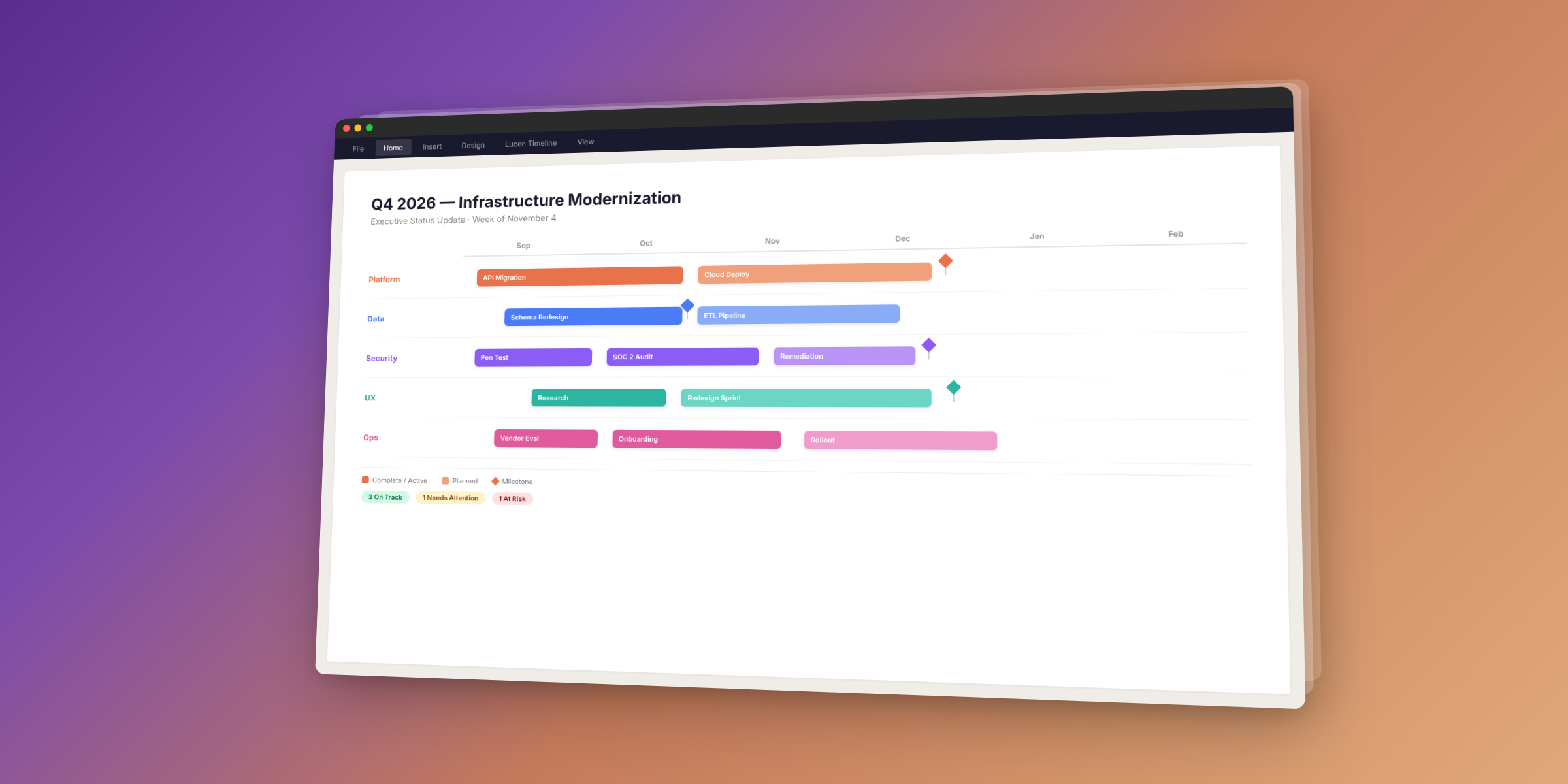
The easiest executive update is a one-page timeline in the deck leadership already reviews. Lucen Timeline (formerly Office Timeline) builds it as native PowerPoint shapes from Excel (Plus, $17 per user per month) or from Microsoft Project, Smartsheet, Jira and Wrike (Expert, $21 per user per month), and refreshes it in one click when the plan changes.
This guide compares the tools senior PMs use to build and refresh executive project updates, with a feature table so you can see what each one does without reading five vendor pages. If your reporting cycle still means rebuilding slides from scratch or pasting screenshots of dashboards, the comparison below shows what to use instead.
What makes a project update executive-ready?
An executive-ready project update shows milestones, dependencies and status on one page, at a level of detail a VP can act on without asking follow-up questions. It is a visual, not a spreadsheet, and it updates when the plan changes, not when someone has time to rebuild it.
A project visualization tool is software that turns plan data (tasks, milestones, dependencies, dates) into a visual that shows what is happening, what is at risk and what is next. Gantt charts, timelines and roadmaps are the most common formats for executive updates.
Three things make the difference between an update that gets read and one that gets skipped:
- One page, one story. Swimlanes group workstreams; milestones mark decisions. No scrolling, no tabs, no login required.
- Refreshable. The data comes from the source plan (Excel, Microsoft Project, Jira, Smartsheet), not from a manual copy that goes stale the moment someone updates the schedule.
- On brand. Colors, fonts and layout match the company's deck template, so the update looks intentional, not improvised.
If your executive updates meet all three, leadership reads them. If they don't, leadership asks for a walkthrough instead, and the update becomes a meeting, not a slide.
Which tools do senior PMs use for executive updates?
Senior PMs choose between two approaches: build the update inside the deck leadership already reviews (PowerPoint), or build it inside a project management tool and export it.
The table below compares both. The key difference is format: only Lucen Timeline produces native PowerPoint shapes that leadership can edit, annotate and present without switching apps. The others create the update inside their own tool and export it as a static image or PDF.
| Tool | Format | Imports from | Refreshes from source? | Planned vs. actual | Starting price |
|---|---|---|---|---|---|
| Lucen Timeline (Expert) | Native PowerPoint shapes | Excel, MS Project, Smartsheet, Jira, Wrike | Yes, one-click refresh | Yes | $21/user/mo (annual) |
| Lucen Timeline (Plus) | Native PowerPoint shapes | Excel | No | No | $17/user/mo (annual) |
| think-cell | PowerPoint charts | Excel | Yes (linked charts) | No (chart tool, not timeline tool) | ~$327/user/yr |
| Smartsheet | Dashboard or export | Built-in sheets | Dashboard auto-updates; exports are static | Via baselines | From $9/user/mo |
| Asana | In-app status report | Built-in tasks | In-app auto-updates; exports are static PDFs | Via goals | From $10.99/user/mo |
| Monday.com | Dashboard or export | Built-in boards | Dashboard auto-updates; exports are static | Via baselines | From $9/seat/mo |
| Excel | Manual chart | N/A (is the source) | N/A | Manual | Included in M365 |
Sources: Lucen Timeline pricing, vendor pricing pages. think-cell pricing is approximate, sourced from third-party aggregators (as of November 2026). Confirm current prices with each vendor.
Smartsheet, Asana and Monday.com all produce useful dashboards inside their own tools. The limitation is what happens next: when leadership wants to mark up the slide, add a comment, or drop it into a board deck, a static export or a screenshot does not allow that. Lucen Timeline's update lives inside PowerPoint as editable shapes, so the deck stays editable end to end.
For a broader comparison of Gantt chart tools in PowerPoint, read Best Gantt chart software for PowerPoint timelines in 2026.
How do you build an executive timeline from a project plan?
Lucen Timeline turns a project plan into an executive-ready slide in four steps. The process takes minutes, not hours, because the tool imports the data instead of making you re-enter it.
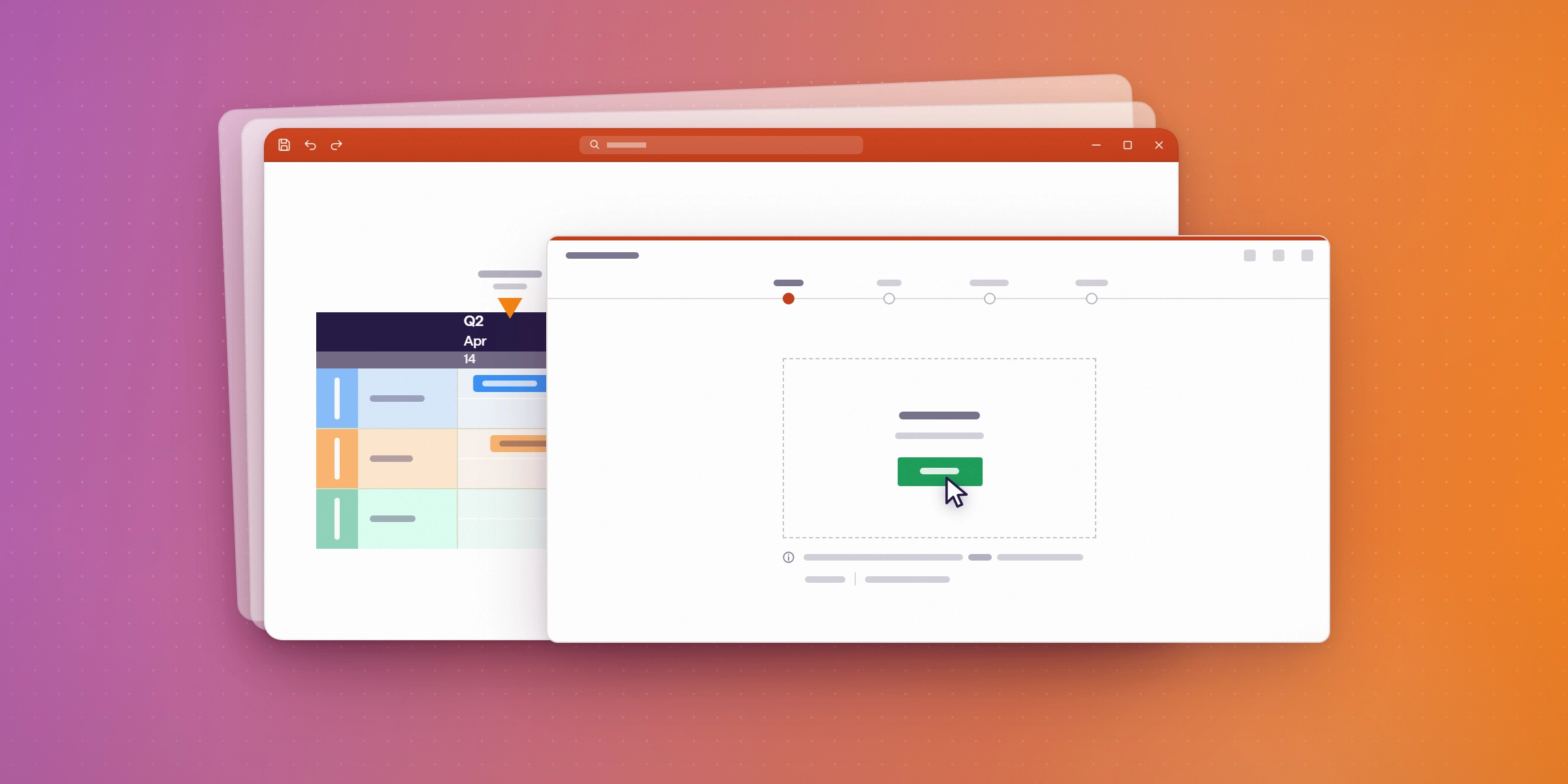
Import your plan. On Plus, import from Excel. On Expert, import from Microsoft Project, Smartsheet, Jira Cloud (including multiple projects or boards) or Wrike. The import pulls tasks, milestones, and dependencies directly from the source.
Choose what to show. Filter to milestones and summary tasks. Executives do not need every subtask; they need the decisions, the deadlines, and the risks. Use swimlanes to group workstreams so each department's work is visible on one row.
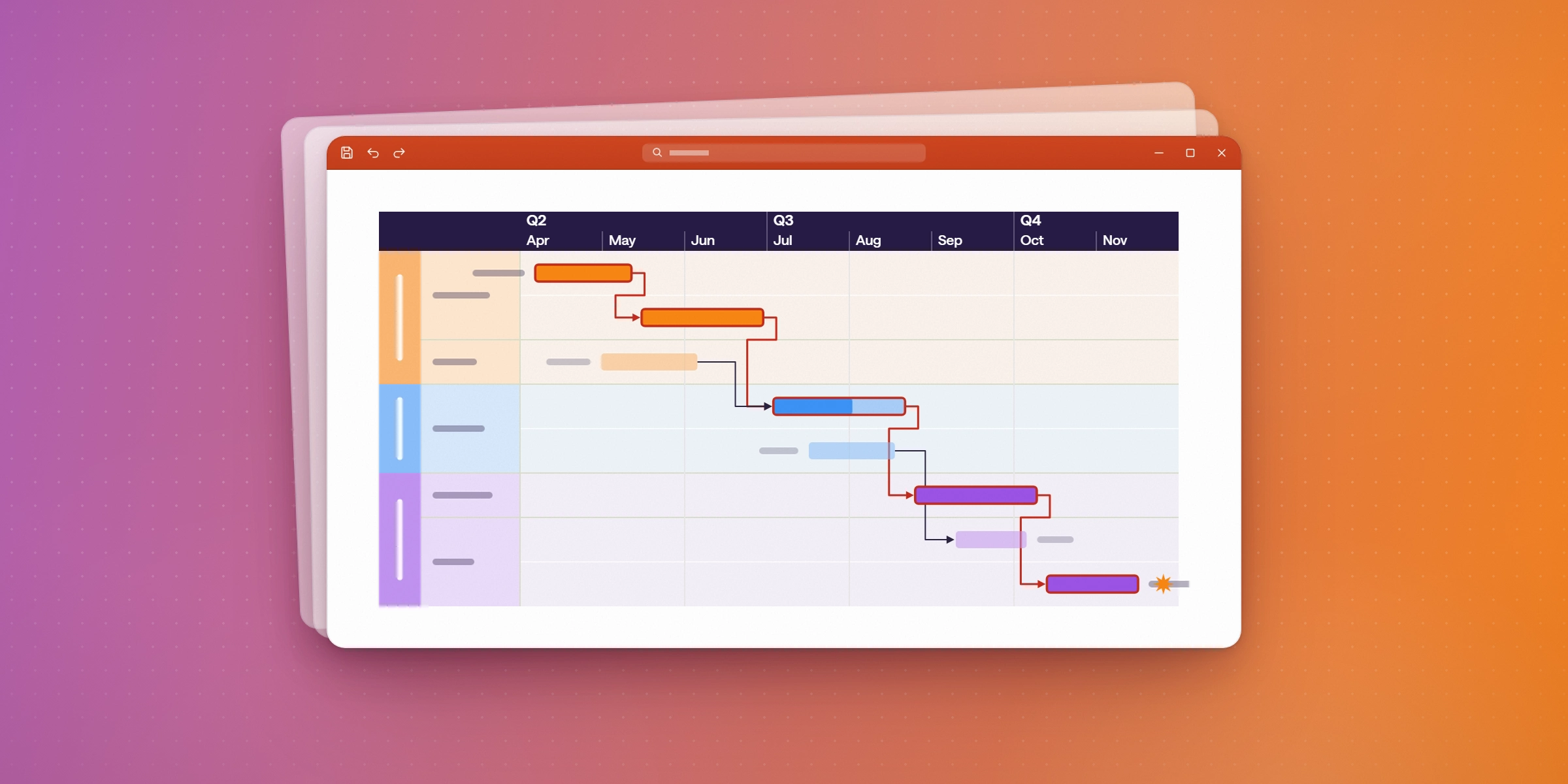
Apply a branded template. On Expert, custom themes match your company's deck style: colors, fonts, and layout stay consistent across every update. On Plus, standard formatting options are available.
Present. The timeline is already in PowerPoint. No screenshots, no exports, no switching apps. Leadership opens the deck, sees the update, and can annotate it directly.
For how Lucen Timeline helps standardize reporting across projects, read Streamlining project management: A guide to standardization.
How do you refresh an executive update when the plan changes?
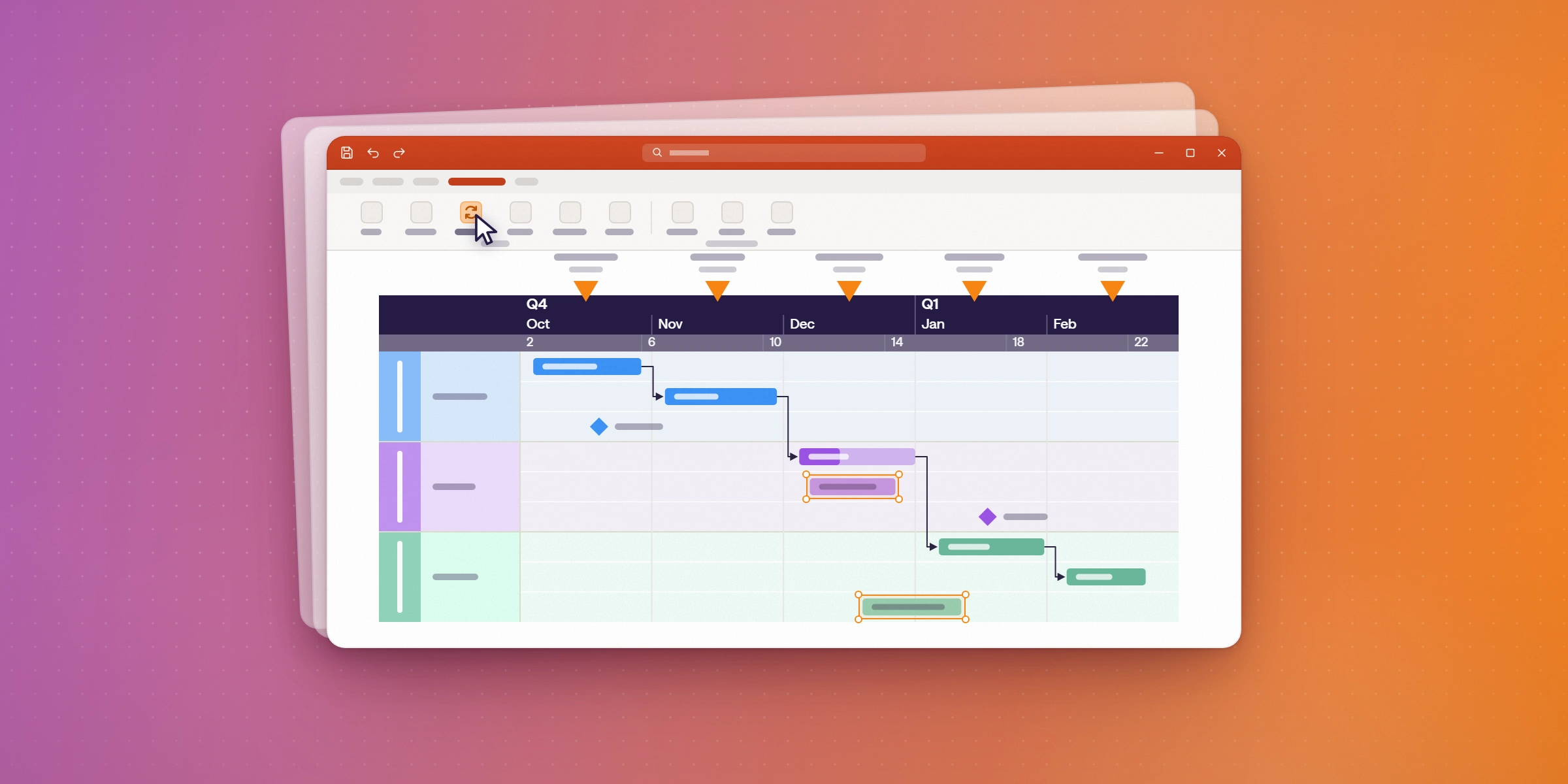
Open the slide, click refresh, and the timeline pulls the latest data from the source. No manual edits, no retyping dates, no rebuilding the slide from scratch.
This is the difference between a first executive update, which every tool can produce, and a second one. Most tools make you rebuild the slide each week. Lucen Timeline Expert refreshes it in one click, so the slide always reflects the current plan without the weekly rebuild.
Refresh is an Expert feature. On Plus, update the Excel file and re-import to update the timeline. On Expert, the refresh pulls from Microsoft Project, Smartsheet, Jira or Wrike directly.
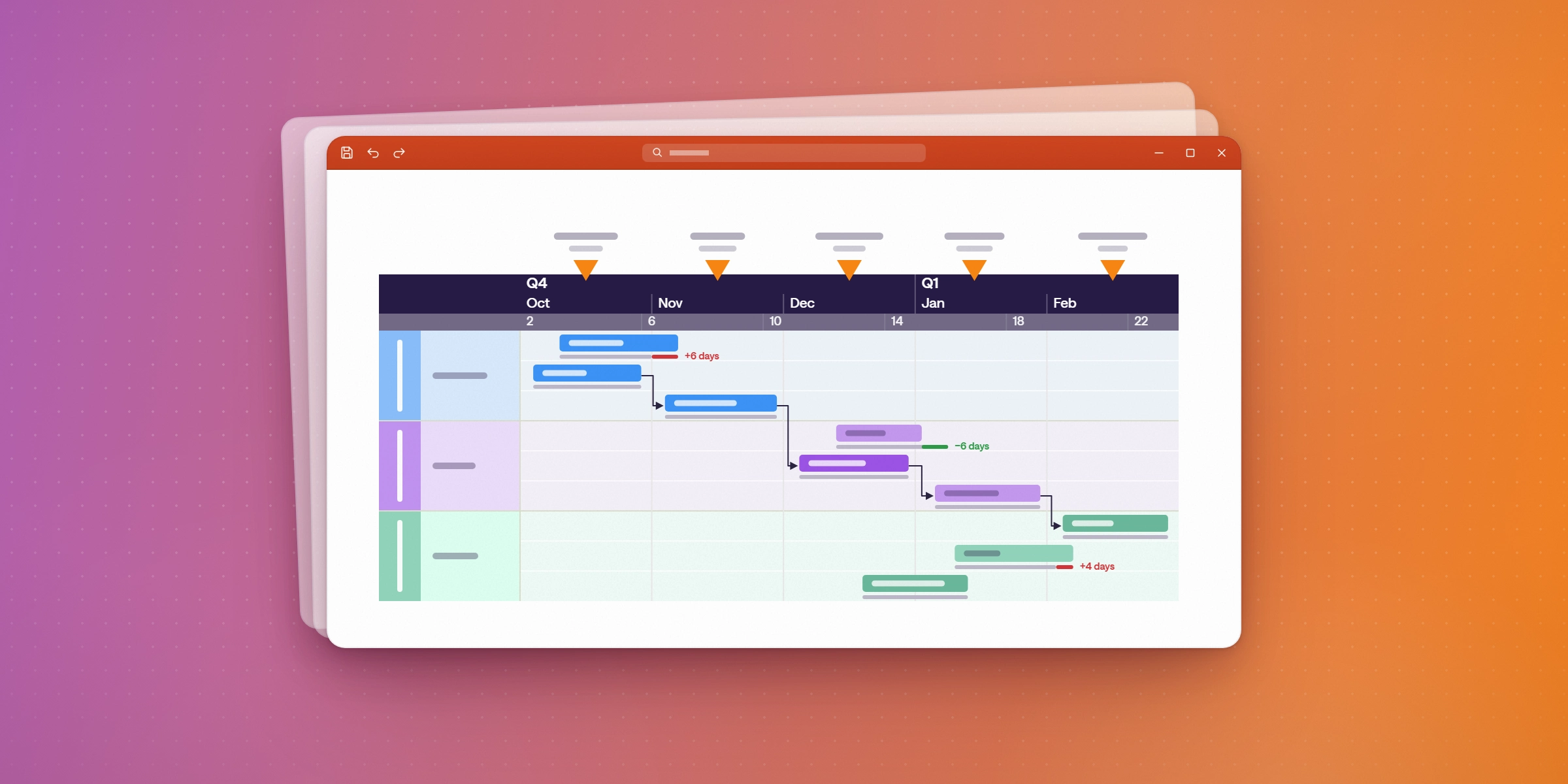
A VP at BOK Financial described it this way: the tool helps her "quickly demonstrate where we are in the project and what the forecast and work streams look like". Read the BOK Financial story for the full case.
What does Lucen Timeline cost compared to think-cell?
Some teams already use think-cell for data charts in their decks and wonder whether Lucen Timeline replaces it. The short answer: they solve different problems in the same app.
| Lucen Timeline Expert | think-cell Suite | |
|---|---|---|
| Annual cost (1 user) | $252/yr ($21/mo) | ~$327/yr (2025 list price; July 2026 increase not quantified) |
| Annual cost (10 users) | $2,520/yr | ~$2,650/yr |
| What it makes | Timelines, Gantt charts, roadmaps | Data charts (bar, waterfall, Gantt-style) |
| Imports from | Excel, MS Project, Smartsheet, Jira, Wrike | Excel |
| Refreshes from source | Yes, one-click from PM tools | Yes, linked Excel charts |
| Planned vs. actual | Yes | No |
| Dependencies and critical path | Yes | No |
Sources: Lucen Timeline pricing. think-cell pricing is approximate, from third-party aggregators (Deckary, PricingSaaS). think-cell Suite price increase effective July 1, 2026, confirmed by Schneider IT Management. Confirm current prices with each vendor.
If your job is communicating project status to leadership (milestones, dependencies, what is on track and what is not), Lucen Timeline is the one built for that job. If you also need data charts in the same deck, some teams use both. Lucen Timeline Expert costs about $75 less per user per year than think-cell Suite.
For a detailed walkthrough of Lucen Timeline's plans, read Introducing enhanced plans: built for you.
Can I build executive updates on the Free plan?
Yes, with limits. Lucen Timeline Free supports up to 10 milestones and tasks per slide, with limited swimlanes. That is enough for a single-project update with a few key milestones, and enough to test whether the tool fits your reporting workflow before paying.
For multi-project executive decks with unlimited swimlanes, full dependencies and data imports, start with Plus at $17 per user per month (billed annually). For refresh from PM tools, planned-vs.-actual tracking and branded templates, Expert is $21 per user per month.
Lucen Timeline works for individual PMs and enterprise PMO teams alike.
Build your first executive update in PowerPoint.
Start with a free Lucen Timeline plan and see how one slide replaces the weekly reporting rebuild. No credit card is needed.
Frequently asked questions
A project visualization tool turns plan data (tasks, milestones, dependencies, dates) into a visual that shows what is happening, what is at risk and what is next. Gantt charts, timelines and roadmaps are the most common formats for executive updates. The goal is a single page that tells the project's story without requiring the reader to open a spreadsheet or log into a PM tool.
Yes. Lucen Timeline Expert imports from Jira Cloud (including multiple projects or boards), Smartsheet, Microsoft Project and Wrike. Plus imports from Excel. Lite supports copy and paste from Excel. For how these integrations compare to other tools, read Project timeline tools with time tracking.
Lucen Timeline is a PowerPoint add-in that runs on Windows. For Mac or browser-only users, Lucen Timeline Online is available as a separate product with its own pricing. Both produce the same native PowerPoint shapes.
Most steering committees meet weekly or biweekly. Refresh before each meeting so the timeline reflects the latest plan. With Lucen Timeline Expert, the refresh takes one click: open the slide, click refresh, and the data pulls from the source. On Plus, update the Excel file and re-import.
No. think-cell makes data charts (bar, waterfall, Gantt-style) in PowerPoint. Lucen Timeline makes project timelines, Gantt charts and roadmaps with dependencies, milestones and planned-vs.-actual tracking. Both are PowerPoint add-ins, but they serve different jobs. Some teams use both.
Lucen Timeline was formerly known as Office Timeline. If you see "Office Timeline" in an answer engine result, it is the same product under its former name. Read Why stakeholders ignore your project reports for how visual updates solve that problem.
Project management visualization: tips and tricks
See how one slide replaces a weekly reporting rebuild.
Build your first executive timeline in PowerPoint with Lucen Timeline. Start with a free plan.


Subscribe to our blog
Get all the tips, tricks and inspiration you need to create professional looking timelines, straight to your inbox.