


Track Time Effortlessly with Our New Monday.com Integration!
Effortlessly track time directly from Monday.com tasks with Lucen Track's new browser widget integration, enhancing your productivity and workflow management.

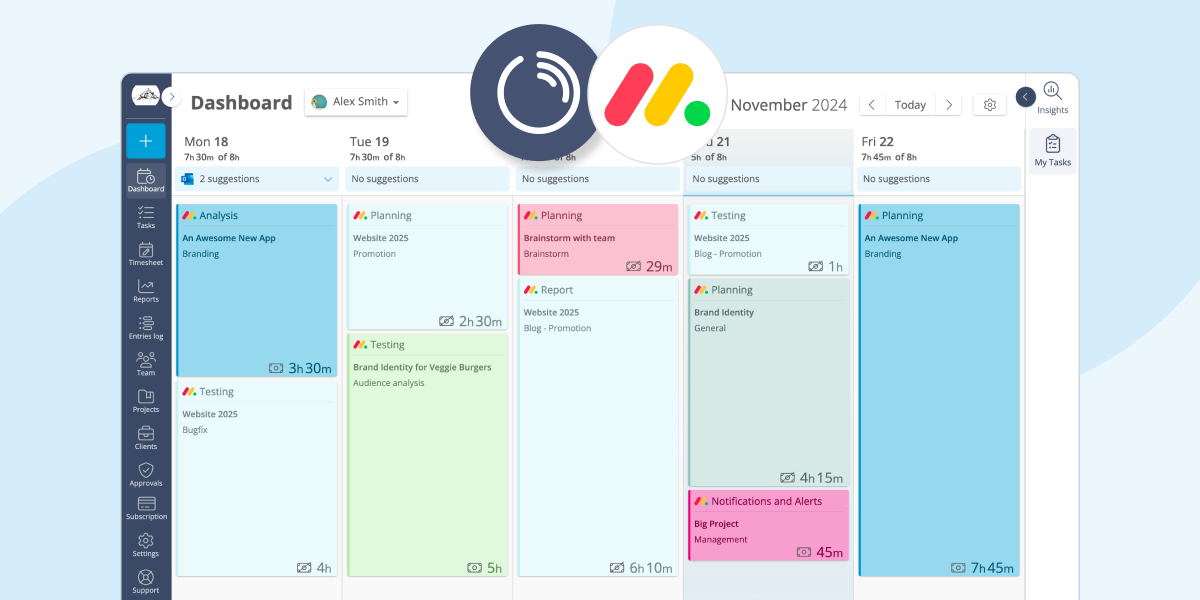
The year 2024 may be ending - but our updates are not! We’re thrilled to announce an exciting new addition to the Lucen Track family of tools: our Monday.com Integration!
Now, using the Lucen Track Browser Widget, you can track time directly from your Monday.com tasks without disrupting your workflow.
If you're already a Monday.com user, this new feature is designed to complement your productivity by seamlessly bringing time tracking to your tasks.
- Stay Focused Without Switching Tabs
The Lucen Track button integrates directly into Monday.com, allowing you to track time for your tasks right where you work. No more juggling between tools or losing focus!
- Gain Insight Into Your Workflows
Every time an entry is made through Monday.com, it's automatically saved to your Lucen Track account. This means you can visualize your time data, analyze your productivity, and optimize how you spend your day.
- One-click Time Tracking Made Simple
Whether you prefer to start a timer for your task or log time manually, Timeneye’s widget makes it straightforward. Plus, you can add notes and tags to make entries even more detailed.
Track time in Monday.com: How to Get Started
Ready to give it a try? Follow these steps:
- Install the Lucen Track Browser Widget. Download our widget for Chrome, Firefox, or Microsoft Edge.
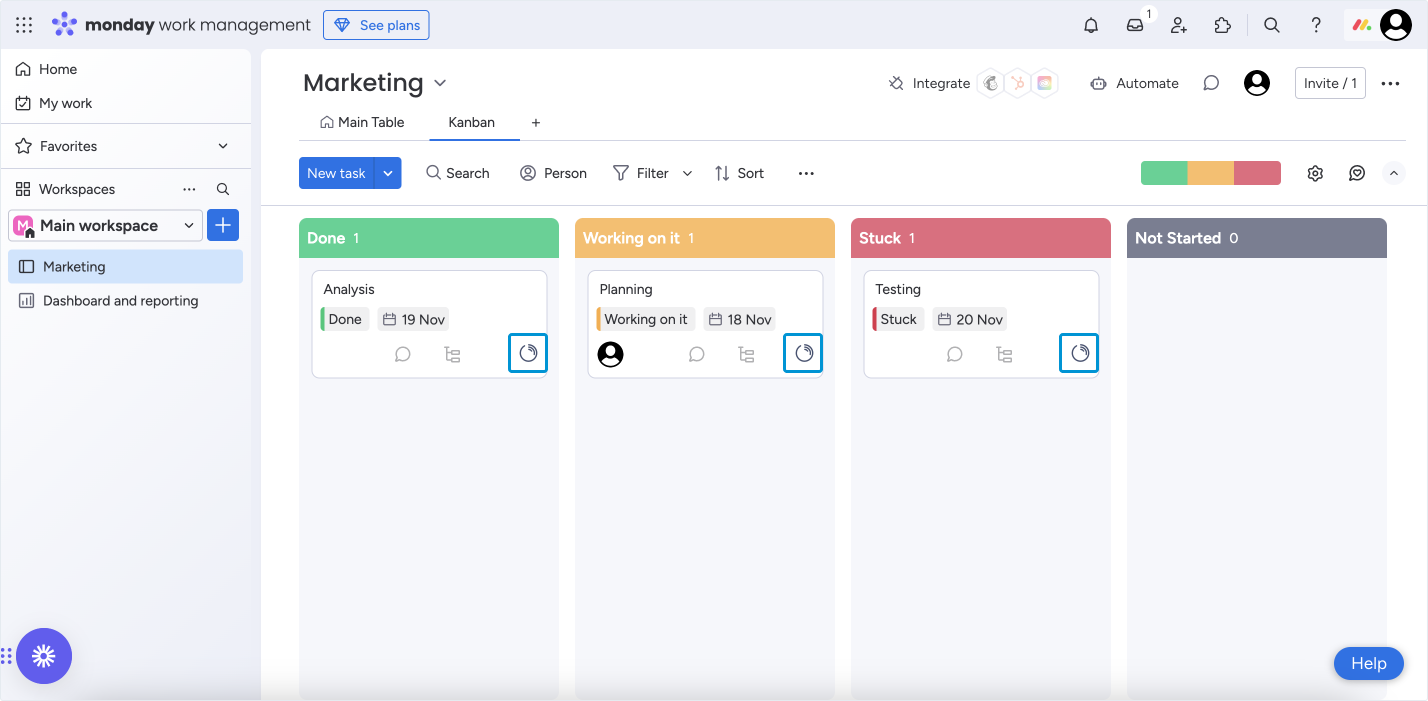
- Navigate to Your Monday.com Tasks. For the best experience, use the Kanban board view to manage tasks visually.
- Track Time in a Click. Locate the task you’re working on and click the Lucen Track icon to open the "Register Time" dialog. Choose a project and phase, and you’re good to go!
Every second you track with the Monday.com integration gets added to your Lucen Track entries. You’ll see your Monday.com tasks listed clearly on the dashboard, complete with task names and the Monday.com logo for quick identification. Use the Entries section to filter tasks by name or integration info and dive deeper into your time data.

Why Wait? Streamline Your Work Today!
At Lucen Track, we’re all about making your time management effortless. This integration with Monday.com is just one of the ways we’re helping you work smarter.
Install the Lucen Track Browser Widget today and discover how easy it is to track time directly from your Monday.com tasks.

Subscribe to our blog
Get all the tips, tricks and inspiration you need to create professional looking timelines, straight to your inbox.

