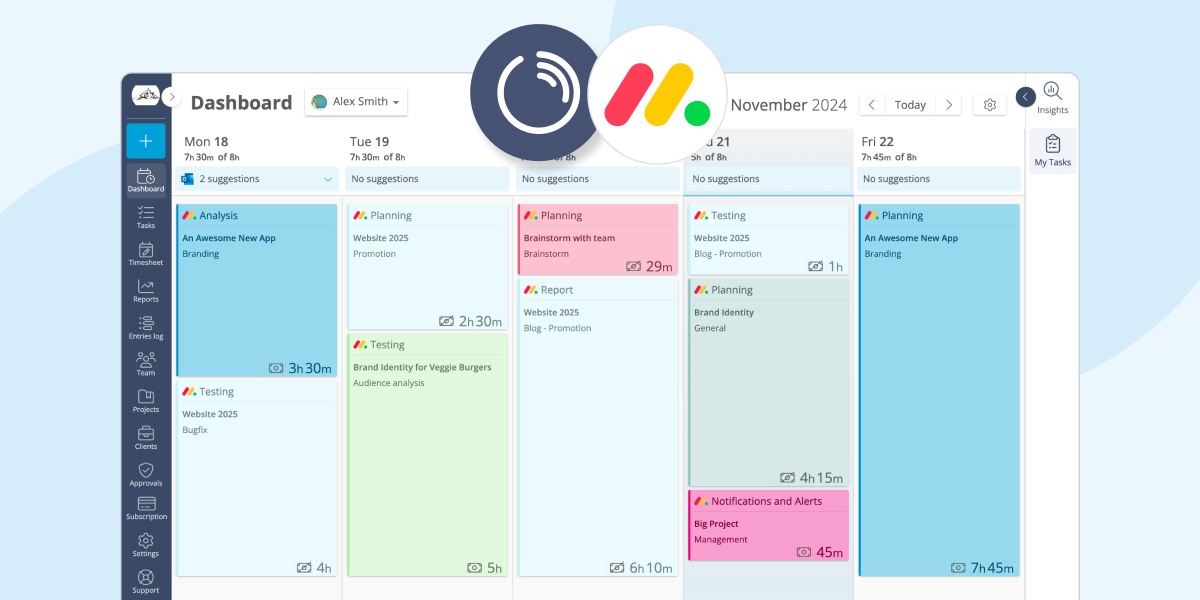
Our Interface has just been updated with a new sidebar which contains a variety of useful features. The sidebar is located on the right side of the web app (but you can customize its position if you want). Some of the features included are quick links to tasks, a search bar for easy navigation, and a the recap modules you already know and love.
The new sidebar is designed to be user-friendly and improve the time tracking experience, providing you with quick access to your tasks and progress.
How to locate the new sidebar
You can access the Customize your dashboard modules by clicking the gear symbol button on the top right of your dashboard.
From the Dashboard options dialog, you will be able to personalize the bar's position.

On the new sidebar you can rapidly switch between two sections: the project recaps and the tasks.
Project recaps (Insights)
This section hasn't changed much except for a few interface fixes here and there. Use the Insights section to quickly monitor the progress of your projects and the budgets of your clients that you're currently working on.

For more detailed and advanced reporting, make sure to visit the Reports section.
My Tasks
If you have enabled the Task Management feature, you can now use the new sidebar to get a quick overview of your to-do list.

📖 Related article
Learn how to easily create, visualize and edit your daily tasks in Lucen Track
You can switch between the Insights (recaps) and the task sections to access the information you need. To start a timer for a task, simply click on the play icon next to its name.

The sidebar also allows you to quickly create new tasks, if you need to. Also, notice how in the dropdown "Tasks" menu, you can easily switch between your personal tasks, and the tasks assigned to you by other people in thew workspace.
Time to give it a try!
With quick access to tasks, a search bar for easy navigation, and the familiar recap modules, the sidebar is designed to be user-friendly and efficient. By customizing its position, users can personalize their dashboard to suit their preferences.
We understand that keeping track of project progress and managing tasks can be overwhelming at times. That's why the sidebar is here to make things easier for you!
New to Lucen Track?
Here are two options to kickstart your journey toward enhanced productivity:
1) Try Lucen Track for free. If you’d like to see Lucen Track in action and possibly test it with your team, you can start your free trial today.
2) Schedule a demo session with us, where we can show you around, answer your questions, and help you see if Lucen Track is the right tool for your company.


Subscribe to our blog
Get all the tips, tricks and inspiration you need to create professional looking timelines, straight to your inbox.