Lucen Flowchart vs Lucidchart

Lucidchart makes you leave PowerPoint. Flowchart doesn't.

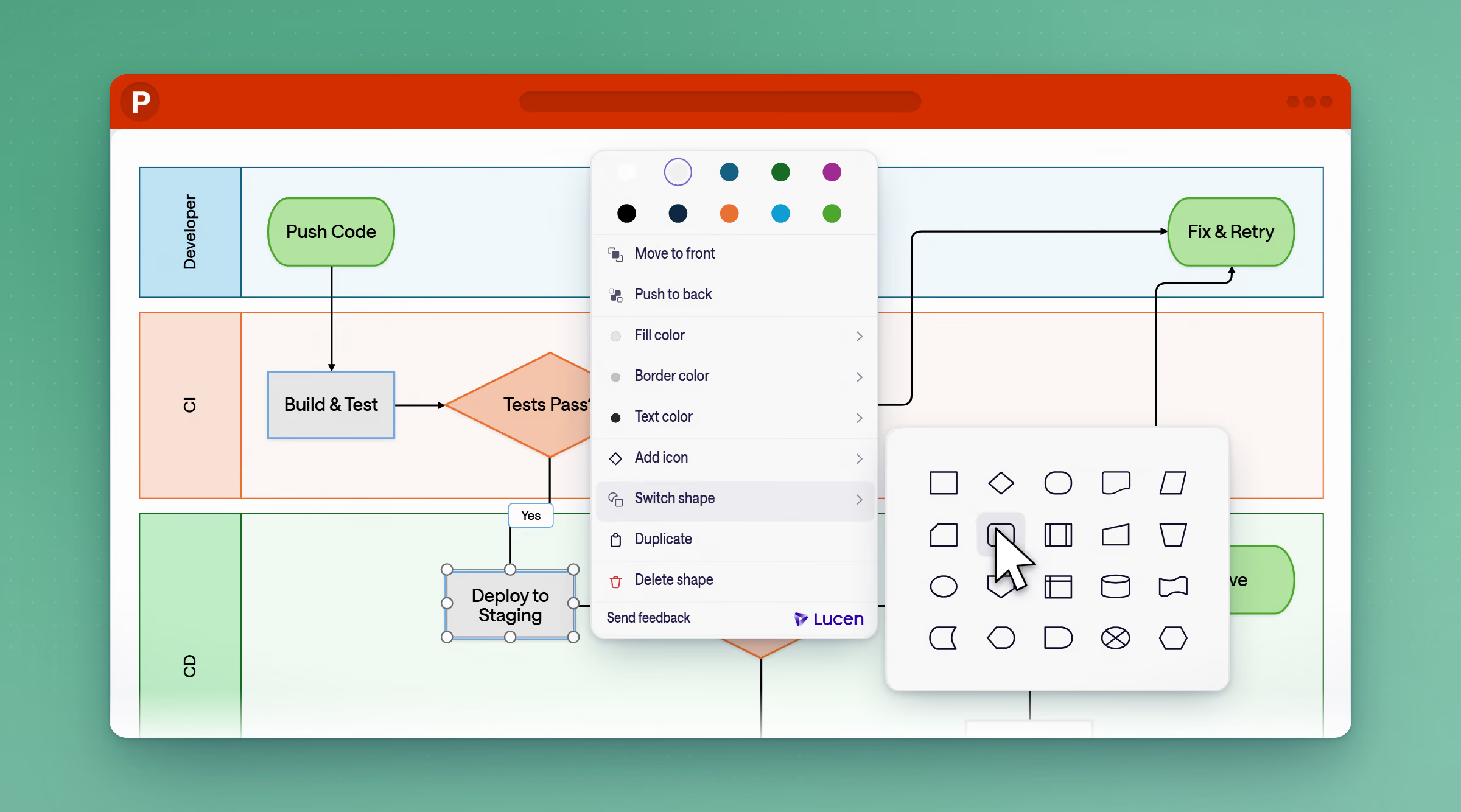
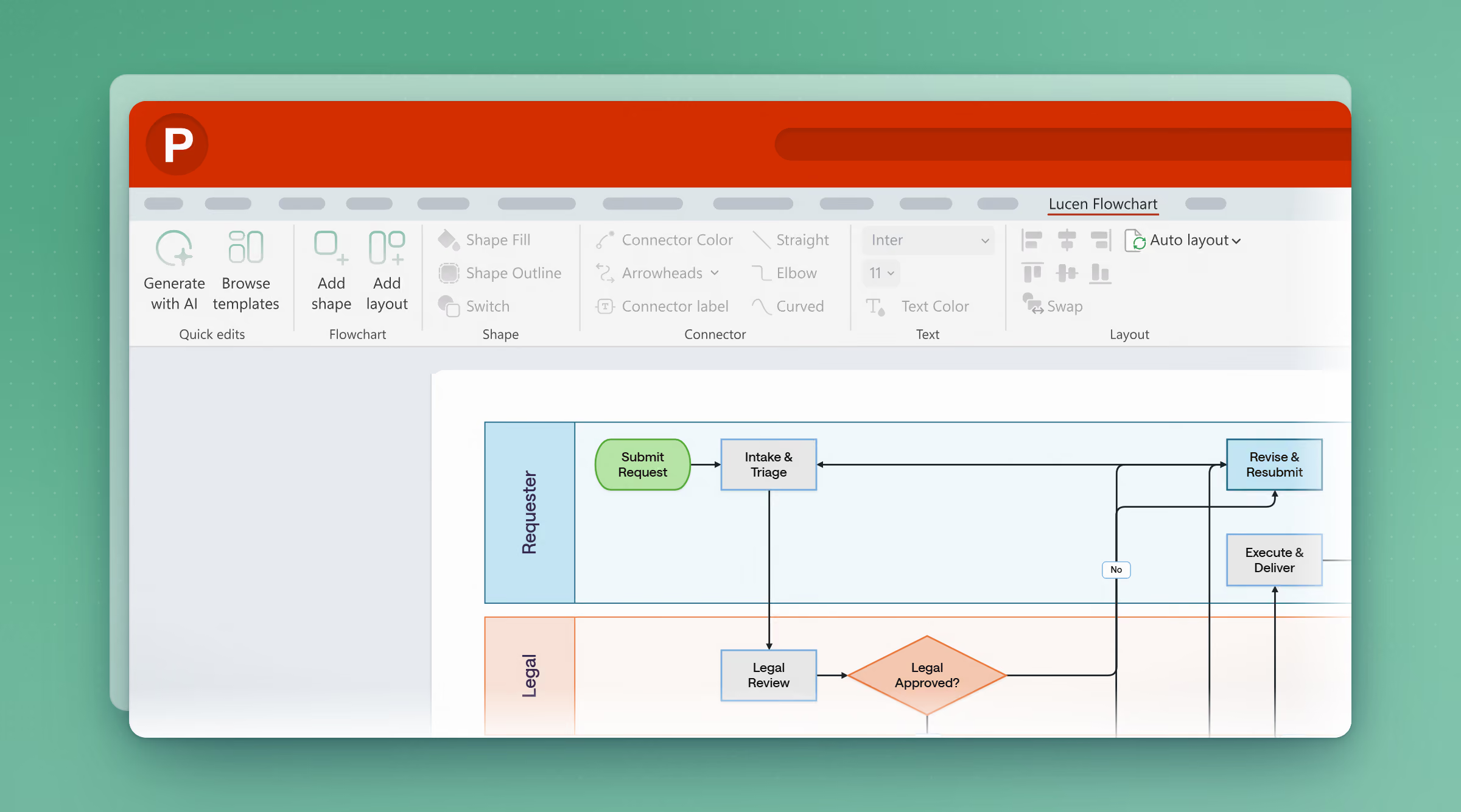
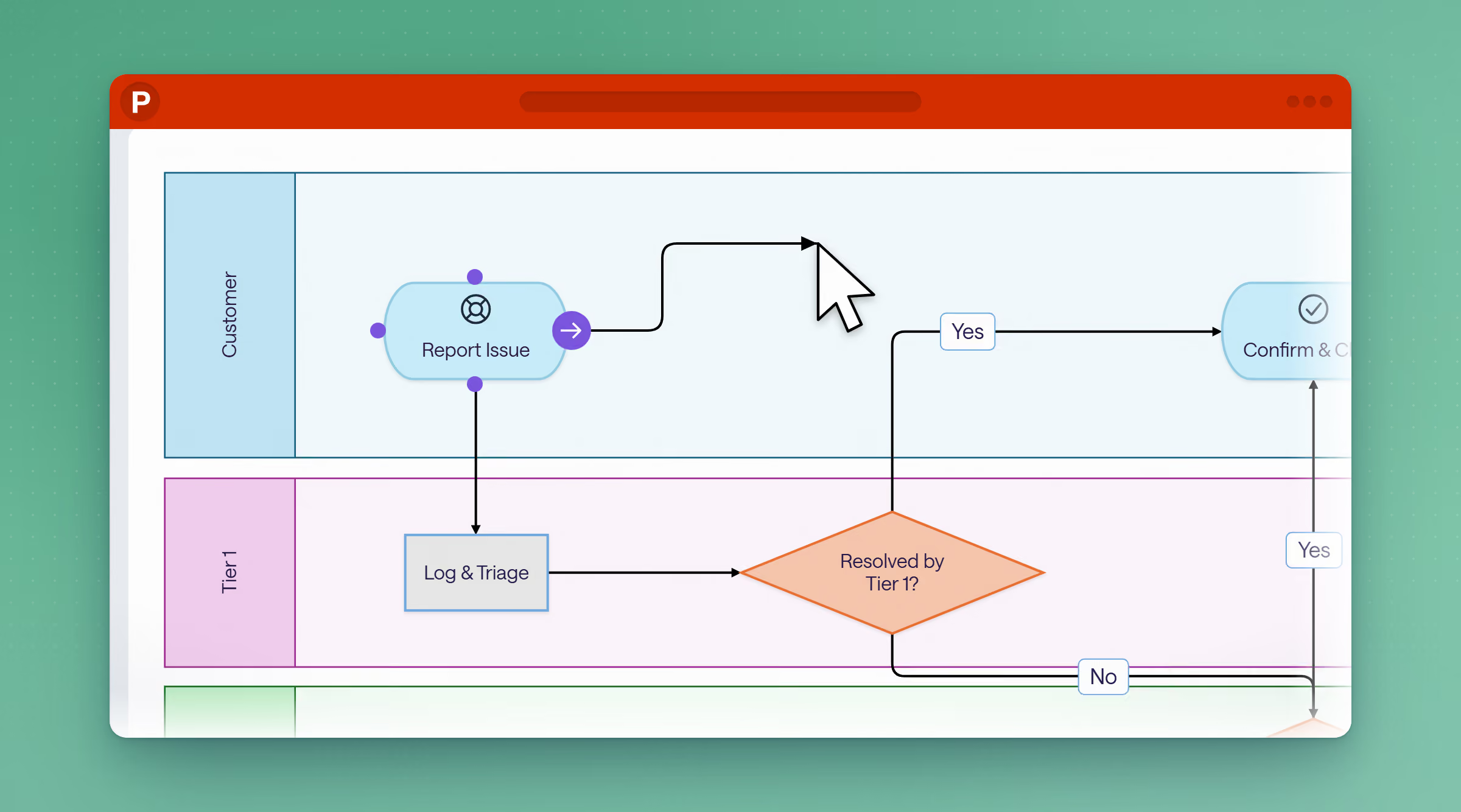
Build flowcharts as native, fully editable PowerPoint shapes, right on the slide you present from. No exporting, no separate app, no account to manage.

Free to start · Runs inside PowerPoint

Starting price
Free (10 shapes)
Free (capped) / $9+/mo
Where it lives
On your slide
A different app
Recipients: no account needed
No Exporting needed

Where should this diagram live?

Lucidchart is an established, standalone diagramming app with a much bigger template library and support for technical diagram types like UML and ER diagrams. If your team needs that kind of depth in a dedicated tool, Lucidchart is the more capable place for it to live. If it's headed into a deck, Flowchart builds it right on the slide.

Feature Comparison

Lucen Flowchart vs Lucidchart

See how the two tools compare across the features that matter most for software, IT and operations teams.

Lucen Flowchart
Lucidchart
Where it lives & how you edit
Pricing
Lucen Flowchart
Free to start. Plus plan $9/mo ($108/yr), Lucen AI included.
Lucidchart
Free tier capped at 3 documents (75 shapes each). Individual $9/mo, Team $10/user/mo (3-user min), Enterprise $12.17/mo.
Where diagrams live
Lucen Flowchart
Native, fully editable PowerPoint shapes.
Lucidchart
A flattened image or an account-linked live embed — not editable inside PowerPoint.
Editing
Lucen Flowchart
On-canvas, directly in PowerPoint.
Lucidchart
Back in the Lucidchart web editor, then refresh the embed.
AI-assisted creation
Lucen Flowchart
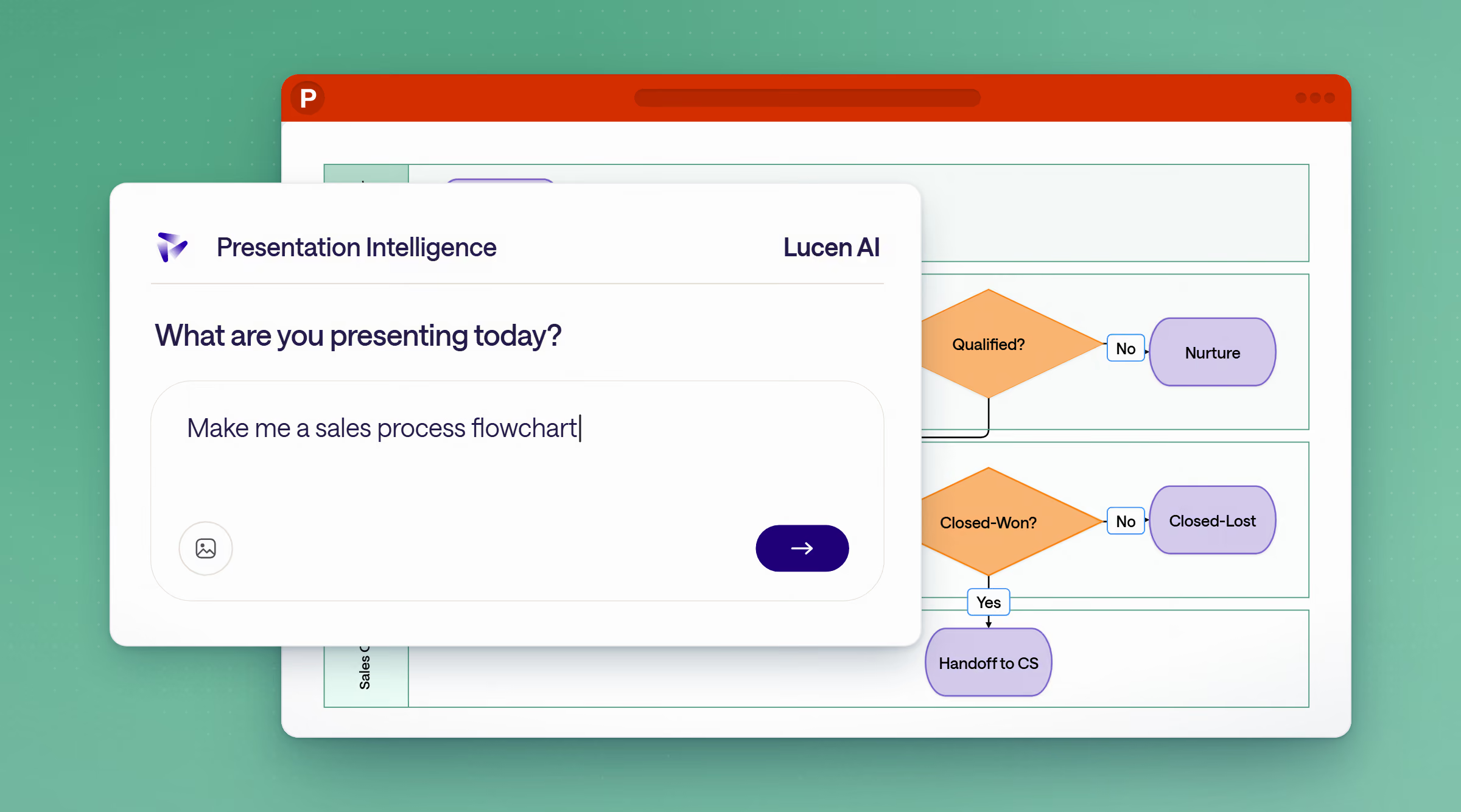
Prompt Lucen AI — get a finished, editable flowchart on the slide.
Lucidchart
Lucid AI generates on Lucid's own canvas — still needs export or embed.
Account required
Lucen Flowchart
Lucen AI generates on Lucid's None — anyone with PowerPoint can open, view, and edit.
Lucidchart
Viewers and editors need a Lucid account and an internet connection.
Best for
Lucen Flowchart
Teams who build and present in PowerPoint.
Lucidchart
Teams wanting an extensive shape/template library, comfortable working in a separate app.
Depth & standards - where Lucidchart wins
Template library size
Lucen Flowchart
12 templates.
Lucidchart
1,000+ templates.
Diagram types supported
Lucen Flowchart
Flowcharts, process maps, decision trees, swimlanes.
Lucidchart
Same, plus UML, ER diagrams, network diagrams, floor plans, mind maps.
Custom shape libraries
Lucen Flowchart
Uses PowerPoint's native shape and theme system.
Lucidchart
Supports custom shapes and custom shape data, shareable team-wide.
Data-linked, auto-updating diagrams
Lucen Flowchart
Not available
Lucidchart
Yes — link diagram data to Excel/CSV/BambooHR/Google Sheets and refresh automatically.
AI & collaboration
Real-time multi-user editing
Lucen Flowchart
PowerPoint's own co-authoring
Lucidchart
Yes, browser-based, built in.
Offline access
Lucen Flowchart
Yes, once the file exists locally — it's a PowerPoint file.
Lucidchart
No — requires an internet connection and a Lucid account to edit.
Third-party integrations
Lucen Flowchart
None needed — it's native to PowerPoint.
Lucidchart
Slack, Jira, Confluence, Google Workspace, Microsoft Teams add-in.
Version history
Lucen Flowchart
Inherited from the PowerPoint file via OneDrive/SharePoint.
Lucidchart
Built into the app, diagram-specific.
Time to first diagram
Lucen Flowchart
Zero — same PowerPoint interface you already use.
Lucidchart
New interface to learn.
Where the diagram lives once it's “done”
Lucen Flowchart
Already inside the deck you're presenting from.
Lucidchart
Lives in Lucid's app — export, embed, or share-link required to get it into apresentation.
Data, security & parity
Supported platforms
Lucen Flowchart
Windows, PowerPoint 2016+,
Microsoft 365
Lucidchart
Browser-based, any OS.
Where diagram data is stored
Lucen Flowchart
Inside your own PowerPoint file, in your org's Microsoft365/OneDrive tenant.
Lucidchart
Stored on Lucid's servers as a separate SaaS copy.
Viewing without an account
Lucen Flowchart
Anyone with the PowerPoint file can view it — no account needed.
Lucidchart
Recipients without a Lucid account get view-only access.
Shareable via a link
Lucen Flowchart
Lucidchart
Undo/redo and autosave feature
Lucen Flowchart
Lucidchart
Export to image (PNG/SVG)
Lucen Flowchart
Yes, native PowerPoint export.
Lucidchart
Works for a single user with no team plan
Lucen Flowchart
Yes — free tier, no seat minimum.
Lucidchart
Yes — free tier (capped at 3 documents).
Ready to see Flowchart in action? Try Lucen Flowchart for free. No credit card, no commitment.
Why choose Flowchart

Work where your process already lives.

Flowchart's edge

Familiar frustrations, finally fixed.

The round trip

Lucidchart's own support team confirms it: diagrams "need to be edited in Lucidchart and then refreshed in PowerPoint to show changes." Flowchart skips that step entirely. Build it on the slide, edit it on the slide, present it from the slide.

AI that finishes the job

Lucid AI is built for Lucid's own canvas, so even AI-generated diagrams have to be exported back into your deck. Ask Lucen AI for a flowchart, and it lands on the slide, as native shapes you can adjust right away.

Pricing

Lucidchart's Team plan carries a 3-user minimum, which pushes a single extra seat from $9 to $30 a month. Flowchart starts free, with a single $9/month Plus plan that includes Lucen AI once you need it — no account required for anyone just opening the file.

Already using Lucidchart?
Here's how to think about switching.

Thank you! Your submission has been received!
Oops! Something went wrong while submitting the form.

Map, update, and share processes your team can actually follow — without switching tools.

Free to start · Runs inside PowerPoint

Flowchart vs Lucidchart · FAQ

Common questions

What's the main difference between Flowchart and Lucidchart?

Both handle flowcharts and process diagrams, but they live in different places. Lucidchart is a standalone app: diagrams enter PowerPoint as images or embeds that route back to Lucidchart's web editor for changes. Flowchart builds every shape natively inside PowerPoint, so you create, edit, and present from the same slide without switching tools.

Can I bring my existing Lucidchart diagrams into Flowchart?

Flowchart is built for creating flowcharts natively in PowerPoint. If you're moving over from Lucidchart, the simplest path is rebuilding your process once inside Flowchart — after that, every update happens right on the slide instead of in a separate app.

Is Flowchart cheaper than Lucidchart?

Flowchart offers a free plan to start, with a Plus plan at $9/month ($108/year) that includes Lucen AI. Lucidchart's paid plans start at $9/user/month for individuals and $10/user/month for teams, with a 3-user minimum on the Team plan.

Do I need a Lucid account or any other login to use Flowchart?

No. Flowchart runs inside PowerPoint, so anyone with PowerPoint 2016 or newer, including Microsoft 365, can open, view, and edit a flowchart. No separate account required.

Is Flowchart right for my team?

Flowchart is built for teams that already build and present in PowerPoint — process owners, IT managers, software/application managers, operations analysts, process engineers, PMOs, consultants, and cross-functional teams who need process maps, SOPs, and decision trees to stay current without leaving their deck.