

Visio diagrams live in a different program. Flowchart's lives on your slide.
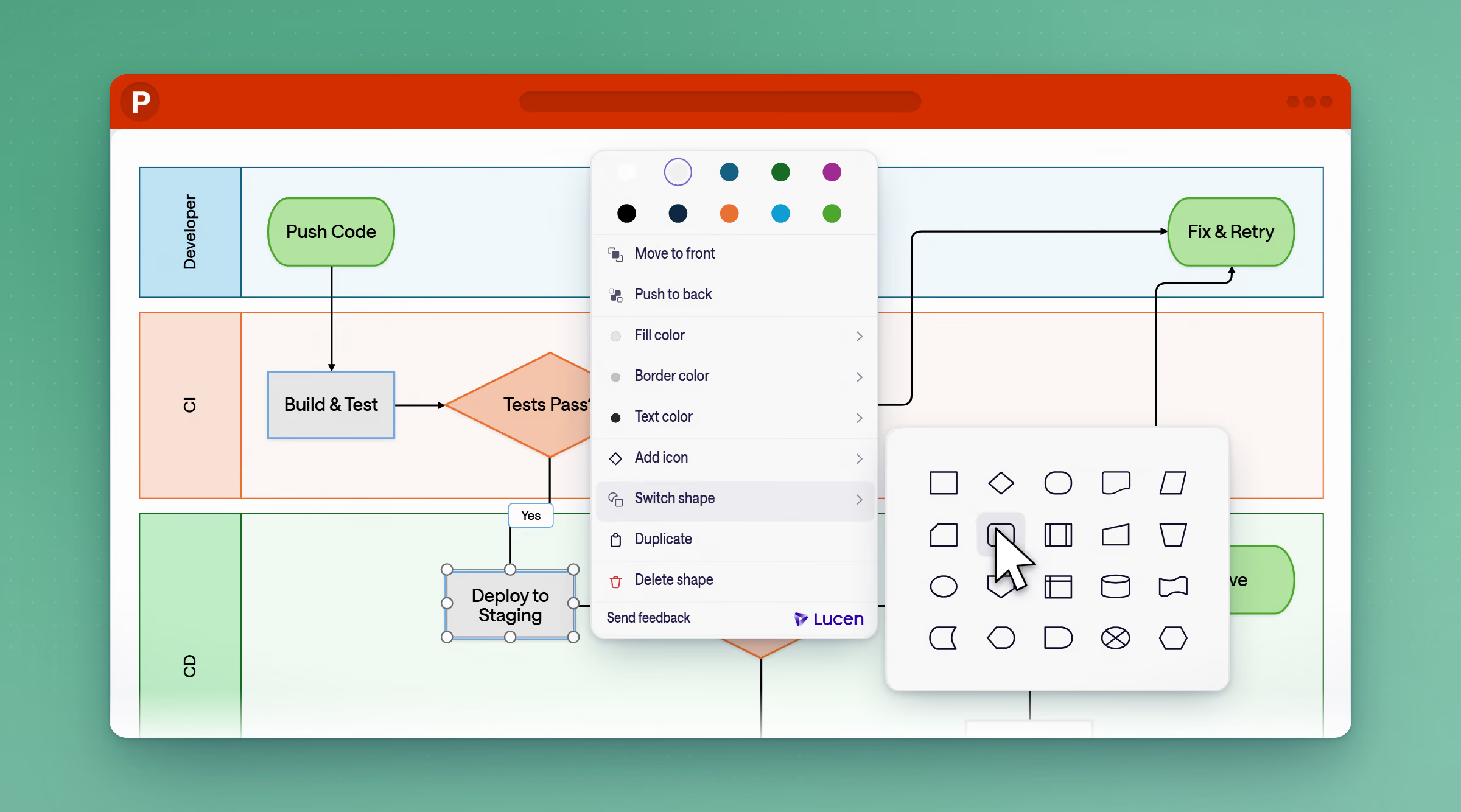
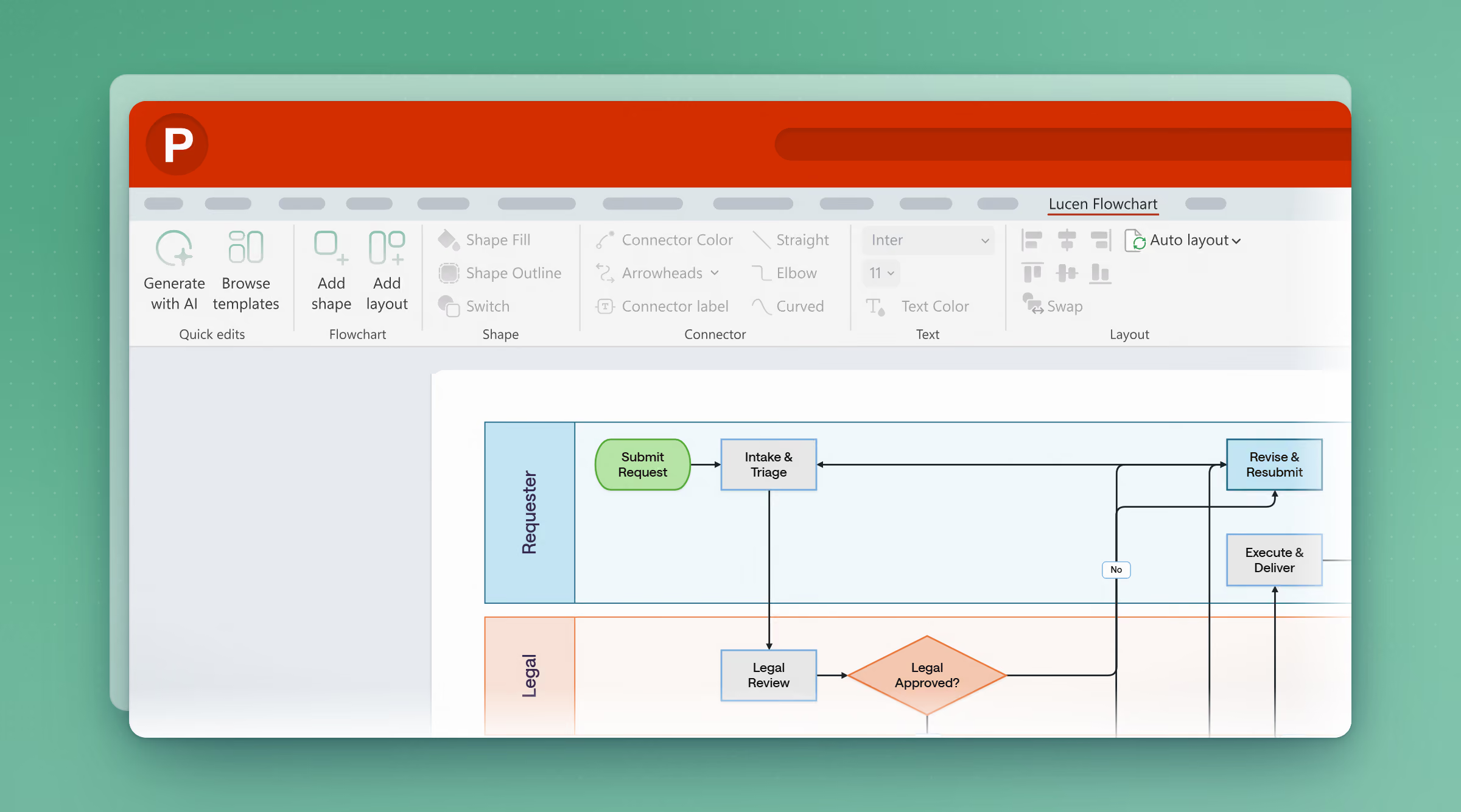
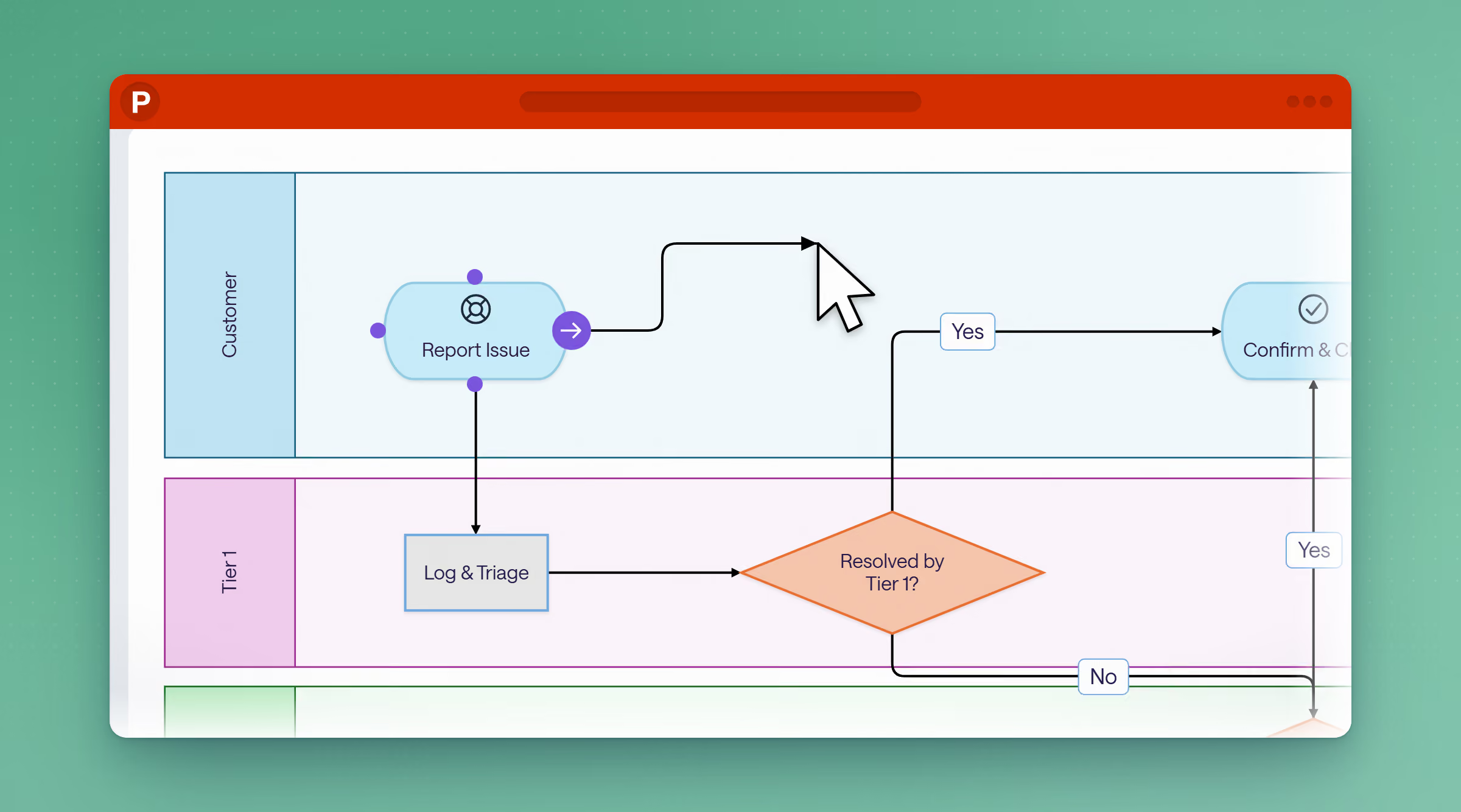
Skip the separate license and the embedded object. Build flowcharts as native, fully editable PowerPoint shapes, right on the slide you present from.
Free to start · Runs entirely inside PowerPoint


Where should this diagram live?
Visio is a professional diagramming tool with a deep shape library built for BPMN and UML. If the diagram needs to stand on its own, outside of a presentation, Visio is the more mature place for it to live. If it's headed into a deck, Flowchart builds it right on the slide.
Lucen Flowchart vs Microsoft Visio
See how the two tools compare across the features that matter most for teams in software, IT and operations.
No separate license. No unknown object.
Familiar frustrations, finally fixed.
The license
Visio is a separate purchase, not bundled into any Microsoft 365 plan, priced $5 to $15 per user per month, or several hundred dollars for a perpetual license. Flowchart starts free, with a single $9/month Plus plan when you need Lucen AI — nothing extra to buy on top of that.
The object, not the shape
An embedded Visio diagram still opens the Visio engine, not PowerPoint's shape tools, and needs Visio installed to work at all. Every Flowchart diagram is a native PowerPoint shape from the start, so there's nothing extra to install and nothing that breaks for whoever opens the file next.
AI, without the workaround
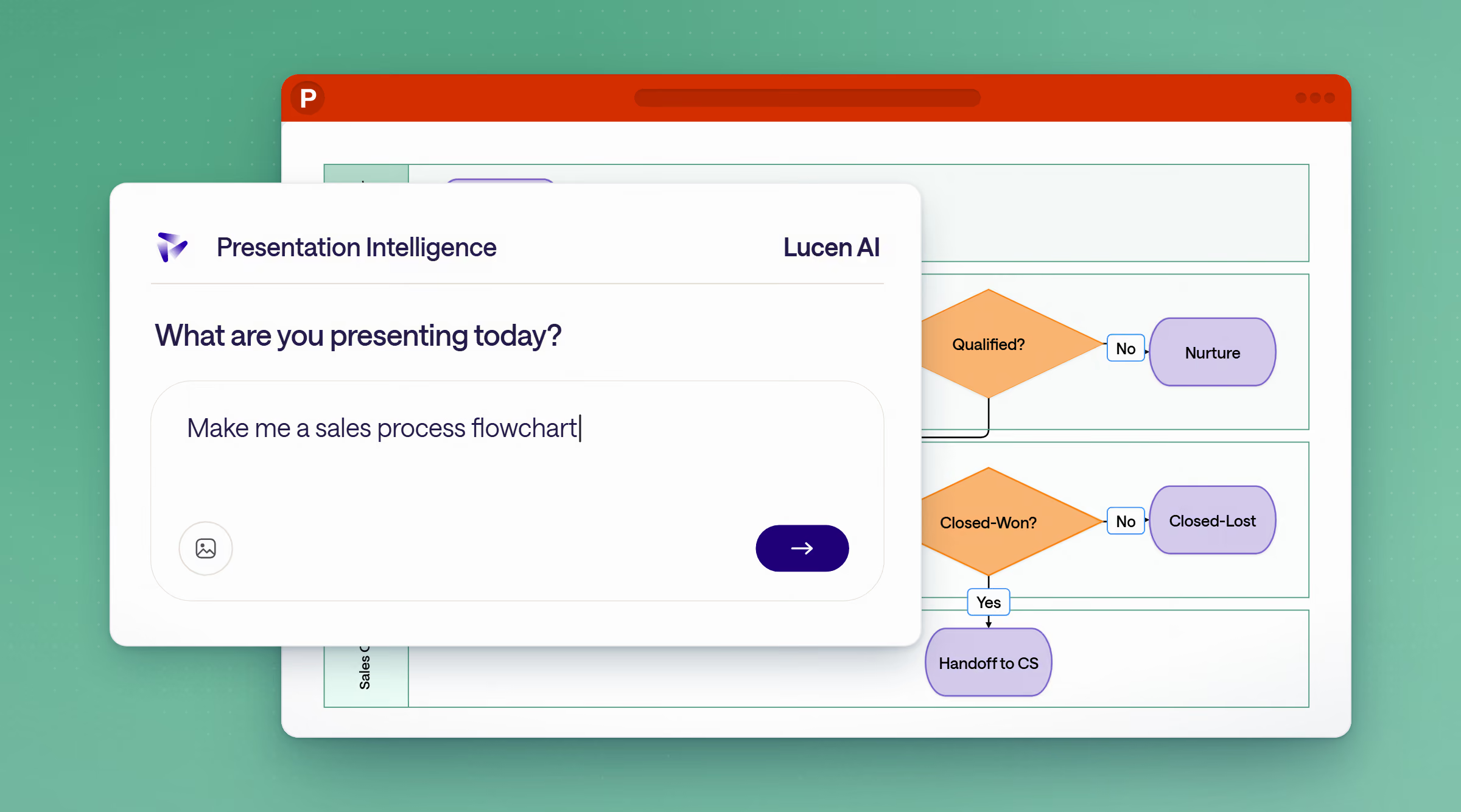
Visio has no built-in text-to-diagram AI, and Copilot isn't integrated into Visio. The closest workaround is generating text elsewhere and importing it by hand. Lucen AI skips that step: describe the process, and get an editable flowchart on the slide.
Already using Visio?
Here's how to think about switching.

Map, update, and share processes your team can actually follow — without switching tools.
Free to start · Runs entirely inside PowerPoint
Common questions
Visio is a professional diagramming tool with a deep shape library, but it's a separate license and a separate program. Diagrams enter PowerPoint as static pictures or embedded Visio objects that need Visio installed to edit. Flowchart builds every shape natively inside PowerPoint, so there's no separate app, license, or install required.
No. Flowchart runs entirely inside PowerPoint. Anyone with PowerPoint 2016 or newer, including Microsoft 365, can open, view, and edit a flowchart without installing anything else.
Flowchart offers a free plan to start, with a Plus plan at $9/month ($108/year) that includes Lucen AI. Visio is a separate purchase starting at $5/user/month for the web-only plan, up to $15/user/month for desktop and web, or several hundred dollars for a perpetual license.
Flowchart is built for flowcharts, process maps, and decision trees teams need inside a presentation, not for deep technical diagramming standards like BPMN or UML. If your team's primary need is presentation-ready process communication, Flowchart is the more direct fit.
Flowchart is built for teams that already build and present in PowerPoint — PMOs, consultants, and cross-functional teams who need clear process visuals that stay editable without a Visio license.