

Make swimlane diagrams in PowerPoint
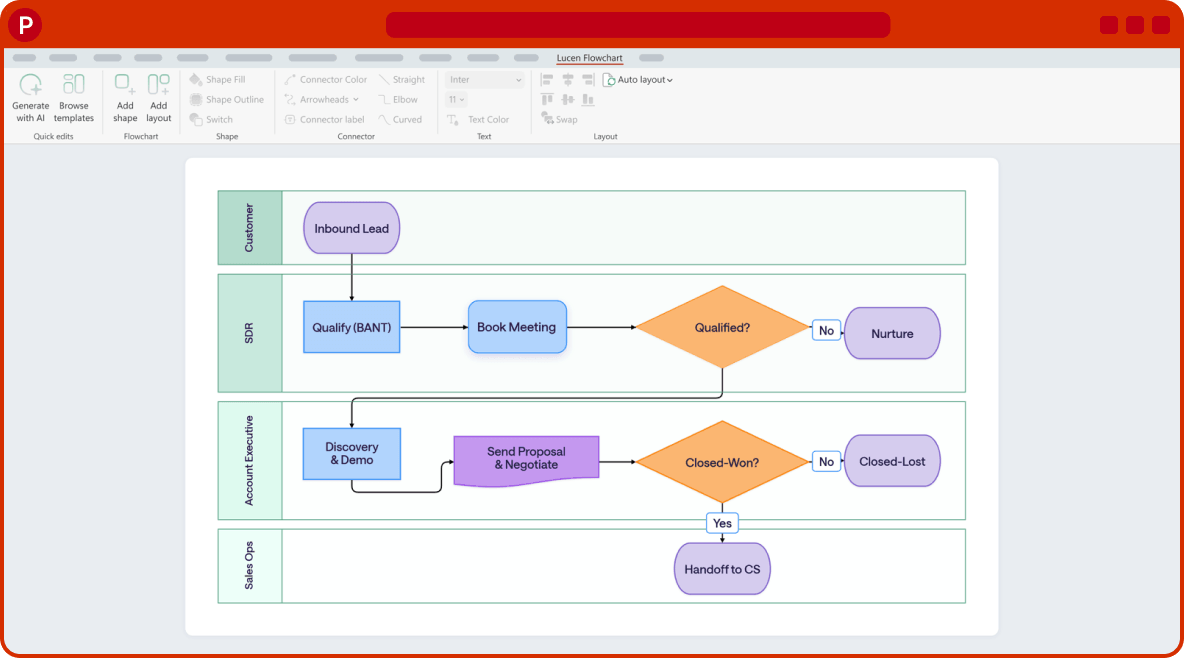
Give every role its own lane, add the steps and decisions, and let auto layout keep it tidy. Everything stays native PowerPoint shapes your team can edit.

Trusted by professionals worldwide


How to make a swimlane diagram in PowerPoint
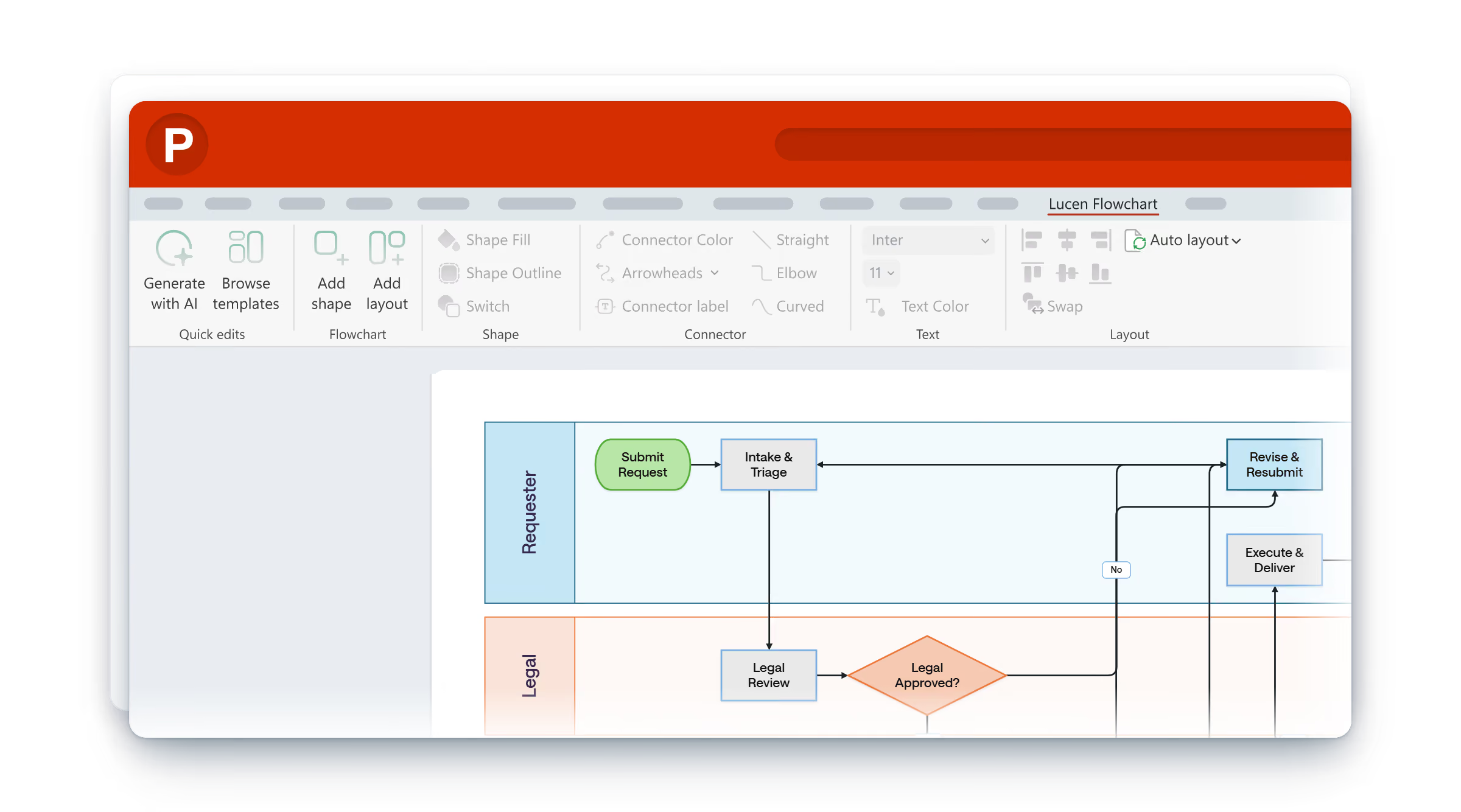
Install the add-in
Run the installer, reopen PowerPoint, and create or sign in to your Lucen account.
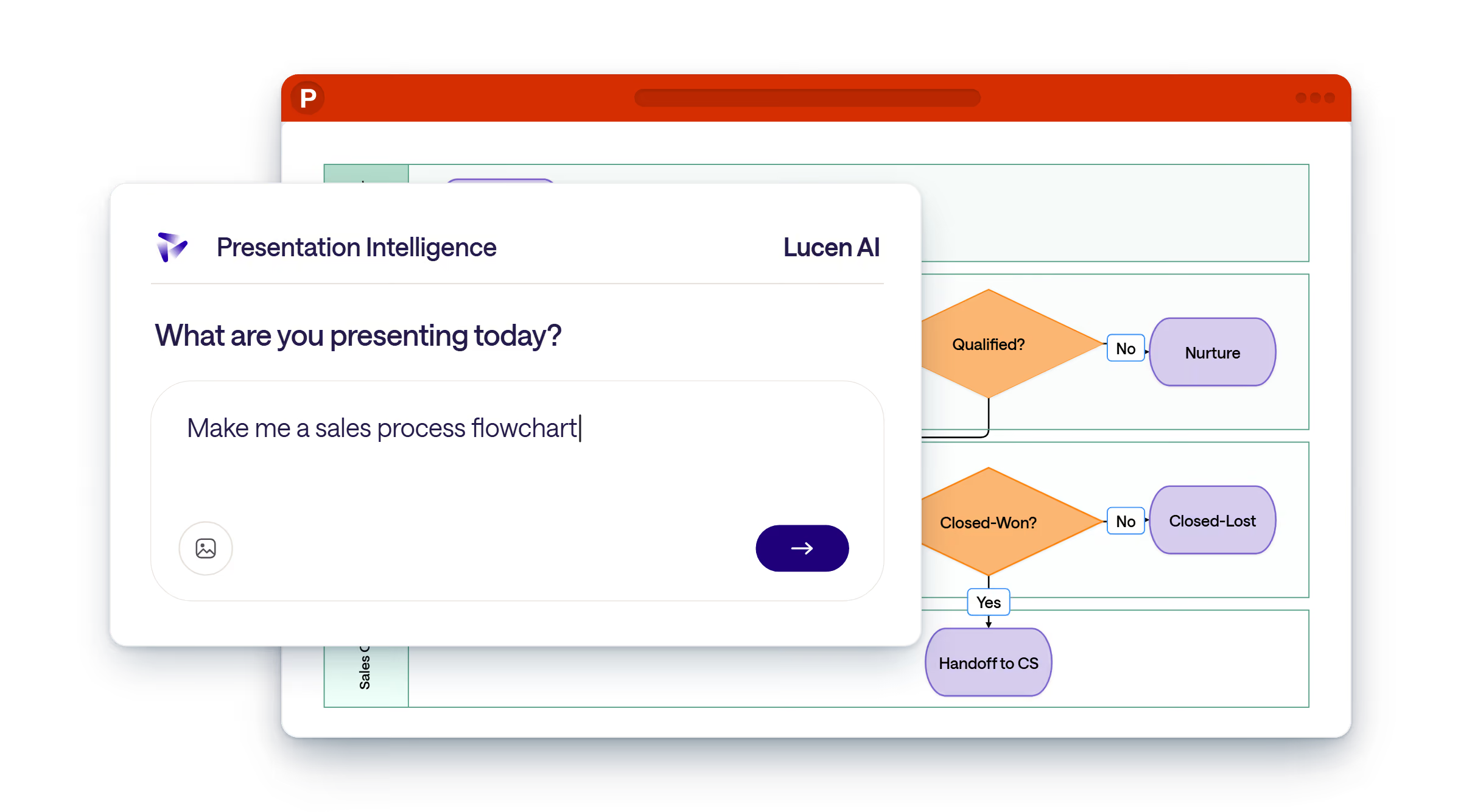
Add your lanes
Add a lane for each role or team, then place the steps and decisions. Or describe the process and Lucen AI lays out the lanes for you.
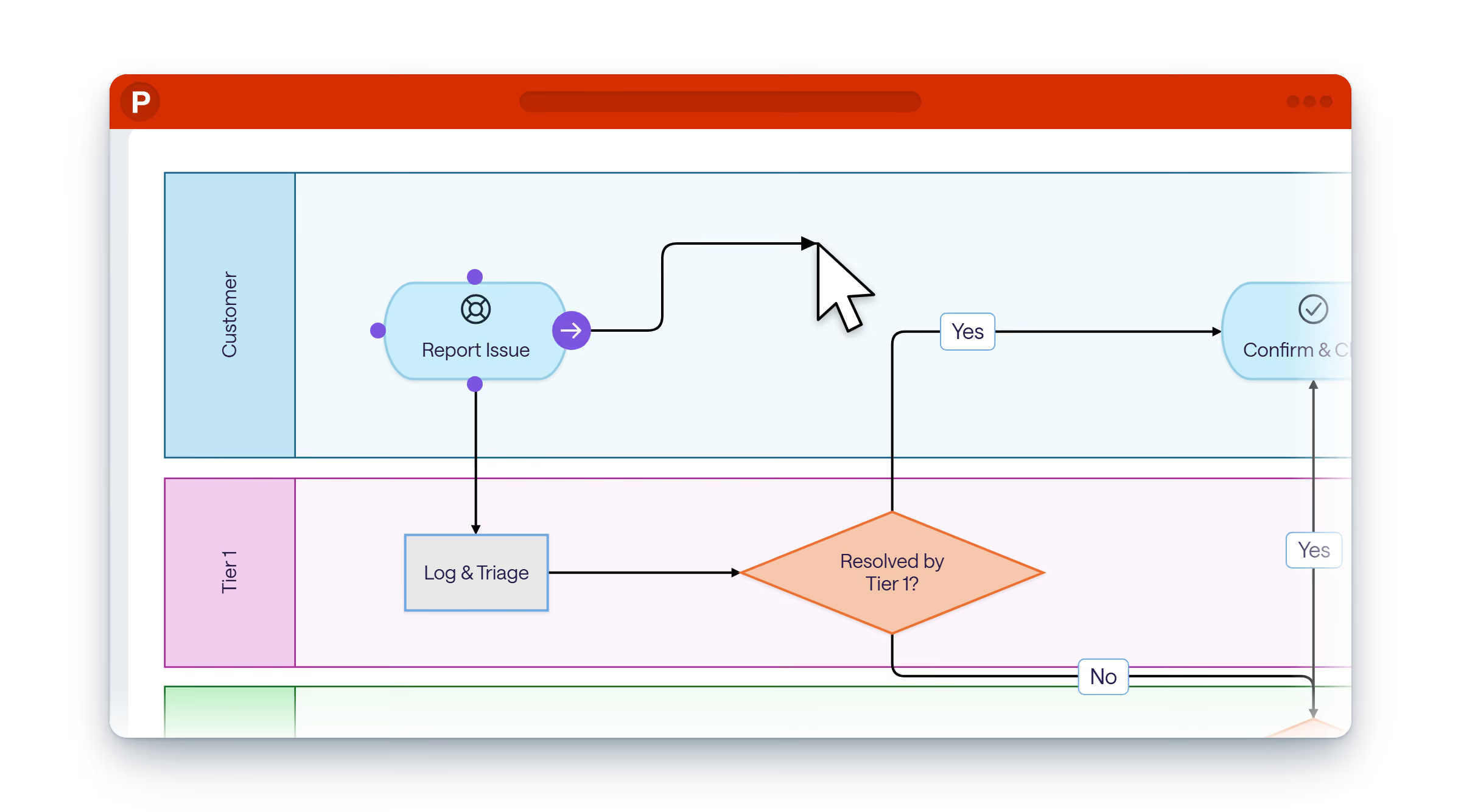
Edit it on the slide
Move a step to another lane or add a new one, and auto layout rearranges the diagram without breaking the lanes.
Start from a template
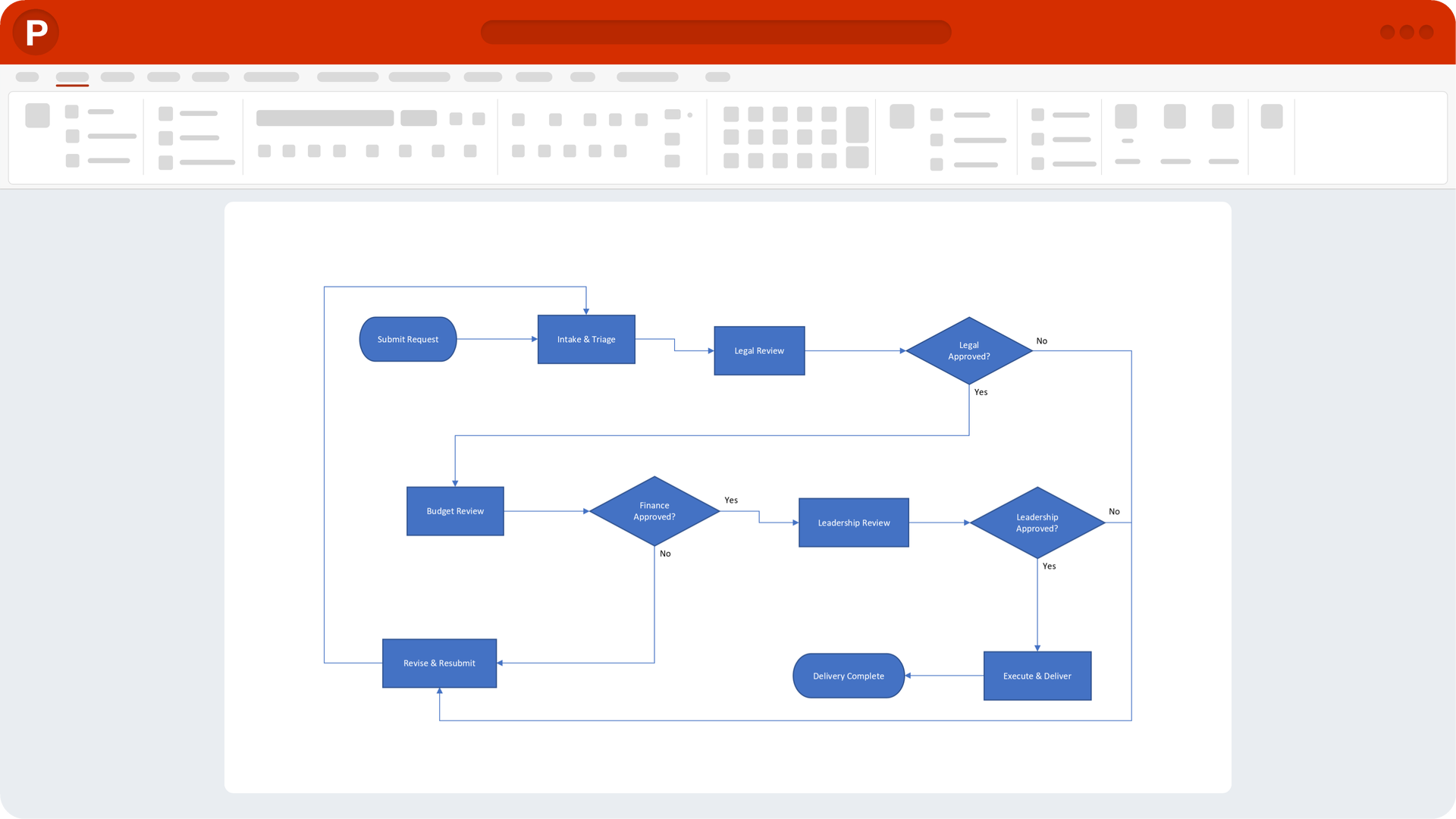
SmartArt doesn't do swimlanes.
SmartArt puts steps in a row, with no lanes and no branching. Lucen Flowchart adds the lanes as PowerPoint shapes and keeps them in place when the process changes.
Stays editable after you share it
Teams, leaders and clients review the process in the deck and sign off on the same current version.

Anyone with PowerPoint can open and edit the flowchart.
The people you send the deck to can open and edit the flowchart in PowerPoint. They don't need the add-in or a Lucen account.
Edit without the add-in

Changes stop meaning rebuilds
Add or move a step and connectors stay attached. Auto layout cleans up the spacing in one click.
Auto layout

Standard across your team
Save your own templates and apply your deck's theme colors, so every flowchart follows the same structure no matter who builds it.
Your templates and theme
Turn a rough idea into an editable flowchart.
Describe your process, and Lucen AI drafts it in seconds on your slide with the steps, decisions and swimlanes laid out.
Every shape it draws is a regular PowerPoint shape, so you change any step, connector or label the way you edit anything else in the deck.
Which plan is right for you?
Frequently asked questions.
A flowchart split into lanes, one per role, team or system, so everyone can see who owns each step and where the handoffs happen.
No. Swimlanes are part of the Plus plan. You can compare the plans in the pricing section above.
Yes. You can add lanes as the process grows, and auto layout rearranges the steps without breaking the lanes.
Yes. The diagram is made of PowerPoint shapes, so anyone with PowerPoint can open the deck and edit it.
No. Lucen Flowchart runs in desktop PowerPoint on Windows, version 2016 and later, including Microsoft 365.

Draft it with Lucen AI.
Present it so everyone understands.

Your download should start now. If it doesn't start click here and check your inbox for tips to get started.
Windows · PowerPoint 2016 and later, including Microsoft 365