


Product Updates
Lucen Timeline Add-in updates & release history
Latest version
What's new?
- Stay up to date with less effort: Lucen Timeline now lets you know in the add-in when a new version is available and automatically downloads it in the background, so it’s ready when you choose to update. This makes it easier to stay on the latest build without having to visit the website.
- Keep updates on your organization’s schedule: If your company manages Lucen Timeline through IT, your existing deployment process stays the same. IT teams can continue controlling when and how new versions are rolled out across the organization.
Download latest version
Version:
15.03.00
Release date:
September 14, 2026
Check compability:
See system requirements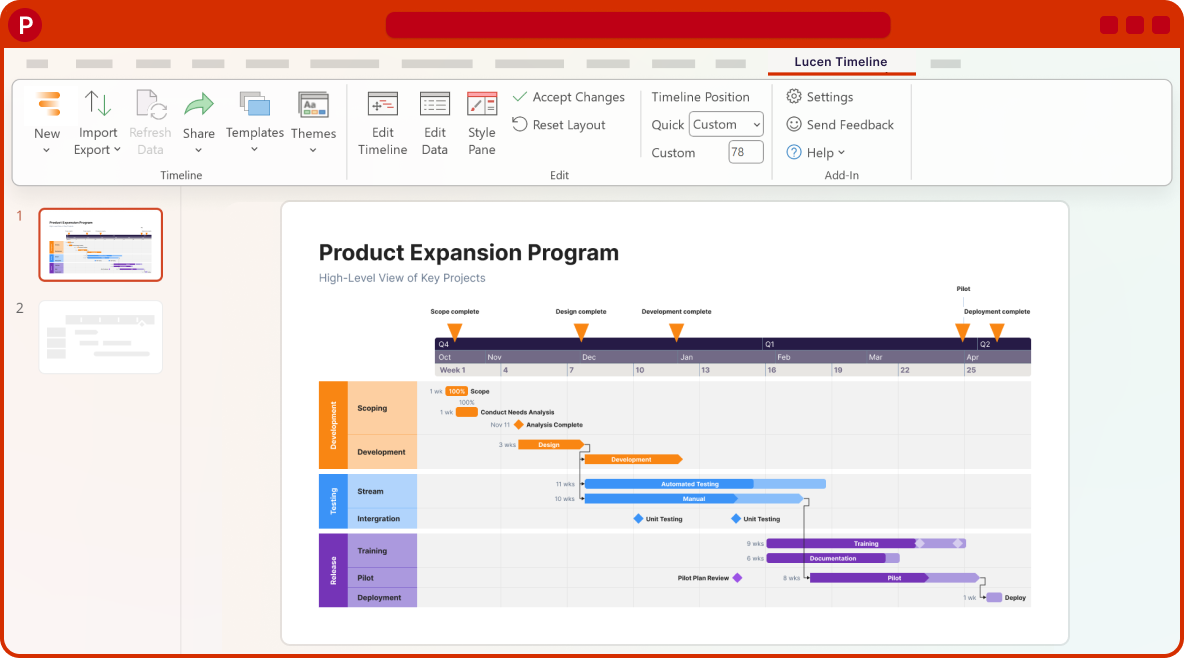

Coming soon
What's next?
- Continued improvements to login and access management, supporting team and enterprise needs.
- Ongoing reliability and performance improvements, so your everyday work feels faster and more dependable.
- Better importing, templates, and timeline styling, based on your feedback, to help you create polished timelines with less effort.
Get tips & answers
Join our free webinar!
Register Now

Lucen Timeline Add-in
Release history
Version:
3.9.5
Release date:
August 27, 2016
- Improved Project import wizard, sync functionality and UI.
- Improved Excel import wizard, sync functionality and UI.
- Improved manual activation process.
- Improved diagnostics wizard for troubleshooting install issues.
- Improved logging for debugging problems.
- Added Accept/Reject All buttons for Project and Excel sync.
- Added new 'Updates Available' functionality to notify user of updates.
- Added Start Office Timeline application shortcut.
- Added ability to manually map Excel imported columns.
- Added ability to deactivate license on machine.
- Added ability to send push notifications to Office Timeline users.
- Added Plus Edition activation button to Office Timeline ribbon.
- Fixed minor bugs.
Version:
3.9.4
Release date:
August 3, 2016
- Ability to synchronize timeline data with Microsoft Excel.
Version:
3.8.1
Release date:
June 17, 2016
- Significant user interface and usability improvements to Timeline Wizard.
- Improved keyboard navigation of Timeline Wizard.
- Updated timeline templates.
- Added Don't Automatically show Task Pane option.
Version:
3.7.3
Release date:
April 26, 2016
- Excel integration - Ability to import timeline data from Excel files to create a timeline.
- Improved Wrike import functionality.
- Minor bugs and usability improvements.
Version:
3.6.0
Release date:
February 15, 2016
- Improved Wrike integration.
- Updated Office Timeline to use SmartSheet API v2.0.
- Upgraded minimum installation requirement to .NET Framework 4.5.2.
Version:
3.5.0
Release date:
January 29, 2016
- Wrike integration - Ability to create timelines from Wrike data.
Version:
3.3.02
Release date:
January 18, 2016
- Added ability to import Microsoft Project files with complex predecessors.
- Improved integration with Office 2016.
- Improved License Refresh functionality.
Version:
3.3.01
Release date:
November 27, 2015
- Added ability to synchronize data between Microsoft Project and Office Timeline.
- Improved Microsoft Project data import speed by 300%+.
- Improved interaction between PowerPoint and Microsoft Project during synchronization.
- Multiple user interface and usability improvements in the Timeline Wizard.
- Improved product activation experience for IT admins.
Version:
3.2.0
Release date:
September 2, 2015
- Microsoft Project Sync integration.
- New Microsoft Project import Wizard.
- Added support for Microsoft Project 2016, 2013, 2010, and 2007.
- Added support for Office 2016.
- Over 50 user experience and user interface enhancements.
- Added Import tab to the New Timeline Wizard.

Download Timeline add-in
Don’t miss out on new features and improvements!
Download the latest version of Timeline today.
