


Product Updates
Lucen Timeline Add-in updates & release history
Latest version
What's new?
- Stay up to date with less effort: Lucen Timeline now lets you know in the add-in when a new version is available and automatically downloads it in the background, so it’s ready when you choose to update. This makes it easier to stay on the latest build without having to visit the website.
- Keep updates on your organization’s schedule: If your company manages Lucen Timeline through IT, your existing deployment process stays the same. IT teams can continue controlling when and how new versions are rolled out across the organization.
Download latest version
Version:
15.03.00
Release date:
September 14, 2026
Check compability:
See system requirements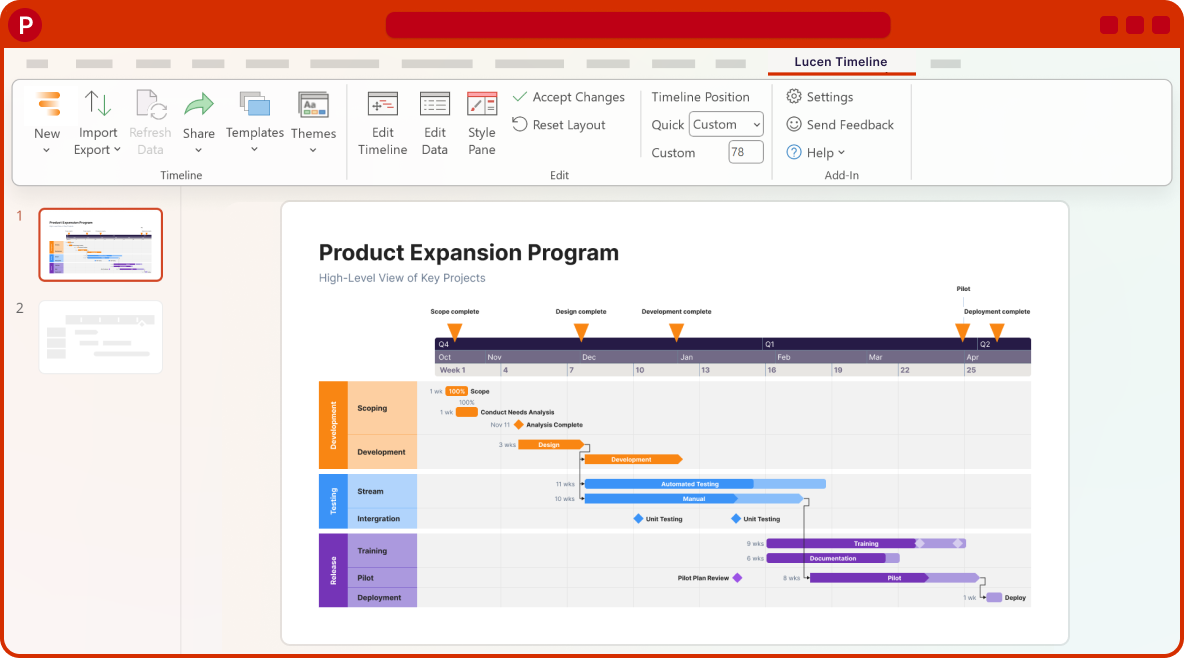
Coming soon
What's next?
- Continued improvements to login and access management, supporting team and enterprise needs.
- Ongoing reliability and performance improvements, so your everyday work feels faster and more dependable.
- Better importing, templates, and timeline styling, based on your feedback, to help you create polished timelines with less effort.
Get tips & answers
Join our free webinar!
Register Now

Lucen Timeline Add-in
Release history
Version:
14.11.00
Release date:
May 12, 2026
- Important update: Office Timeline is now called Lucen Timeline
- Office Timeline is now called Lucen Timeline, part of Lucen Software.
- Lucen Software is our new company name, bringing our products together under one platform.
- This is a name and logo update only. The product you use today is not changing.
- Create timelines the same way you do today.
- Your existing timelines and files stay the same.
- Same team and support.
- Fully compatible with previous versions.
- If your organization manages updates, please check with your IT admin before installing.
Version:
14.09.00
Release date:
April 30, 2026
- We've made performance improvements to make Office Timeline faster and easier to use.
- Fully compatible with previous versions. Update at your convenience.
Version:
14.07.00
Release date:
April 20, 2026
- Performance and stability improvements have been made.
- Fully compatible with previous versions. Safe to install anytime.
Version:
14.05.00
Release date:
April 15, 2026
- We've made performance improvements to make Office Timeline faster and easier to use.
- Fully compatible with previous versions. Update at your convenience.
Version:
14.04.00
Release date:
April 7, 2026
- Fixed an issue where the login window would close unexpectedly or not respond.
- Multiple general fixes and improvements to enhance overall reliability.
- Fully compatible with previous versions. Update at your convenience.
Version:
14.02.00
Release date:
March 30, 2026
- We've made behind-the-scenes improvements to support a smoother and more reliable experience.
- Fully compatible with previous versions. Update at your convenience.
Version:
14.00.00
Release date:
March 25, 2026
- Easier installation and updates
- Office Timeline now installs and updates with fewer permission-related steps.
- No admin permissions needed to install or update.
- Your subscription carries over automatically.
- Your existing timelines continue to work as expected.
- When updating from an older version, you will see a one-time Windows message asking if you want to allow the installer to make changes to your device. This is expected for this update. Select Yes to continue.
Version:
13.32.00
Release date:
March 12, 2026
- General bug fixes and improvements.
- Improved usability when the internet connection is lost while logged in.
Version:
13.30.00
Release date:
March 5, 2026
- Made small refinements to the login experience, including clearer messaging and better visibility into which account is signed in.
- Added a brief survey when installation is canceled to help us understand issues and improve the add-in's setup experience.
- Polished interface elements for better consistency and smoother experience overall.
- Creating a timeline from scratch now takes you directly to the Edit Timeline view.

Download Timeline add-in
Don’t miss out on new features and improvements!
Download the latest version of Timeline today.
