Product Updates
Lucen Timeline Add-in updates & release history
Latest version
What's new?
A more secure, consistent way to log in
We've updated the login experience for Lucen Timeline and across other Lucen products and Account Center, making it more secure and consistent wherever you access your Lucen account.
- New look, same account: You'll see a new Lucen Software login screen. The first time you log in, enter your email, click Next, then enter your usual password.
- Nothing changes with your account: Your password, licenses, subscriptions, and files all stay the same.
- Use Google or Microsoft? You can continue logging in the same way you always have.
- Easier for new customers: New users can create an account using a verification code sent to their email.
Need help? Follow our step-by-step login guide or troubleshooting guide.
Download latest version
Version:
15.5.3
Release date:
November 5, 2026
Check compability:
See system requirements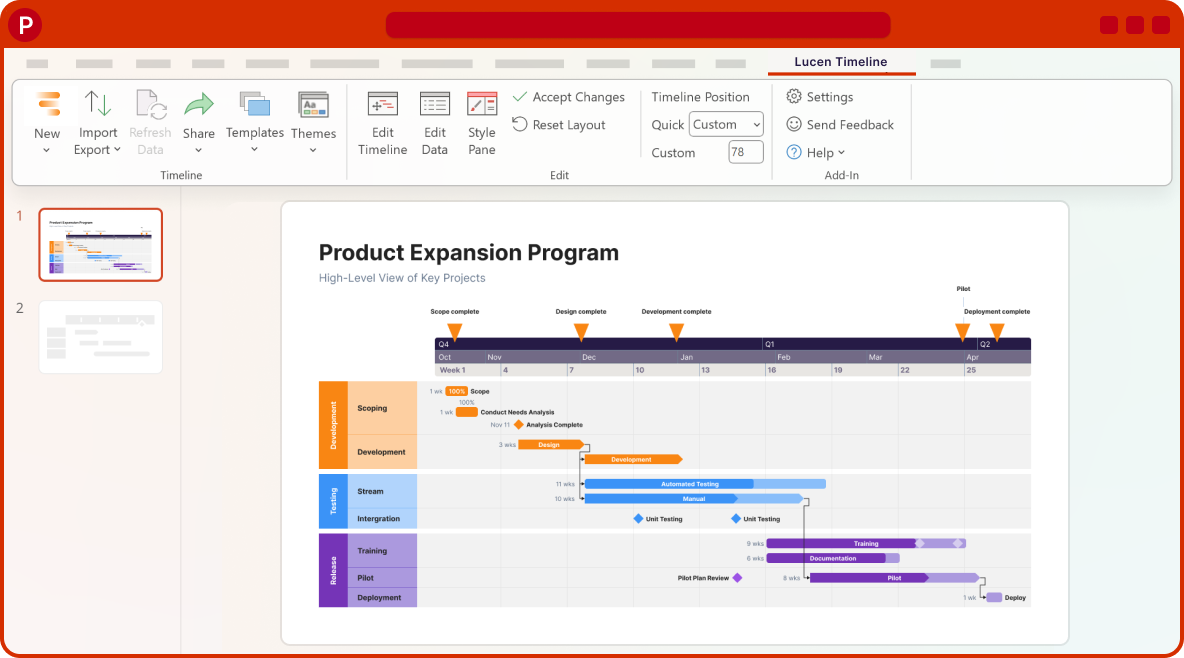
Coming soon
What's next?
- Continued improvements to login and access management, supporting team and enterprise needs.
- Ongoing reliability and performance improvements, so your everyday work feels faster and more dependable.
- Better importing, templates, and timeline styling, based on your feedback, to help you create polished timelines with less effort.
Get tips & answers
Join our free webinar!
Register Now

Lucen Timeline Add-in
Release history
Version:
11.10.00
Release date:
July 16, 2025
- Planned vs. Actual improvements in the Expert plan
- Spot delays or early tasks at a glance with conditional formatting.
- Add planned and actual milestone dates to automatically highlight schedule shifts.
- Set baseline styling and conditional formatting through Themes to easily standardize reporting.
- Drag baselines in Edit Timeline to effortlessly adjust their dates.
Version:
11.04.00
Release date:
July 7, 2025
- Bug fixes and improvements for enhanced performance.
Version:
11.03.00
Release date:
June 25, 2025
- Aligned license and activation-related dialogs with the app's new design standards for a cleaner, more cohesive experience.
Version:
11.02.00
Release date:
June 16, 2025
- Bug fixes and quality improvements.
Version:
11.01.00
Release date:
June 10, 2025
- Improved compatibility with older systems.
- Bug fixes for a smoother experience.
Version:
11.00.00
Release date:
June 4, 2025
- Planned vs. Actual tracking in the Expert plan
- Compare plan vs. actual progress on your timeline to instantly see where your project stands.
- Support your timeline adjustments with clear visual evidence to gain faster, more confident executive approvals.
- Deliver polished, professional visuals that instantly answer: "Are we on track?"
- Spot delays early with side-by-side comparisons, so teams can course-correct before risks become blockers.
Version:
10.03.00
Release date:
May 27, 2025
- About modal improvements for faster loading and easier copying.
- Fixed a bug impacting the New Timeline Wizard.
Version:
10.02.00
Release date:
May 13, 2025
- Style Pane improvements and fixes for a smoother experience when customizing your visuals.
Version:
10.01.00
Release date:
May 7, 2025
- New feedback mechanism to help us improve what matters most to you.

Download Timeline add-in
Don’t miss out on new features and improvements!
Download the latest version of Timeline today.