


Track Time on GitHub issues without leaving your workflow
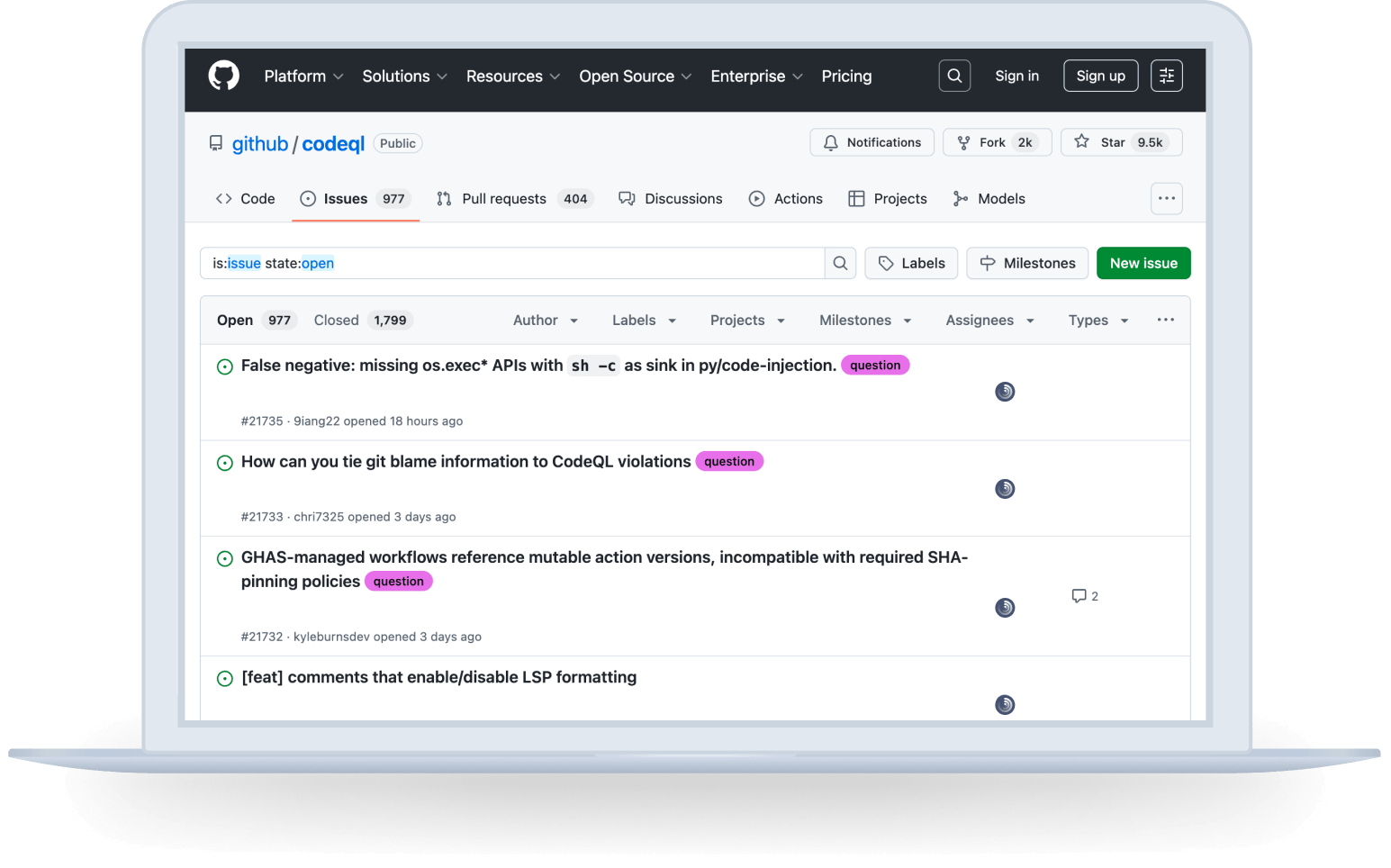
Track's browser widget sits right inside GitHub, so you can log time on any issue without switching tabs.
Why you’ll love this integration
Here are some practical ways in which Track brings time tracking directly in your workflow in GitHub. Log time in seconds while staying focused on the work at hand.
Monitor project progress
Track helps you monitor projects, stay within budget, visualize your daily effort, and understand team performance all in one place! In Jira, overview of time spent across issues and projects.
Keep the team aligned
Whether your team works fully remotely, in-office, in hybrid mode or doing on-the-field, Track offers complete project management functionalities. The time tracking button lets them track time without distracting them from work.
Stay profitable
Your time is valuable and it deserves what it is due: keep track of the billable and non-billable hours. Invoice accurately and get paid for every minute of your work, by sharing your reports with stakeholders and clients.
Start tracking time inside GitHub
- Sign in to Track: Sign into your Track workspace and automatically add your team members from your Microsoft account in one click.
- Download & install the Track Browser Widget: Move to our Integrations tab and add our Browser extension for Chrome, and Edge.
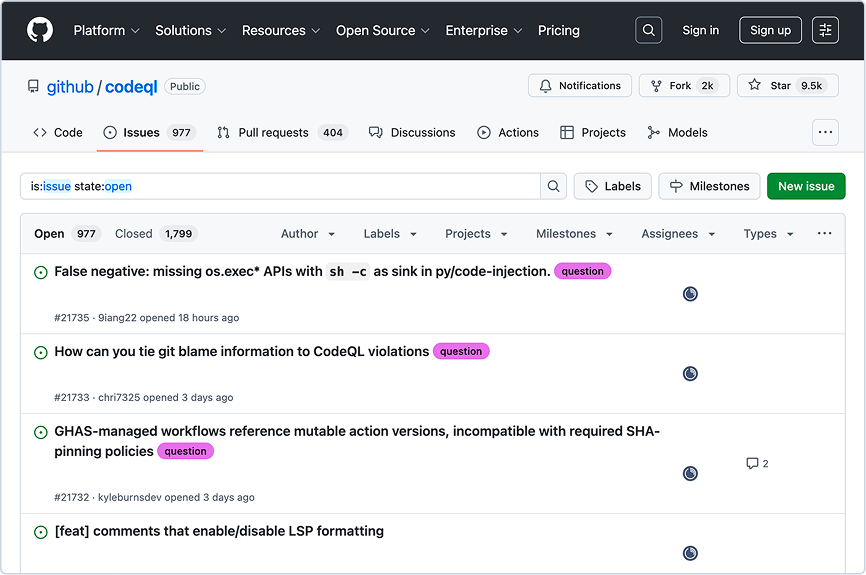
- Track time: That’s it! Click the Track button next to your GitHub issues tasks and you are ready to go.

Ready to track time for your GitHub issues?
Try Track for free for effortless issue tracking.