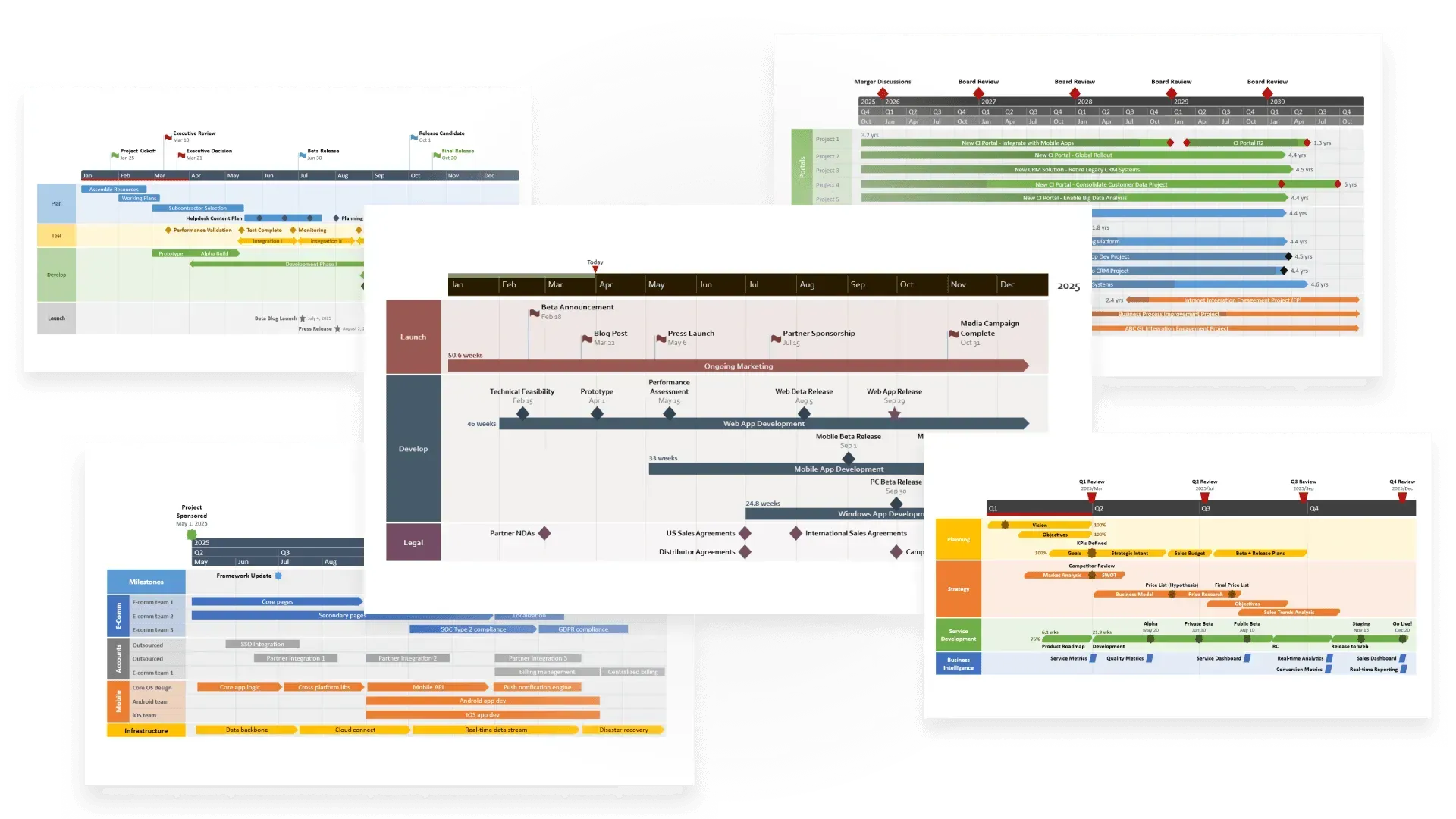
Free project plan templates for PowerPoint & Excel
What is a project management template?
Effective project management isn’t just about starting work quickly – it’s about mapping a strategy that saves time, resources, and headaches down the road. Because projects constantly evolve, a project management template helps you adapt to changes and improve the odds of successful delivery.
A project management template is a reusable, pre-built outline with placeholders. It lets project managers set up and document activities without starting from scratch, reducing rework and ensuring consistency. Templates provide a pre-formatted structure that can include:
- Tasks,
- Timelines,
- Dependencies,
- Assignees,
- Workflows.
Why use a project management template?
Projects come in all shapes and sizes and managing them isn’t easy. Research shows that nearly two thirds fail due to poor planning, weak communication, or unclear goals. Starting from a blank page only makes things harder – which is why project management templates are such a powerful ally.
With templates, professionals can:
- Save time when launching new projects.
- Ensure all critical steps are covered.
- Manage tasks smoothly from start to finish.
- Align goals and priorities across teams.
- Automate repetitive processes.
- Maintain consistent quality.
- Optimize workflows and productivity.
- Track progress and project status.
- Accurately scope initiatives and allocate resources.
In short, project management templates set your team up for repeatable success. They make processes more efficient and communication more effective. To help you get started, we’ve curated a collection of free, customizable PowerPoint and Excel templates you can use to build clear, professional plans and reviews that truly stand out.
Make project reviews simple and visual
Lucen Timeline turns complex project data into clear PowerPoint charts that stakeholders grasp instantly and remember easily.
Free PowerPoint and Excel templates for project planning
A good project management PowerPoint template should match the complexity of the work it represents. We've pulled together options for every scenario, from clean project plan slides for executive updates to detailed Gantt charts and multi-phase roadmaps.
Every project plan PPT template on this page is free to download and customize with your own project data.
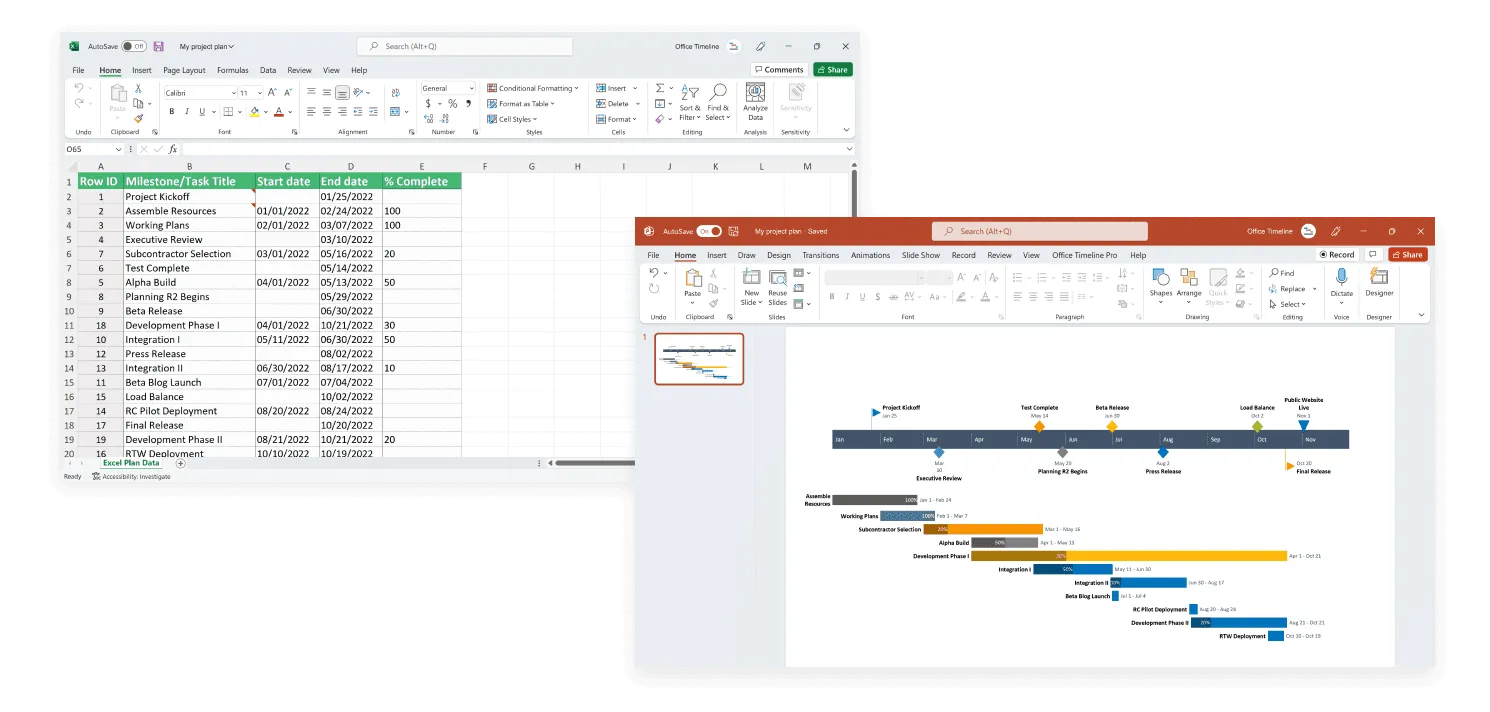
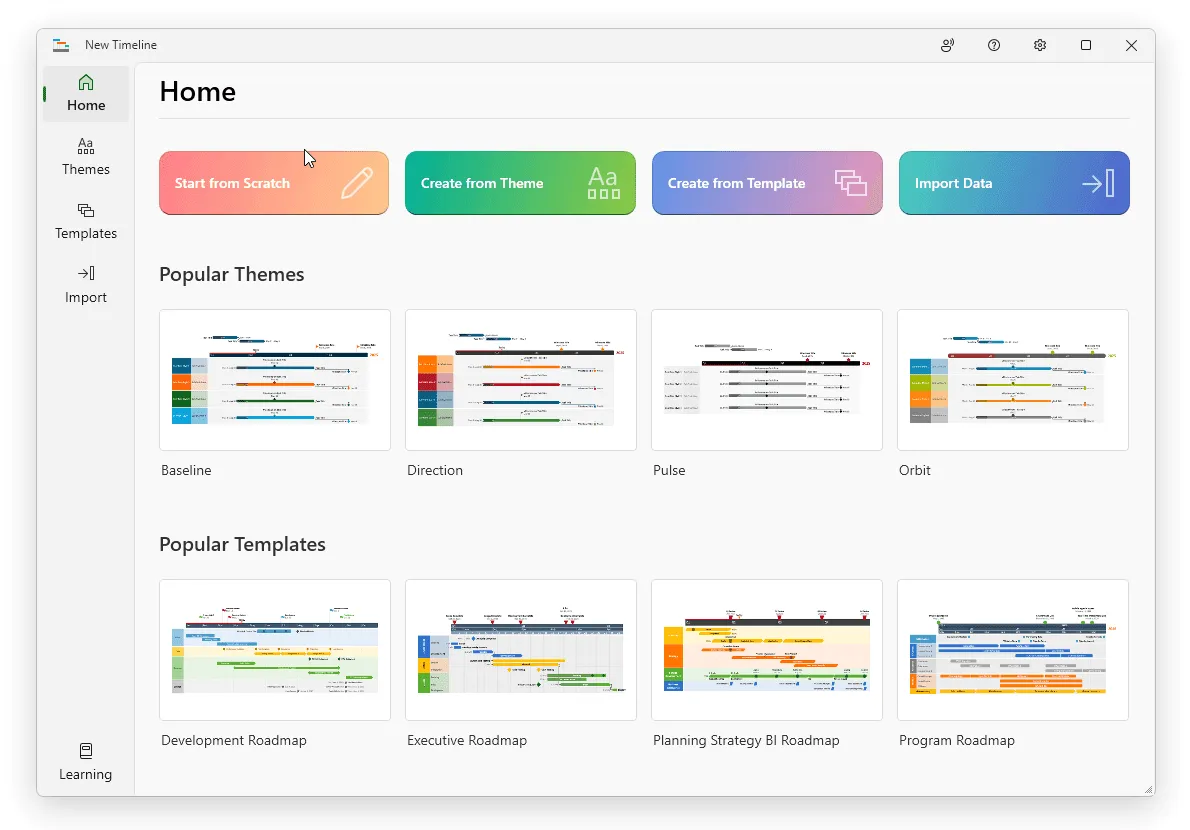
For PowerPoint templates, you can edit shapes manually or use the Lucen Timeline add-in to update automatically. Because the add-in works natively in PowerPoint, you can create and refresh project visuals in just a few clicks – then save them as reusable templates for future work.
Timeline trackers and reports
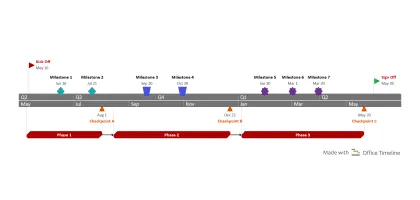
Milestone tracker template
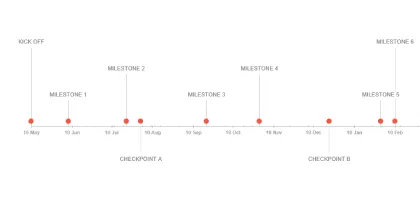
Milestones mark significant events or the completion of major deliverables. A milestone tracker helps project managers list critical milestones, monitor progress against them, and ensure teams are on schedule.
Milestone tracker template for Excel
Milestone tracker template for PowerPoint
Project status report template
Status reports show where a project stands by highlighting key deliverables, risks, and progress toward objectives. Use this template to build a clear project overview slide that provides transparency for team members, executives, and clients alike.
Project status report template for Excel
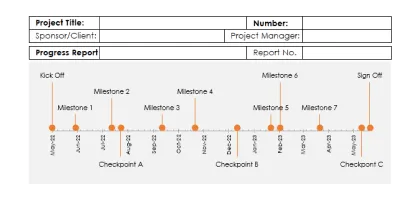
Project status report template for PowerPoint
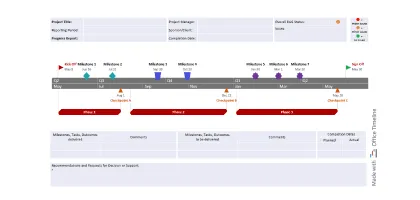
Project review template
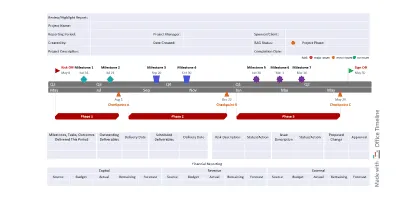
Project reviews evaluate results at the end of a phase or project. This project summary PowerPoint template gives a clear overview of completed, pending, and planned deliverables, along with risks and financials. Use it as a project summary slide to communicate lessons learned and recommendations to sponsors and leadership.
Project review template for Excel
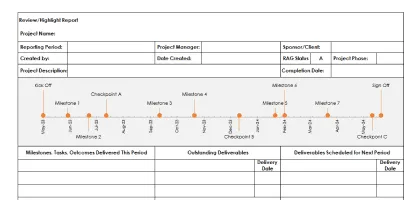
Project review template for PowerPoint
Roadmaps, Gantt and swimlane charts
Project plan template
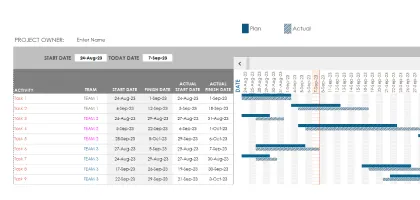
Project plans define scope, schedule, and resources. Scaled down, this template also works as a high-level project plan PowerPoint template for executive briefings where task-level detail isn't needed. It can also track planned vs. actual task dates to spot issues early and keep projects on course.
Project plan template for Excel
Project plan template for PowerPoint
Project schedule template
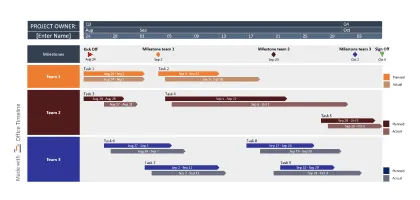
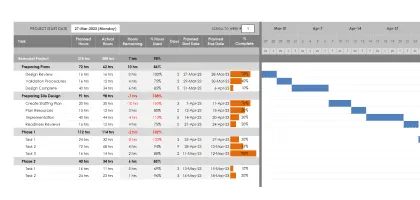
Schedules provide a detailed view of tasks, dependencies, resources, and deadlines. With a clear schedule, managers can see what’s overdue and adjust quickly.
Project schedule template for Excel
Project schedule template for PowerPoint
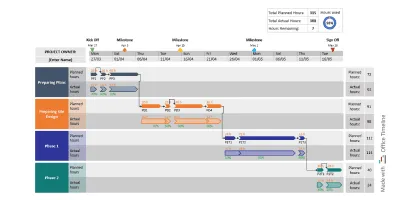
Project tracker template
Trackers compare planned vs. actual progress. These visual tools list tasks, milestones, owners, deadlines, percent complete, and durations, giving teams clarity on what's on track and what's slipping. They also double as a lightweight resource plan template for PowerPoint when you need to show who's assigned to what across the project timeline.
Project tracker template for Excel
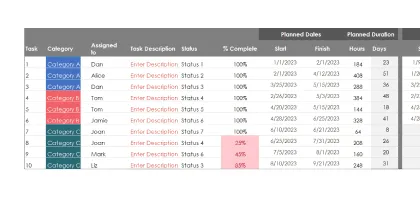
Project tracker template for PowerPoint
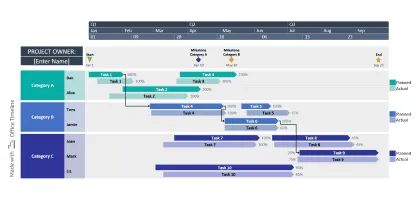
Critical path tracker template
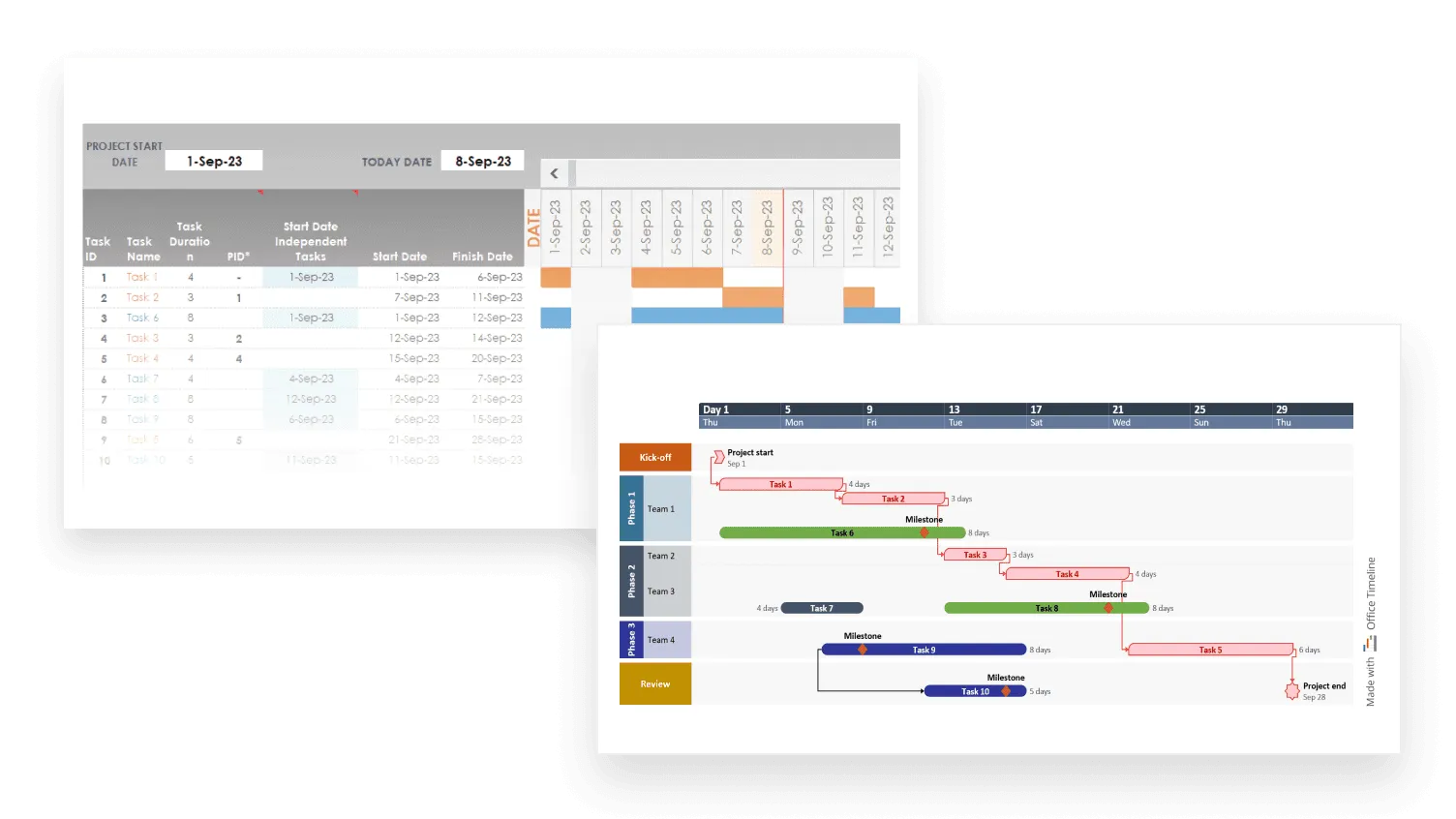
The critical path is the longest sequence of dependent tasks. These templates show task durations, dependencies, and highlight activities that determine overall project completion. They help managers identify bottlenecks and plan corrective action.
Critical path tracker template for Excel
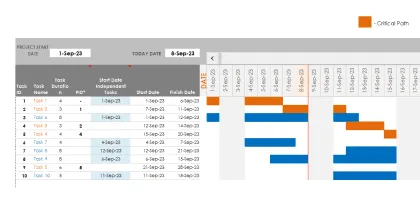
Critical path tracker template for PowerPoint
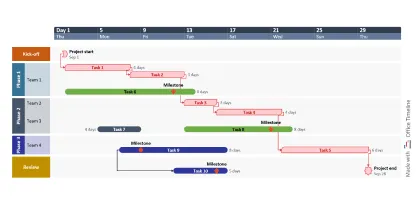
Sprint project tracker template
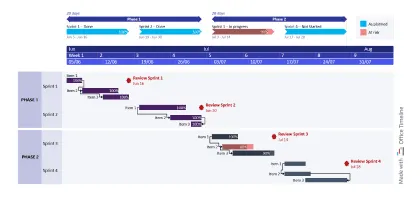
In Agile projects, sprint trackers monitor backlog items, task assignments, blockers, and sprint progress. Visual color codes instantly show task status to keep teams aligned.
Sprint project tracker template for Excel
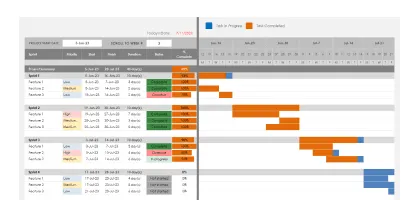
Sprint project tracker template for PowerPoint
Project budget template
Budgets track expenses, forecast costs, and highlight variances from planned allocations. These templates give stakeholders a clear view of financial performance to support informed decisions.
Project budget template for Excel
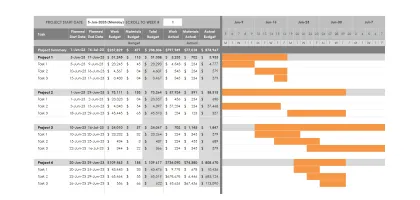
Project budget template for PowerPoint
Frequently asked questions
Find quick answers to the most common questions about project management templates.
Yes. Microsoft Excel includes a handful of project plan templates that you can access by opening Excel, selecting New, and browsing the template gallery. If none fit, type “project plan” or “project chart” into the search bar for more options.
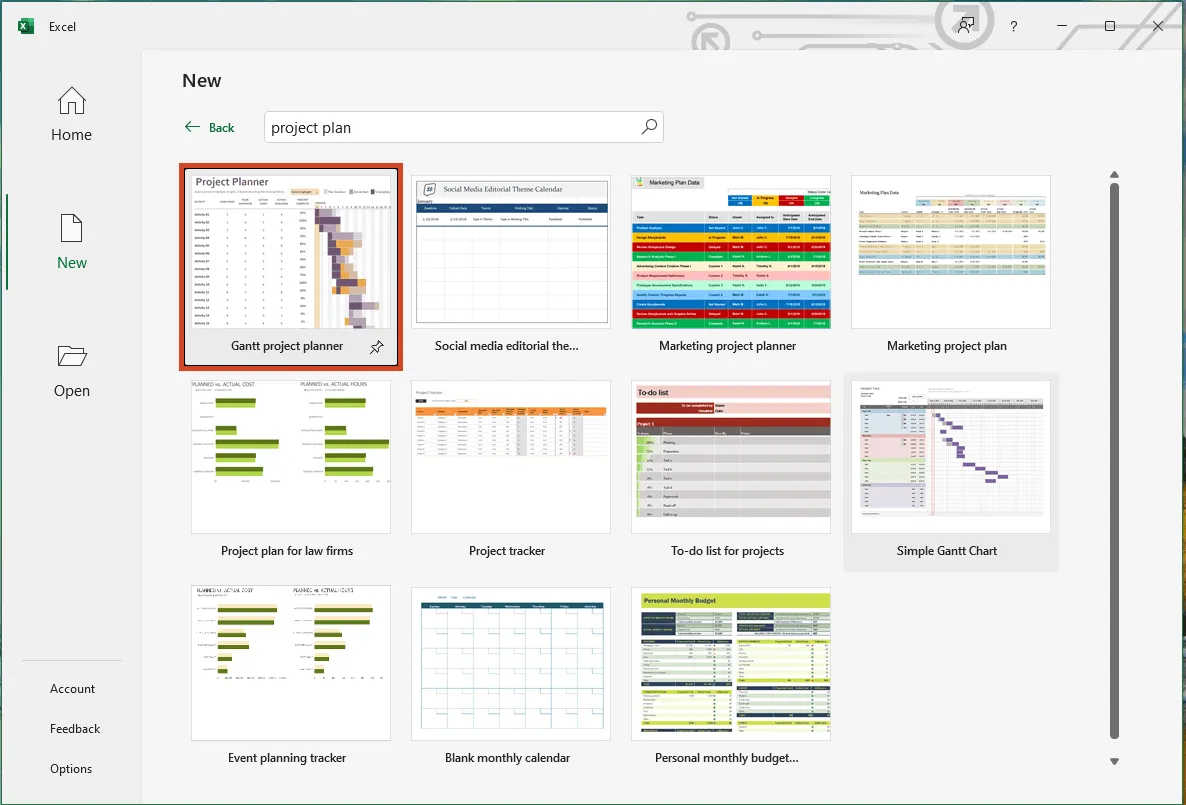
However, Excel’s built-in templates are fairly basic. They work best for simple inputs but often require heavy manual formatting before they’re presentation-ready. To save time, explore our collection of free Excel project management templates – pre-formatted, customizable, and designed for professional visuals you can share confidently.
Yes, Google Sheets offers four pre-built templates under its Project management category. You can access them from the Template gallery on the home screen.
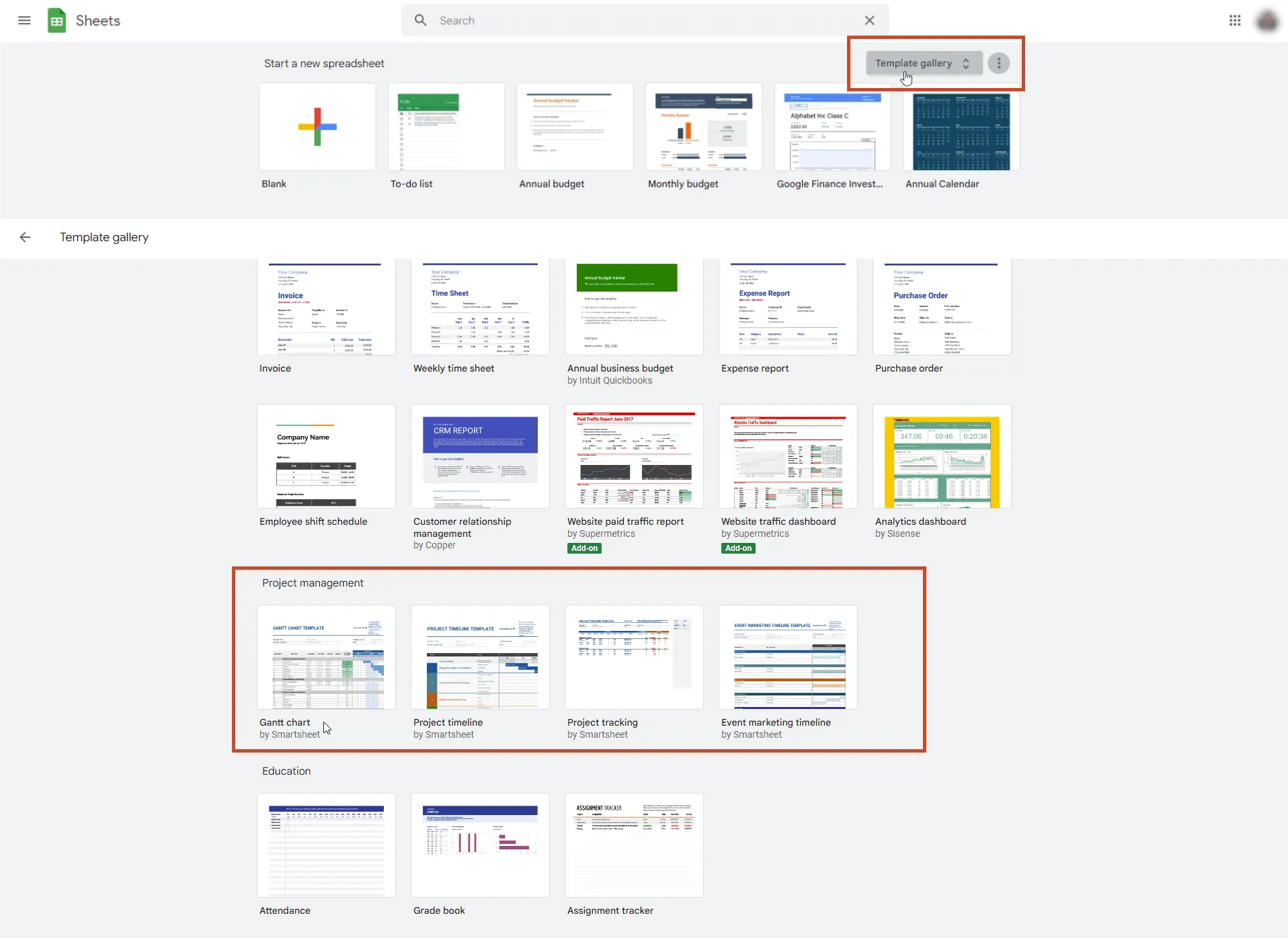
But these options are limited. They all use a standard spreadsheet layout, which can make complex project data look cluttered and hard to follow. Online searches may uncover other user-made templates, but they share the same limitations.
For richer, more visual alternatives, try our dedicated Excel project management templates or explore our visual project management charts.
Not really. Microsoft Word only offers basic pre-formatted text and table templates. While you can build simple charts using SmartArt or Shapes, results are often tedious to format and not suitable for professional project management.
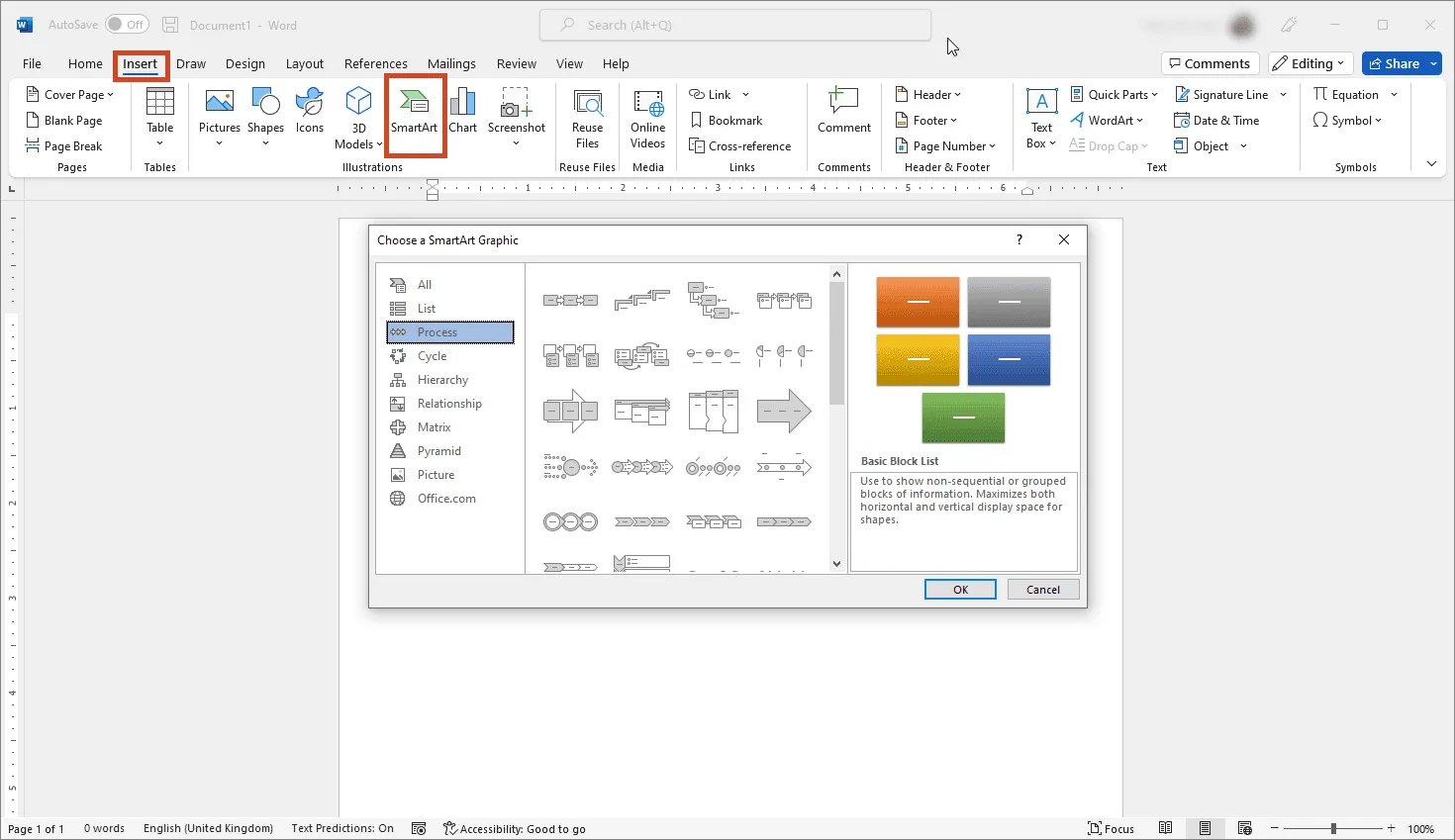
For professional visuals, Word falls short. Tools like Lucen Timeline deliver specialized project templates directly in PowerPoint.
The right templates help balance goal setting, planning, and communication. Look for ones that let you:
- Define goals and deliverables.
- Build clear work schedules.
- Assign tasks and manage costs.
- Track progress and status.
We’ve compiled a full collection of free PowerPoint and Excel project management templates so you can plan, organize, and report visually.
A good starter template should capture:
- Project objectives and goals;
- Final deliverables;
- Key tasks;
- Critical milestones;
- An overview timeline with dates.
Once these elements have been defined, you can then proceed to choosing the best way to illustrate them. Learn more about the various types of project management charts that can be used to visually represent your data or choose any of our ready-made free project templates to get started faster.
A project management template is a pre-formatted file – sheet, document, or chart – with placeholders for tasks, goals, costs, resources, and progress. Replace the placeholders with your own data, and you have a structured, reusable project plan.
Excel includes a few simple templates such as trackers, Gantt charts, to-do lists, status reports, budgets, and project plans. These are useful for small-scale projects but limited for more complex needs.
To go beyond Excel’s basics, check out our free collection of professional templates or explore more advanced tools like Lucen Timeline for richer visuals.
Templates make project management faster and more reliable by:
- Reducing rework (no starting from scratch);
- Ensuring a consistent structure for every project;
- Lowering the risk of missing key details;
- Standardizing recurring processes;
- Allowing quick customization for different stakeholders.
With these benefits, templates become a powerful visual tool for project managers. Explore our free library of templates or try Lucen Timeline’s PowerPoint add-in, which comes with dozens of built-in project templates you can customize instantly.
That really comes down to who's in the room and what they need to walk away with. If you're laying out the full picture, tasks, timelines, owners, and deadlines, the project plan template is probably your best bet. It covers scope, schedule, and resources in one view, and supports planned vs. actual tracking so nothing slips through unnoticed.Presenting to leadership? The milestone tracker template cuts straight to the key dates and decision points without drowning the audience in detail. And when you need to report on a project that's already in motion, the project status report template is purpose-built for that kind of update.
If none of these feel like the right fit, Lucen Timeline offers a wide selection of ready-made timeline templates and Gantt chart templates that you can customize to match virtually any project scenario or presentation need.
Create standout project visuals with ready-made templates