


Blank timeline template
A blank PowerPoint timeline template with milestone markers alternating above and below the timeline, ready to be filled with your own dates and labels.
Powered by Lucen Timeline (formerly Office Timeline)

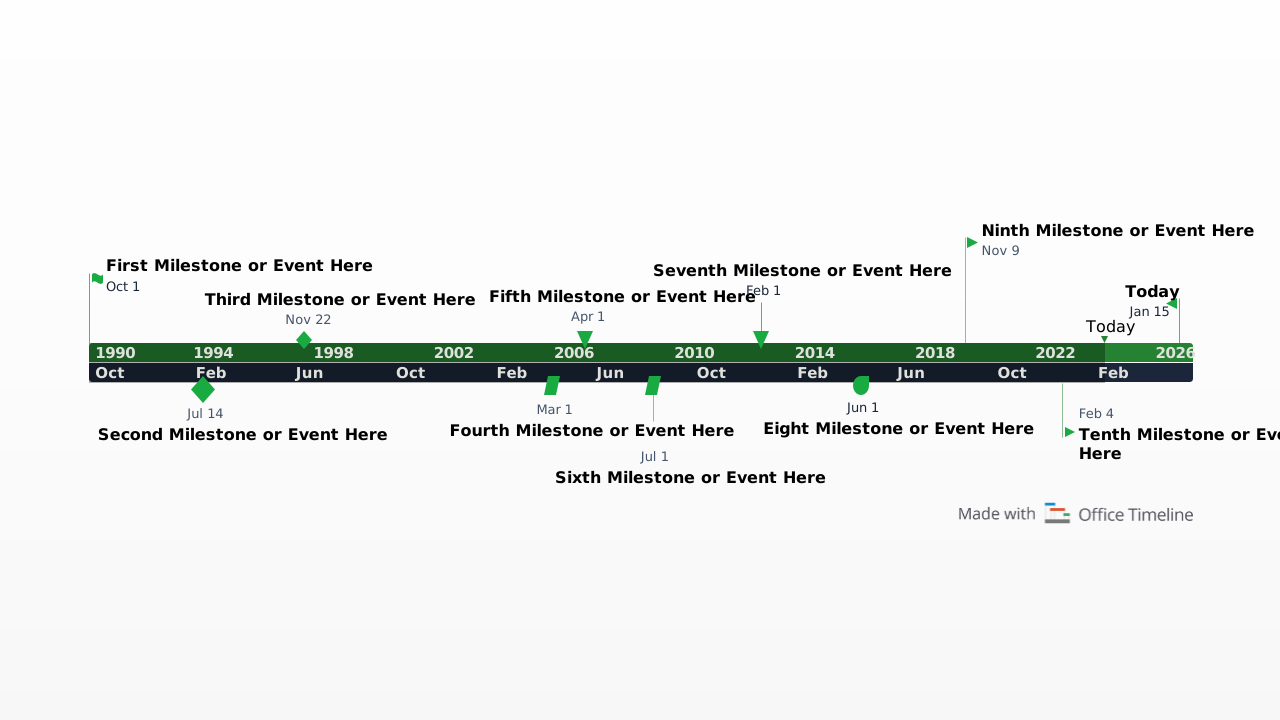
A blank timeline template is one of the fastest ways to create a clear visual overview of a project, plan, or sequence of events. Instead of designing a timeline from scratch, you can start with a ready-made structure and simply add your own milestones, tasks, or key dates.
This free blank timeline template for PowerPoint provides a clean, single-slide horizontal layout with milestone markers alternating above and below the timeline, helping you quickly build timelines for presentations, project plans, reports, or strategy discussions. Because the slide is fully editable, you can easily adapt it to match your project structure, branding, or reporting needs.
When to use a blank timeline template
A blank timeline template is useful whenever you need to present a high-level summary of events or milestones without starting from a complex schedule.
Common use cases include:
- project timeline overviews;
- strategic planning presentations;
- product launch timelines;
- business roadmaps;
- executive progress updates;
- proposal or client presentations;
Because the template starts with a clean structure, it allows you to quickly map out important milestones and adjust the timeline as your plans evolve.
Benefits of using a blank timeline
Using a blank timeline template can save time while improving how plans and projects are communicated.
Key advantages include:
- Faster timeline creation – start with a ready-made layout instead of designing from scratch.
- Clear visual communication – present milestones and phases in a format that is easy to understand.
- Flexible customization – adapt the template to different project types or planning scenarios.
- Ideal for executive updates – perfect for one-slide progress reports and project status summaries.
- Reusable structure – update the same template for recurring presentations or planning cycles.
Because the layout leaves space around the timeline, it also allows room for notes,
Using the blank timeline template
This template was created directly in Microsoft PowerPoint, making it easy to customize and share with colleagues or stakeholders.
After downloading the slide, you can quickly adapt it by adding milestone dates, labeling project phases, adjusting colors or shapes, and inserting notes or comments around the timeline.
Because PowerPoint is widely used for presentations, the timeline can also be easily embedded in project proposals, marketing plans, business reviews, project charters, or executive reports.
For faster updates, you can use the Lucen Timeline add-in for PowerPoint. This tool automatically generates timeline visuals and allows you to update milestones, change styles, or adjust schedules in just a few clicks. It also includes elapsed time indicators and a Today marker for progress tracking.
With the free 14-day trial of Lucen Timeline, you can quickly build and update professional timeline slides without rebuilding them manually each time plans change.
Frequently asked questions
A blank timeline template is a pre-designed timeline layout that allows you to quickly create a visual sequence of milestones, tasks, or events. Instead of designing the timeline yourself, you can simply add your own dates and labels to the template.
Blank timeline templates are often used in project planning, presentations, strategic planning, and executive reporting.
You can create a timeline in PowerPoint using several methods:
- Use PowerPoint SmartArt graphics.
- Build a timeline manually using shapes and lines.
- Customize a timeline template.
- Use a dedicated timeline generator such as Lucen Timeline.
Using a template is typically the fastest way to create a professional-looking timeline.
A project timeline usually includes:
- project milestones;
- key phases or deliverables;
- start and end dates;
- dependencies between activities;
- major deadlines;
These elements help teams track progress and communicate project schedules clearly.
Visual timelines make it easier to understand how events unfold over time. Instead of scanning a long list of dates or tasks, viewers can quickly see the sequence of milestones and identify key phases of a project.
This makes timelines especially useful when presenting information to executives, clients, or stakeholders.
Yes. Tools such as Lucen Timeline allow you to automatically generate and update timeline slides directly inside PowerPoint.
With the add-in, you can quickly modify milestone dates, adjust styles, and refresh your timeline whenever project plans change.

Your download should start now. If it doesn’t start click here and check your inbox for tips to get started.